Popular
Pure Minimal
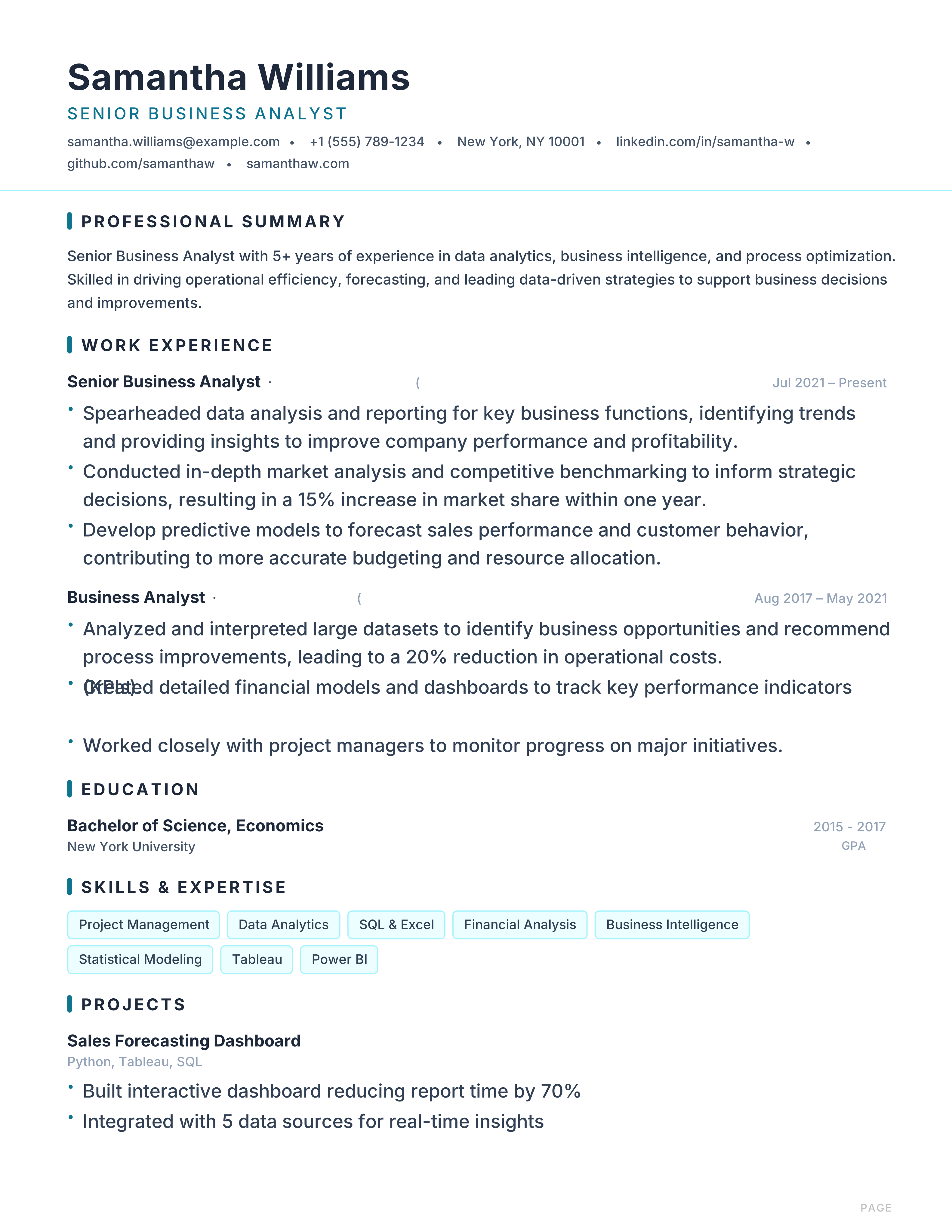
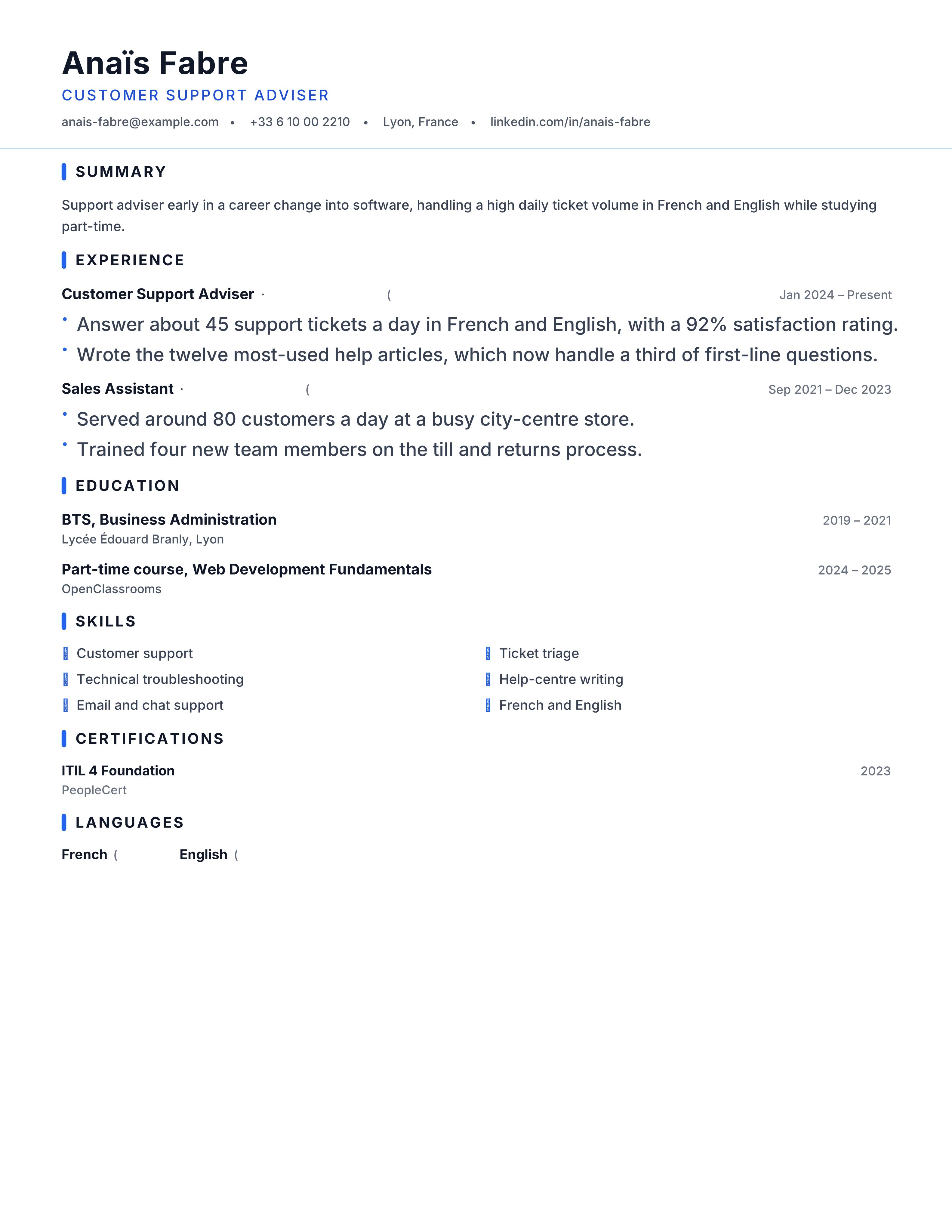
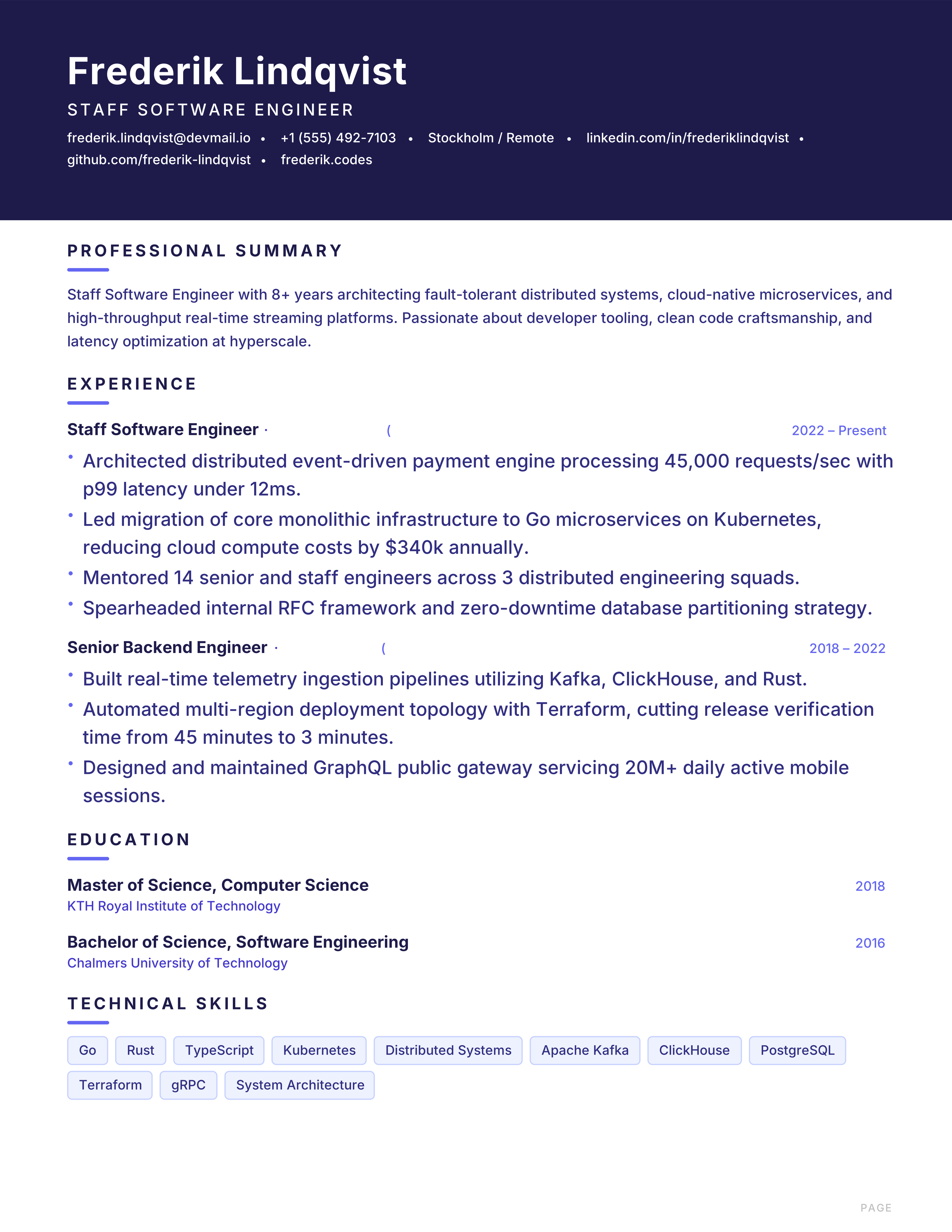
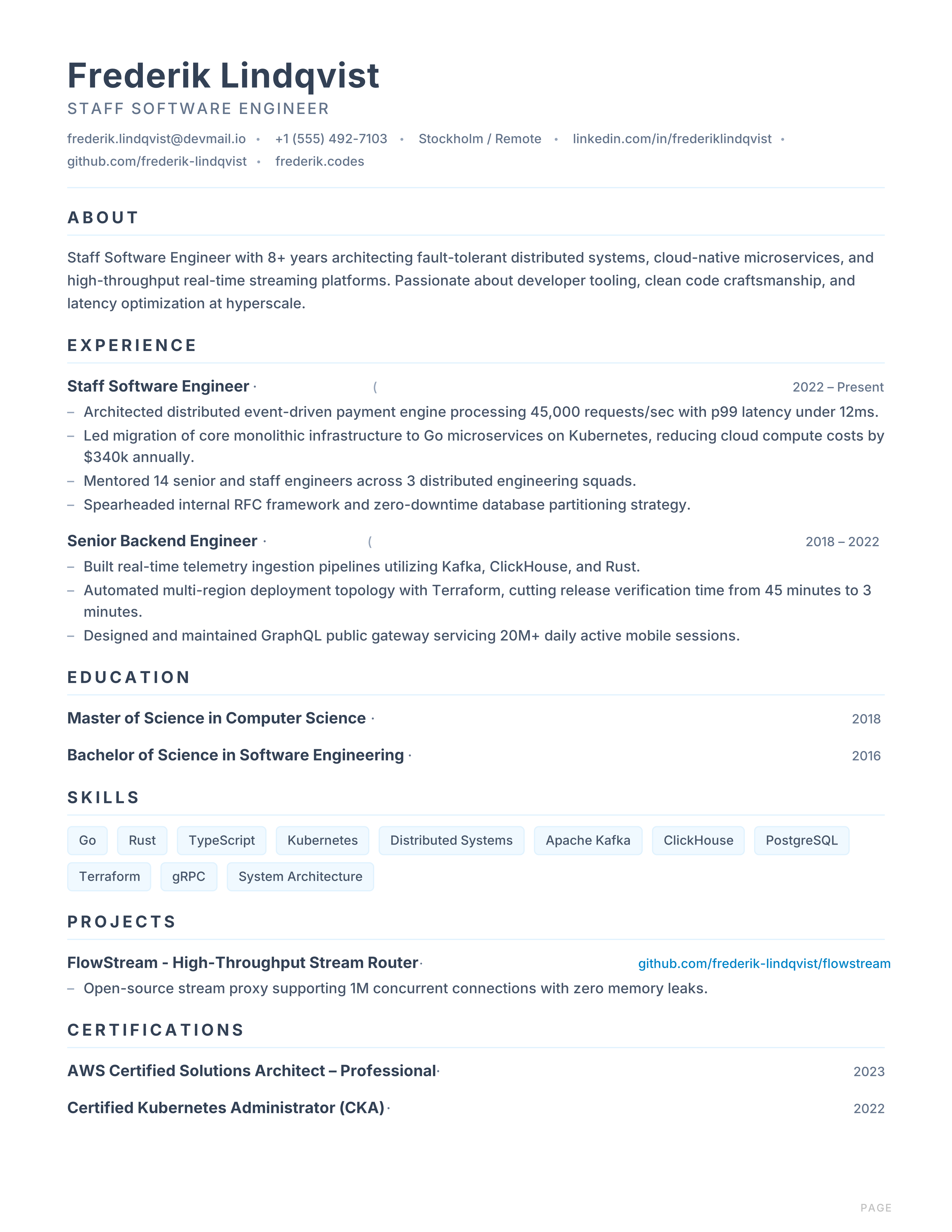
minimalUltra-clean minimal resume with sky-blue accent, generous whitespace and a left-aligned header. Suited to tech and product roles.
Best for: Software Engineers and Product Managers
Minimal · Whitespace · Sky · Clean
Browse 109 professional ATS-friendly CV templates, choose the layout that fits your field, see it filled with sample content, and start building your CV — free, with no signup.
24 profession collections — each one lists the layouts that fit that field.
Featured templates
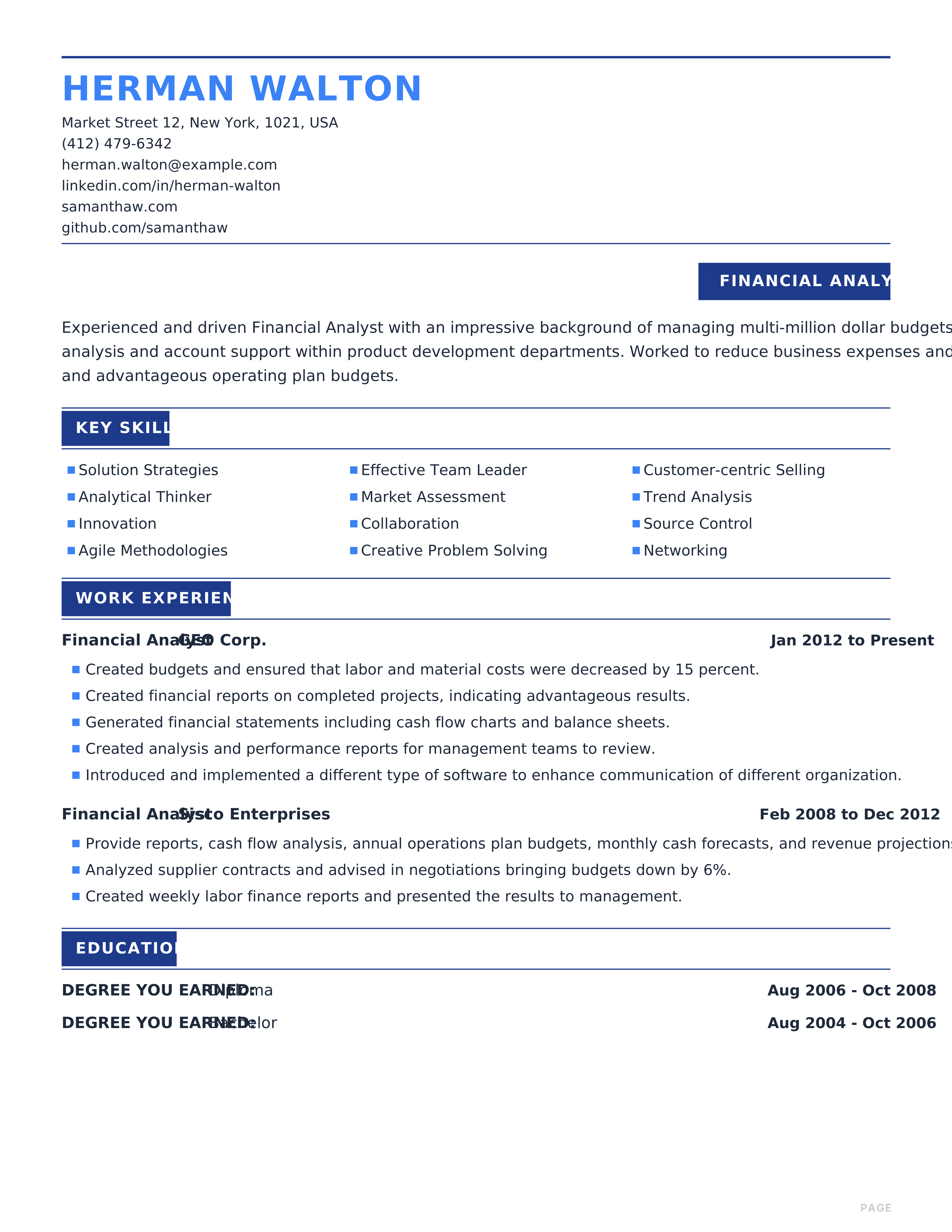
Cobalt Modernmodern layout · shown with sample content
View this templateTemplate 1 of 6: Cobalt Modern
Every layout is shown filled with sample content, so you can read how it works before you put your own history in it.
109 of 109 templates
Ultra-clean minimal resume with sky-blue accent, generous whitespace and a left-aligned header. Suited to tech and product roles.
Best for: Software Engineers and Product Managers
Minimal · Whitespace · Sky · Clean
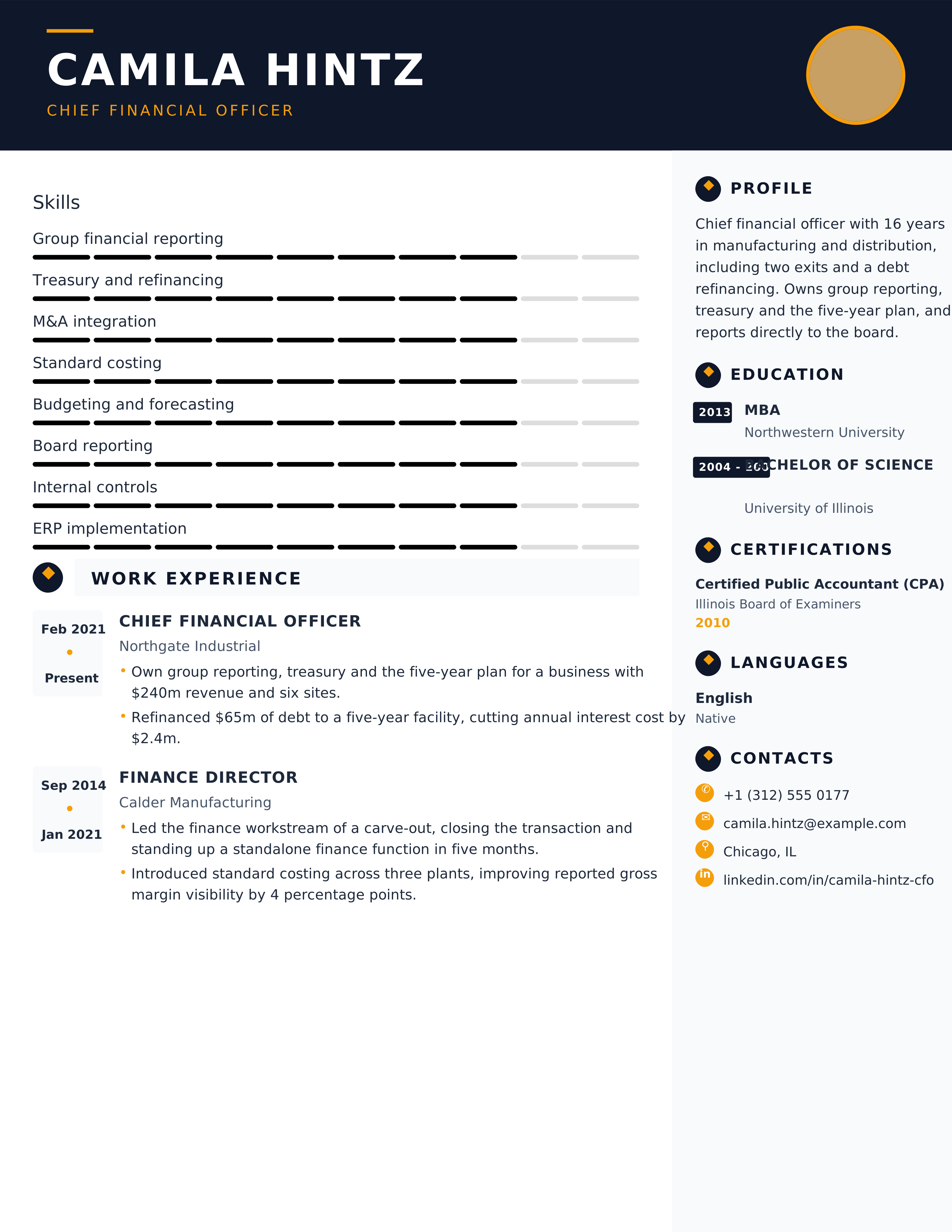
Executive resume with commanding midnight header, amber gold rule and metric-driven hierarchy for C-suite leaders.
Best for: Senior Leaders and Executives
Executive · Midnight · Amber · Leadership
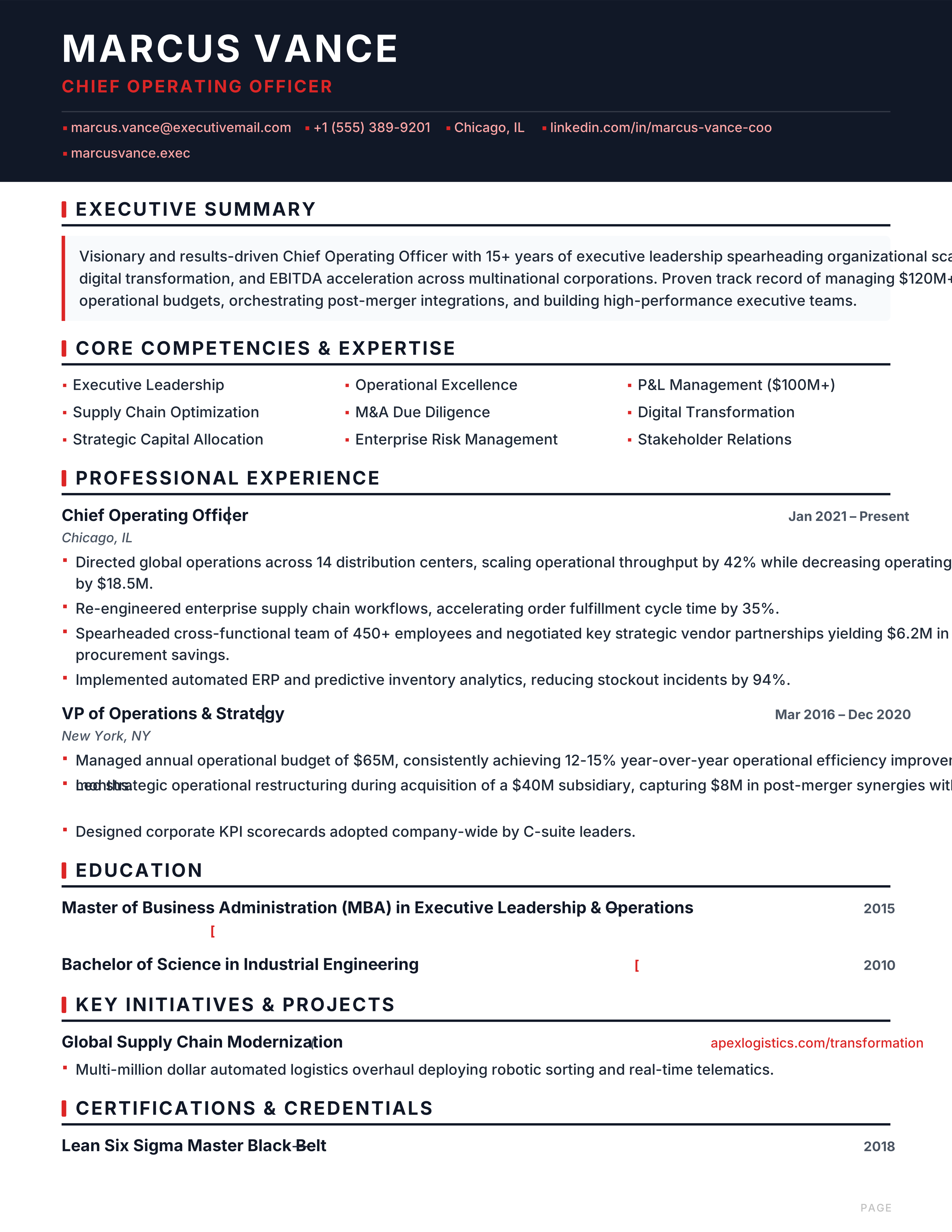
Bold executive resume with charcoal header, crimson accent rule and competency grids for COOs, VPs and directors.
Best for: Chief Operating Officers and VPs
Executive · Charcoal · Crimson · Leadership
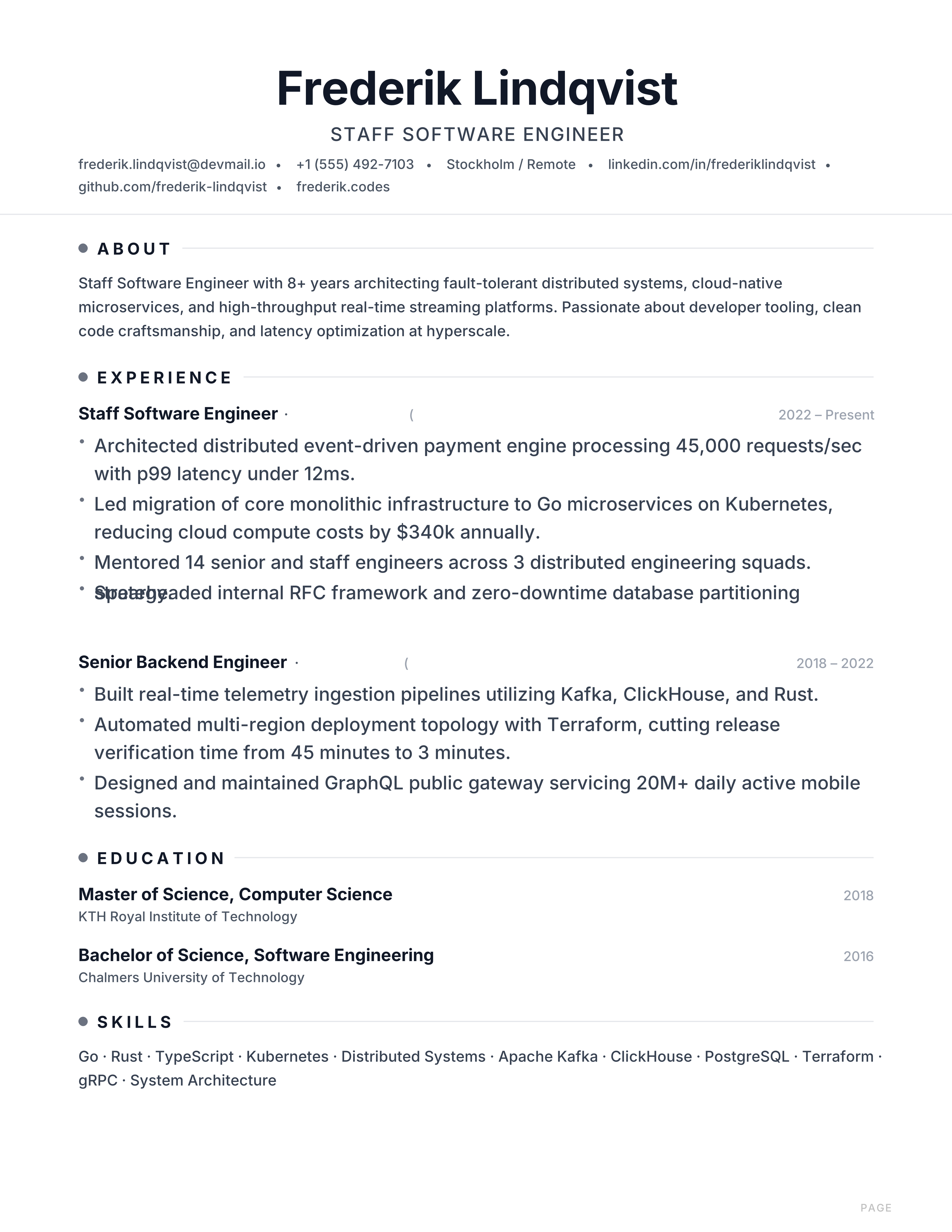
Scandinavian minimal resume with slate primary, icy blue accent and generous whitespace for engineers and product leaders.
Best for: Software Engineers and Product Managers
Nordic · Slate · Icy Blue · Minimal
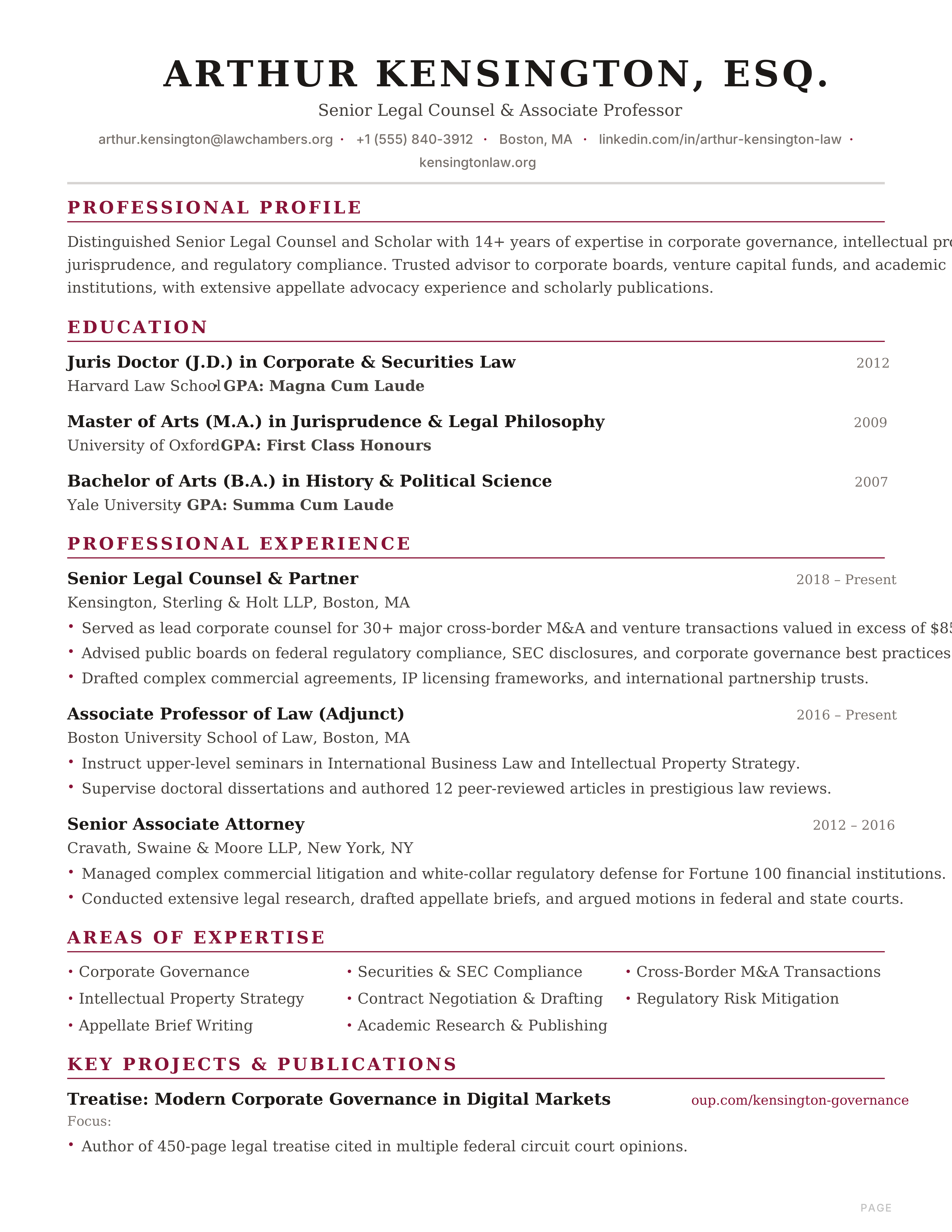
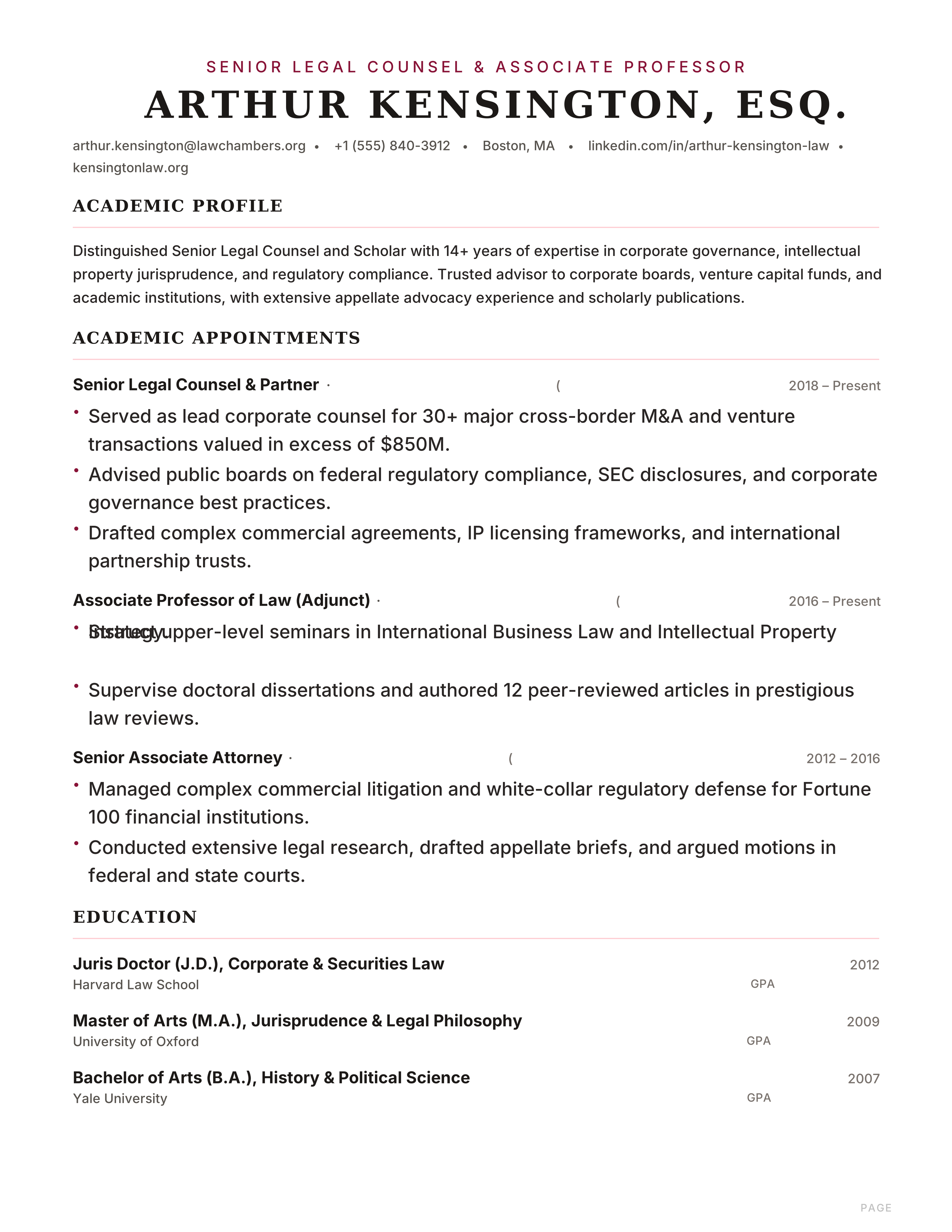
Academic classic with deep burgundy rules, centered serif header and scholarly typography for professors and attorneys.
Best for: Attorneys and Legal Counsel
Oxford · Burgundy · Serif · Academic
Split-header executive resume with a navy left-aligned name and right-aligned gold contact block, built for directors and VPs.
Best for: Directors and VPs
Executive · Split Header · Navy · Amber
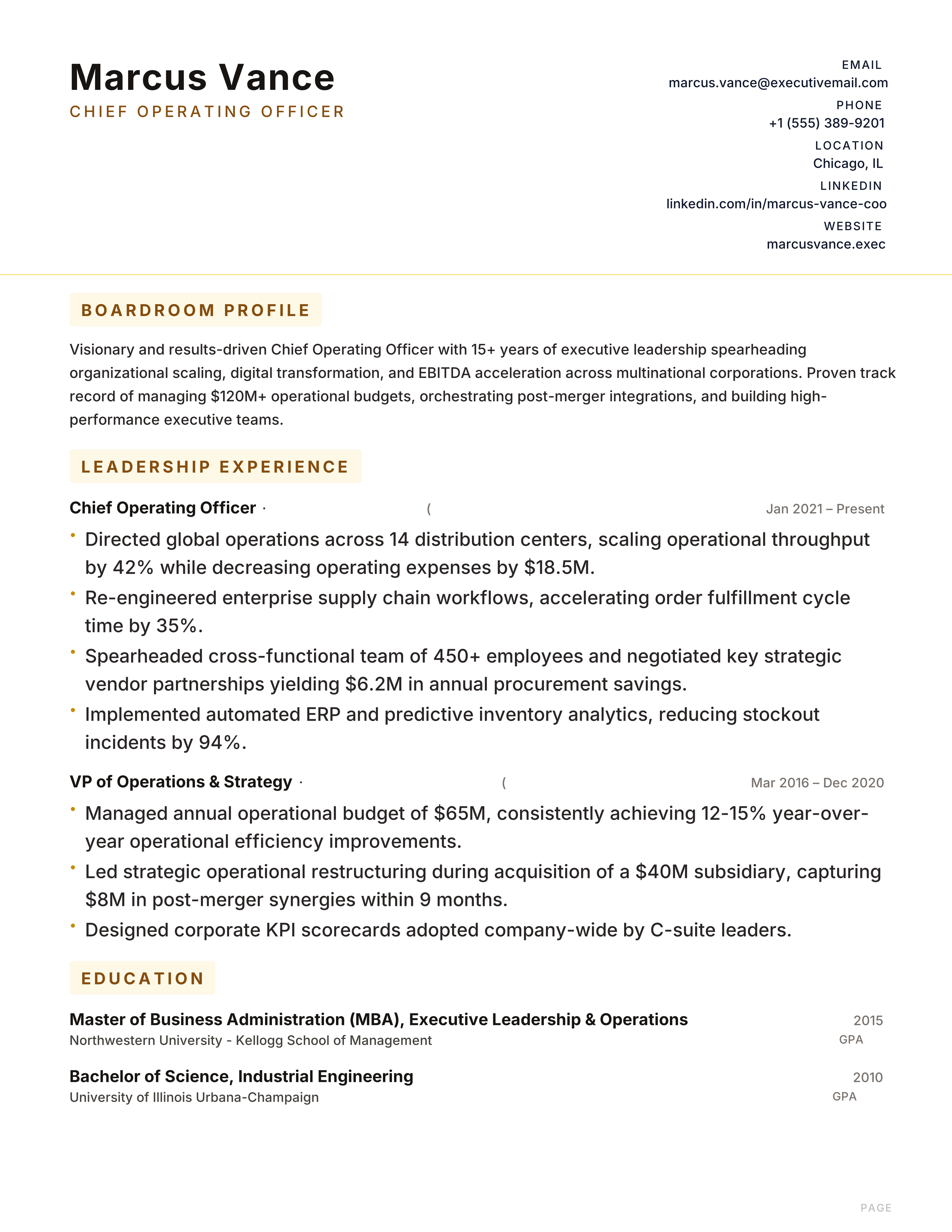
Boardroom resume with a charcoal header, boxed mustard section titles and a serif split header for C-suite executives and partners.
Best for: C-Suite and Directors
Boardroom · Charcoal · Mustard · Serif
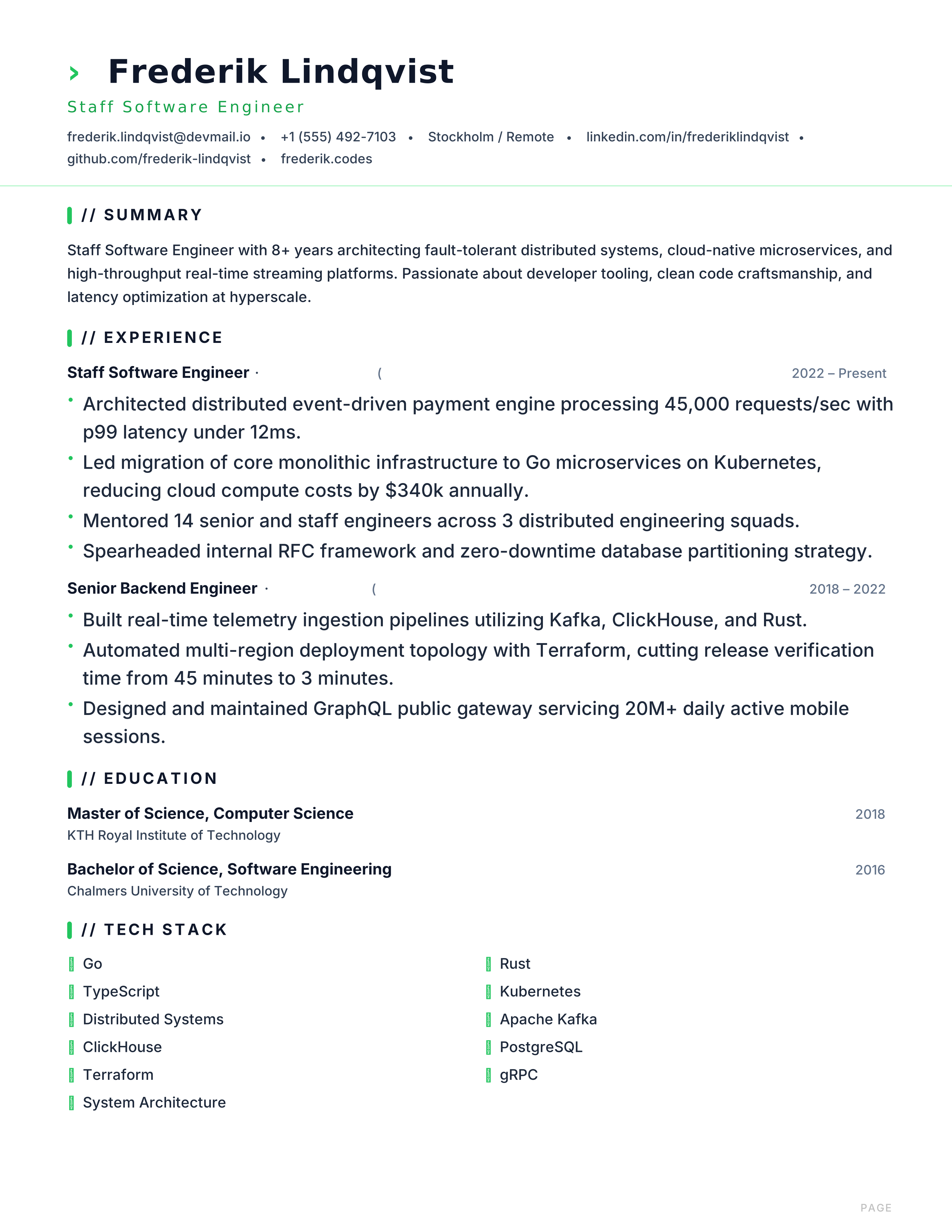
Developer terminal resume with monospace header, green accent and tech-stack grid for engineers and developers.
Best for: Software Engineers and Developers
Terminal · Monospace · Green · Tech Stack
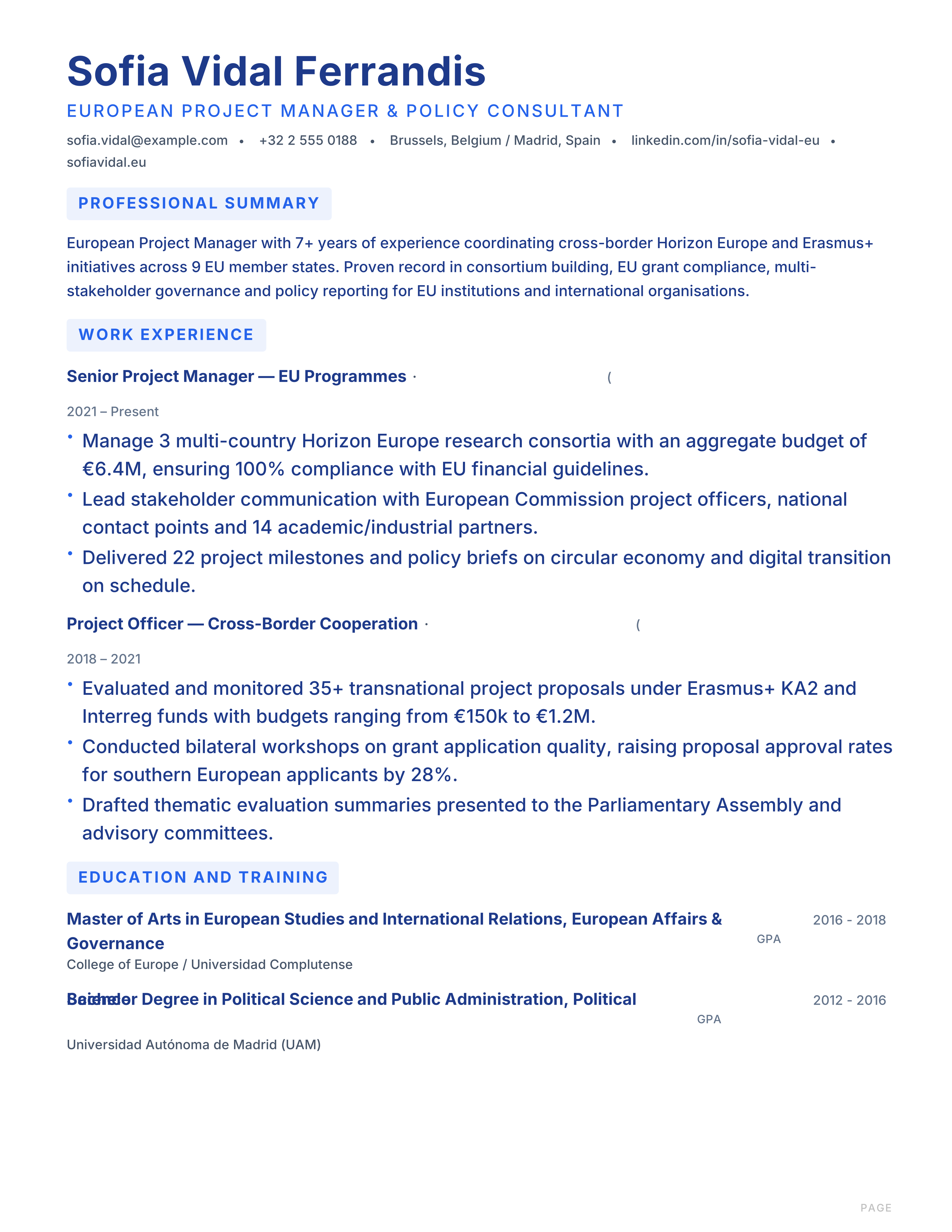
Structured European-style CV template for cross-border EU job applications. Clean A4 layout with CEFR language levels, ATS-friendly. Free PDF download.
Best for: Cross-border EU applications and European Institutions & NGOs
Europe · Europass-Inspired · Cross-border · EU A4
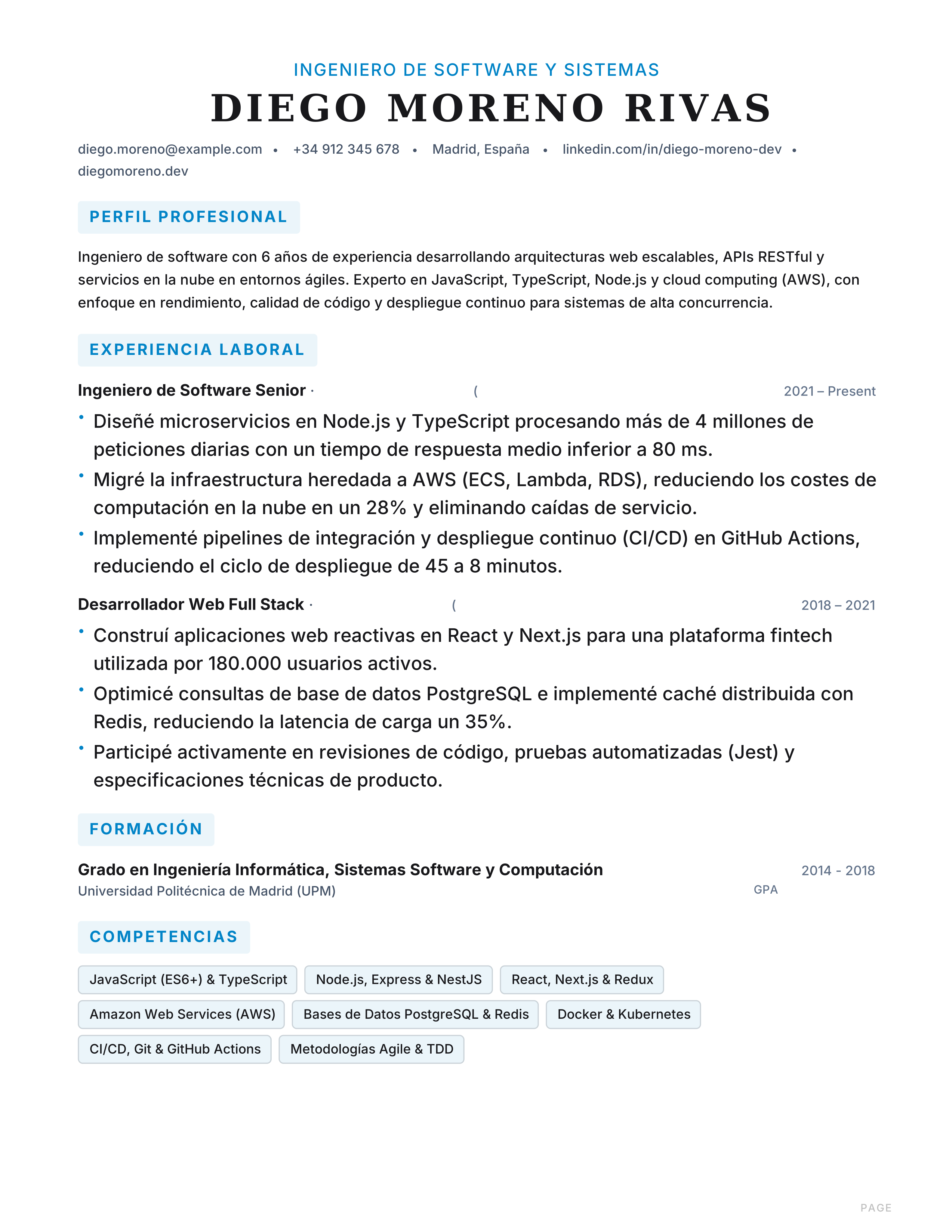
Currículum simple de una columna optimizado para sistemas ATS y portales de empleo en España. Estructura lineal clara y descarga gratis en PDF.
Best for: Corporate ATS Portals (Workday, Taleo) and High-Volume Job Portals (InfoJobs, LinkedIn)
ATS · Simple · Single Column · High Contrast
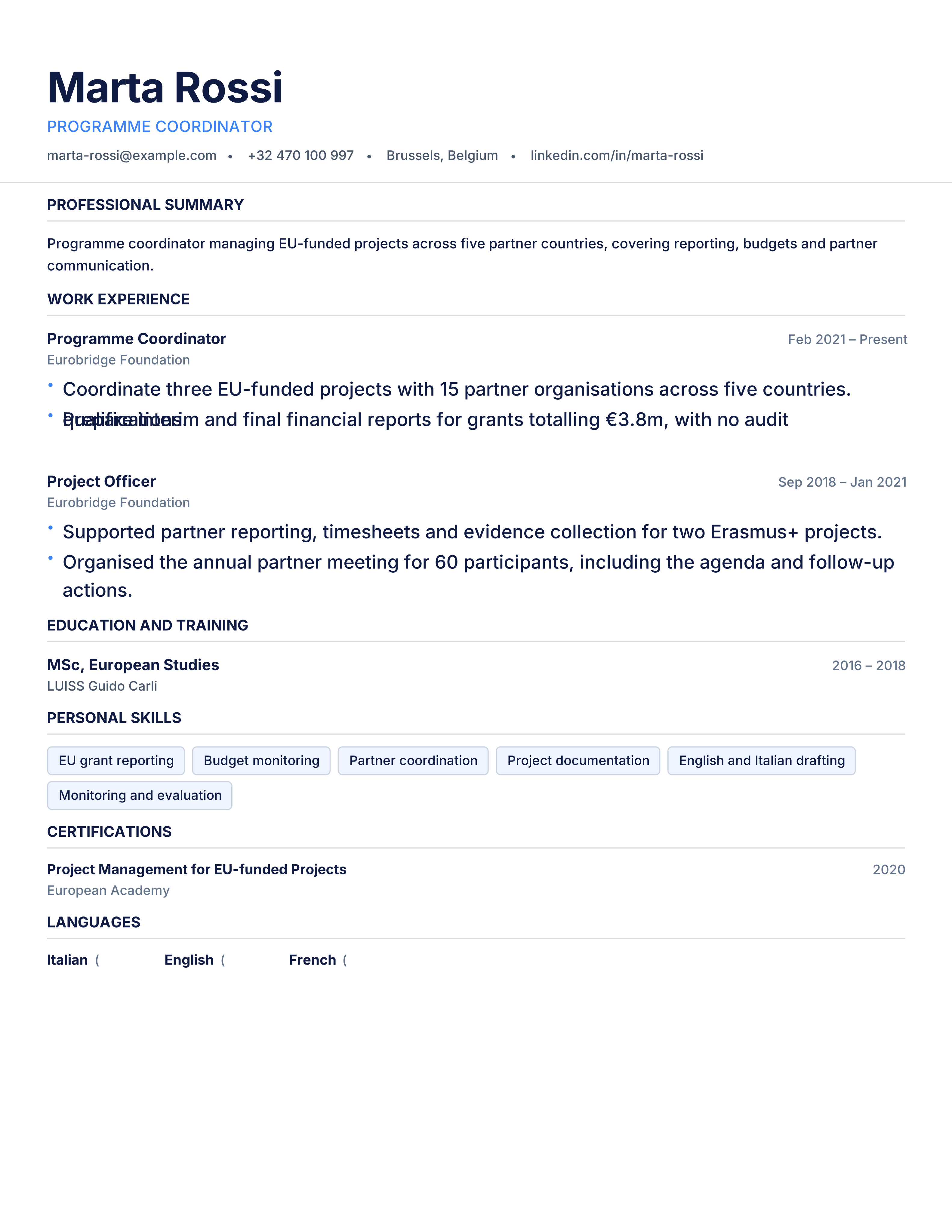
Structured European CV template in the EU-style section order: personal info, work experience, education, skills and languages on A4. Free PDF download.
Best for: Cross-border EU applications and Public & Institutional employers
Europe · Structured · Cross-border · A4
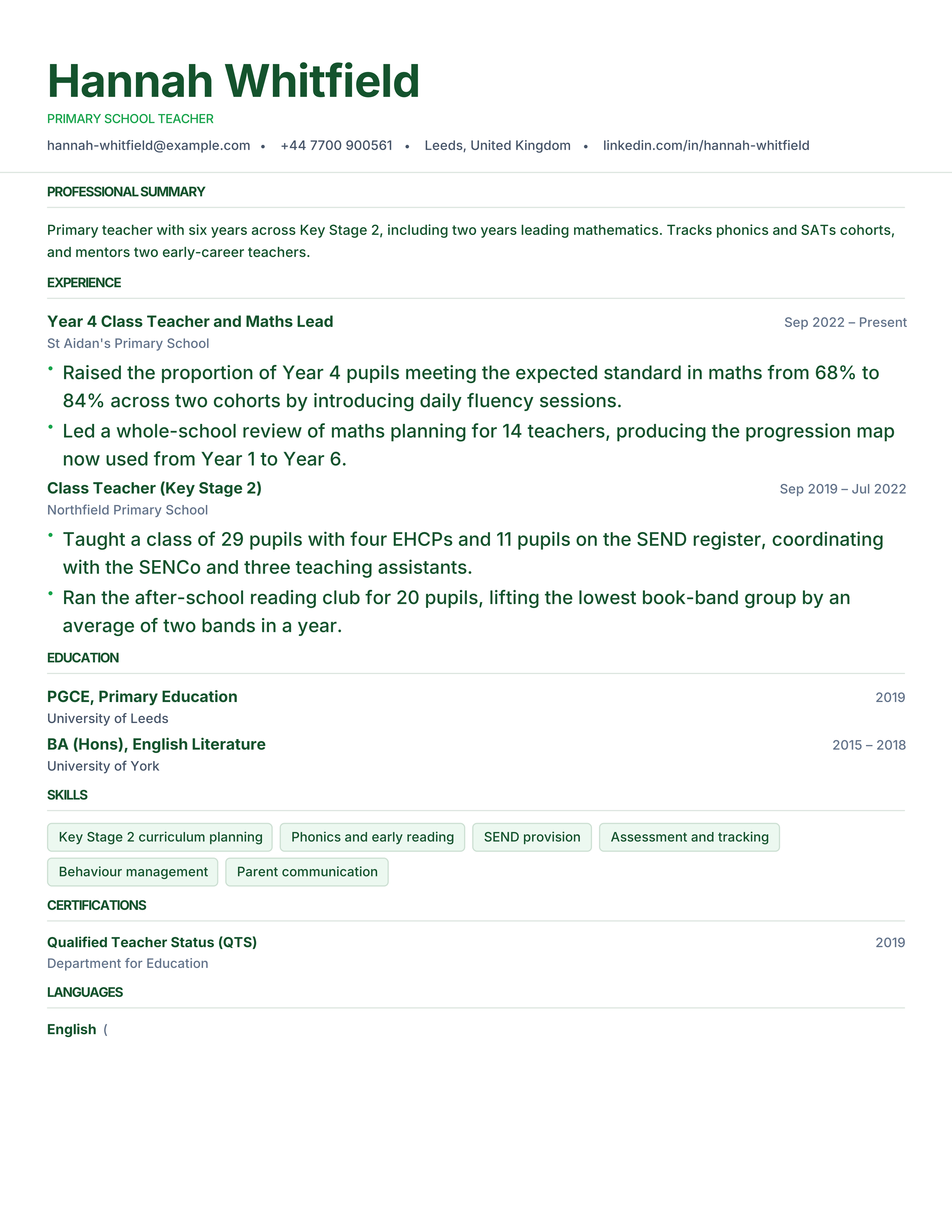
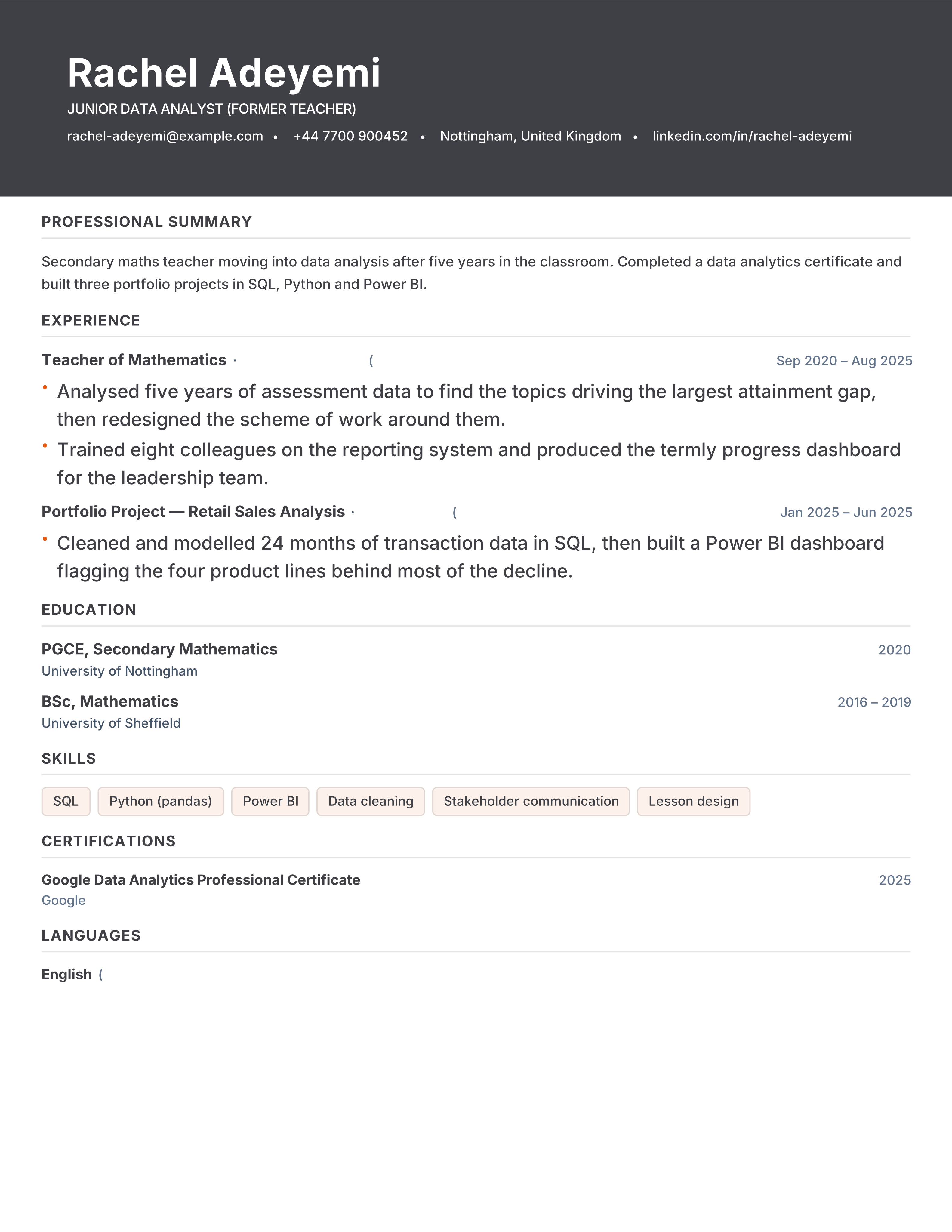
Teacher resume template with licences, subjects, year groups and measurable pupil outcomes. Free ATS-ready format for schools and academies.
Best for: Teachers and Teaching Assistants
Education · Evidence-led · ATS · classic
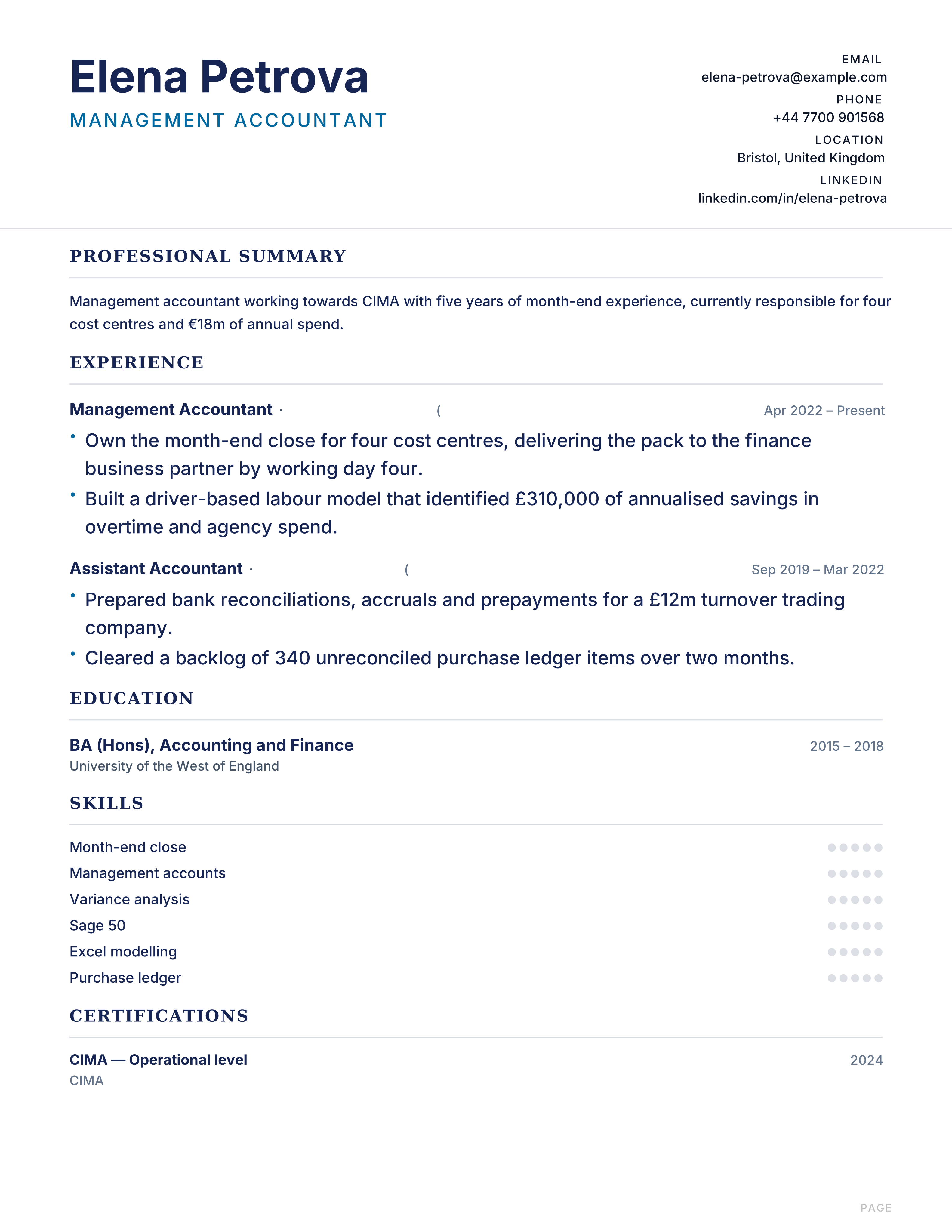
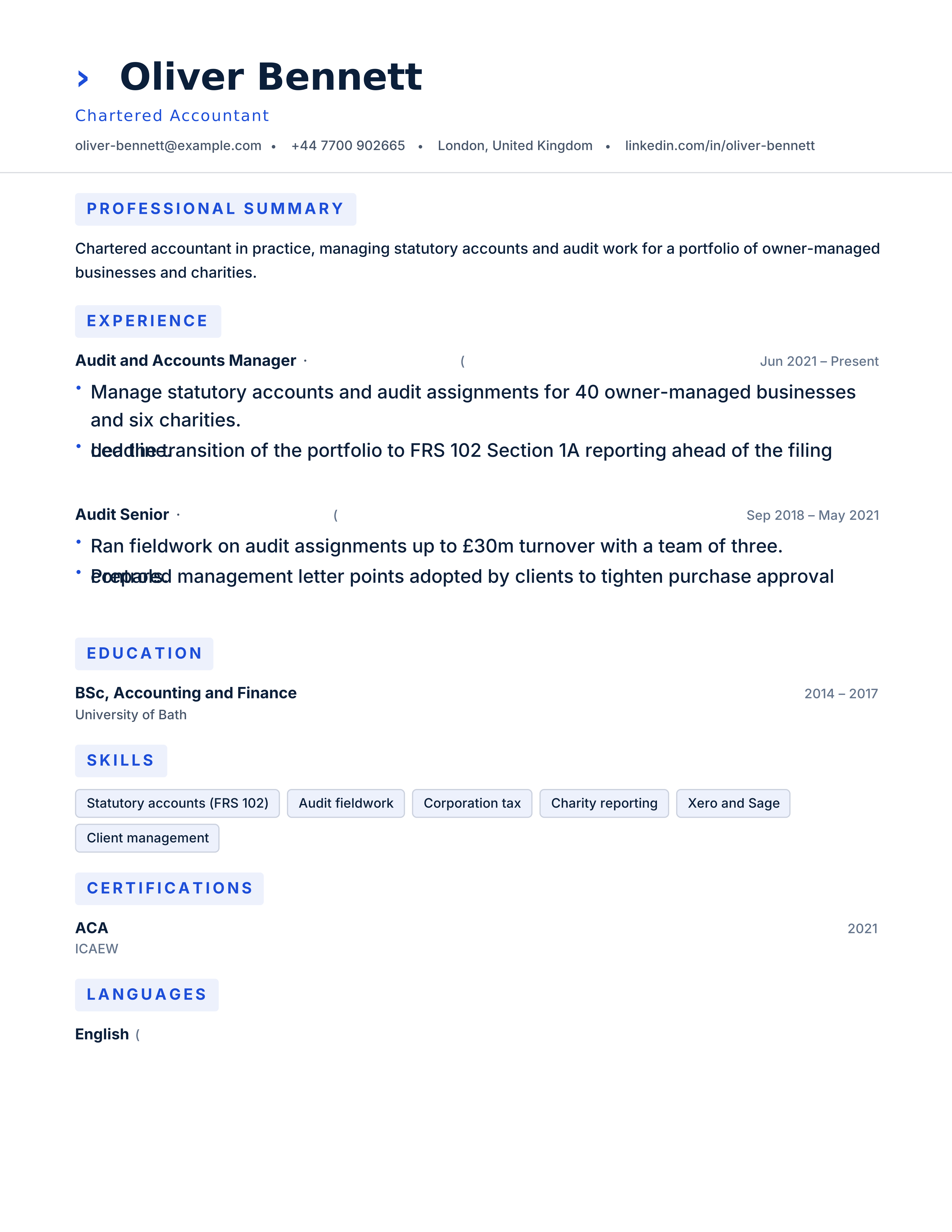
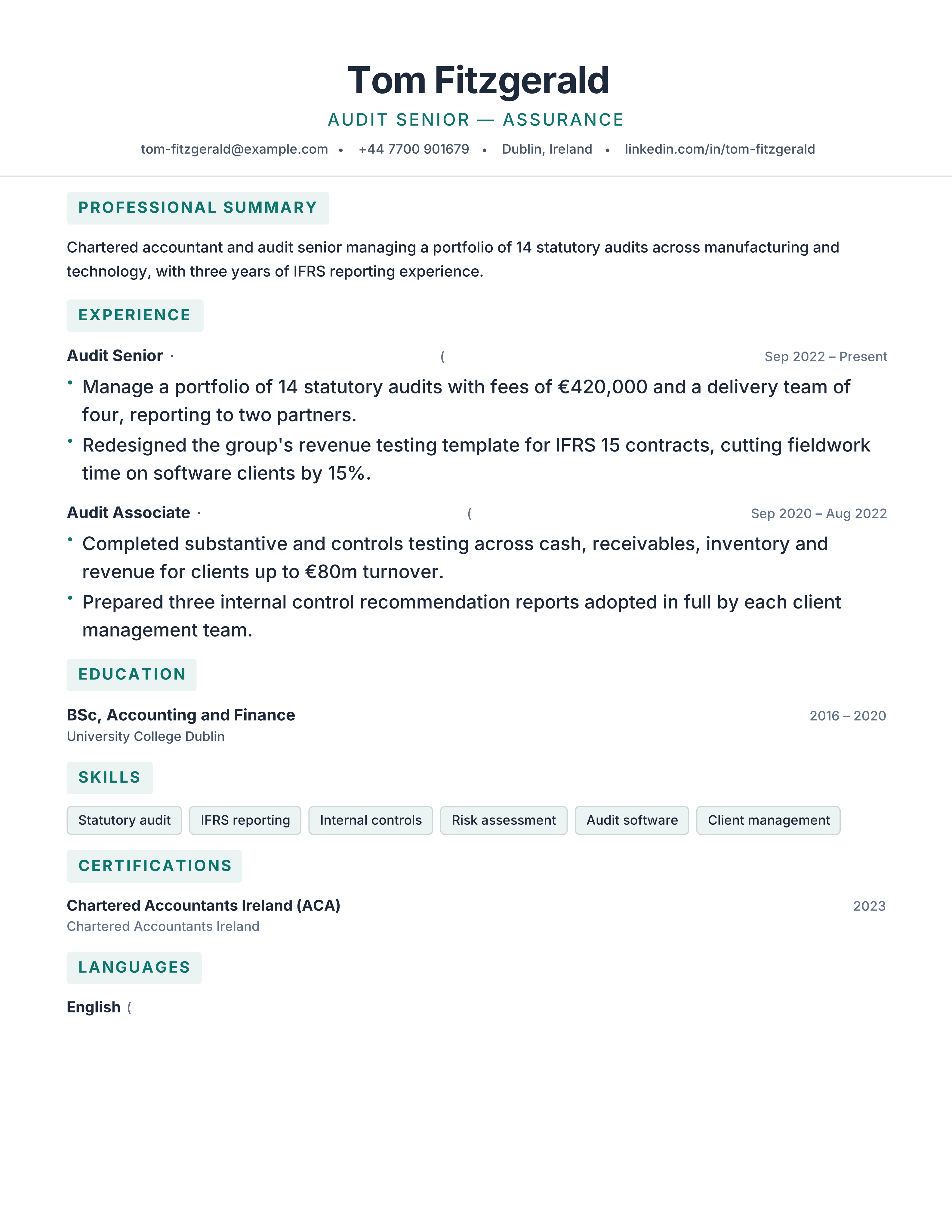
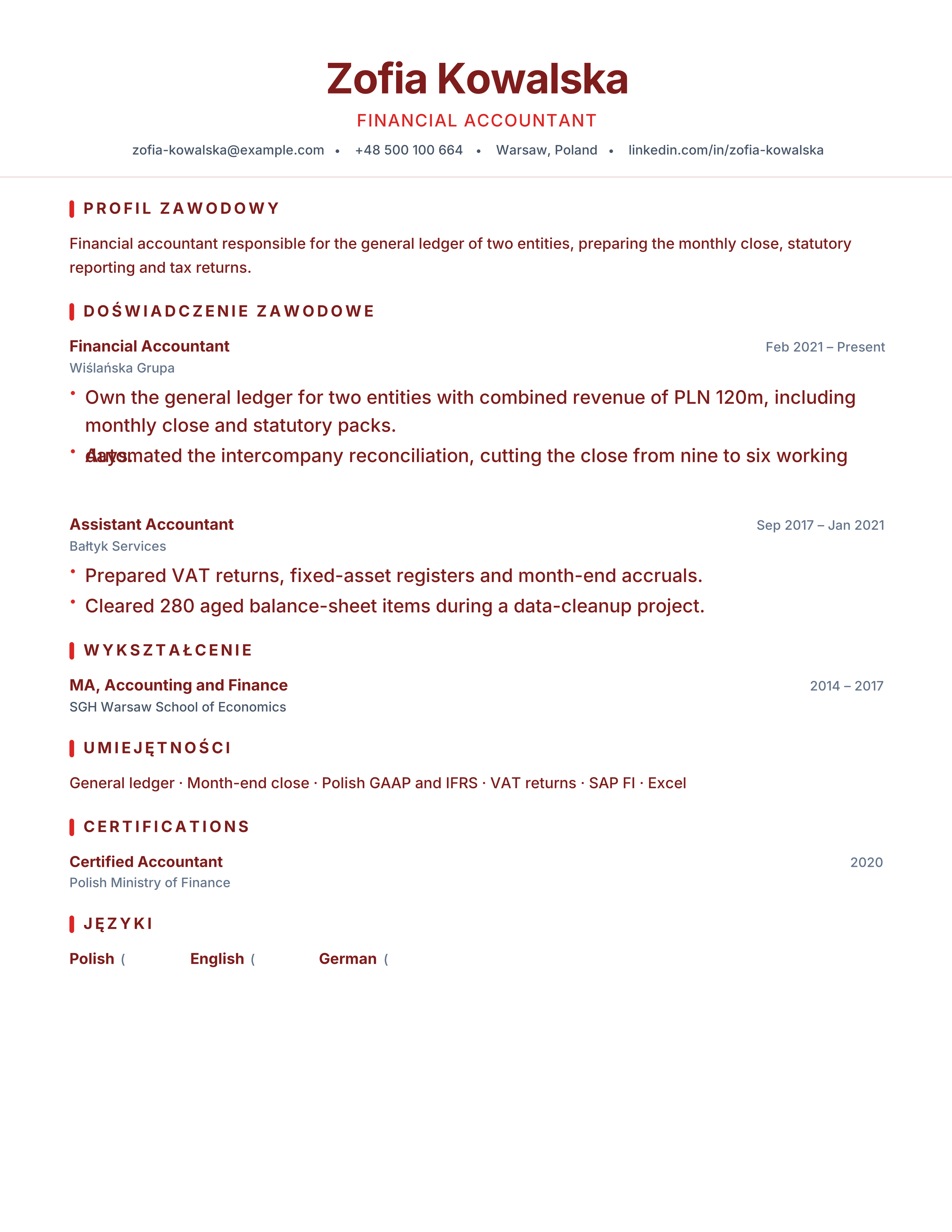
Accountant resume template with qualifications, month-end, controls, ERP systems and quantified savings. Free ATS-friendly PDF with no signup.
Best for: Accountants and Management Accountants
Accounting · Professional · Results · classic
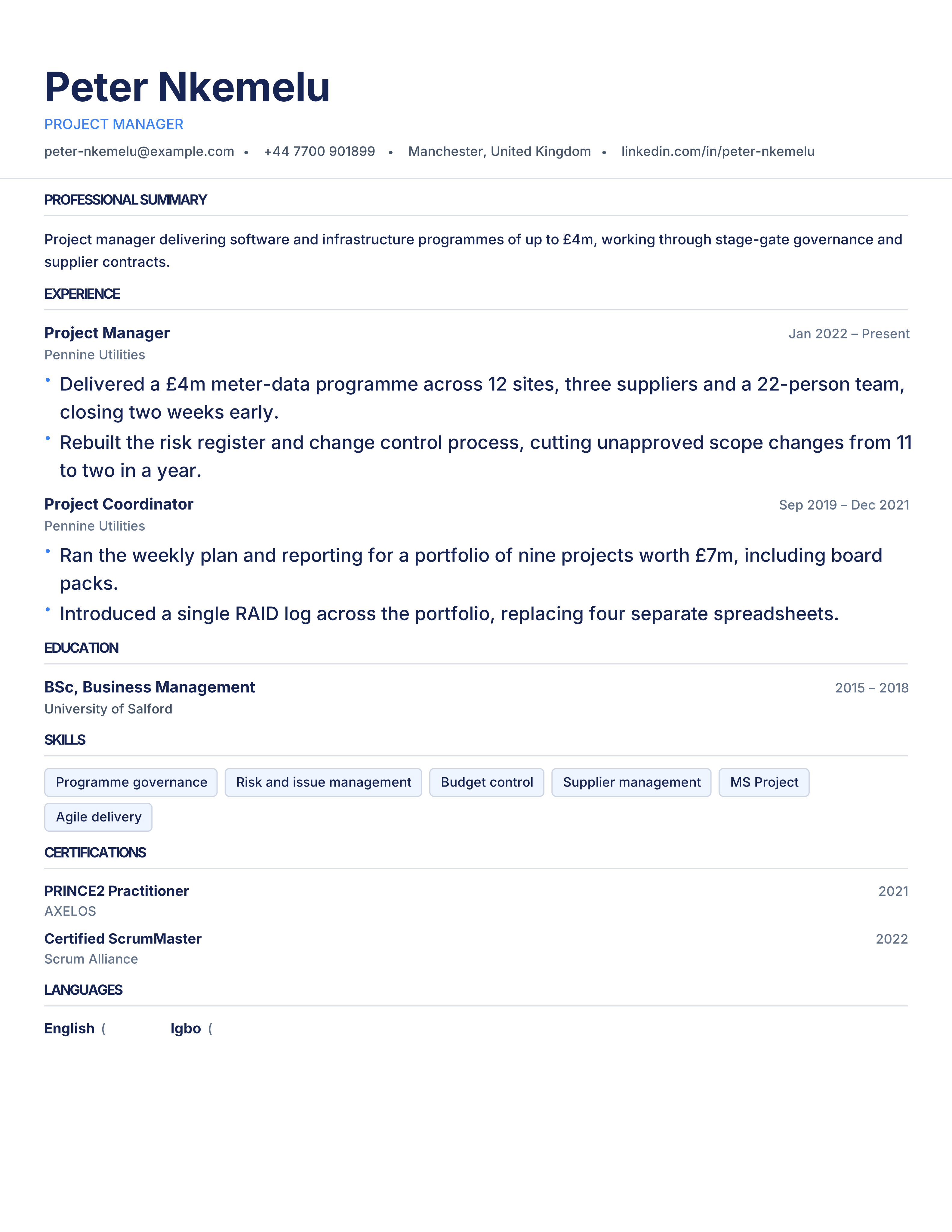
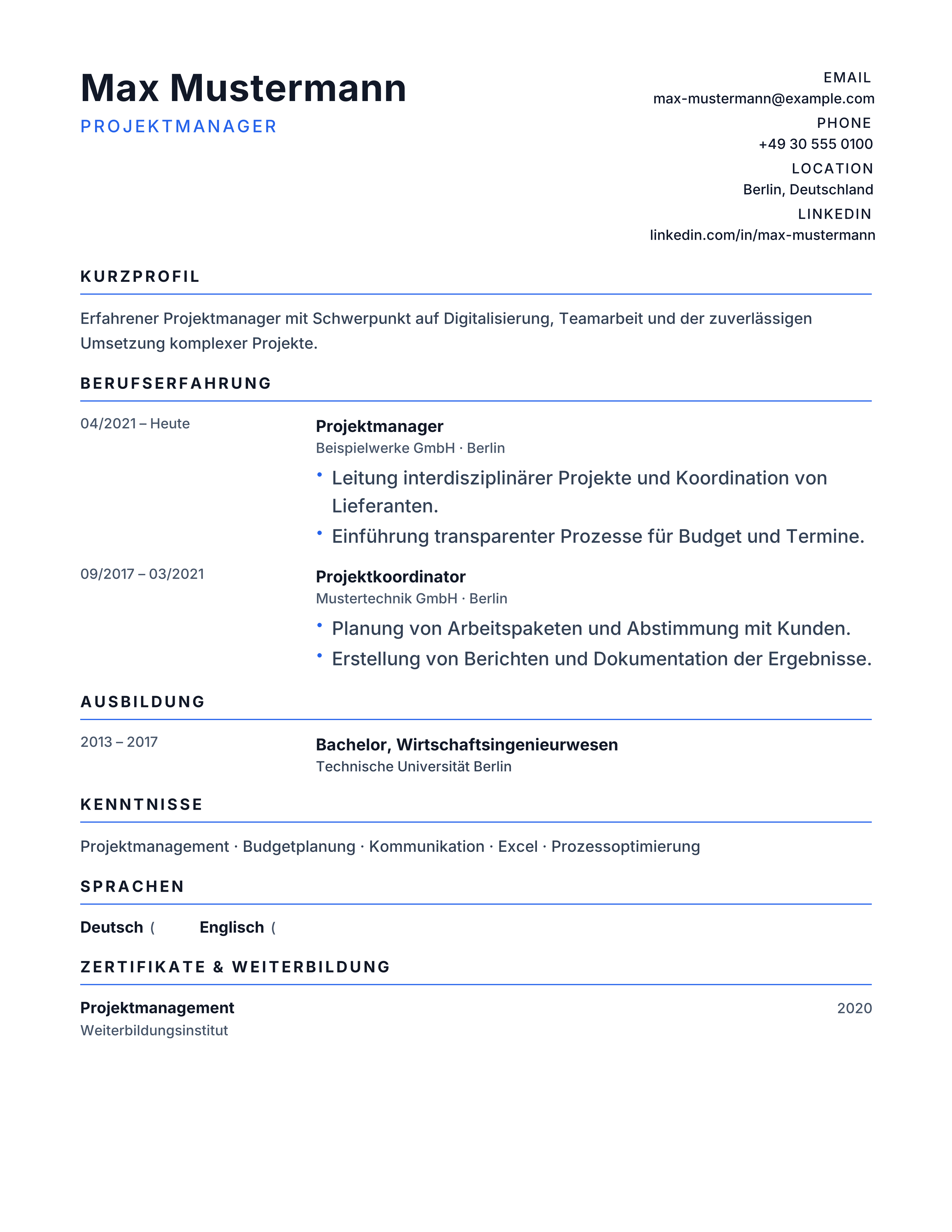
Project manager resume template with PMP/PRINCE2, budgets, schedules, risks and delivery outcomes. Free ATS CV for programme and project roles.
Best for: Project Managers and Programme Managers
Project Management · Professional · Results · split
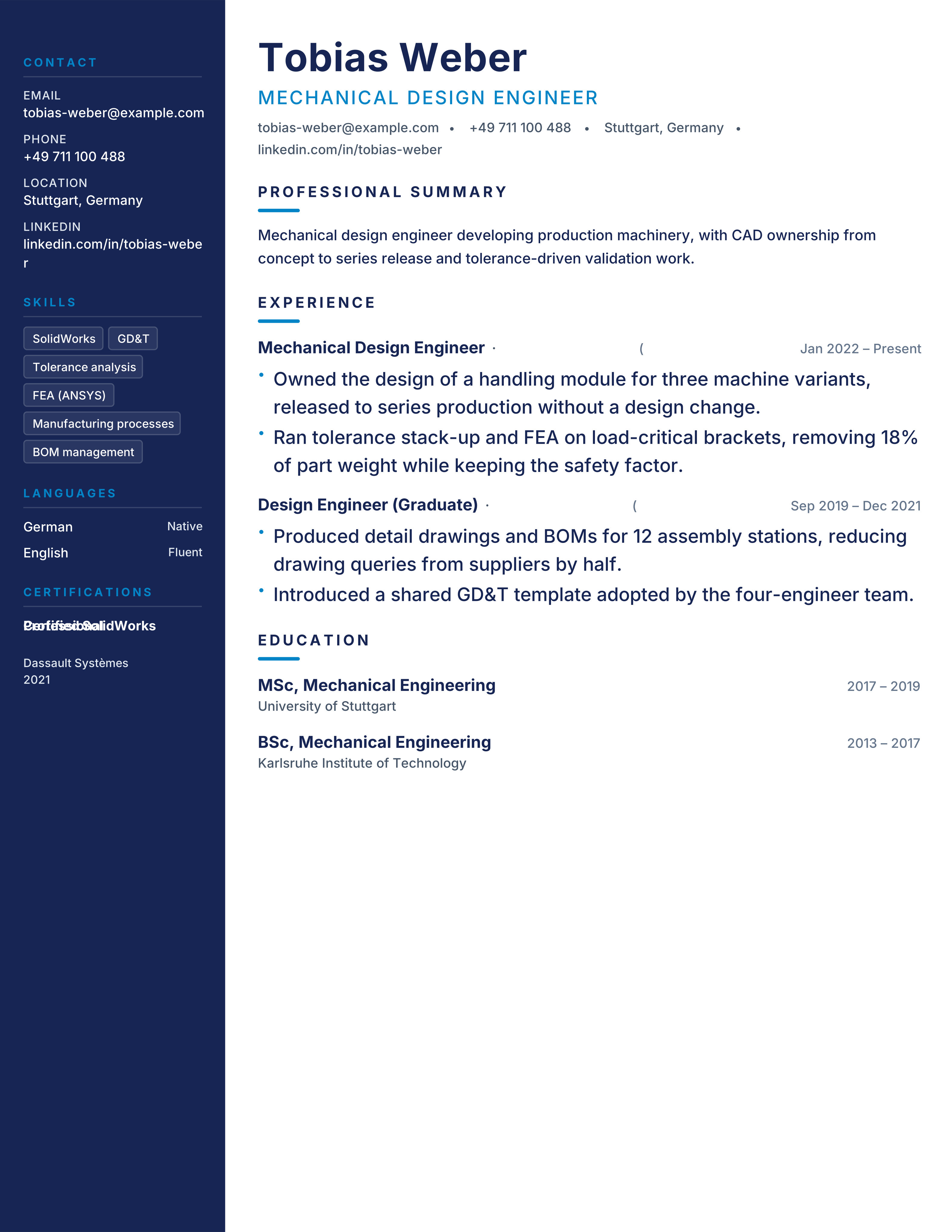
Mechanical engineer resume template with CAD, analysis, manufacturing, standards and cost outcomes. Free technical ATS CV for engineering roles.
Best for: Mechanical Engineers and Design Engineers
Mechanical Engineering · Technical · Projects · sidebar-left
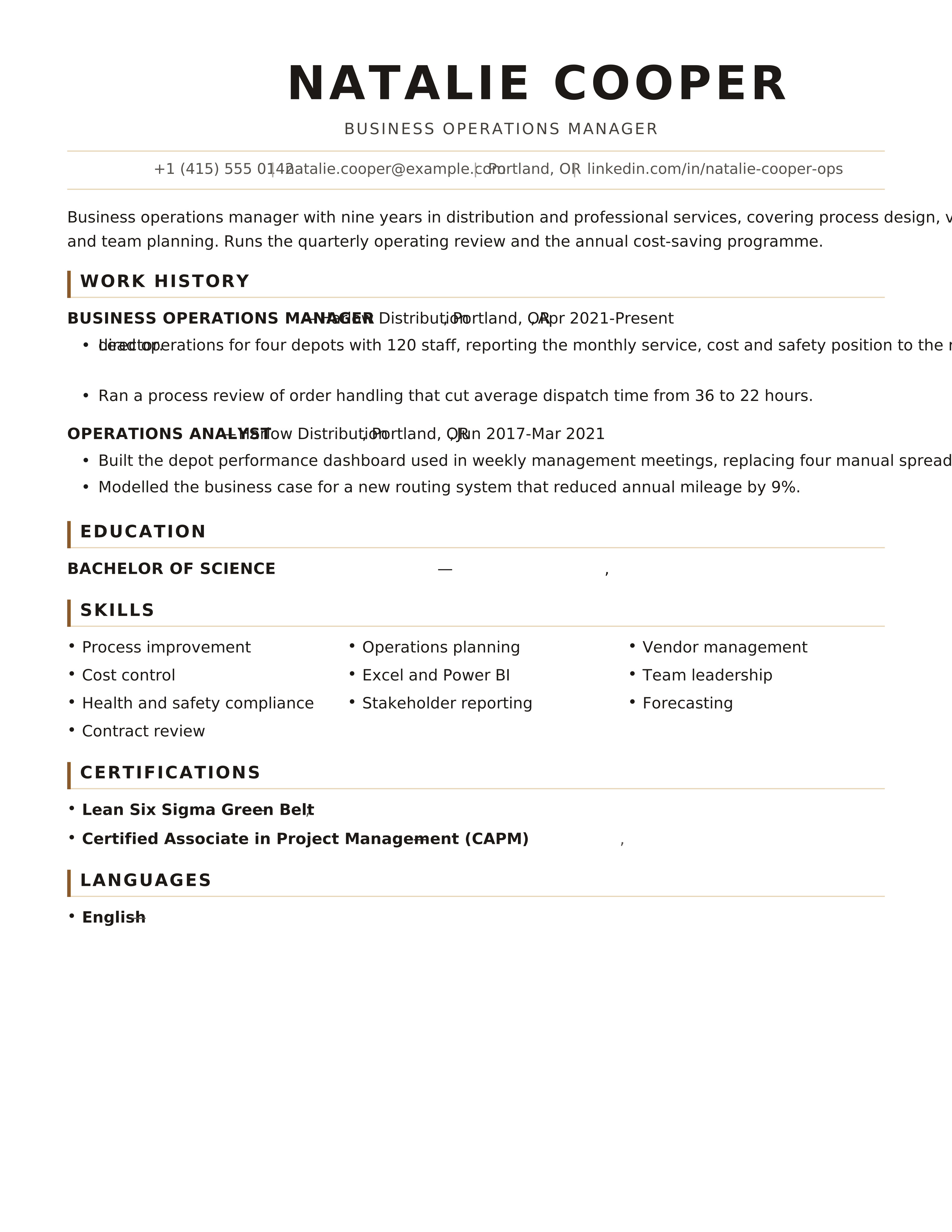
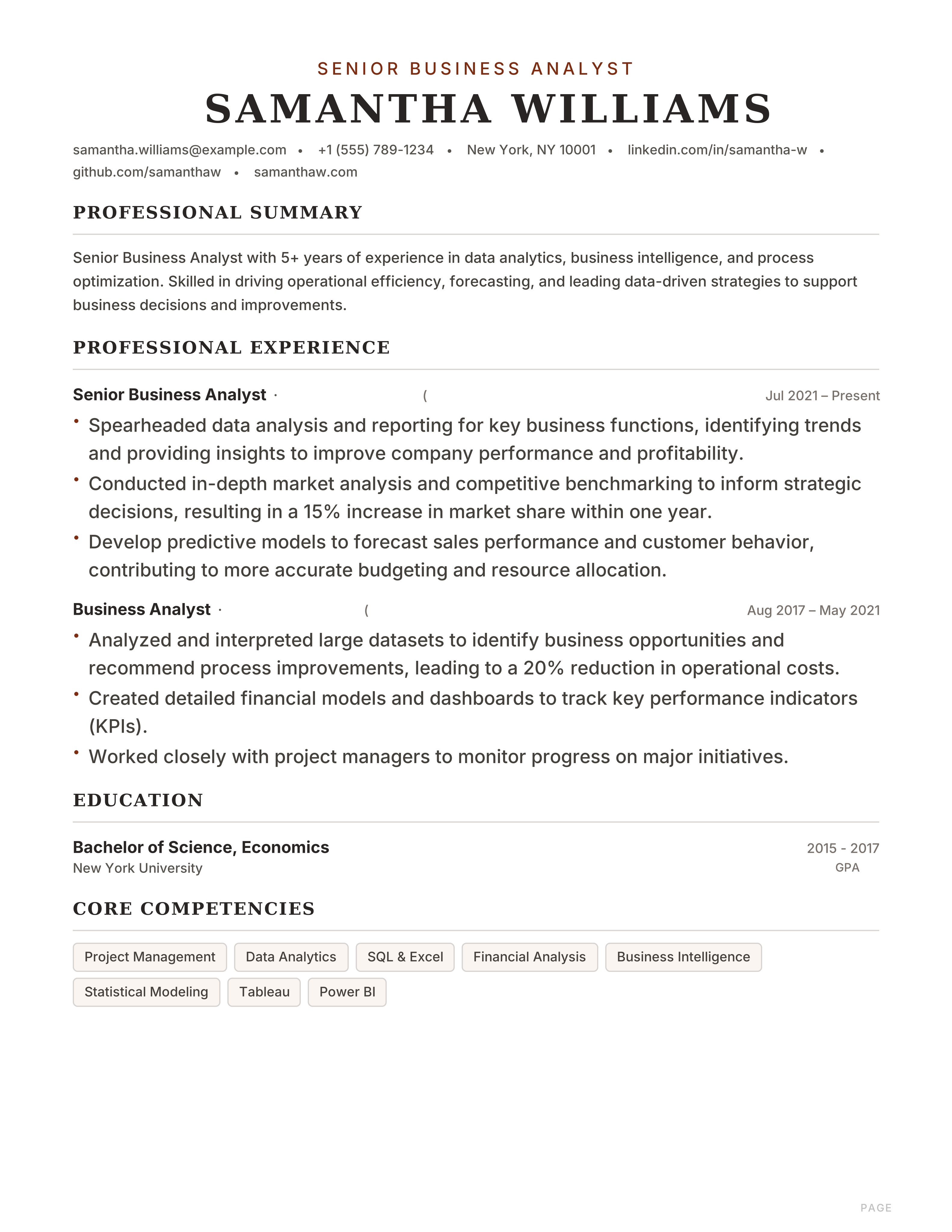
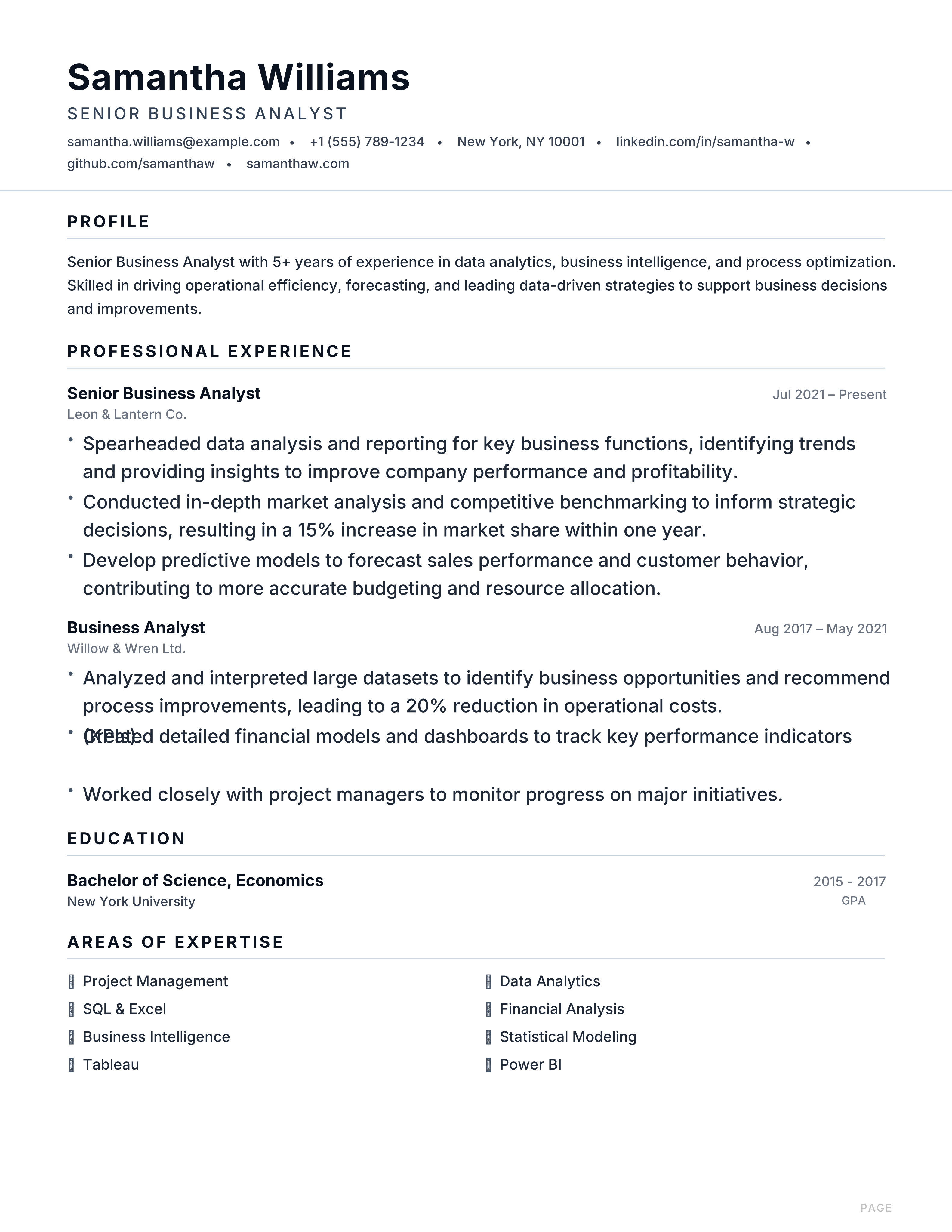
Timeless single-column classic resume with warm brown accents and centered header. Built for corporate, legal and business analyst roles.
Best for: Business Analysts and Accountants
Heritage · Classic · Centered · Traditional
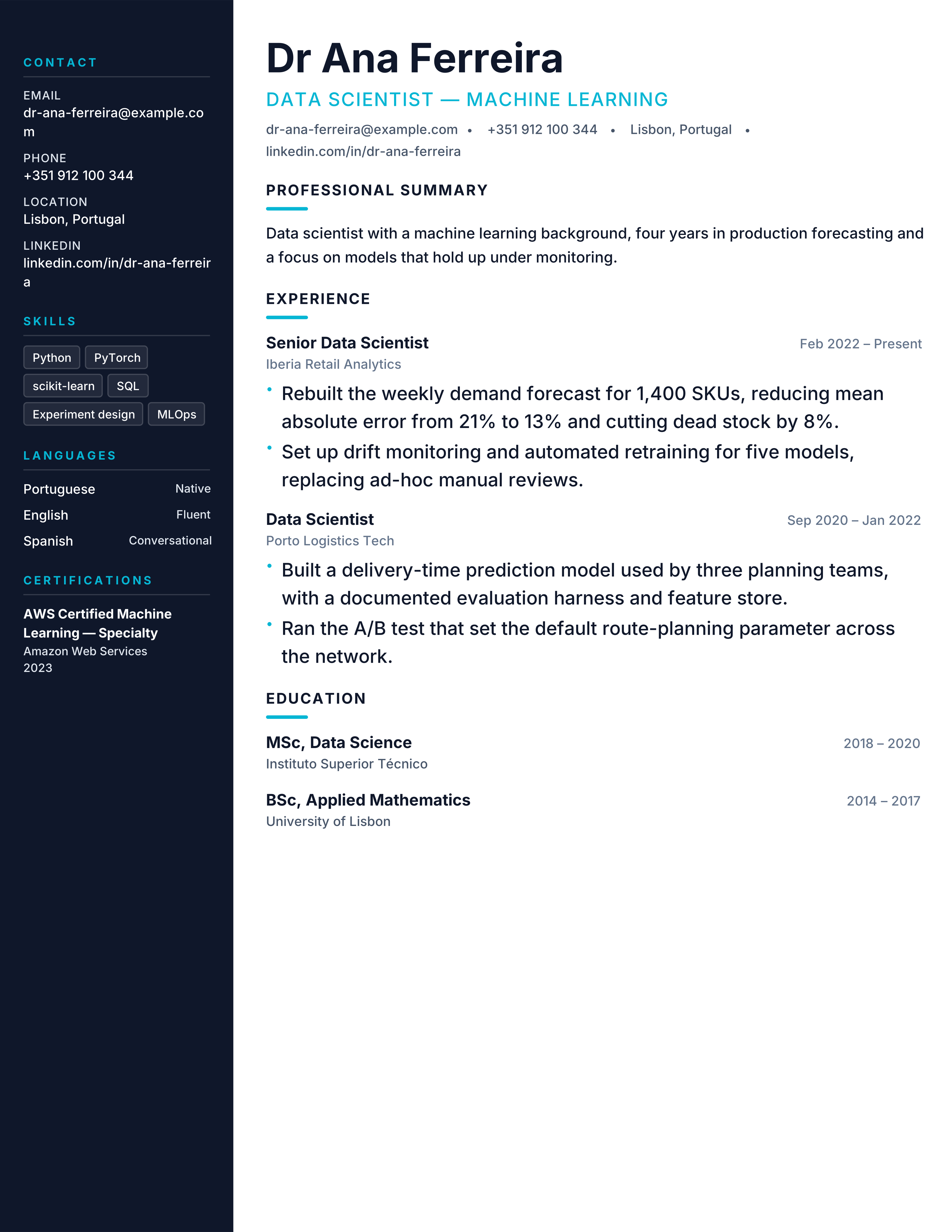
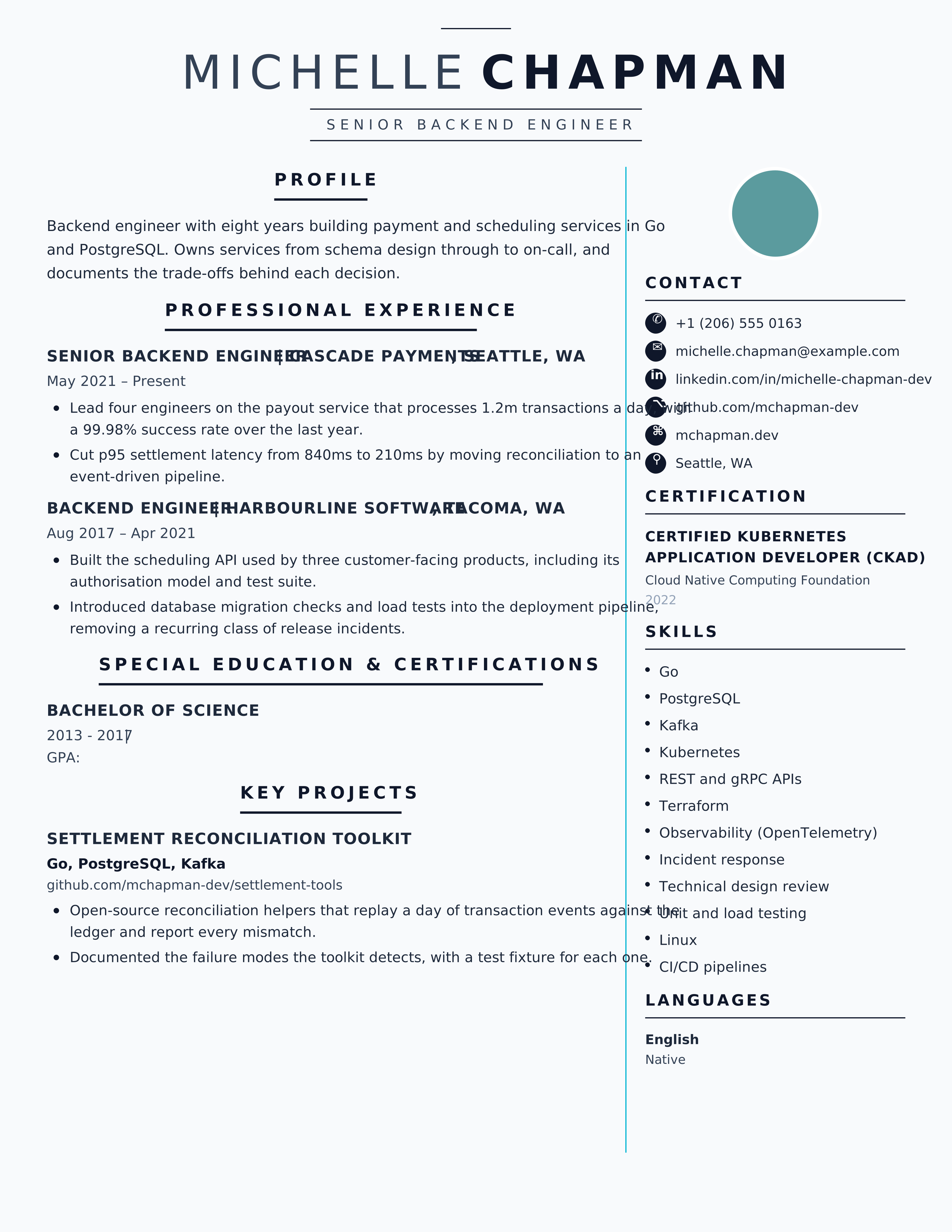
Technical two-column resume with midnight sidebar and cyan accent for software engineers and developers. Tech-stack focused.
Best for: Software Engineers and Developers
Technical · Midnight · Cyan · Engineering
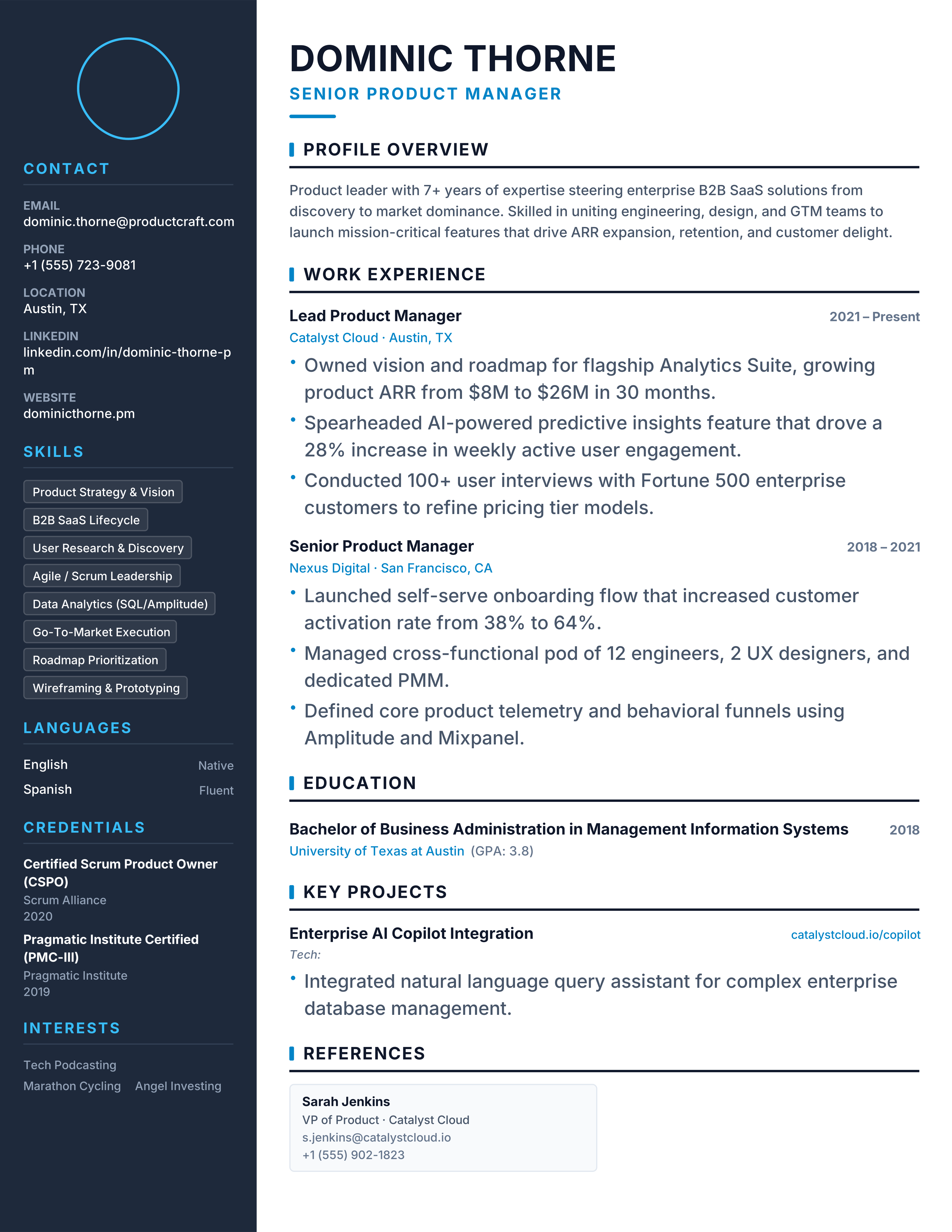
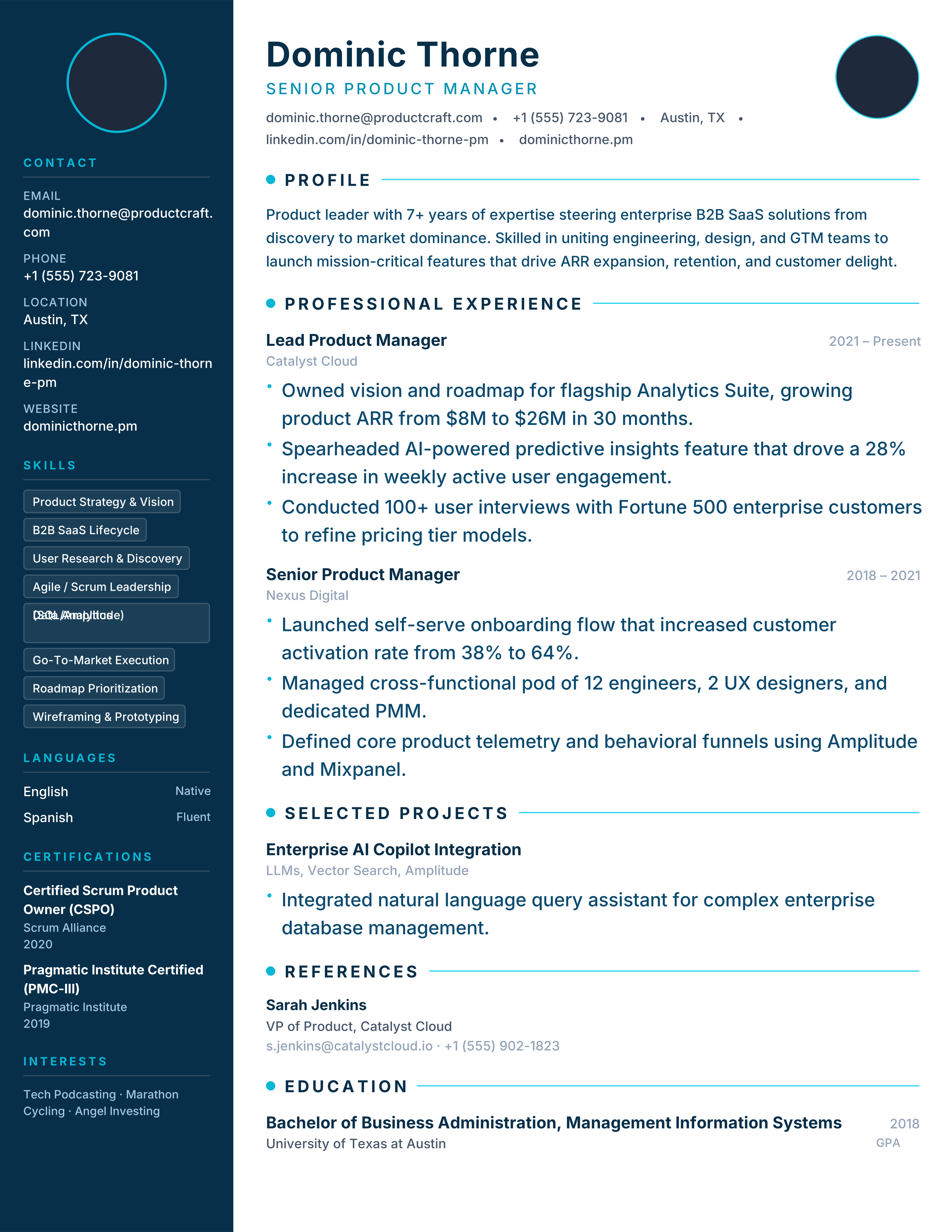
Balanced slate sidebar with sky-blue accent and a spacious main column, designed for product managers and project managers in agile teams.
Best for: Product Managers and Marketing Leads
Vanguard · Slate · Sky Blue · Two-Column
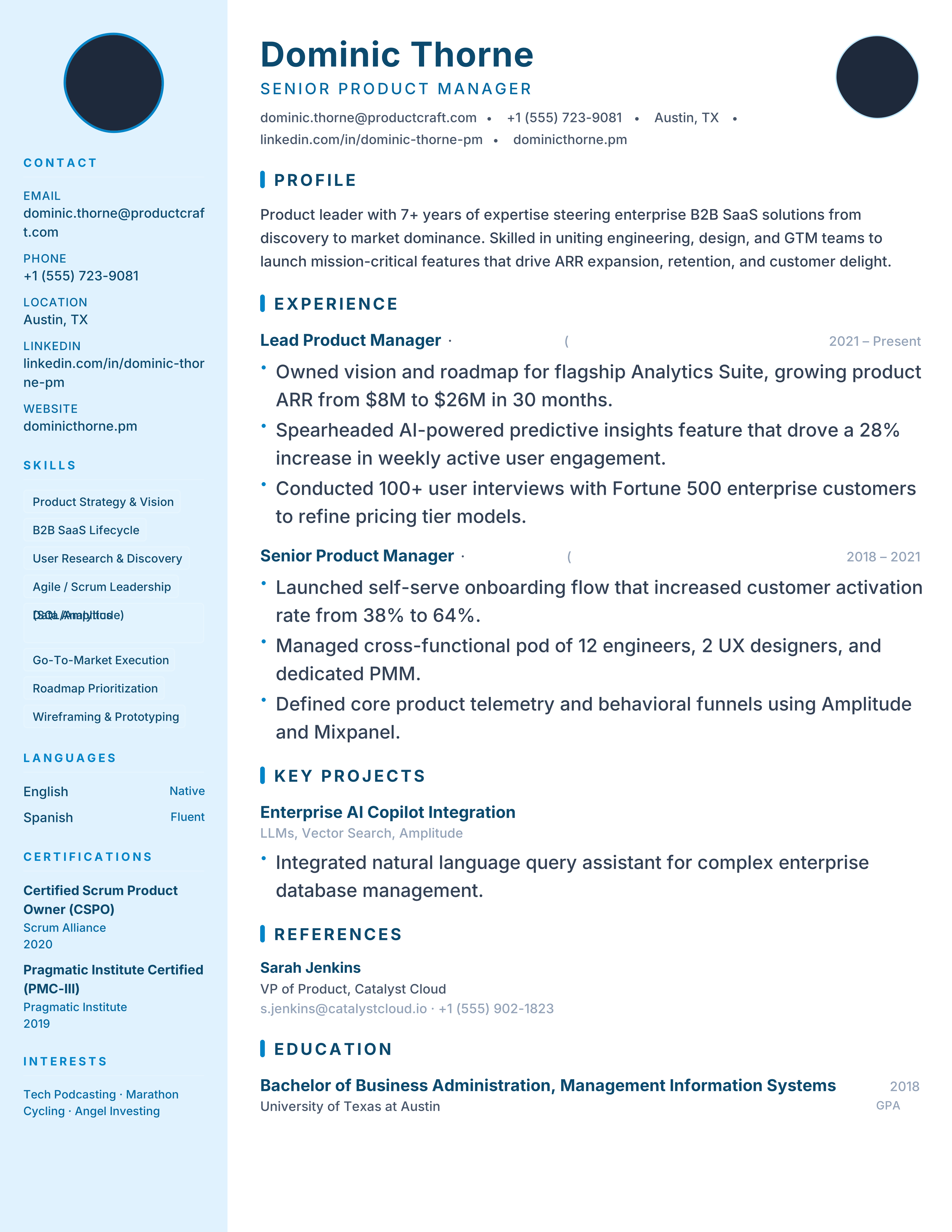
Modern two-column resume with a light icy-blue sidebar, navy ink and sky-blue accent bars, made for product managers and strategists.
Best for: Product Managers and Marketing Leads
Meridian · Icy Blue · Navy · Product
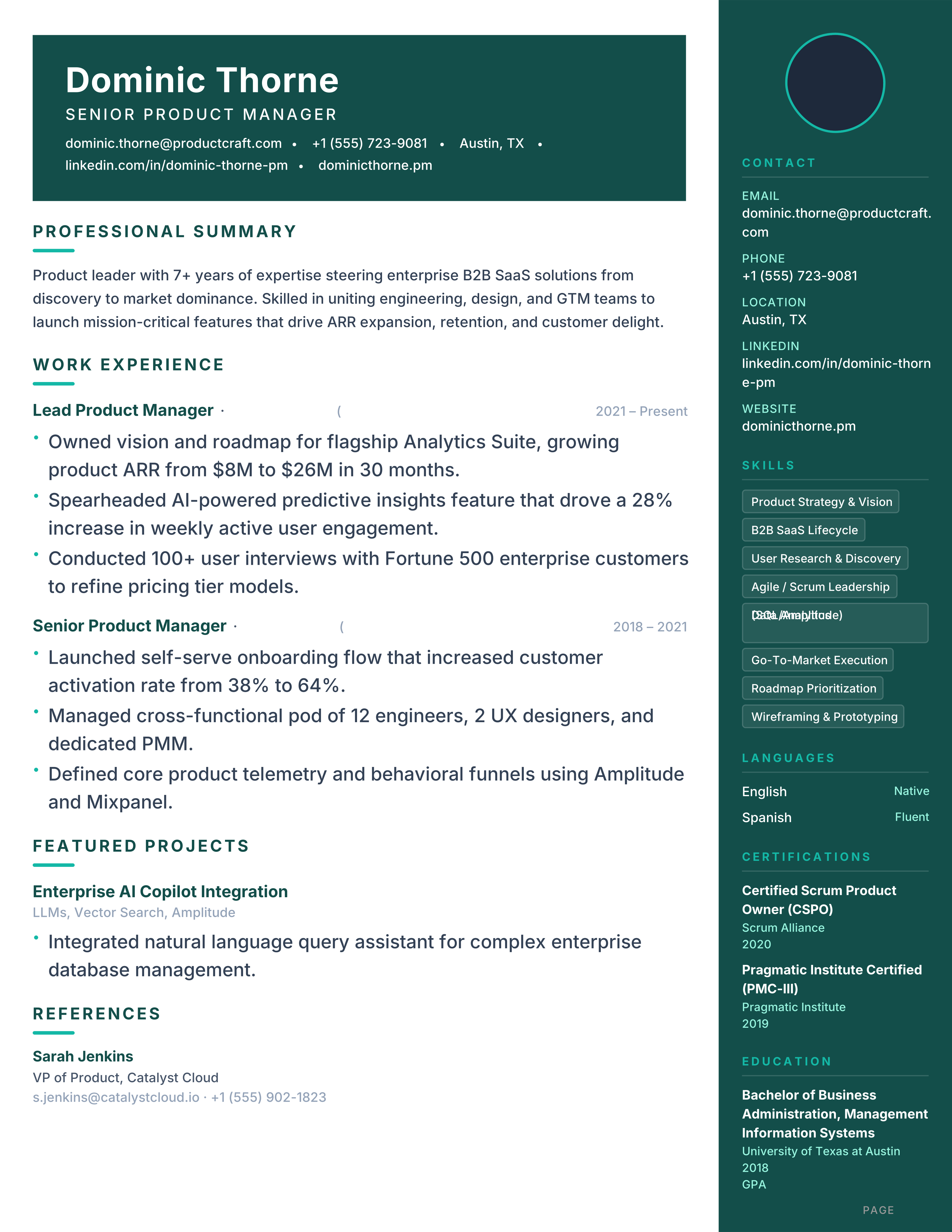
Bold two-column resume with dark teal right sidebar, mint accent and banner header for project and product leads.
Best for: Product Managers and Project Managers
Summit · Teal · Mint · Right Sidebar
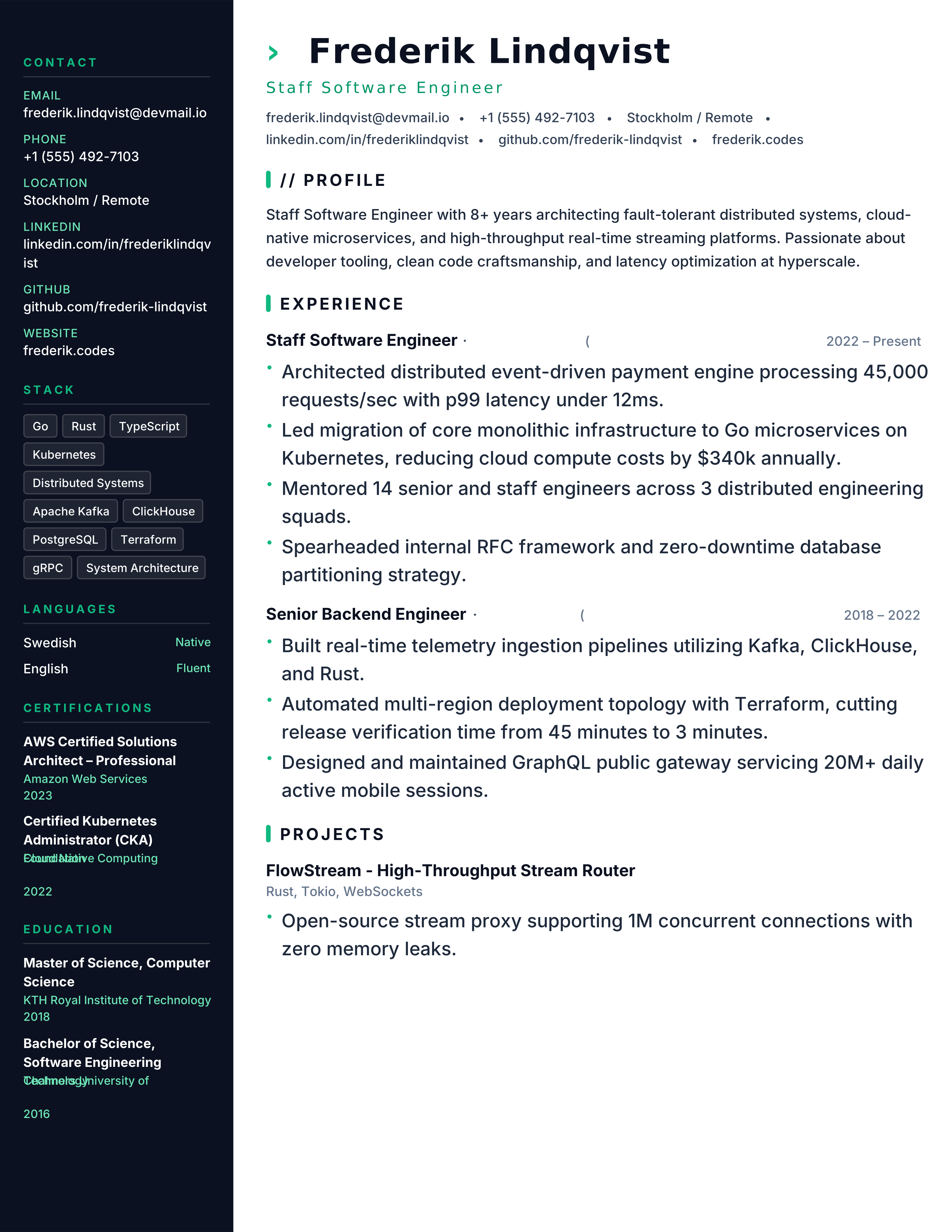
Engineering resume with dark midnight sidebar, emerald accent and tech-stack blocks for developers and tech leads.
Best for: Developers and Engineers
Stack · Midnight · Emerald · Sidebar
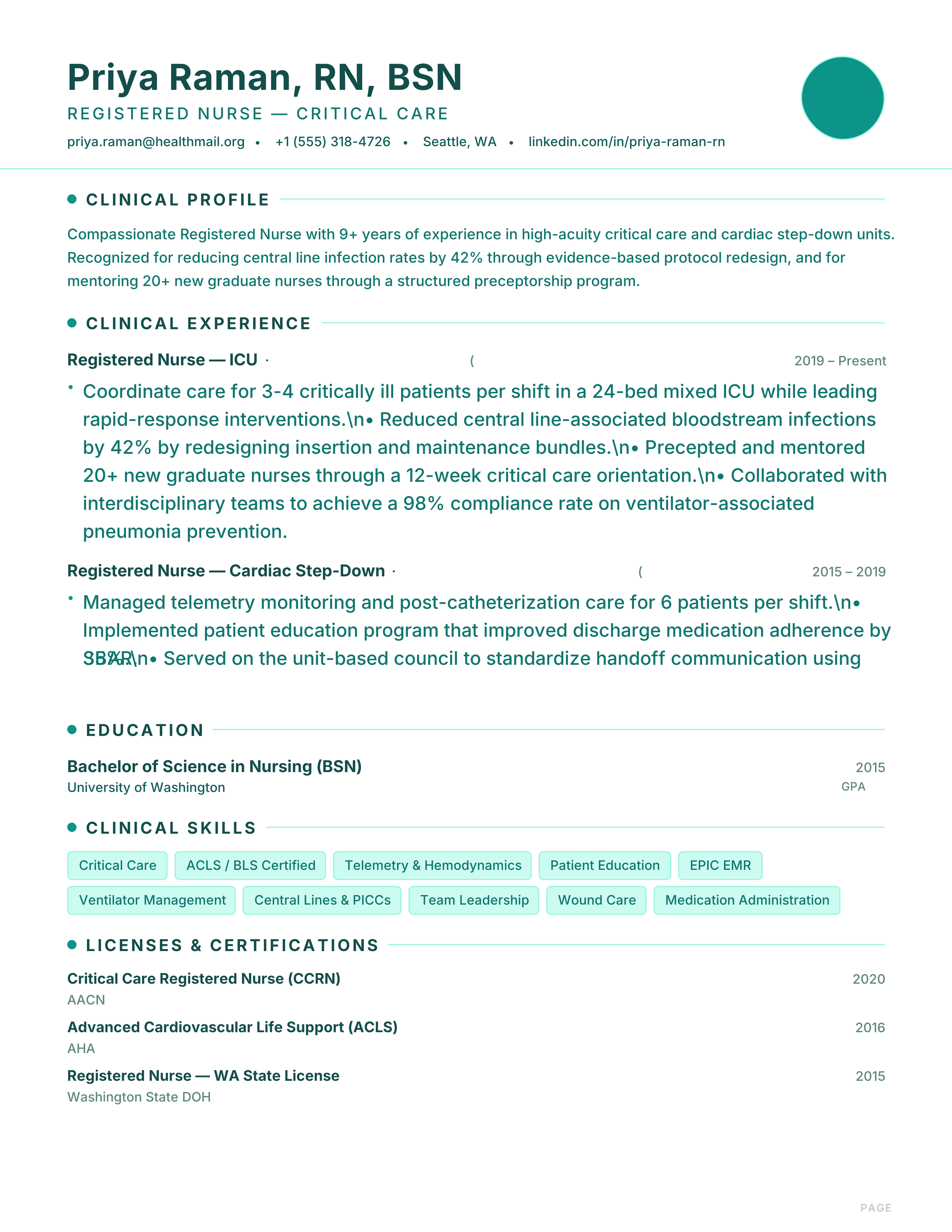
Clinical resume with teal accents, dot markers and credential blocks for nurses, carers and healthcare professionals.
Best for: Nurses and Clinicians
Healthcare · Teal · Clinical · Dot
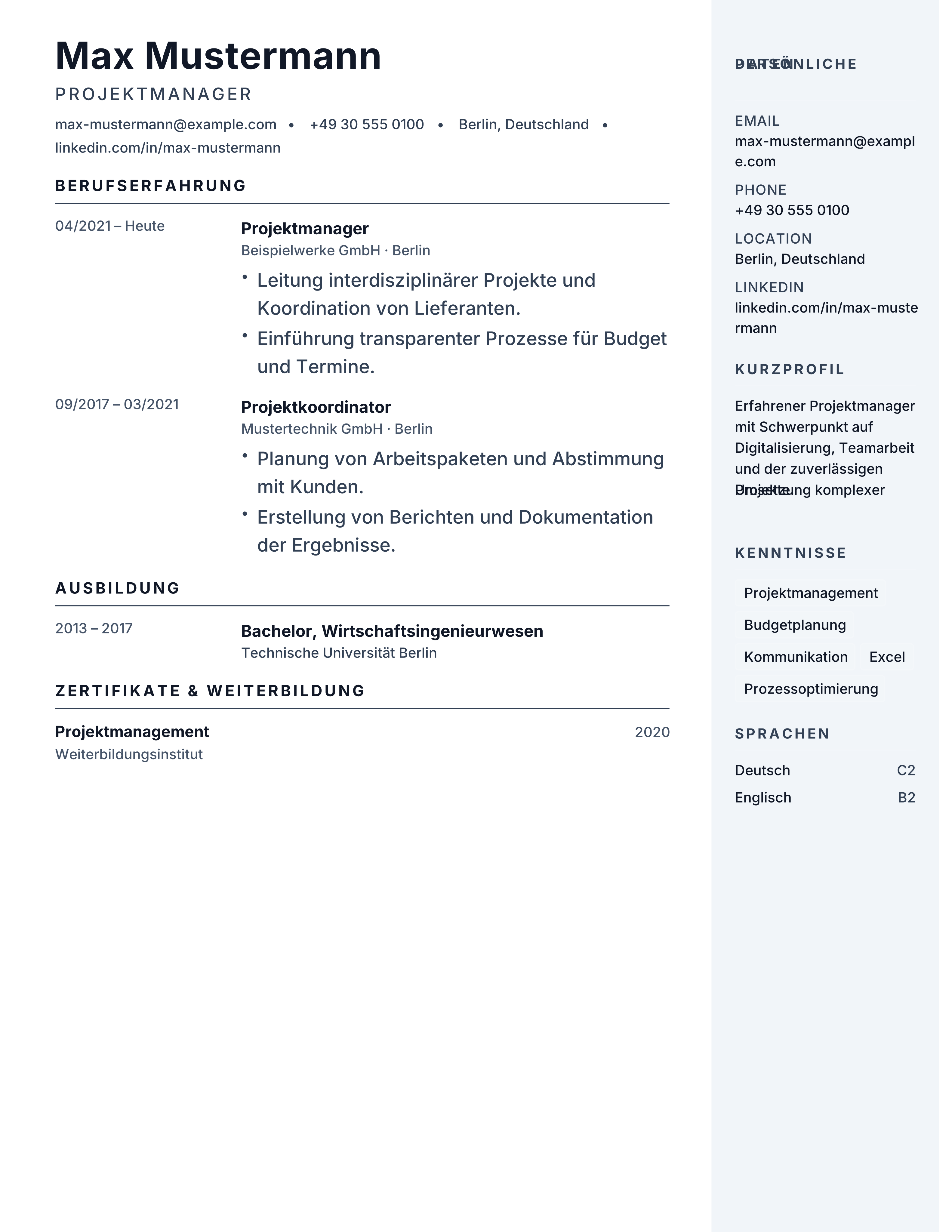
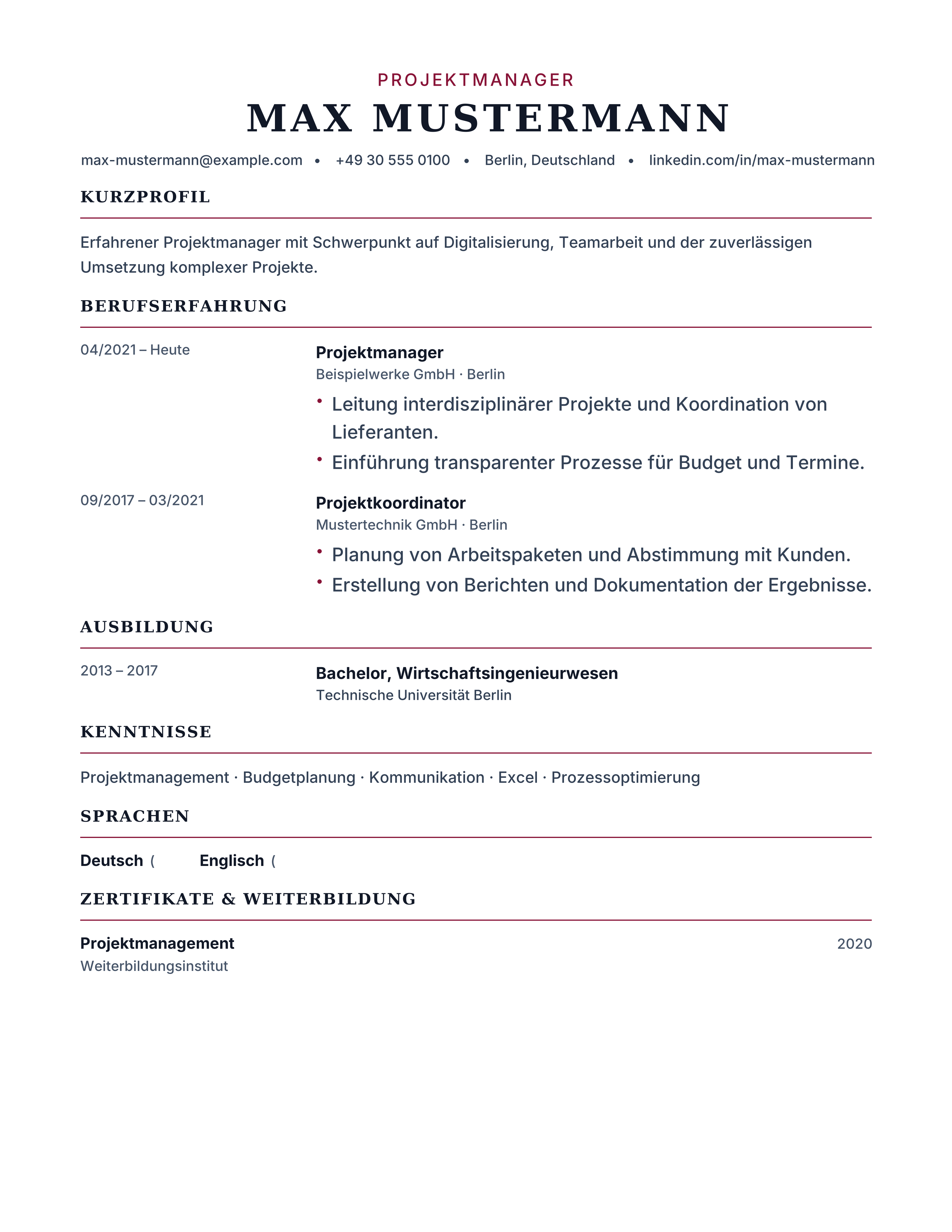
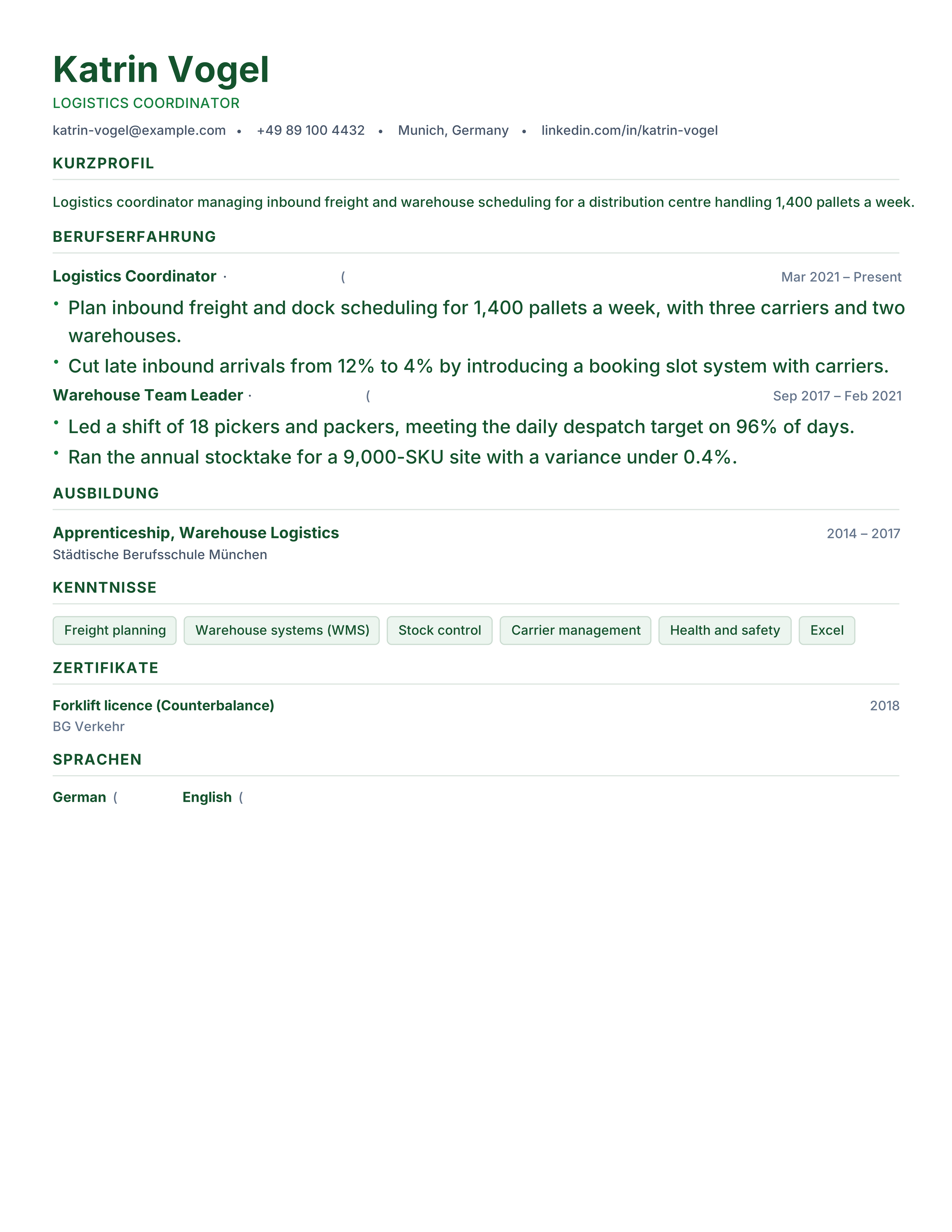
Free Lebenslauf template for Germany: tabellarischer Lebenslauf structure, A4 layout, optional photo block and German section headings. PDF download.
Best for: Applying in Germany and Engineering & Industry
Lebenslauf · German · A4 · Tabellarisch
British CV template in UK format: no photo, two A4 pages, personal statement and reverse-chronological roles. Free download for UK job applications.
Best for: Applying in the UK and Graduates & Professionals
United Kingdom · British · Two Pages · No Photo
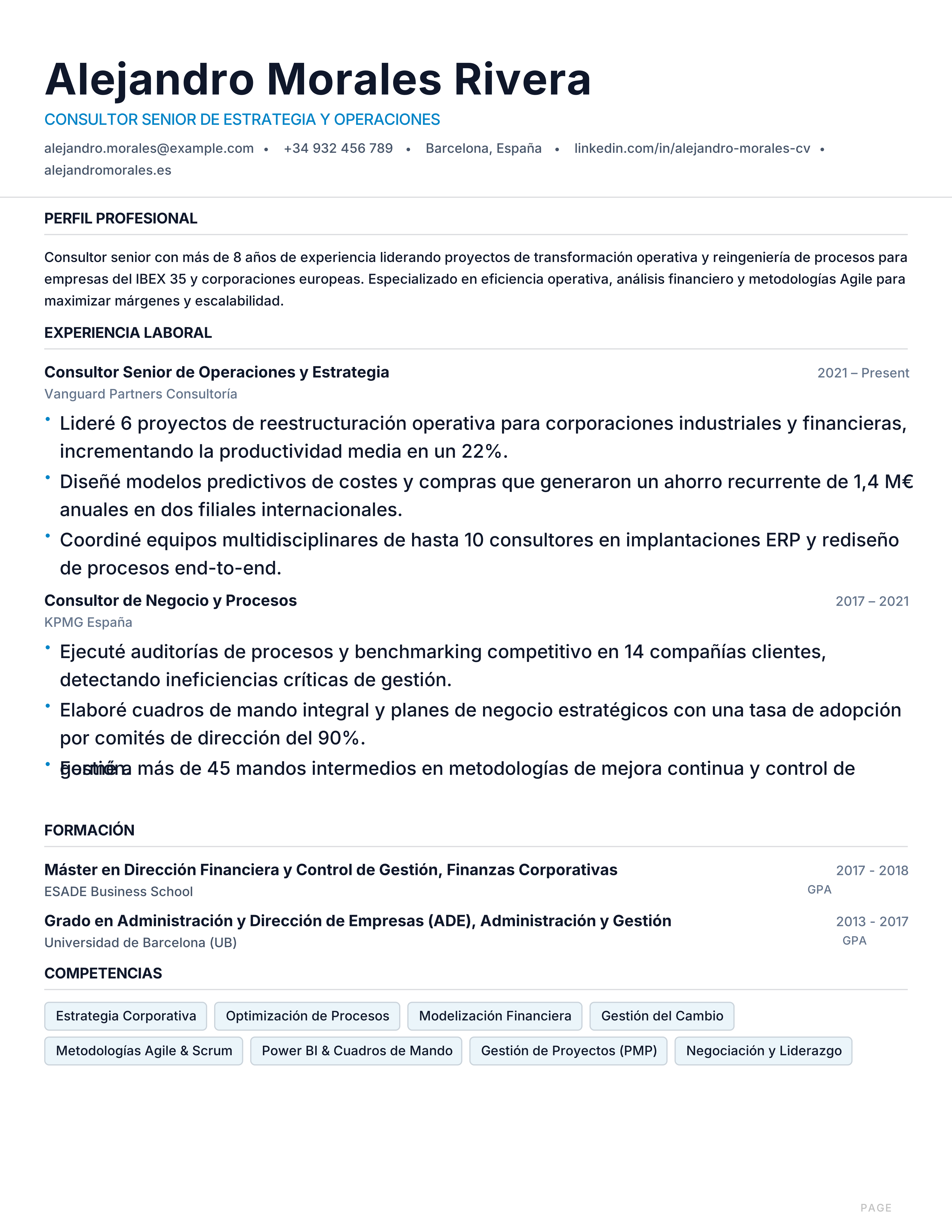
Plantilla de currículum profesional para perfiles con experiencia en España: diseño A4 minimalista, orden cronológico y legible por ATS. Descarga gratis.
Best for: Consulting & Finance and Engineering & Tech
Spain · Barcelona · Minimalist · A4
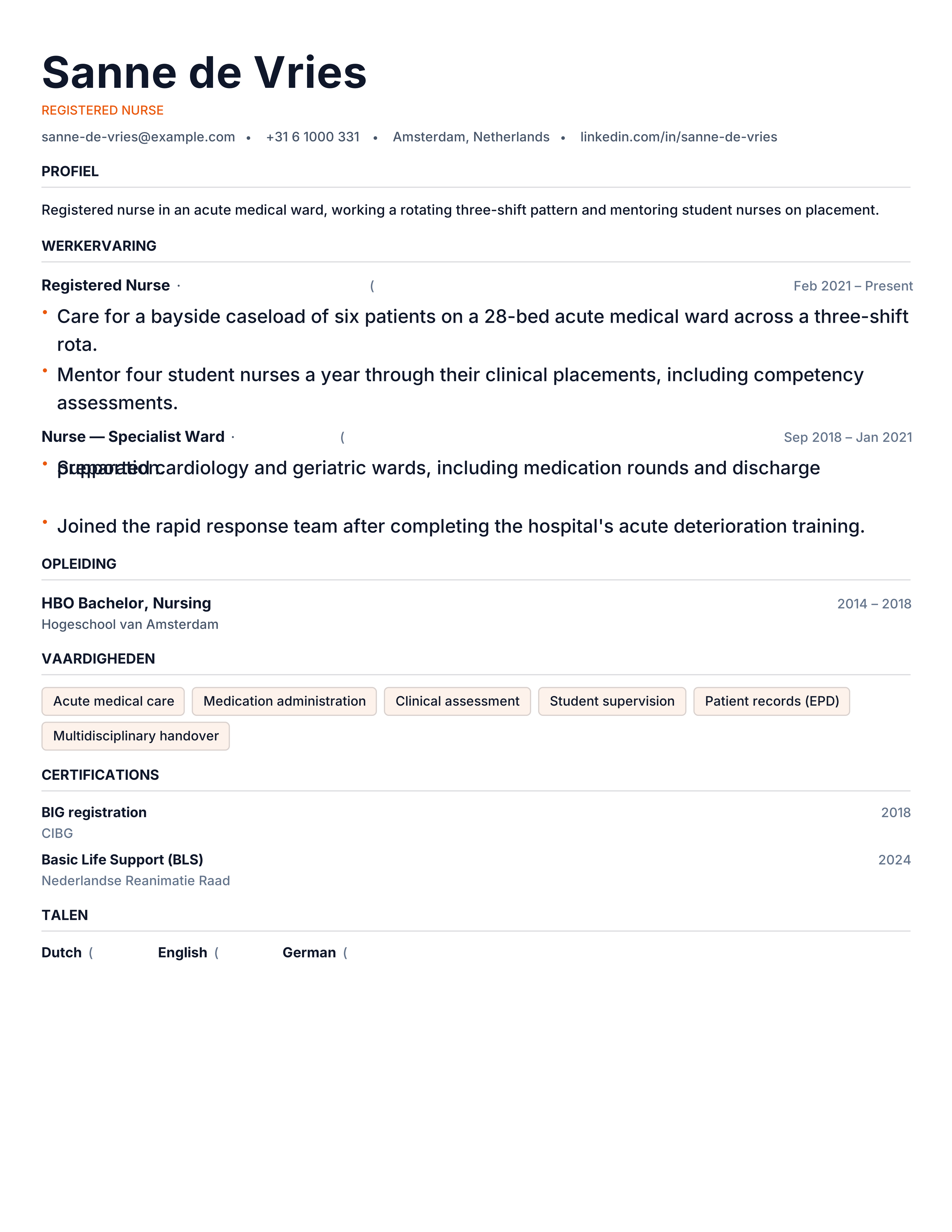
Dutch CV template with Dutch headings, a direct no-photo layout and A4 geometry. Free Nederlands CV voorbeeld with instant PDF download.
Best for: Applying in the Netherlands and Tech & Logistics
Netherlands · Dutch · Direct · No Photo
Swiss CV template for jobs in Zürich, Geneva and Basel: precise, multilingual, A4 and ATS-readable. Free download with photo-optional header.
Best for: Applying in Switzerland and Banking & Pharma
Switzerland · Multilingual · Precise · A4
Nordic CV template for Sweden, Norway, Denmark and Finland: minimalist A4 layout, no photo, language levels and results-first experience. Free PDF.
Best for: Applying in Sweden & Nordics and Engineering & Tech
Sweden · Nordic · Minimal · No Photo
Data scientist resume template with ML stack, model metrics, datasets and deployed projects. Free technical ATS CV with instant PDF export.
Best for: Data Scientists and Machine Learning Engineers
Data Science · Technical · Projects · sidebar-left
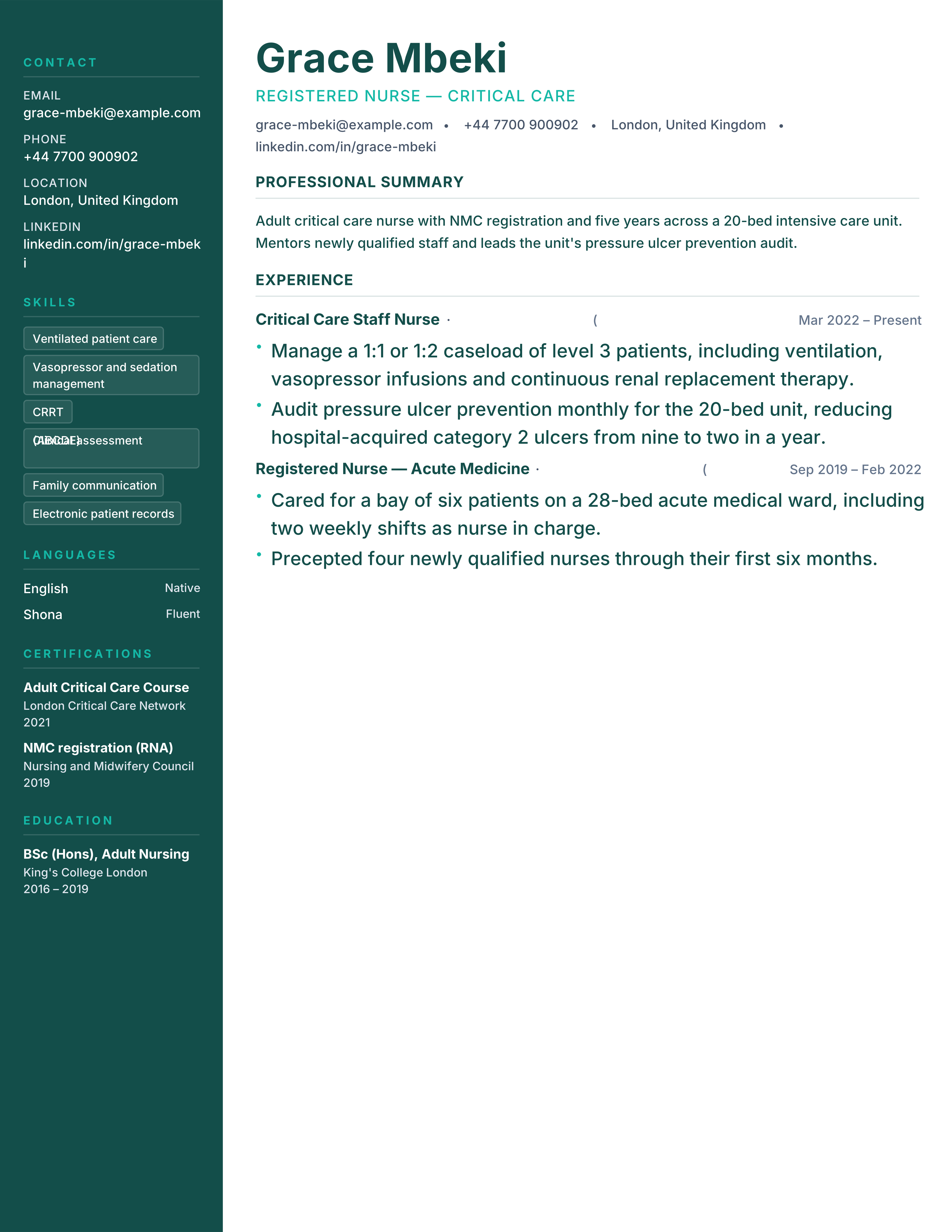
Nurse resume template with licence, unit, patient load, clinical skills and measurable care outcomes. Free ATS-ready PDF with no signup.
Best for: Registered Nurses and Nurse Practitioners
Nursing · Clinical · Credentials · sidebar-left
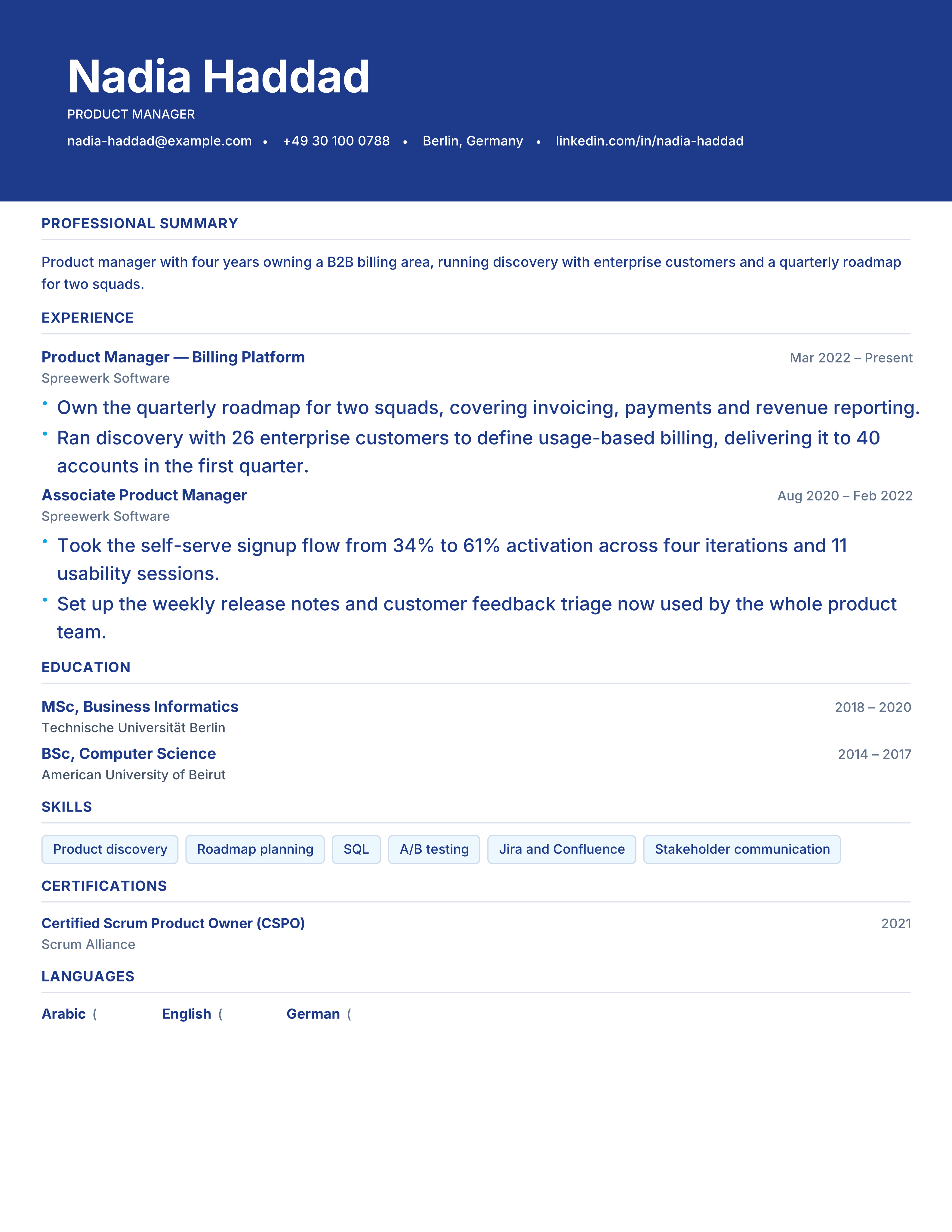
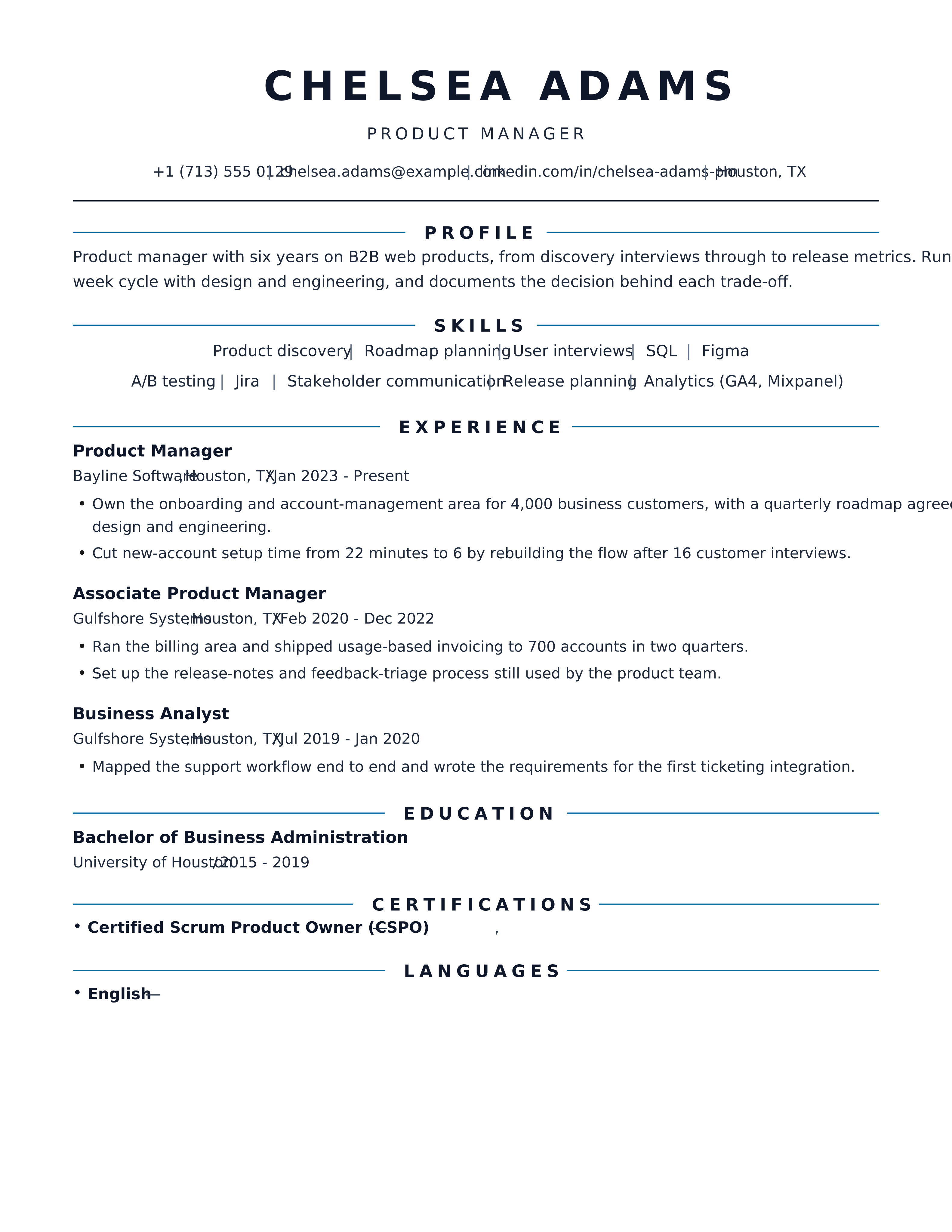
Product manager resume template with product metrics, launches, roadmap ownership and team scope. Free modern ATS CV for PM roles.
Best for: Product Managers and Product Owners
Product Management · Modern · Metrics · banner
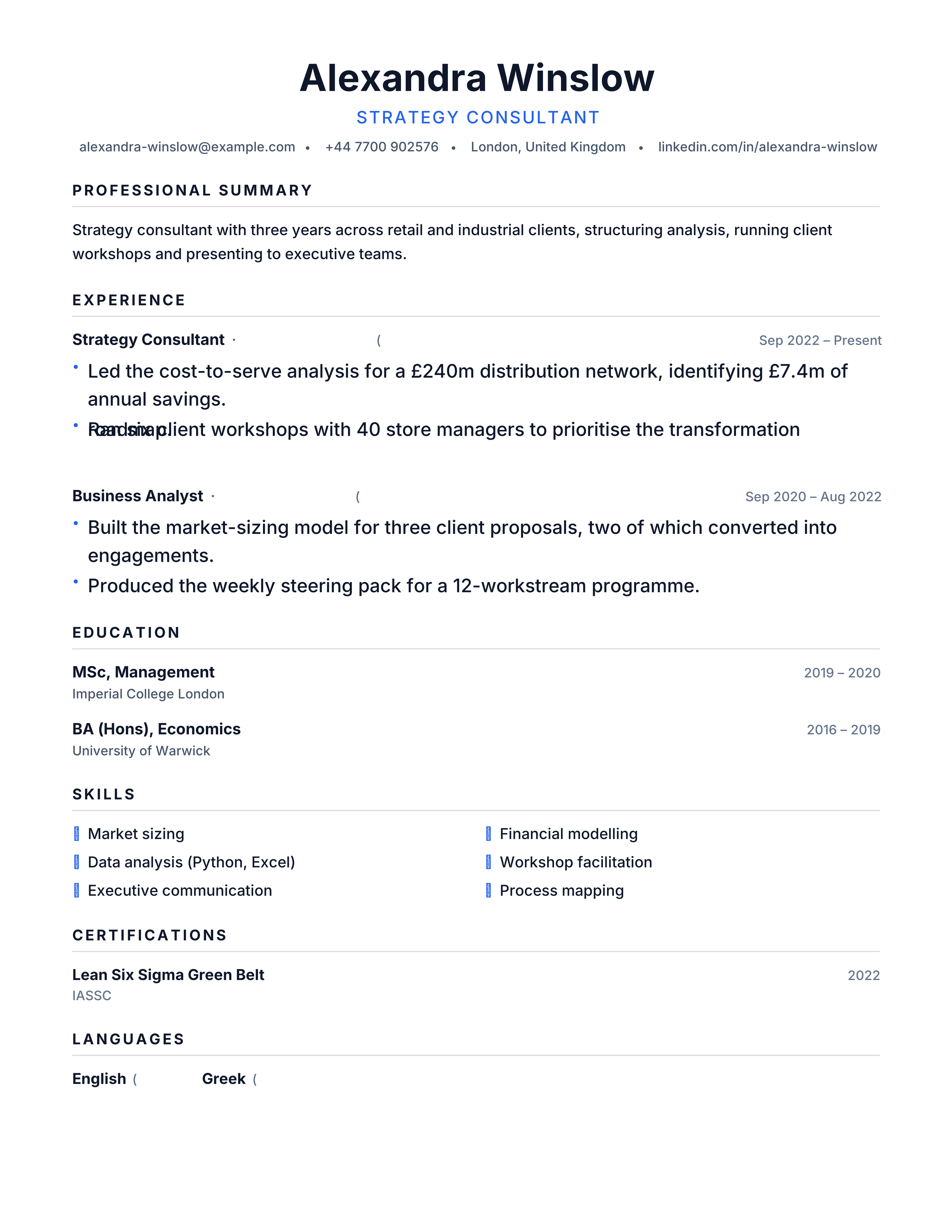
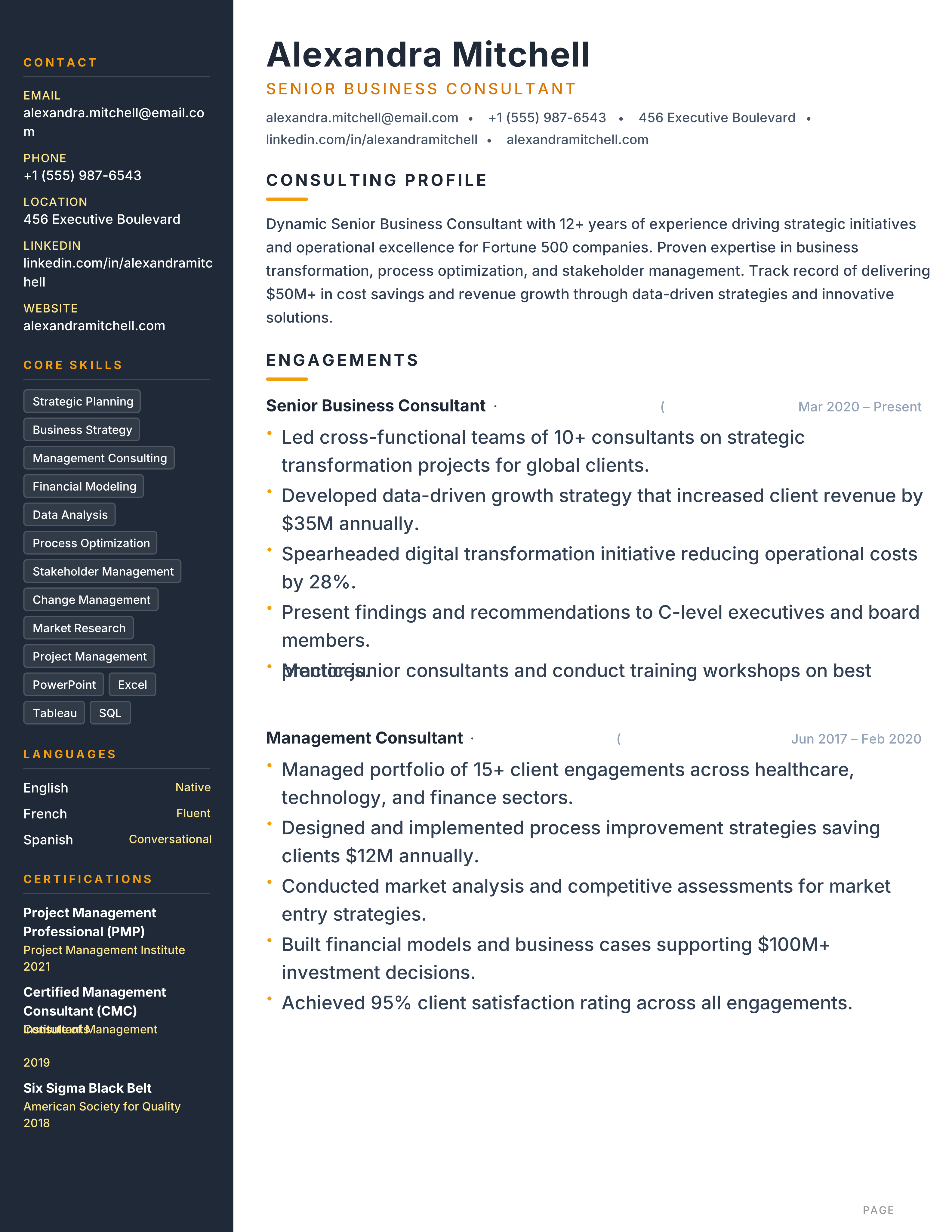
Consulting resume template with client sectors, workstreams, analysis and quantified impact. Free one-page ATS format for consulting applications.
Best for: Management Consultants and Strategy Analysts
Consulting · Professional · Results · dense
Career change resume template that connects transferable skills to a new role before the chronology. Free ATS-friendly PDF, editable with no signup.
Best for: Career Changers and Returners
Career Change · Modern · Metrics · banner
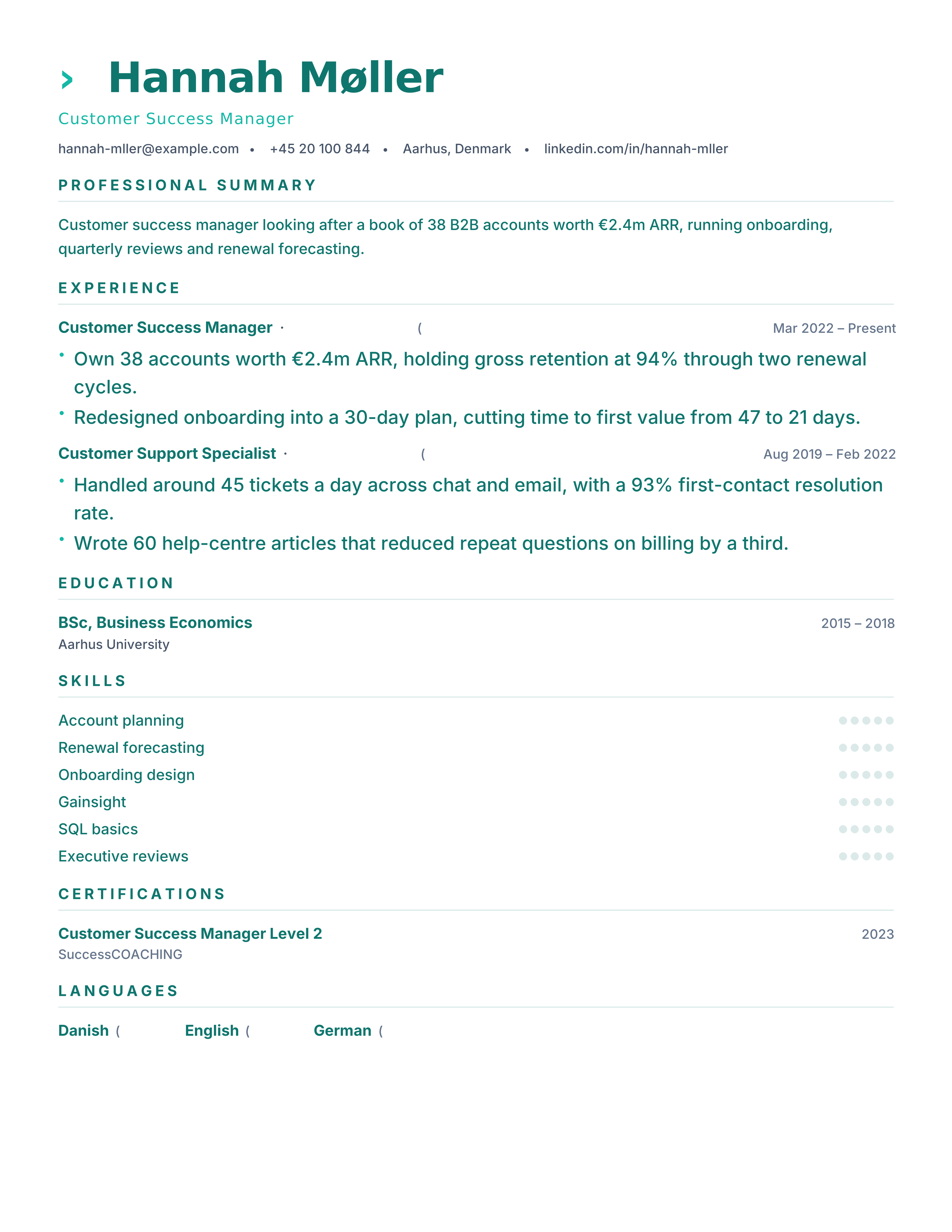
Customer success resume template with ARR portfolio, renewals, churn, adoption and NPS. Free ATS CV for CSM and account management roles.
Best for: Customer Success Managers and Account Managers
Customer Success · Modern · Metrics · split
Bold cobalt banner header with white text and modern indigo accents. Designed for business, consulting and finance professionals.
Best for: Business Professionals and Consultants
Cobalt · Banner · Modern · Blue
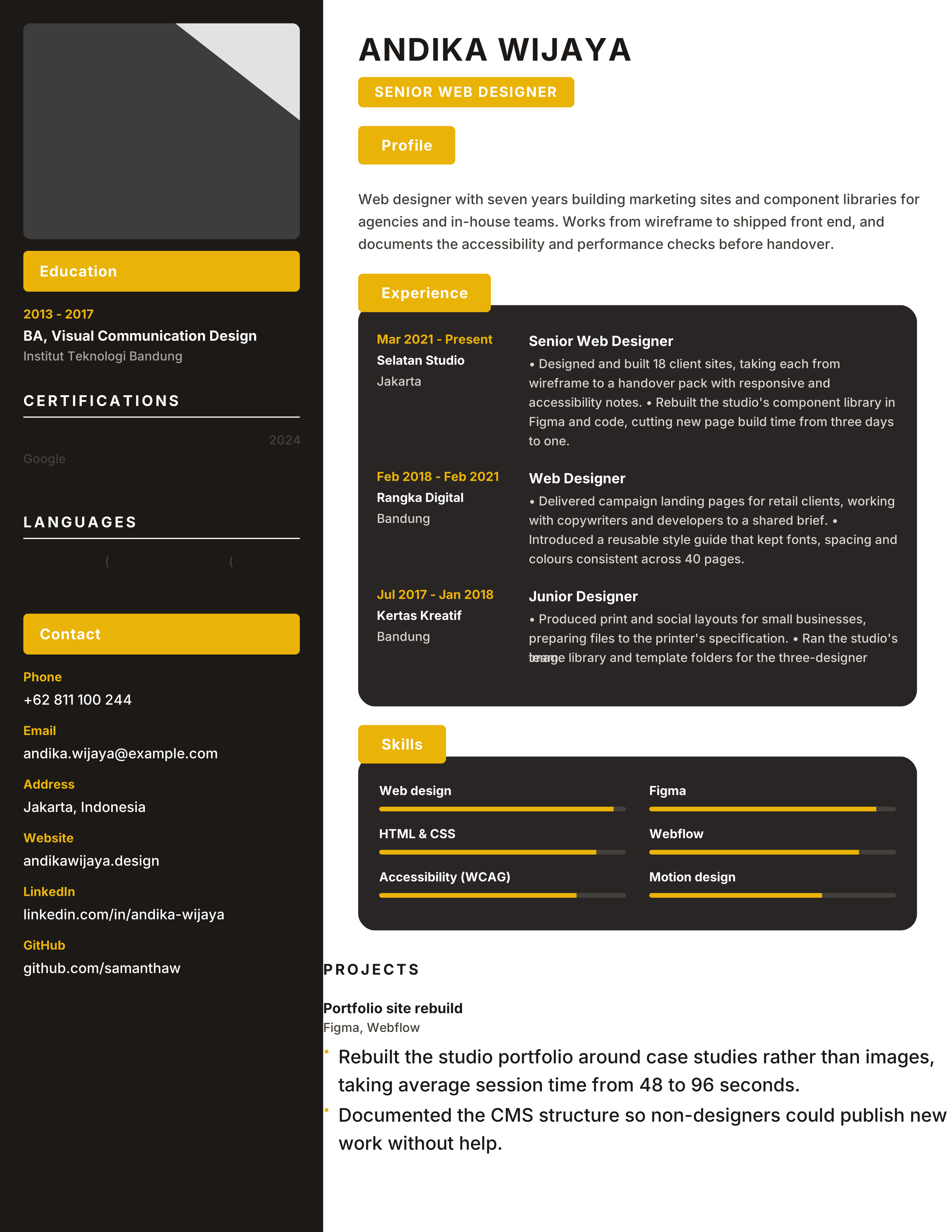
Luxury dark charcoal sidebar with true gold accents and skill bars for web designers and creative directors who want a portfolio-style resume.
Best for: Web Designers and Graphic Designers
Onyx · Gold · Luxury · Dark Sidebar
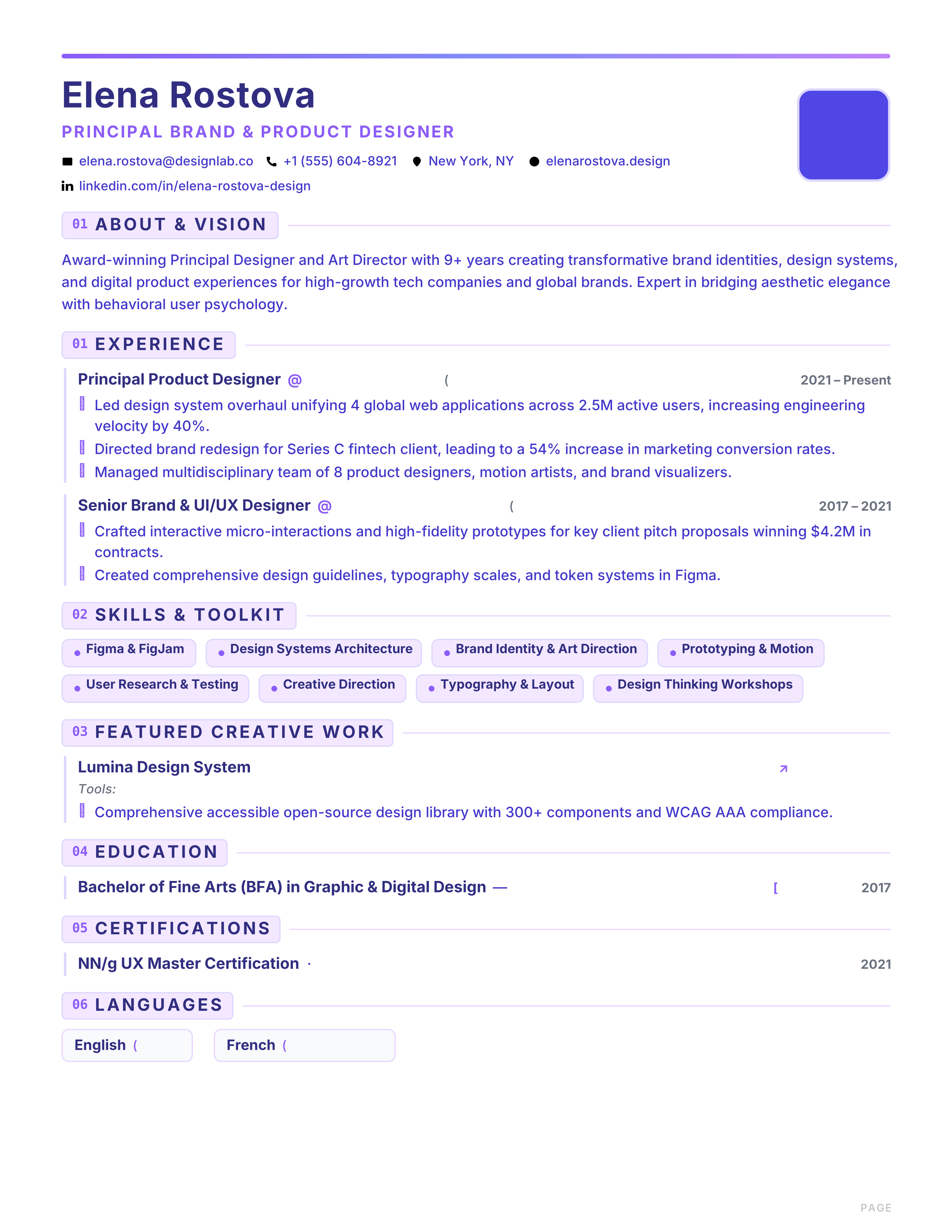
Creative banner resume with indigo header, violet accents and card-style left lines for UI/UX and brand designers.
Best for: UI/UX Designers and Art Directors
Prism · Indigo · Violet · Banner
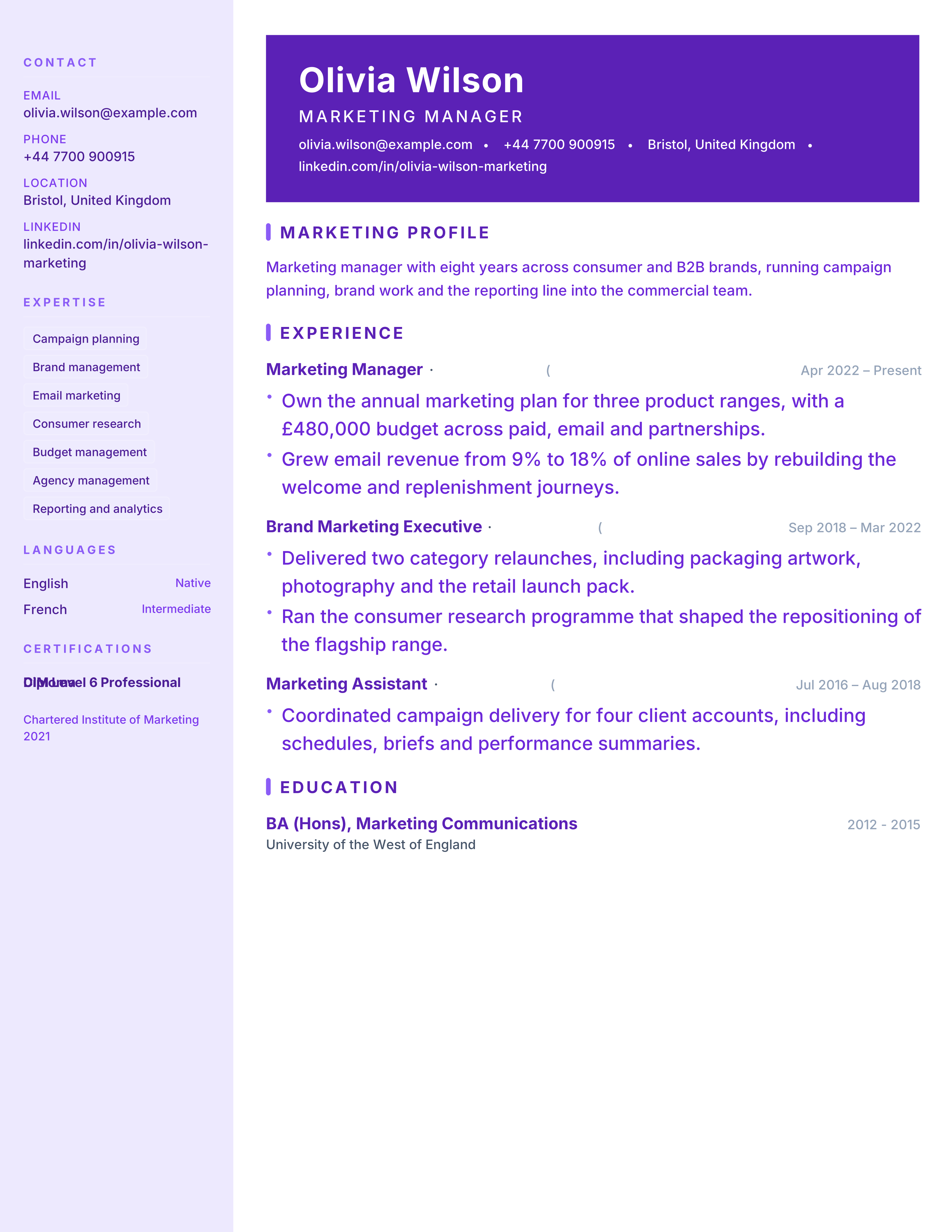
Marketing resume with light lavender sidebar, violet banner header and campaign sections for growth marketers.
Best for: Marketing Managers and Brand Leads
Marketing · Lavender · Violet · Campaigns
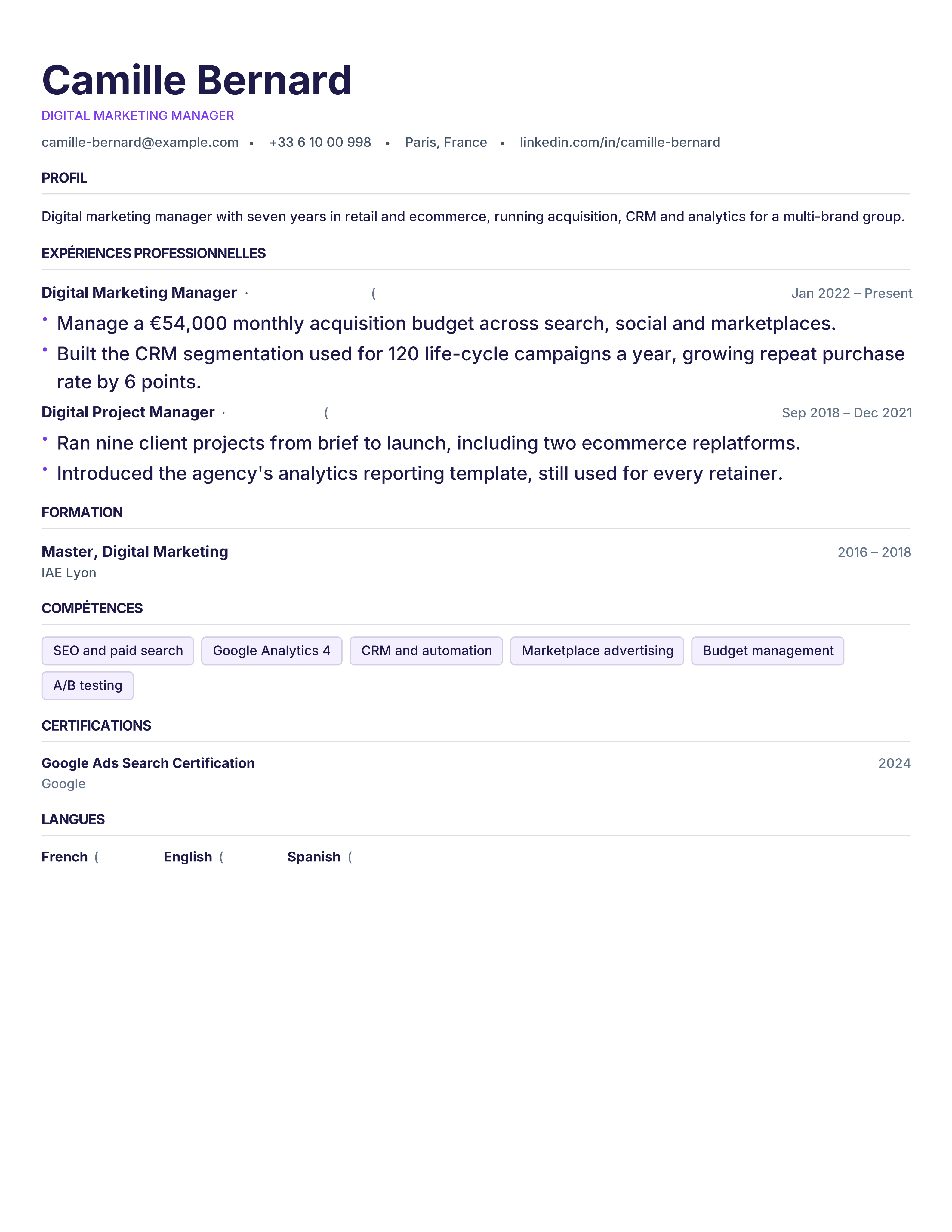
Modèle de CV français gratuit : en-tête élégant, rubriques Expérience, Formation et Compétences, format A4 lisible par les ATS. Téléchargement PDF.
Best for: Applying in France and Corporate & Admin
France · CV Français · Serif · A4
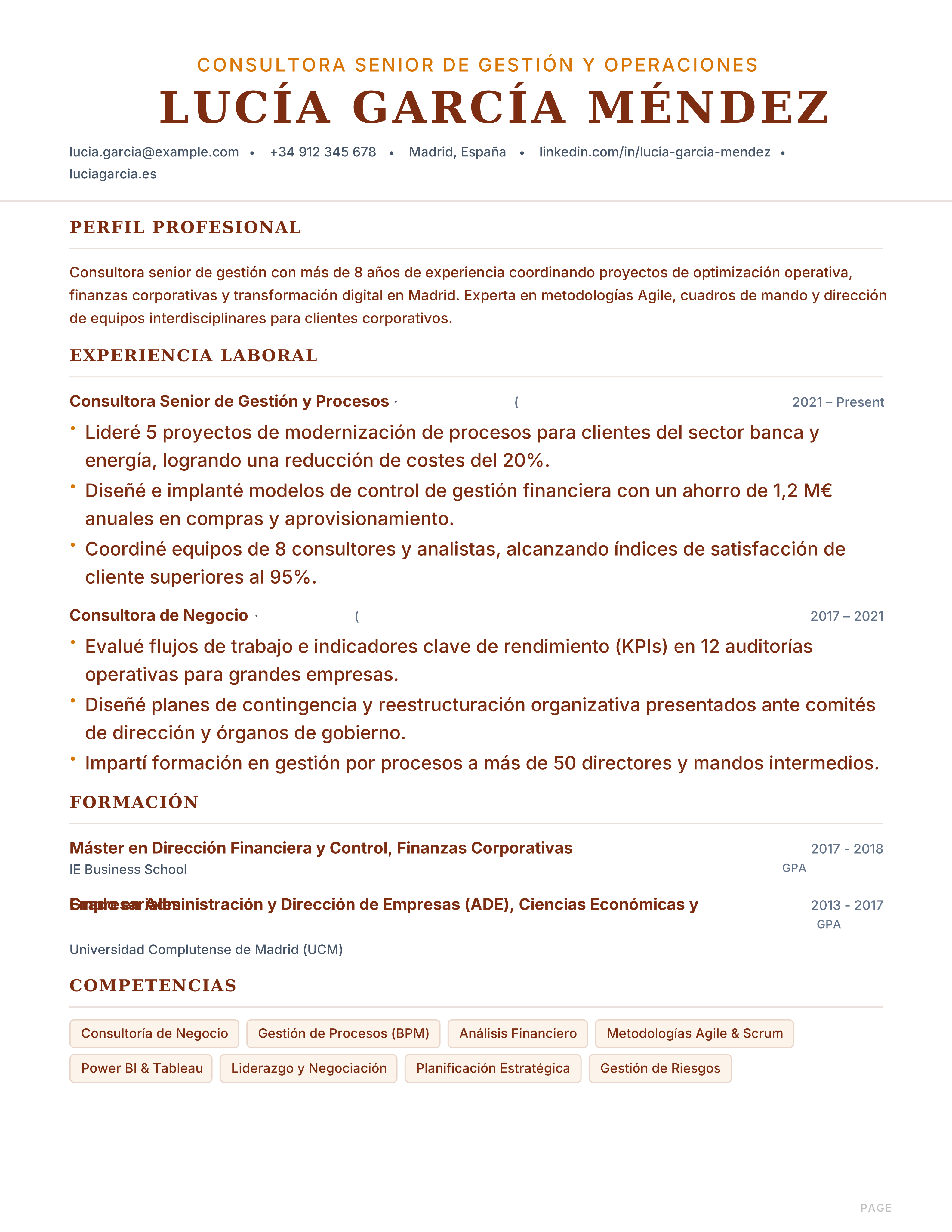
Modelo de currículum en español: formato A4, secciones Experiencia, Formación y Competencias, legible por ATS. Descarga gratis en PDF sin registro.
Best for: Applying in Spain and Admin & Sales
Spain · Español · Currículum · A4
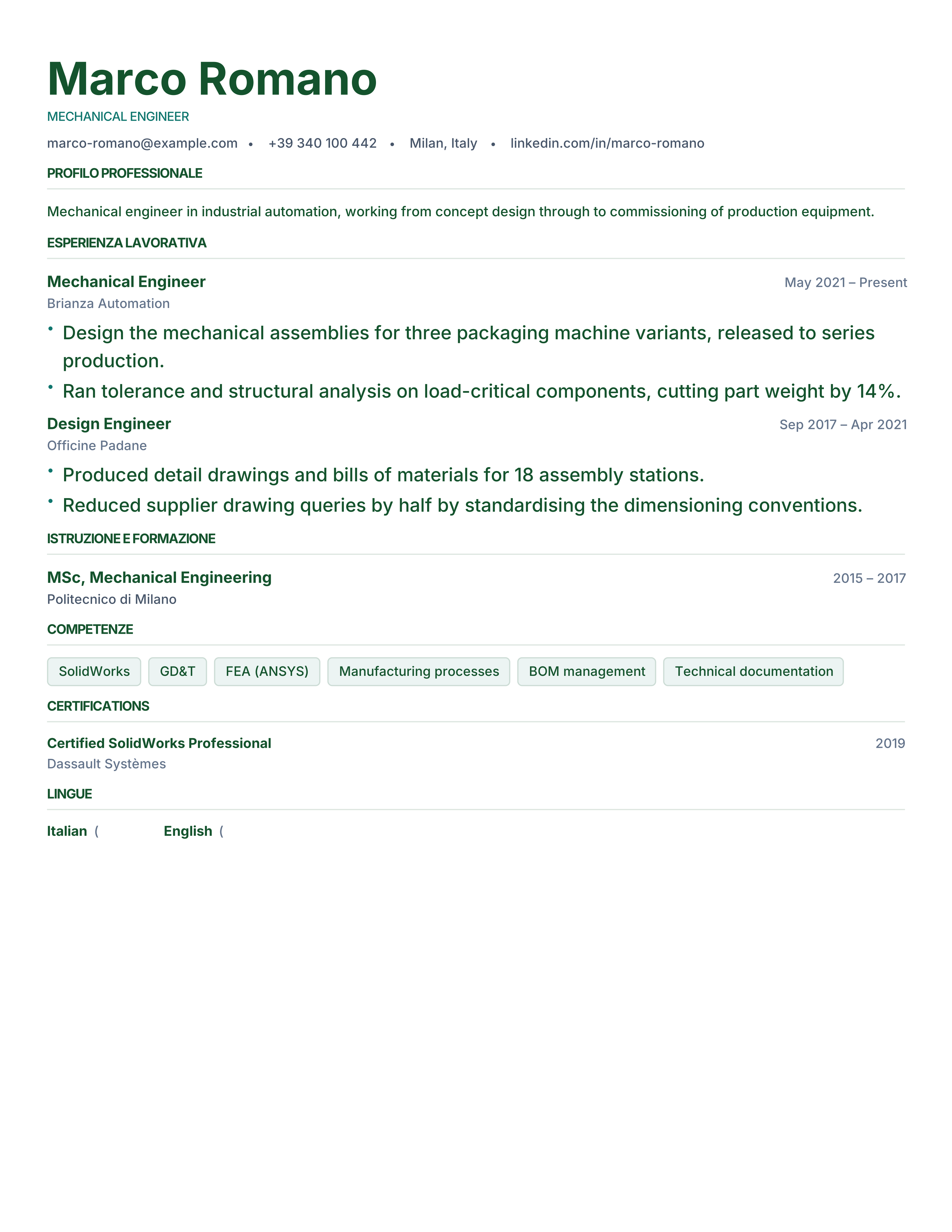
Modello di curriculum vitae in italiano: profilo, esperienza lavorativa, formazione e competenze su A4, leggibile dai software ATS. Download PDF gratuito.
Best for: Applying in Italy and Engineering & Manufacturing
Italy · Italiano · Serif · Formal
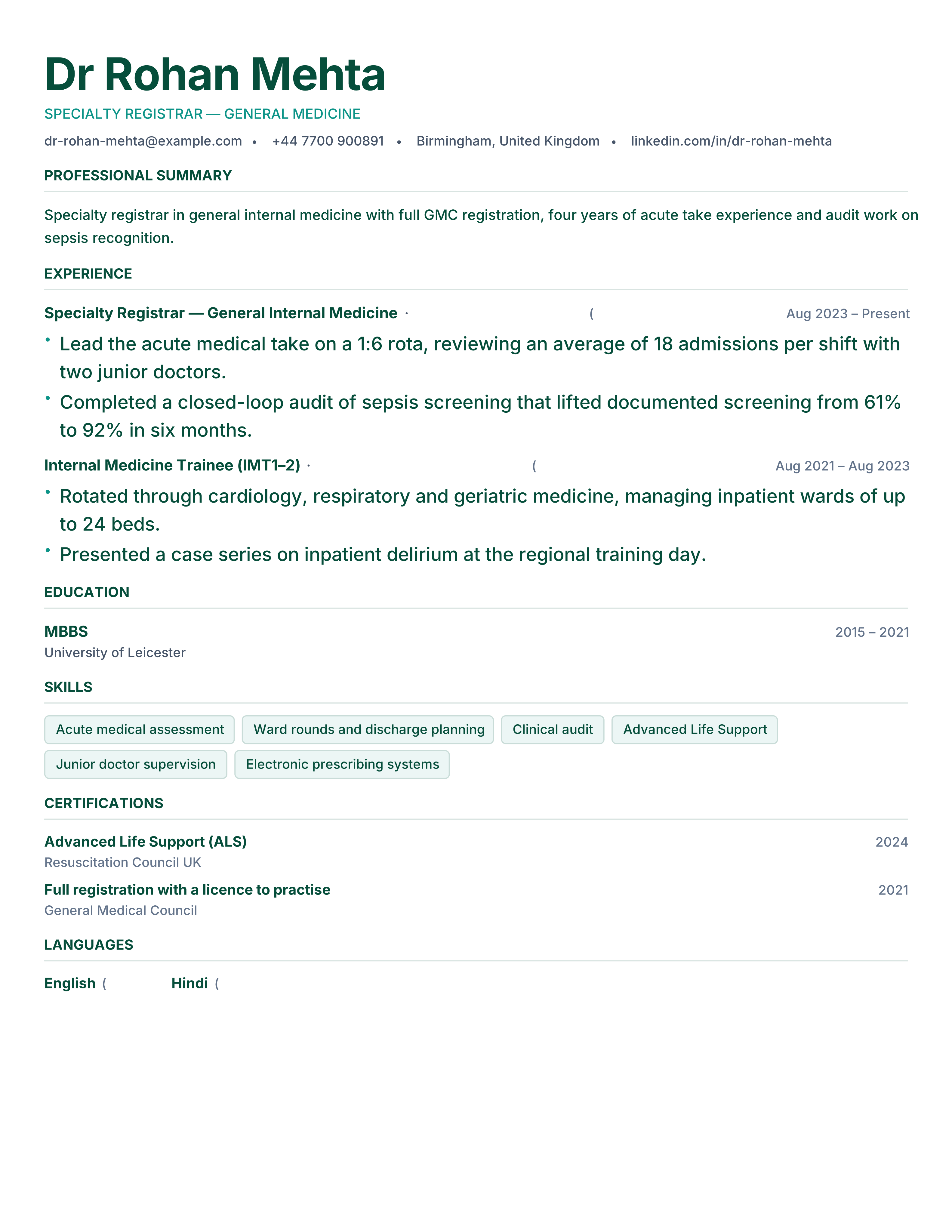
Doctor CV template with registration, specialties, rotations, procedures, audit and research. Free A4 medical CV with ATS-readable text.
Best for: Doctors and Residents
Medicine · Clinical · Credentials · classic
UX designer resume template with portfolio link, research methods, case studies and product outcomes. Free ATS-friendly creative CV format.
Best for: UX Designers and Product Designers
UX Design · Portfolio · Original · sidebar-left
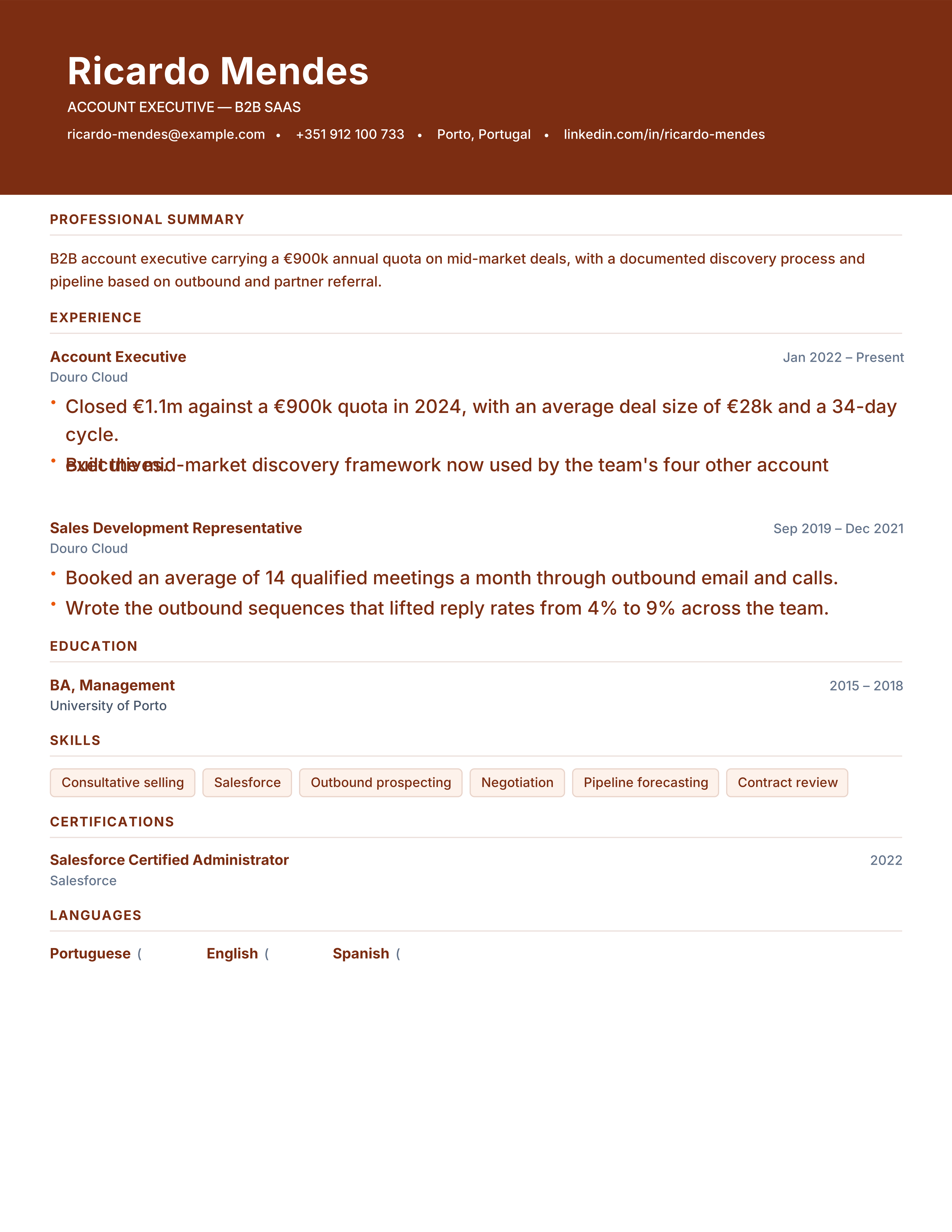
Sales resume template with quota attainment, pipeline, deal size and territory growth. Free ATS-ready CV for account executive and sales roles.
Best for: Account Executives and Sales Managers
Sales · Modern · Metrics · executive
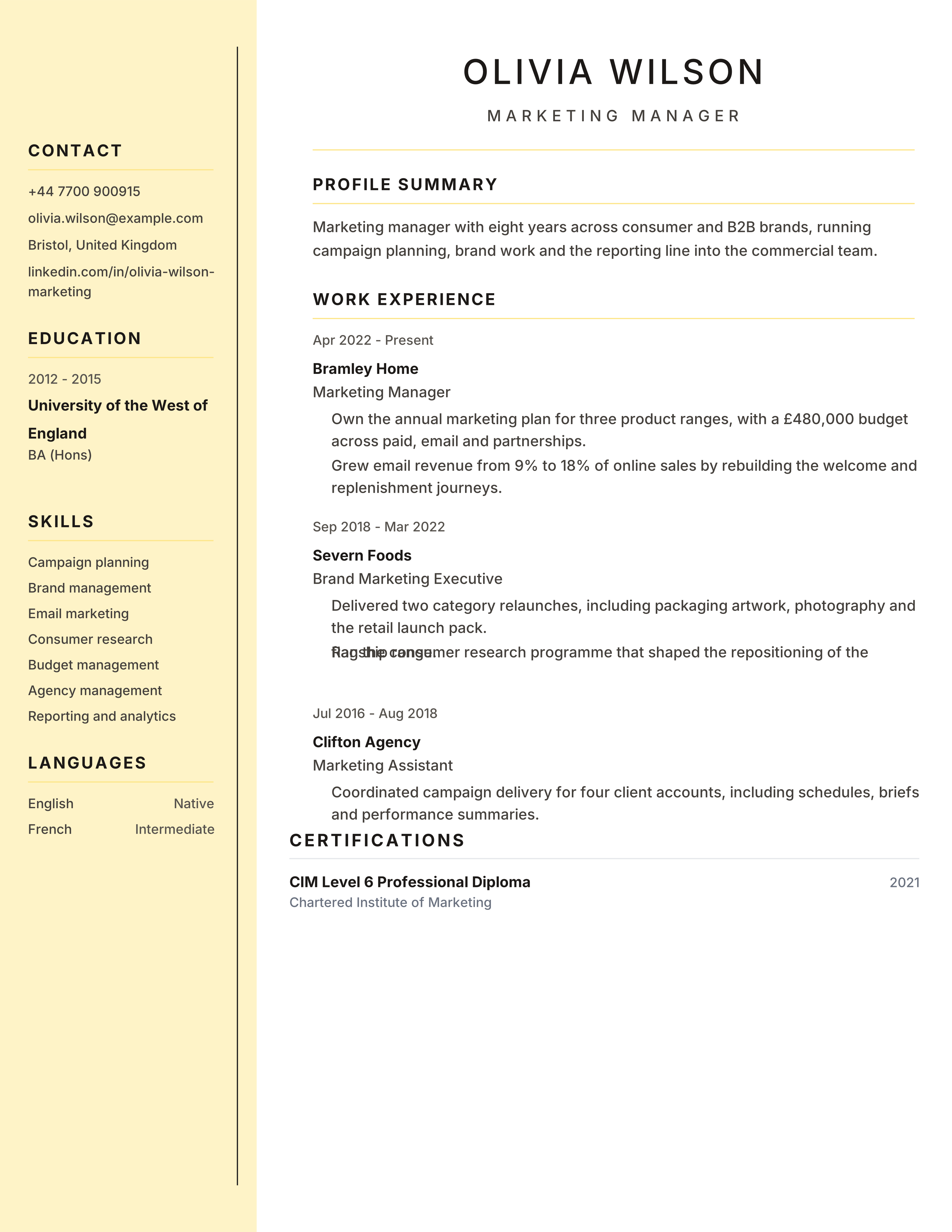
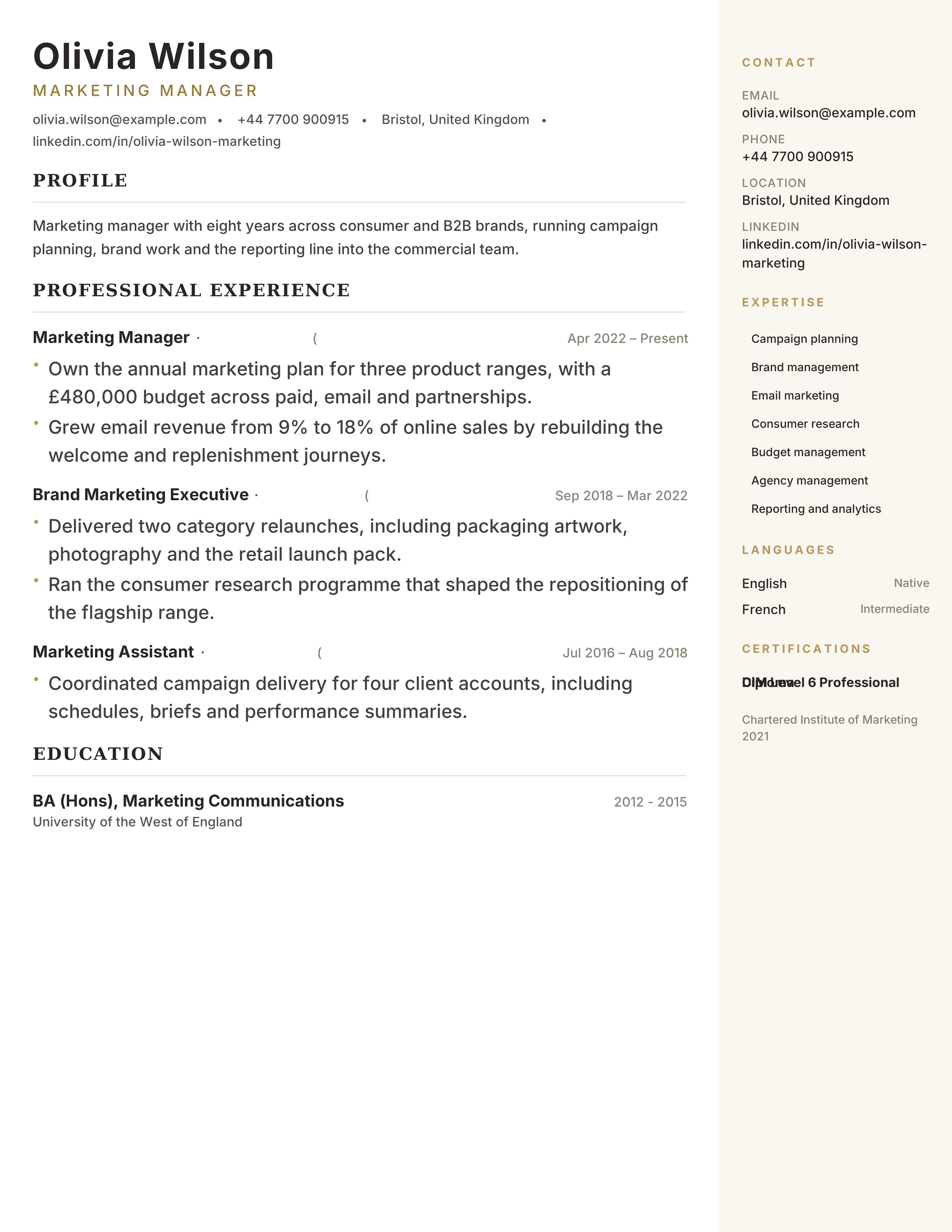
Light parchment sidebar with warm brown accents and elegant typography for marketing managers and modern professionals.
Best for: Marketing Managers and Business Professionals
Parchment · Warm · Sidebar · Marketing
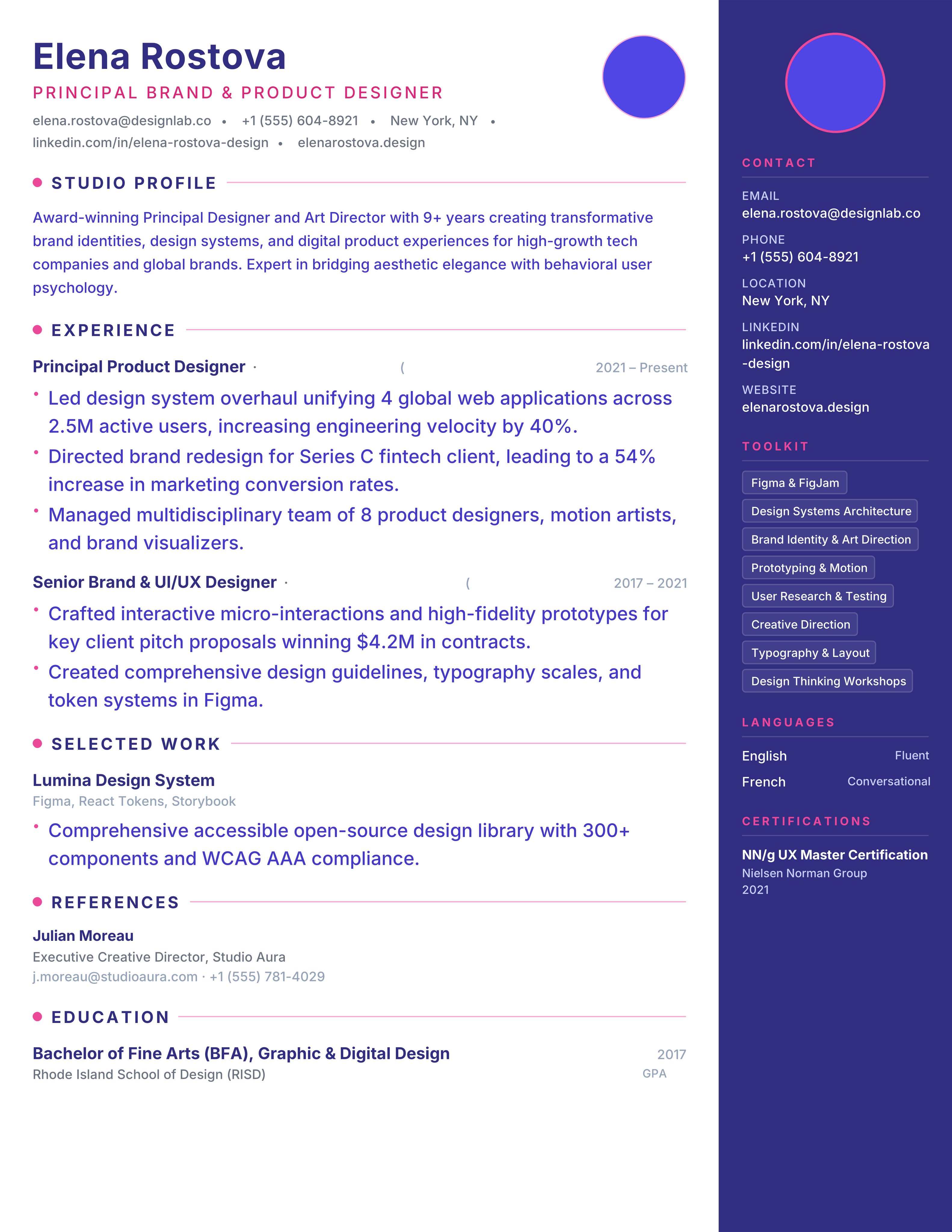
Designer resume with indigo sidebar on the right, pink dot markers and photo header for UI/UX and art directors.
Best for: UI/UX Designers and Art Directors
Studio · Indigo · Pink · Right Sidebar
Graphic designer resume template with a portfolio-first header, brand projects, tools and measurable creative outcomes. Free PDF with ATS-readable text.
Best for: Graphic Designers and Brand Designers
Graphic Design · Portfolio · Original · sidebar-right
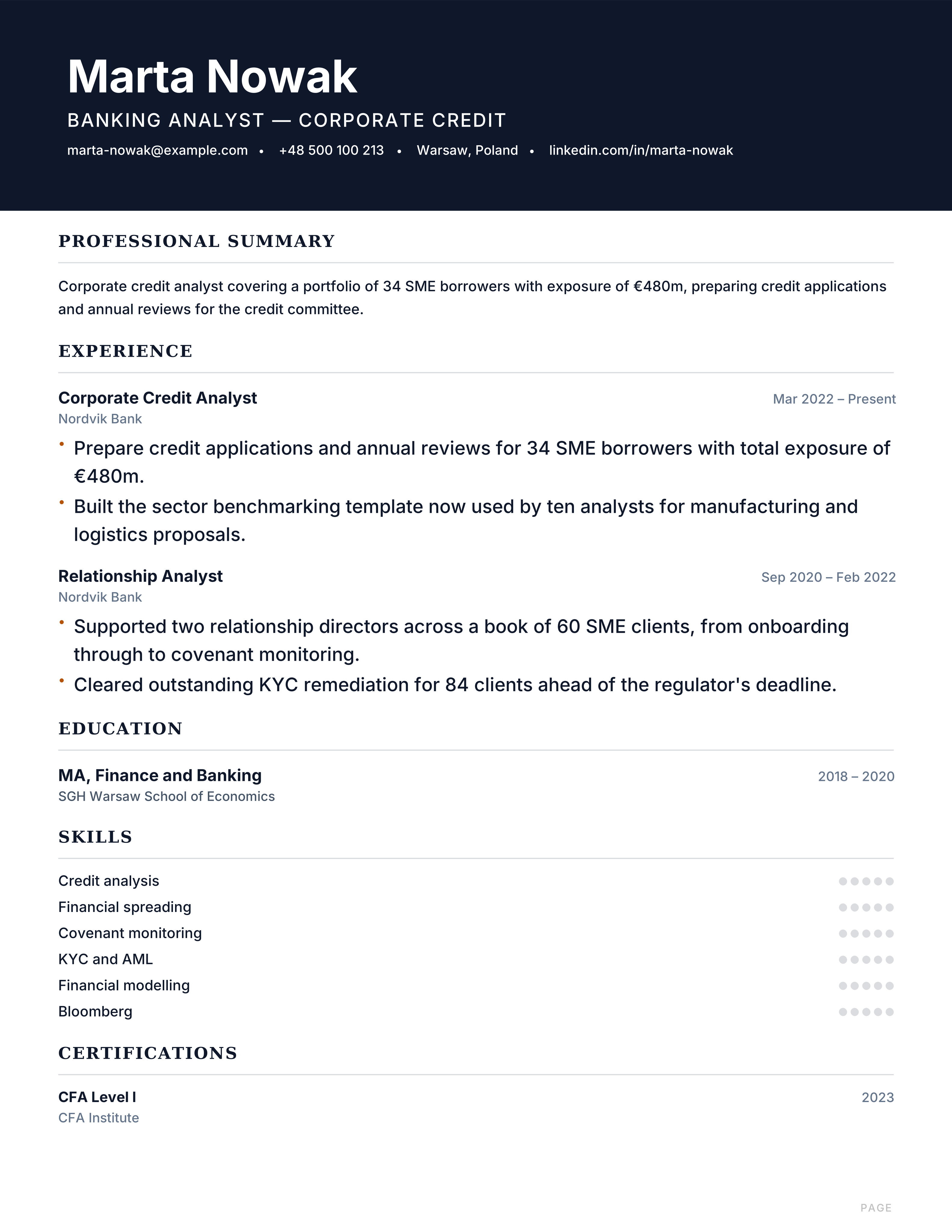
Banking resume template with deal exposure, credit analysis, portfolio metrics and technical skills. Free polished ATS format for analyst roles.
Best for: Banking Analysts and Credit Analysts
Banking · Professional · Results · executive
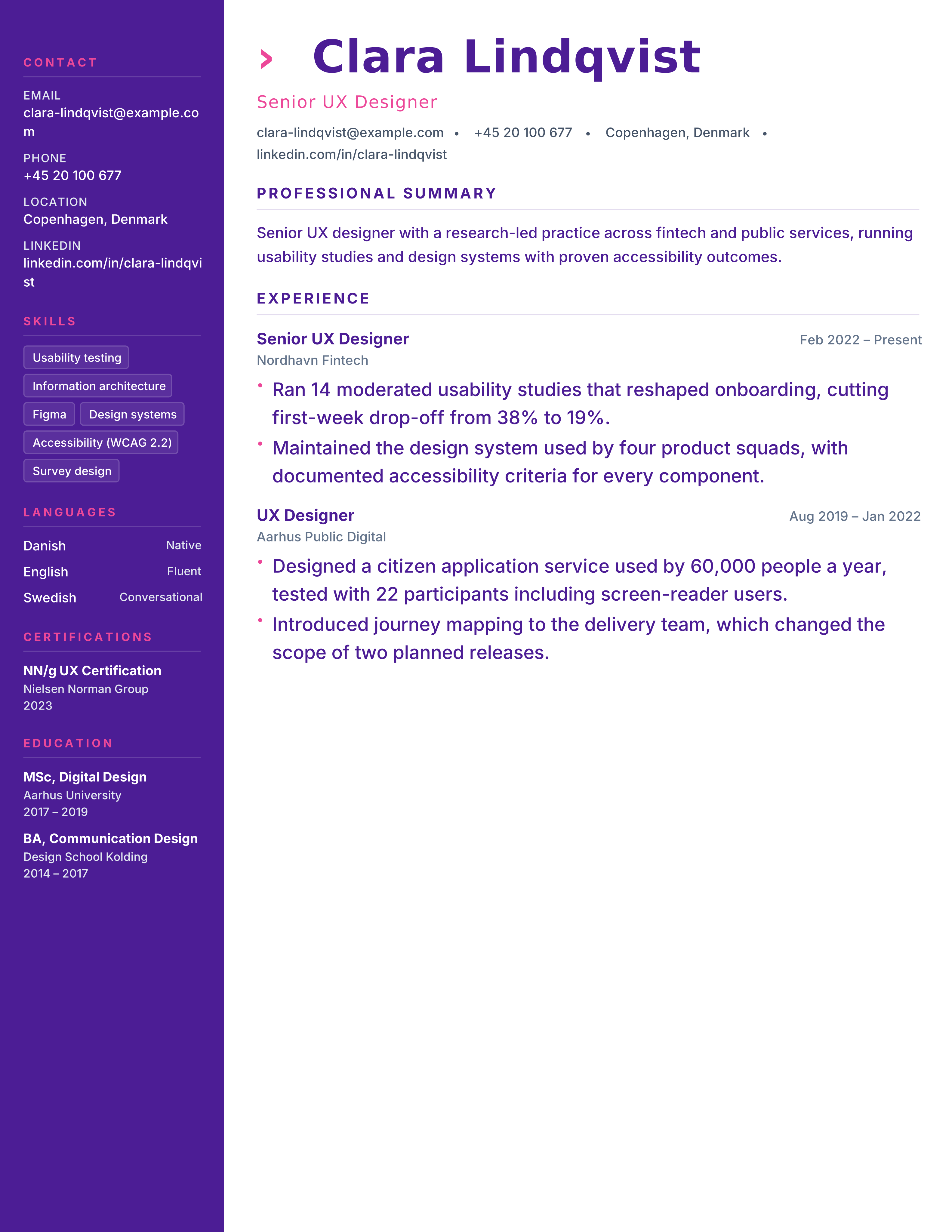
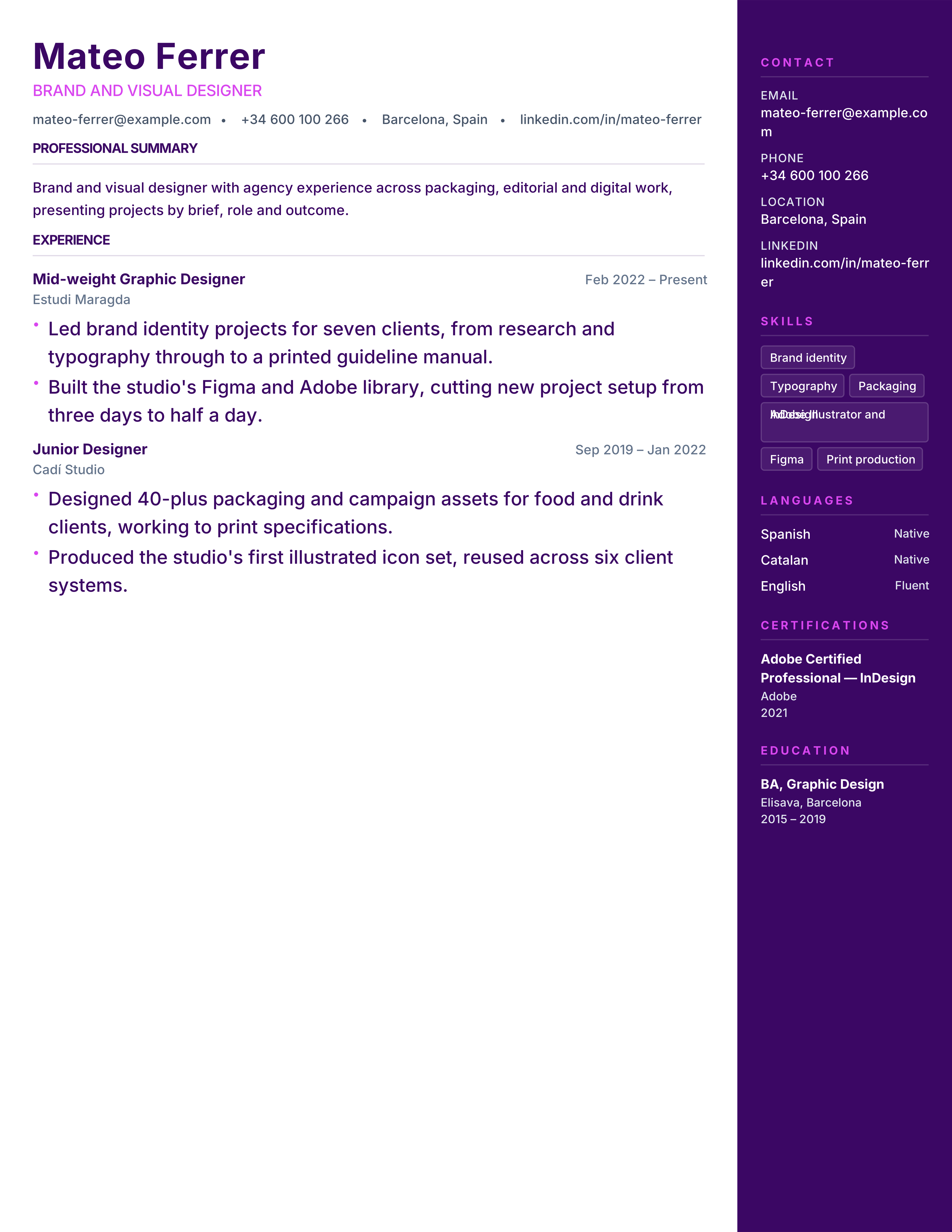
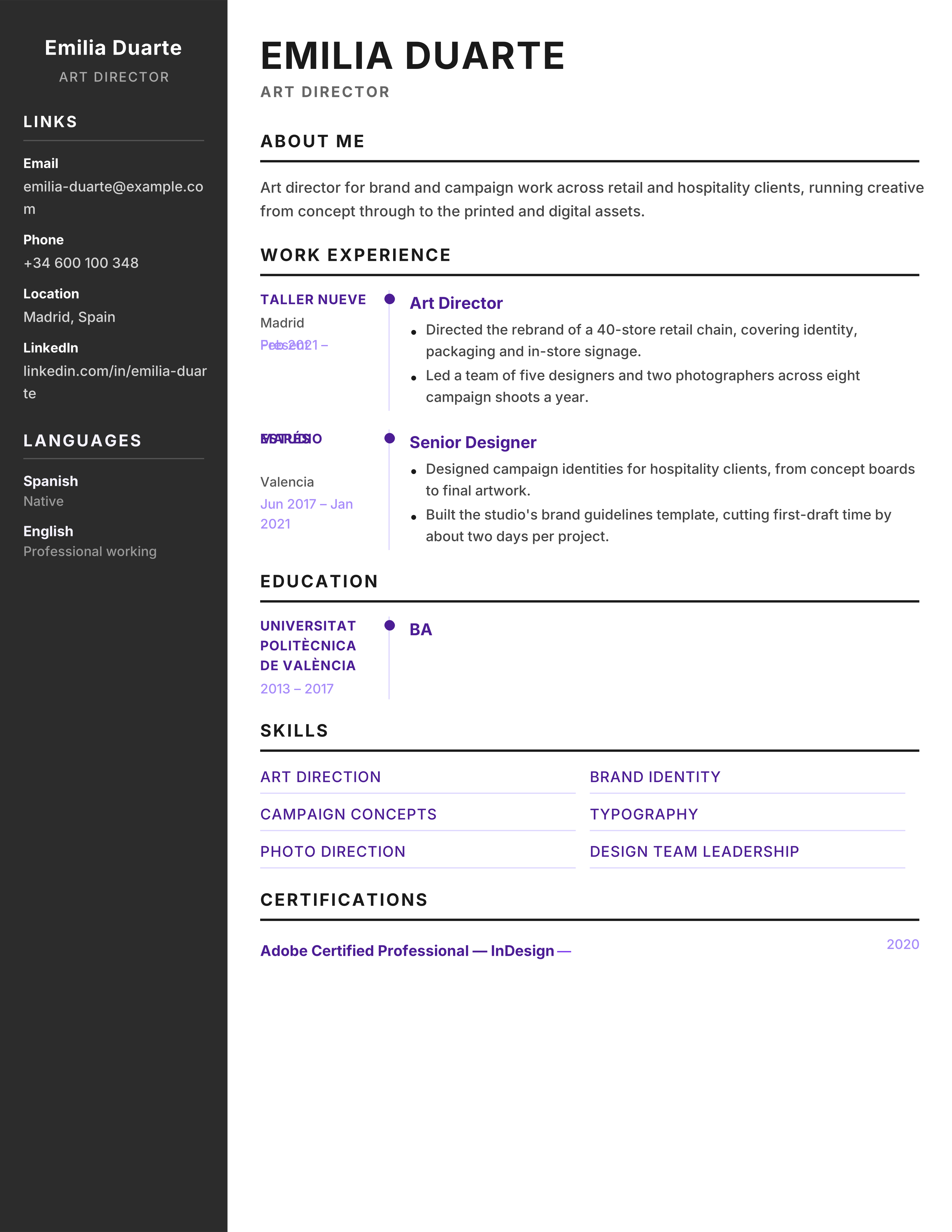
Vibrant creative resume with deep purple sidebar and magenta timeline dots for designers, artists and brand strategists.
Best for: Designers and Art Directors
Creative · Purple · Magenta · Timeline
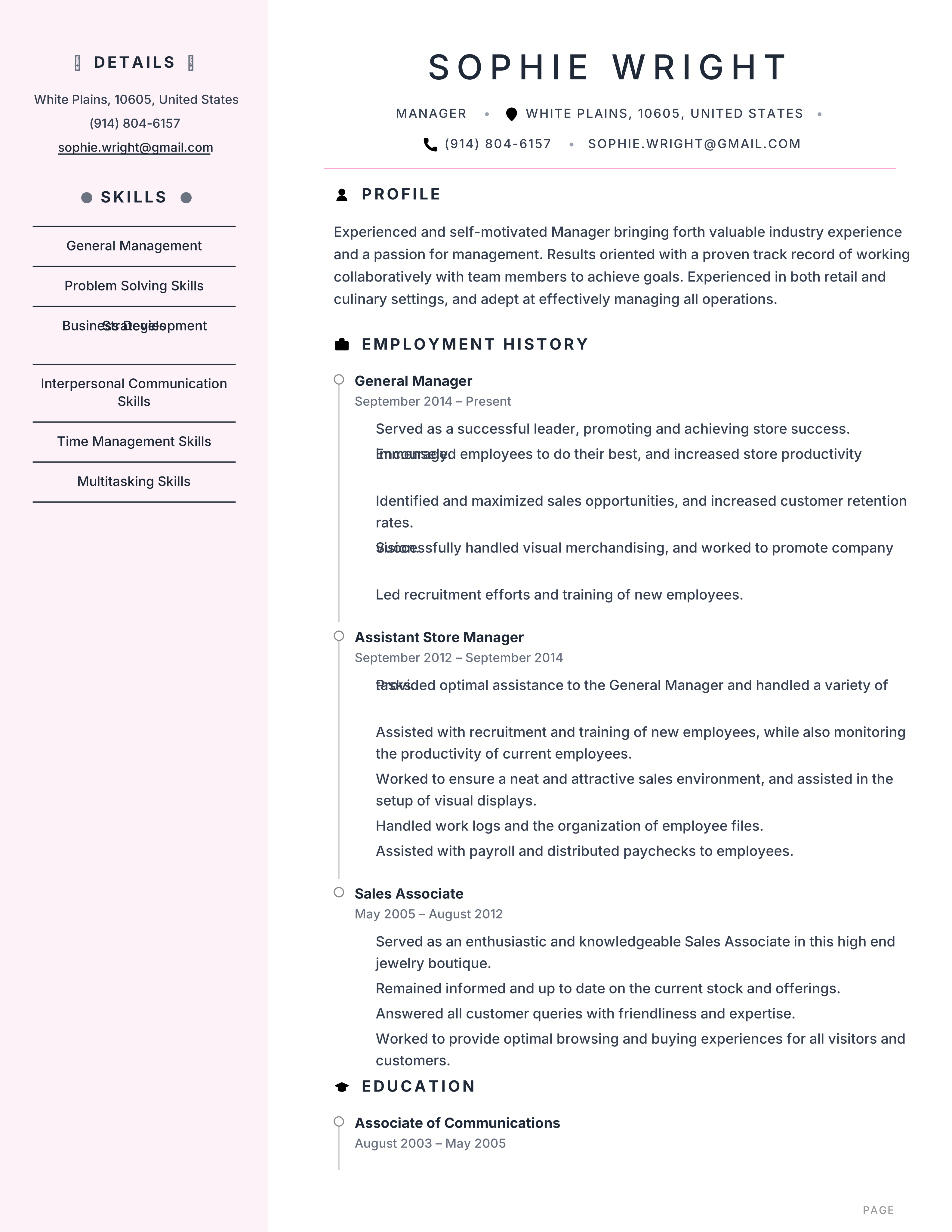
Feminine elegant resume with blush light sidebar, rose dot markers and timeline experience for hospitality and retail managers.
Best for: Retail Managers and Hospitality
Blush · Rose · Timeline · Elegant
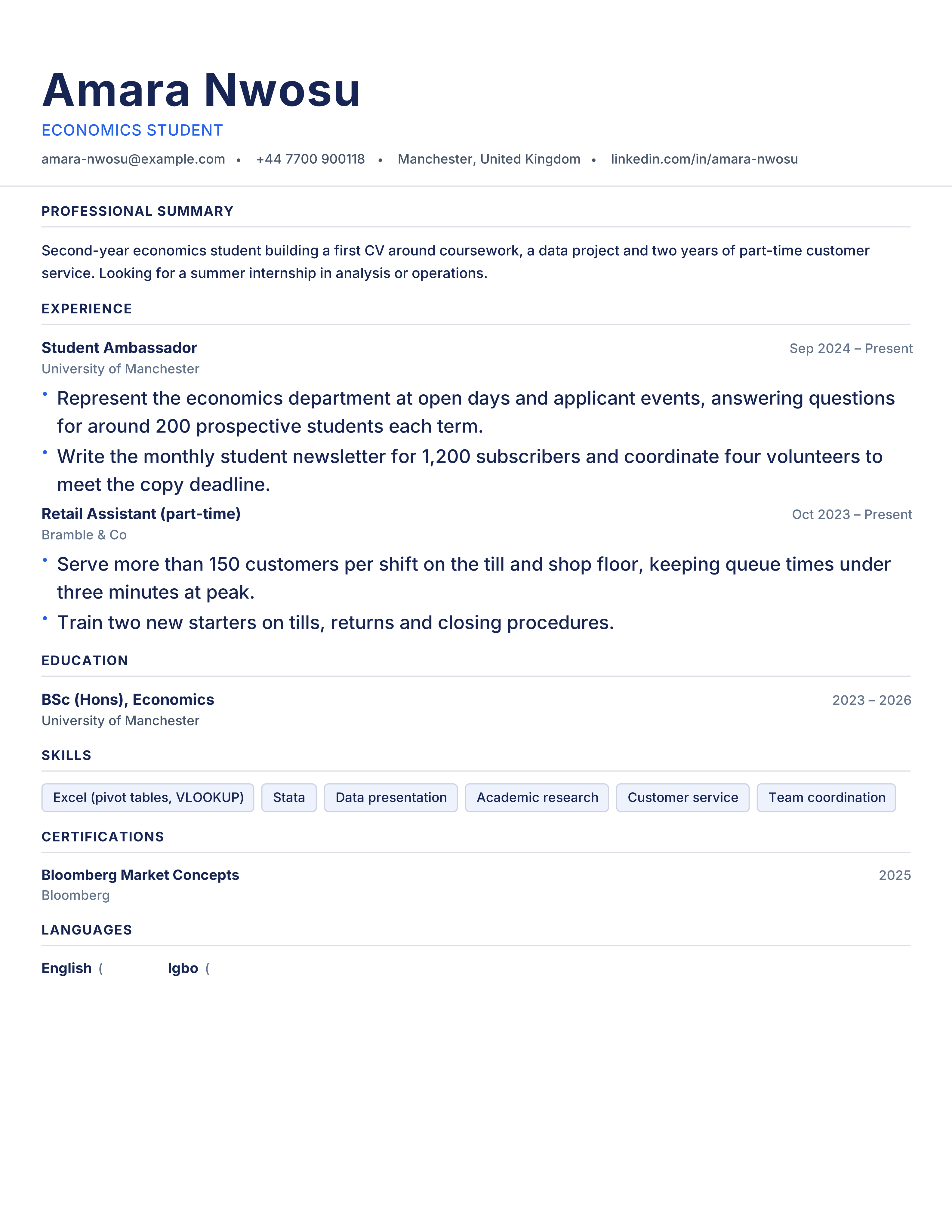
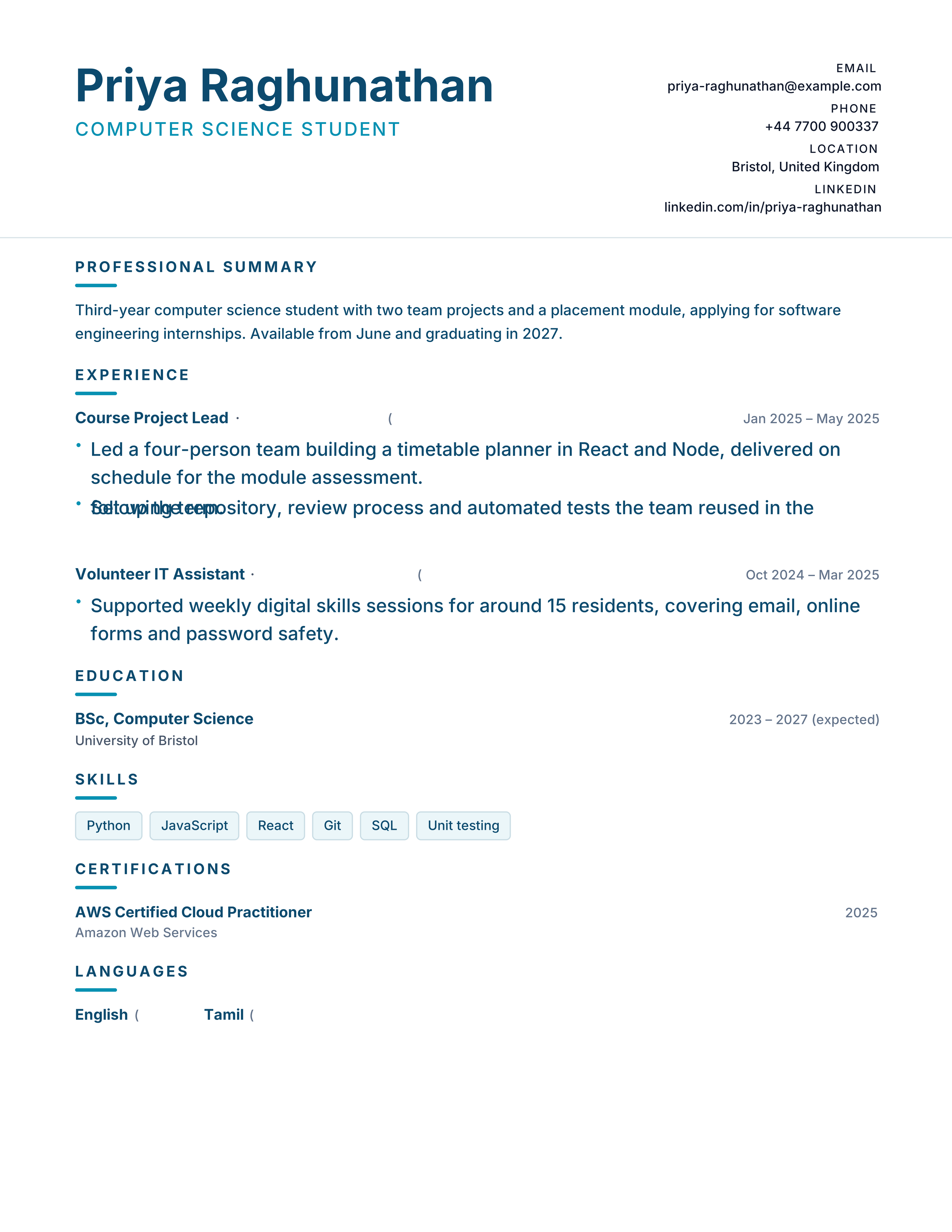
Free student CV template with education, coursework, projects and transferable skills before work history. Ideal for a first job, with no signup.
Best for: University Students and First Job Seekers
Students · Evidence-led · ATS · classic
Auditor resume template with qualification progress, sectors, controls, findings and risk outcomes. Free ATS-ready CV for assurance roles.
Best for: External Auditors and Internal Auditors
Audit · Professional · Results · split
Refined serif resume with stone palette, terracotta accents and centered grand header for traditional industries.
Best for: Business Analysts and Administrators
Heritage · Serif · Stone · Terracotta
Crisp corporate resume with slate primary, teal accent bar and left accent markers for analysts and accountants.
Best for: Business Analysts and Accountants
Corporate · Teal · Slate · Accent Bar
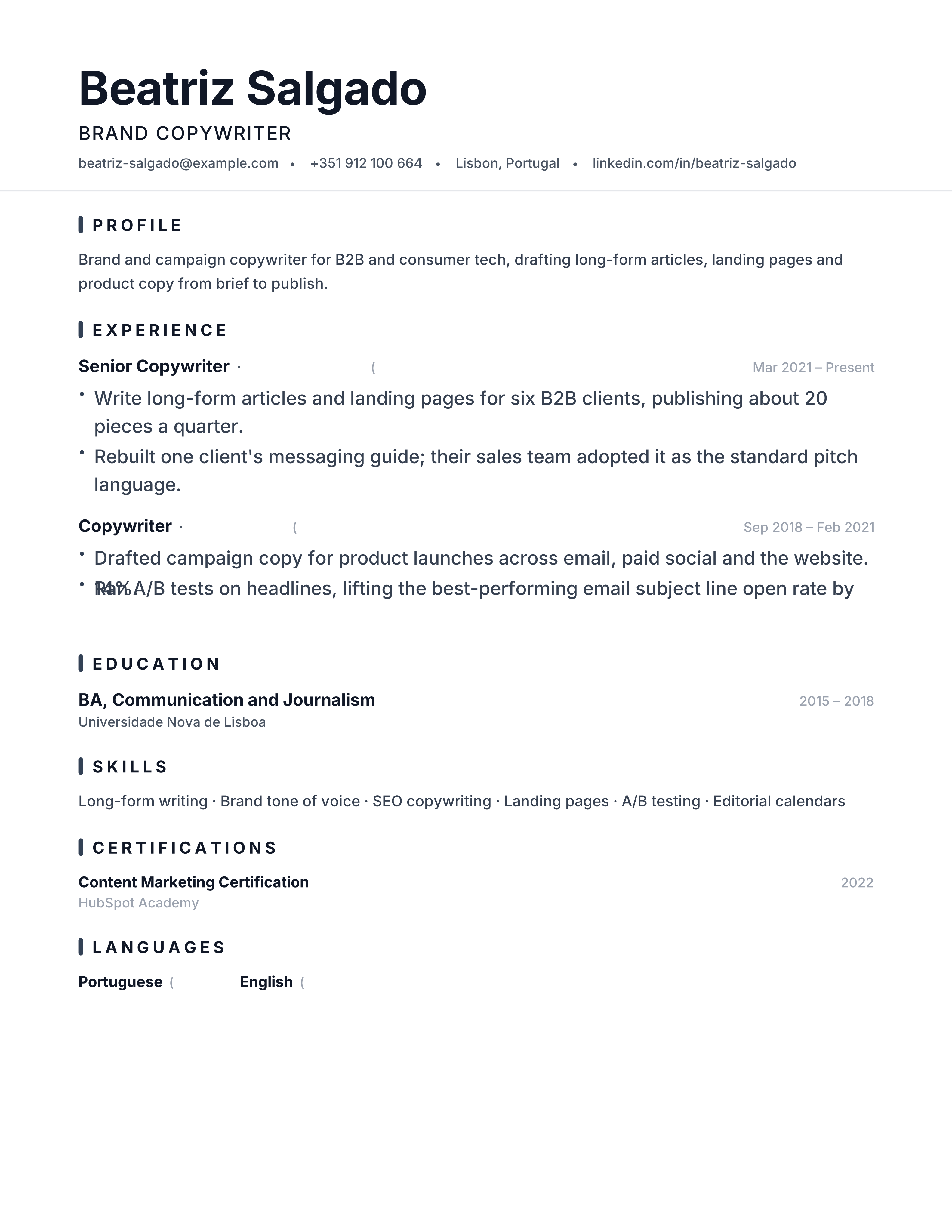
Typographic minimal resume with oversized name contrast, subtle gray rule and centered header for modern tech roles.
Best for: Software Engineers and Product Managers
Minimal · Typographic · Centered · Whitespace
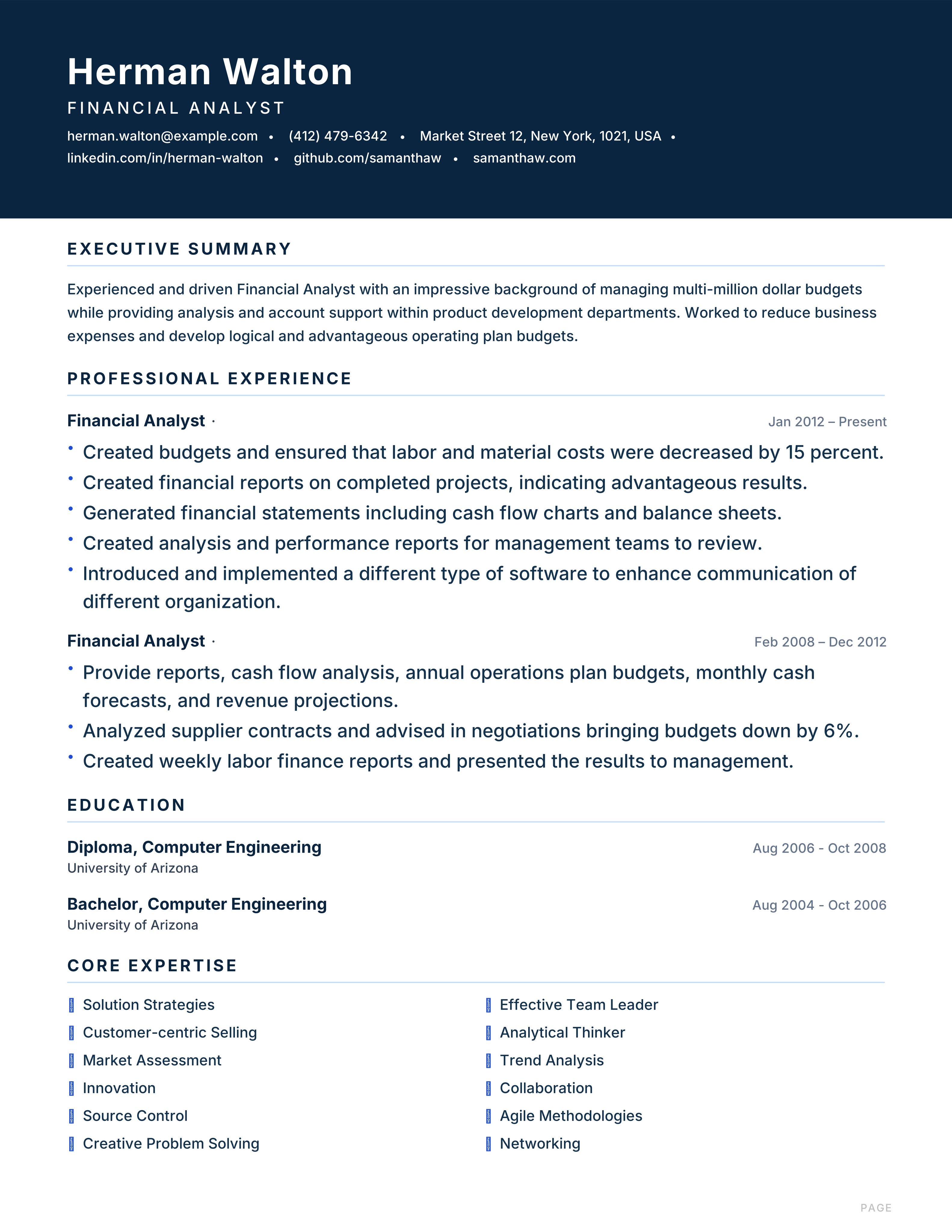
Formal navy banner corporate resume with ruled sections and a grid skills block for finance, banking and business analysts.
Best for: Financial Analysts and Bankers
Capital · Navy · Banner · Finance
Academic resume with centered serif header, burgundy accent and publication formatting for professors and researchers.
Best for: Professors and Researchers
Scholar · Academic · Burgundy · Serif
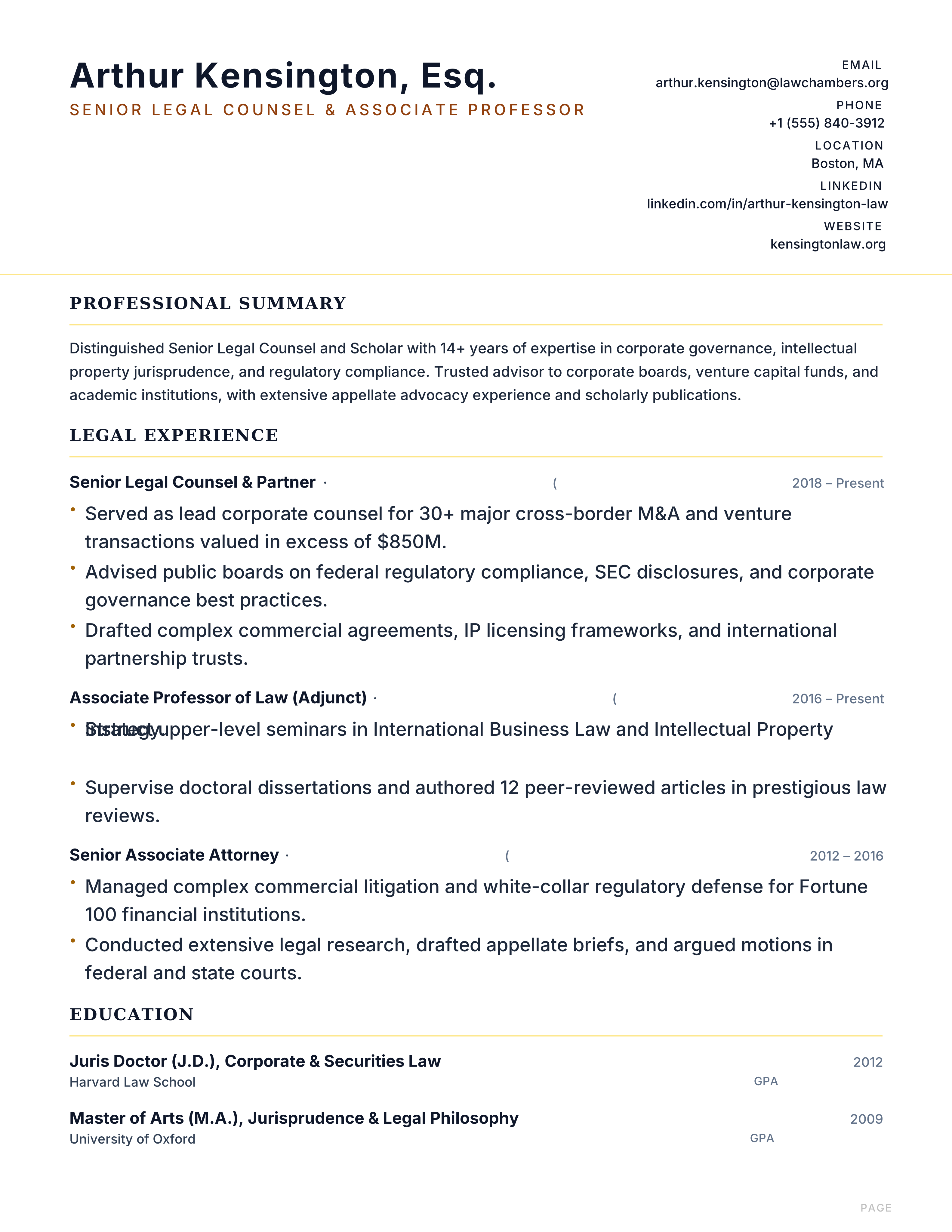
Legal resume with a split header, serif rules and small-caps section headings for attorneys, counsel and paralegals, with selectable text.
Best for: Attorneys and Legal Counsel
Legal · Gold · Serif · Split
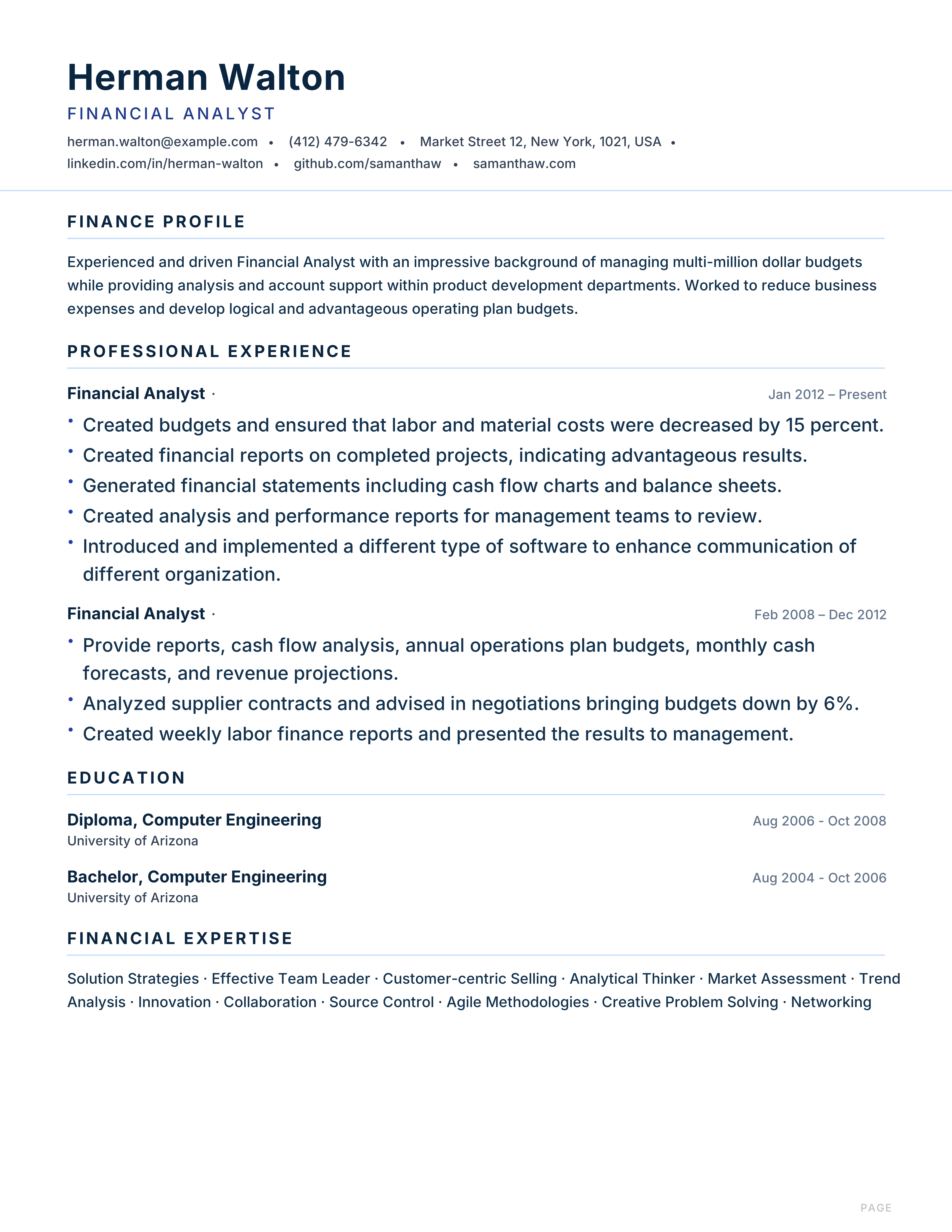
Conservative finance resume with deep navy primary, royal blue accent and metrics-first styling for bankers and accountants.
Best for: Financial Analysts and Accountants
Finance · Navy · Royal Blue · Metrics
Space-efficient dense resume with tight type, a blue accent bar and a skill grid, made to fit a long career on one page.
Best for: Early Career and Students
Compact · Dense · Blue · One-Page
Typography-driven resume with oversized name, charcoal accent bar and minimal chrome for designers and writers.
Best for: Designers and Writers
Typographic · Oversized · Charcoal · Minimal
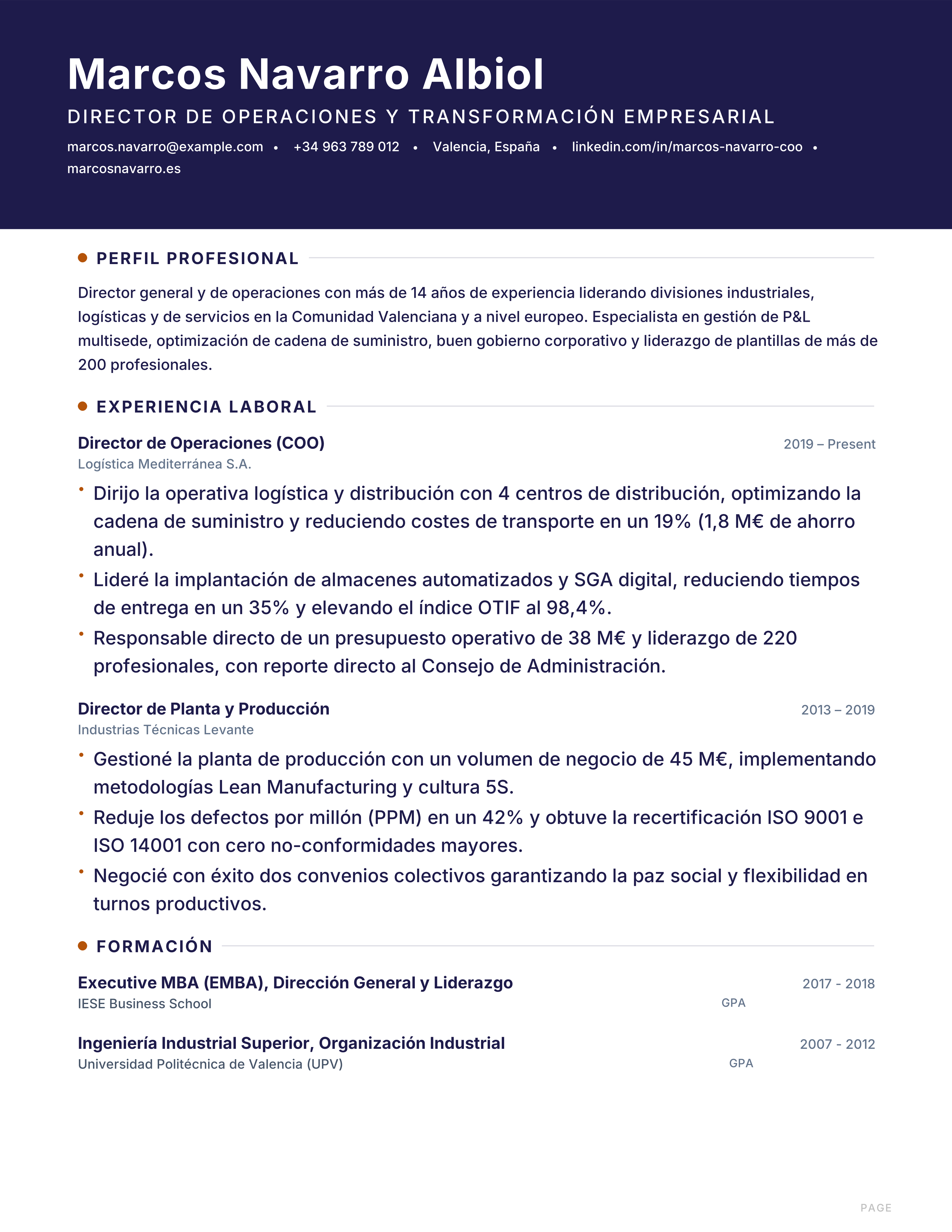
Modelo de currículum ejecutivo en español para mandos intermedios y directores: cabecera ejecutiva, logros medibles y formato A4 sobrio. Descarga gratis.
Best for: Senior Executives & Directors and Operations & Supply Chain
Spain · Executive · Valencia · Directivo
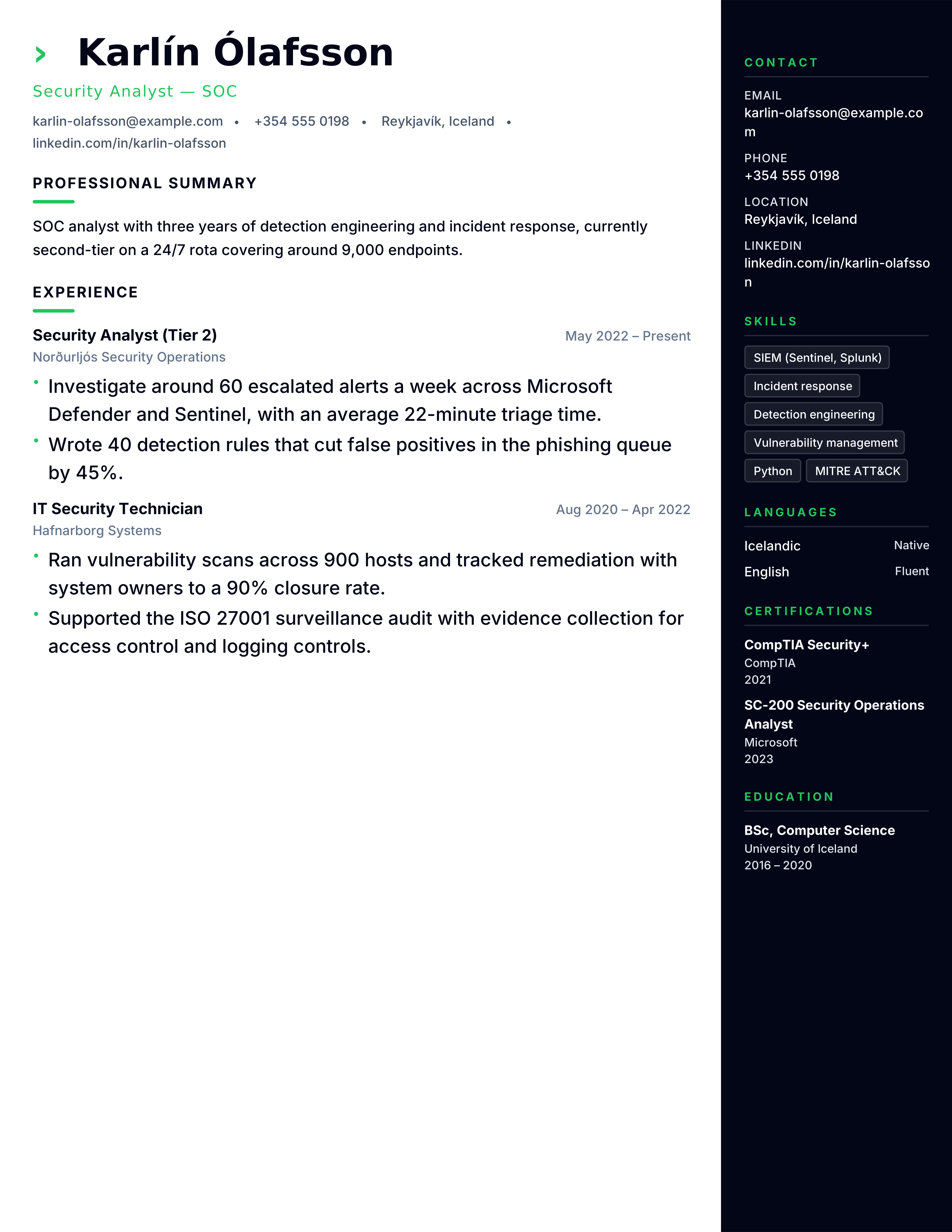
Cybersecurity resume template with clearance, certifications, SIEM tools, incidents and risk outcomes. Free ATS format for SOC, GRC and security roles.
Best for: Security Analysts and SOC Engineers
Cybersecurity · Technical · Projects · sidebar-right
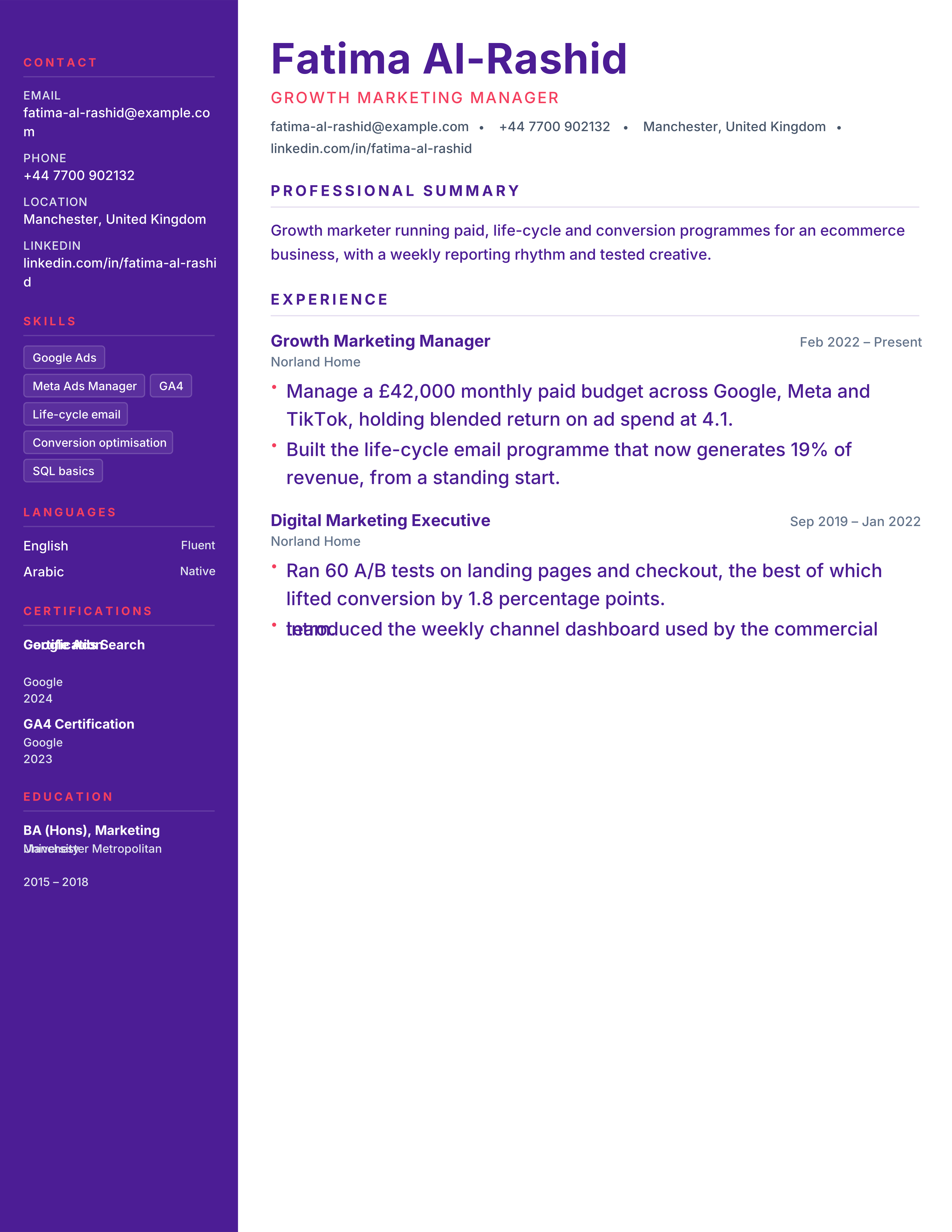
Digital marketing resume template with channel spend, ROAS, CAC, conversion and growth outcomes. Free ATS CV for performance and growth roles.
Best for: Digital Marketers and Growth Managers
Digital Marketing · Portfolio · Original · sidebar-left
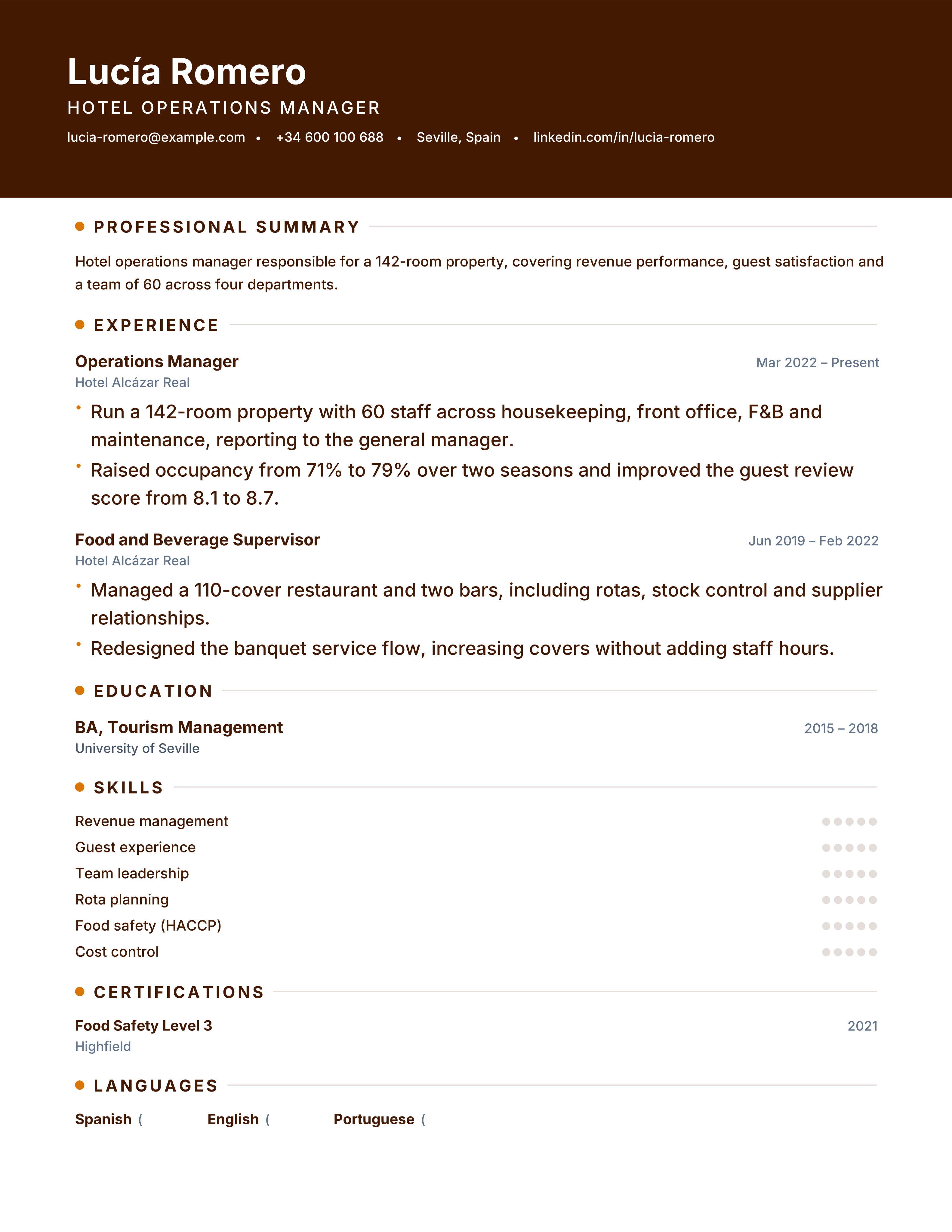
Hospitality resume template with property scale, occupancy, revenue, service scores and team size. Free ATS CV for hotel and restaurant roles.
Best for: Hotel Managers and Restaurant Managers
Hospitality · Modern · Metrics · banner
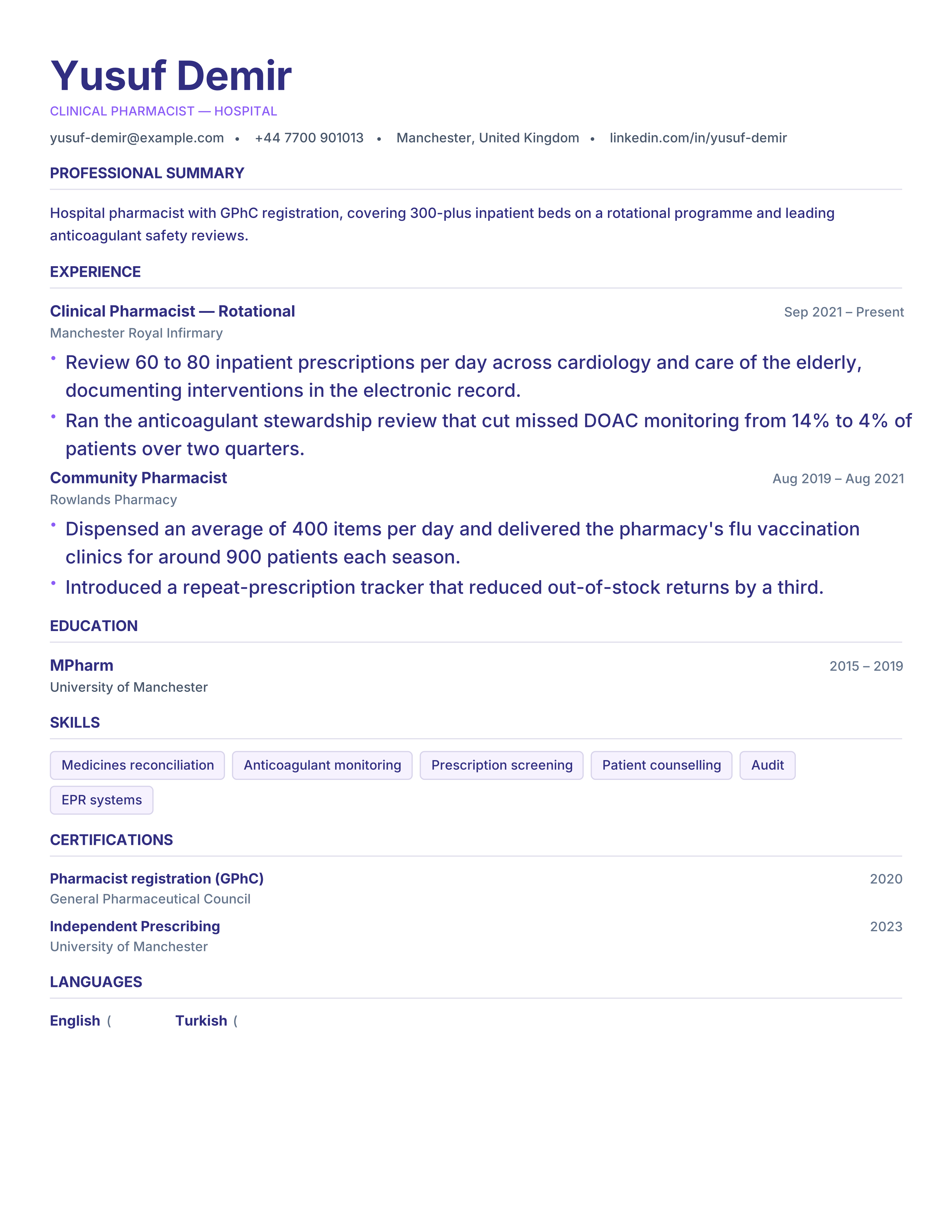
Pharmacist resume template with registration, dispensing volume, clinical services and compliance results. Free ATS-ready CV for pharmacy roles.
Best for: Pharmacists and Pharmacy Managers
Pharmacy · Clinical · Credentials · split
Dependable slate resume with charcoal accents, ruled headers and balanced hierarchy for managers and operations roles.
Best for: Managers and Analysts
Professional · Slate · Charcoal · Ruled
Confident indigo banner resume with violet accent rules and pill skills for software engineers and data scientists.
Best for: Software Engineers and Data Scientists
Atlas · Indigo · Violet · Banner
Navy sidebar resume with cyan dot markers, deep blue accents and photo header for consultants and product managers.
Best for: Product Managers and Consultants
Zenith · Navy · Cyan · Dot Markers
Consulting resume with a slate sidebar, amber accent rules and metrics-first bullets for strategy and management consultants.
Best for: Consultants and Analysts
Consulting · Slate · Amber · Metrics
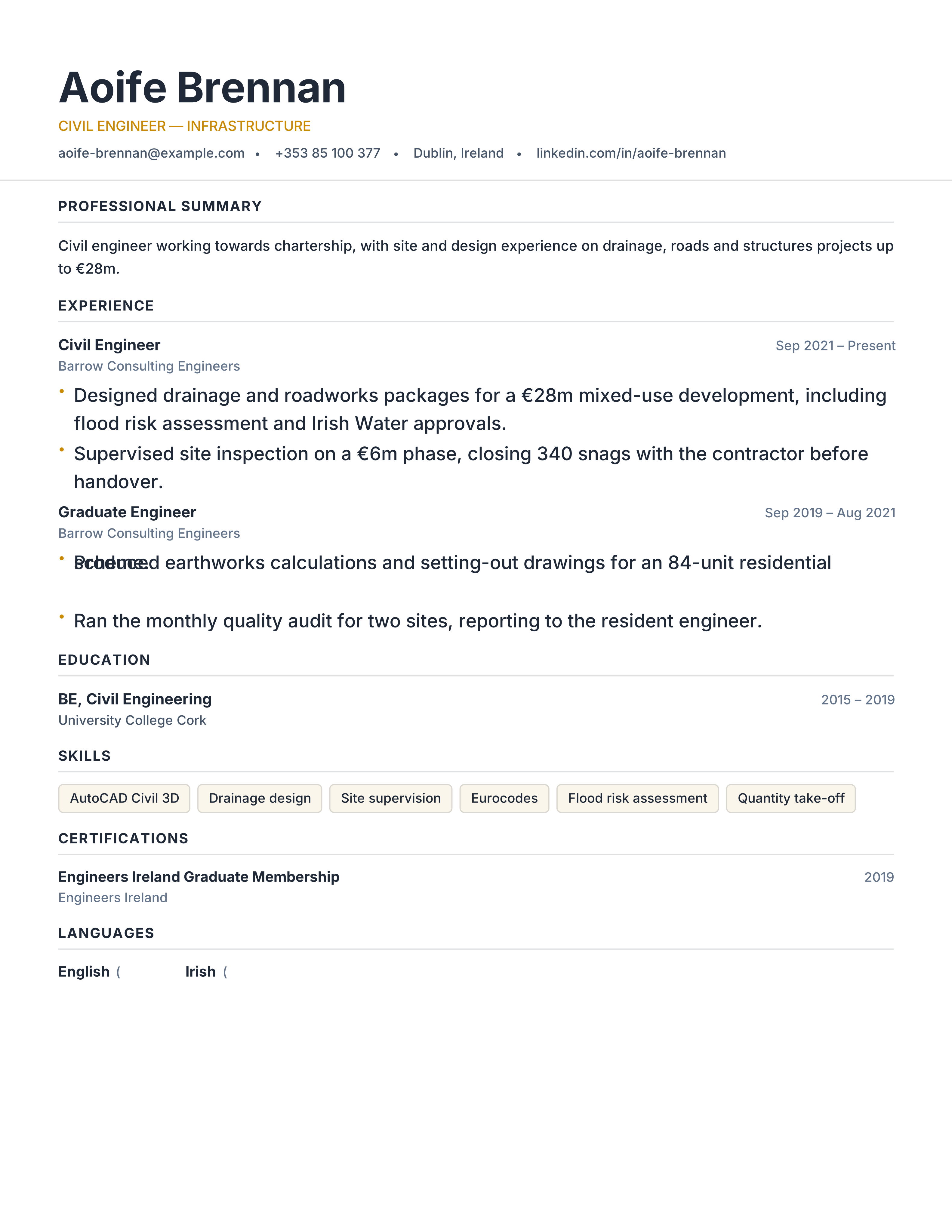
Civil engineer resume template with licences, project values, standards, site responsibility and software. Free ATS CV for infrastructure roles.
Best for: Civil Engineers and Structural Engineers
Civil Engineering · Technical · Projects · classic
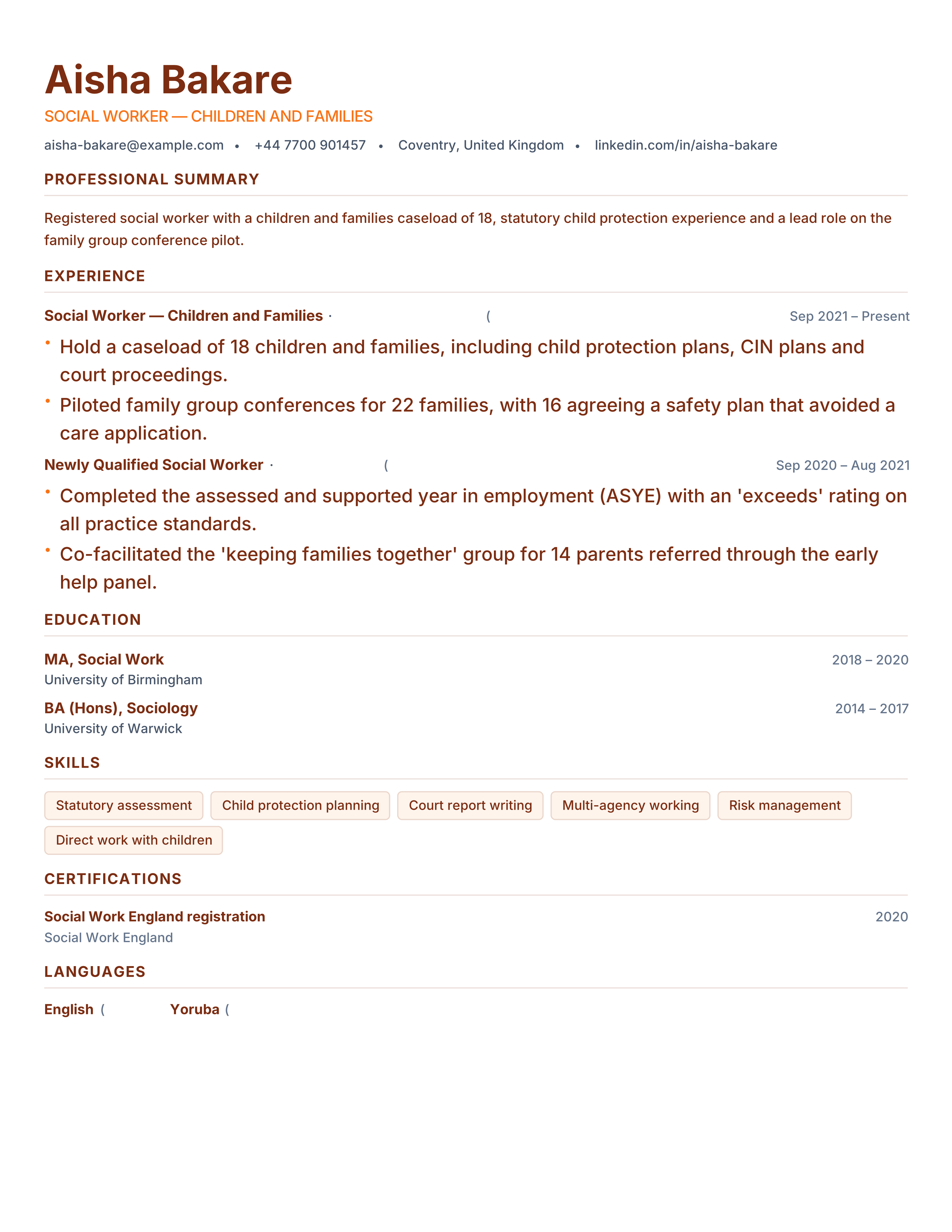
Social worker resume template with registration, caseload, safeguarding, interventions and outcomes. Free ATS-friendly PDF for social care roles.
Best for: Social Workers and Case Managers
Social Care · Clinical · Credentials · split
Refined elegant resume with a warm parchment right sidebar, muted gold serif titles and charcoal type for senior roles.
Best for: Managers and Consultants
Lumina · Parchment · Gold · Serif
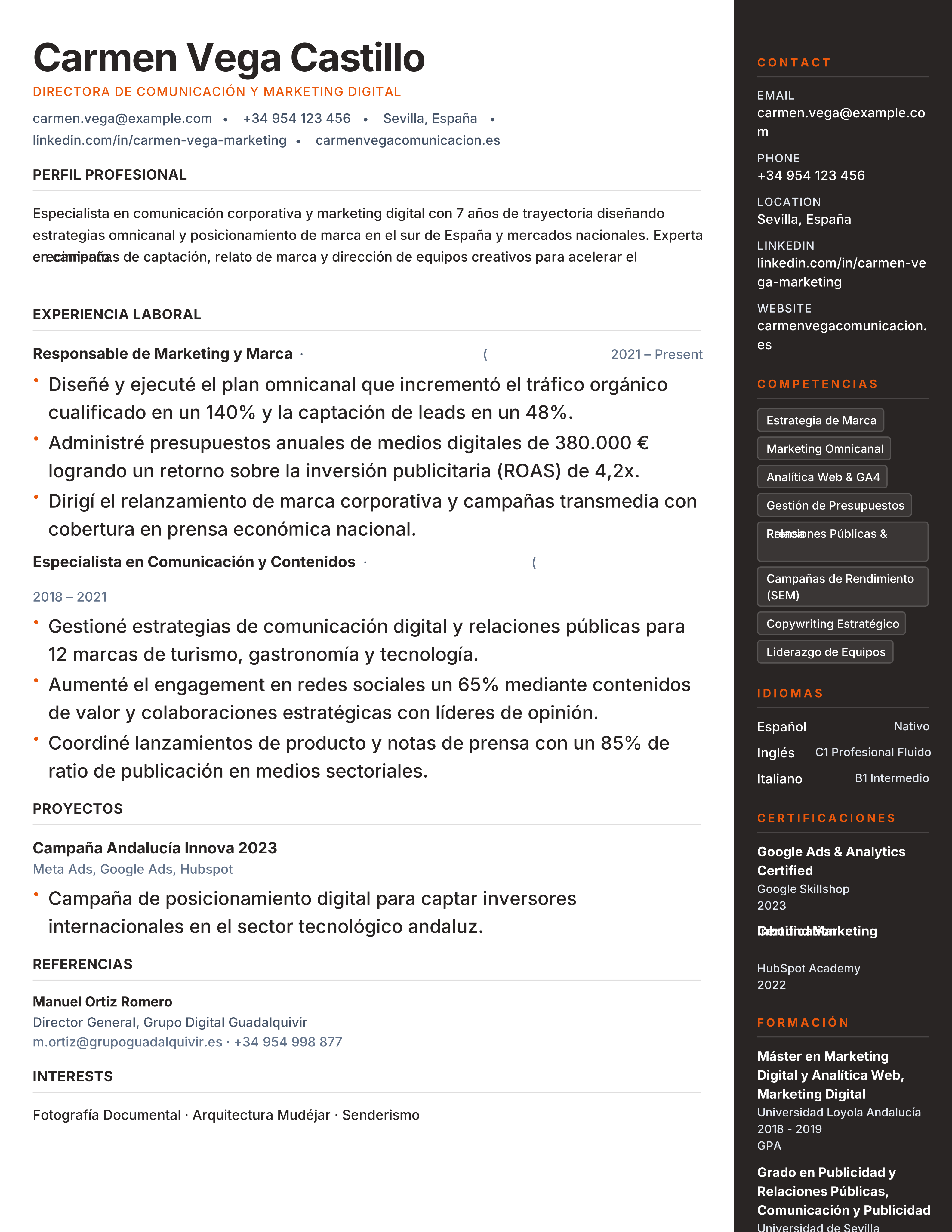
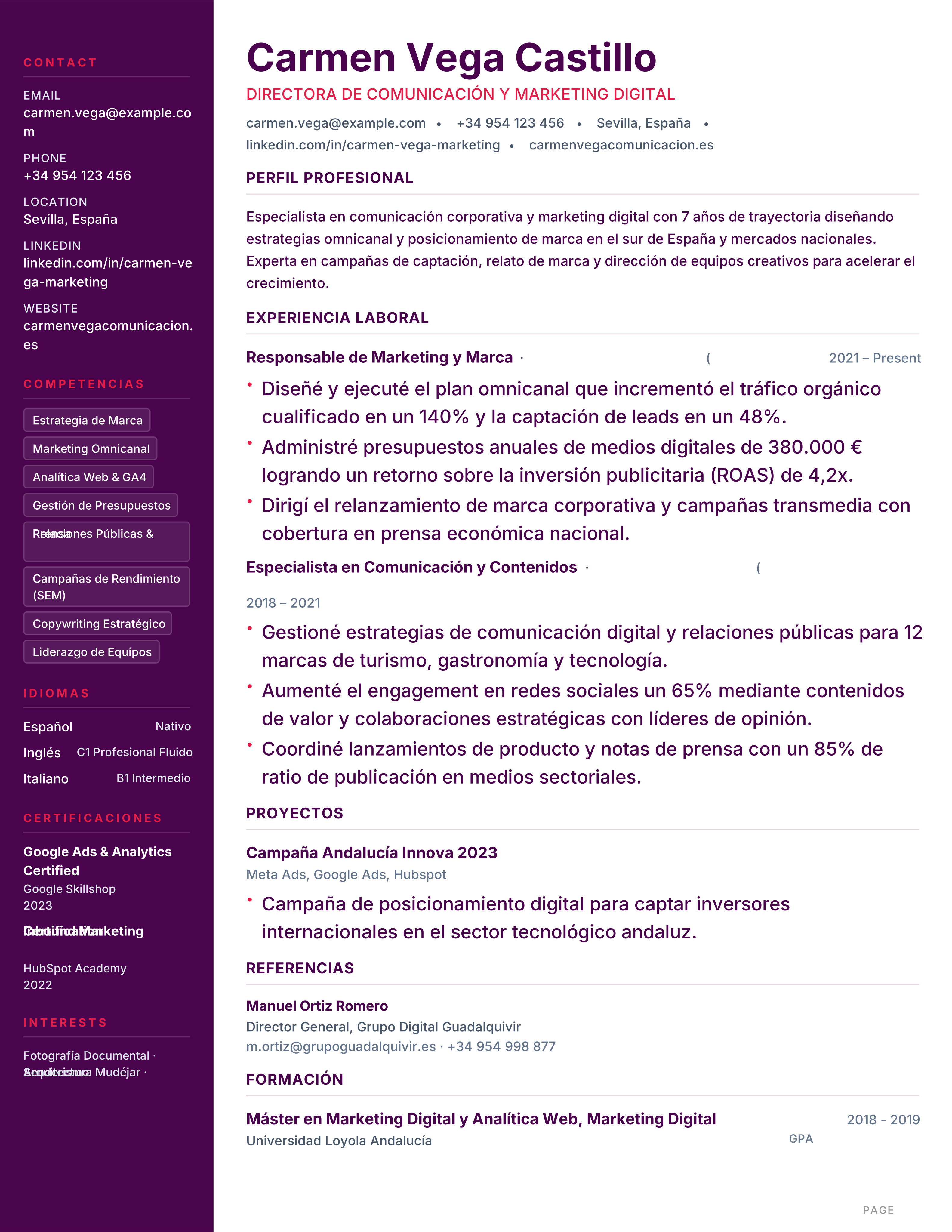
Currículum moderno en español con barra lateral organizada para idiomas y competencias. Formato A4 equilibrado para sectores dinámicos. Descarga gratis.
Best for: Marketing & Communications and Sales & Commercial Teams
Spain · Sevilla · Modern · Sidebar
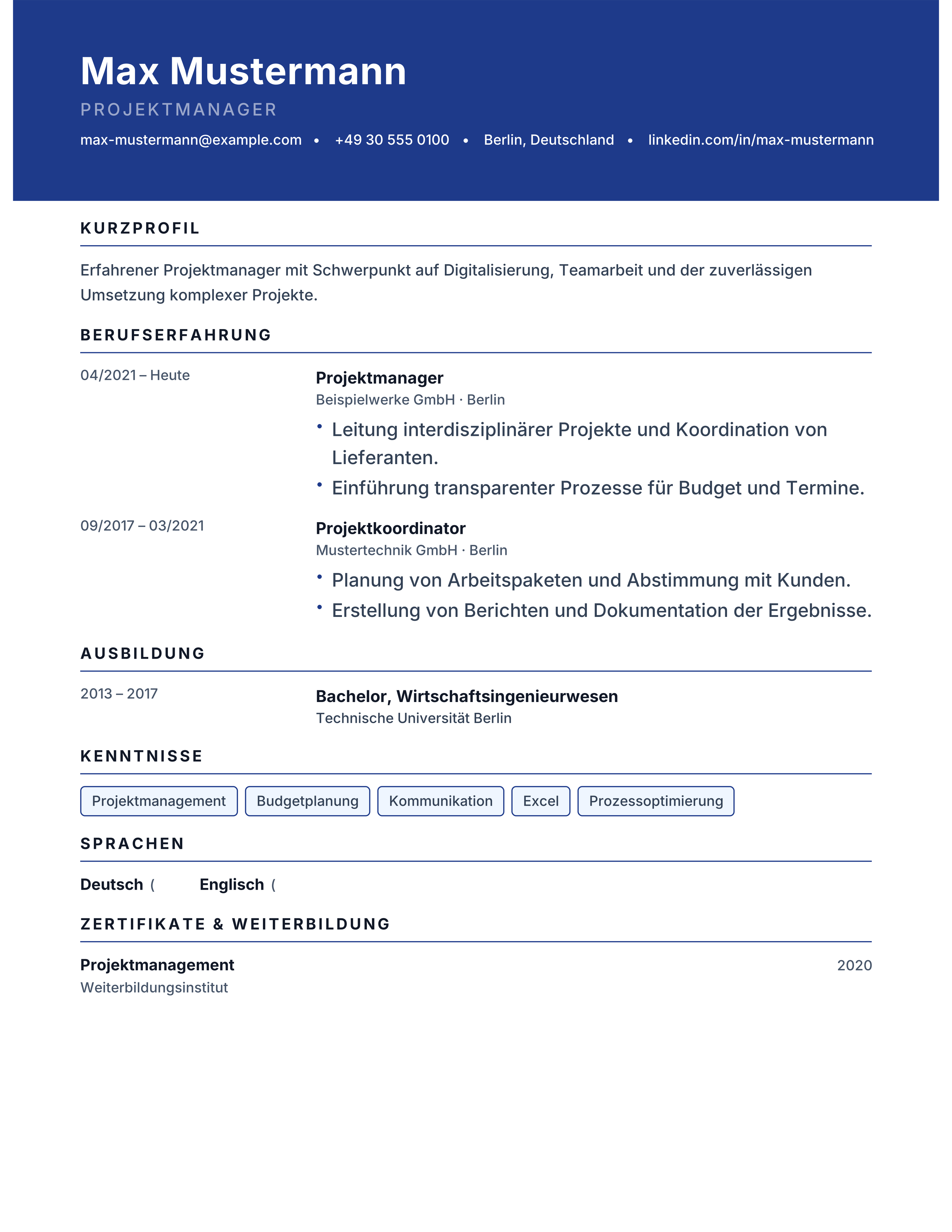
Modern Bewerbung template with a coloured header band, German headings and a single reading column. Free A4 CV for German employers, instant PDF.
Best for: German start-ups and Marketing & Product
Bewerbung · Modern · Header · German
Austrian Lebenslauf template with precise qualification blocks, German headings and an A4 serif structure. Free CV for jobs in Vienna, Graz and Salzburg.
Best for: Applying in Austria and Public Sector
Austria · Lebenslauf · Serif · Qualifications
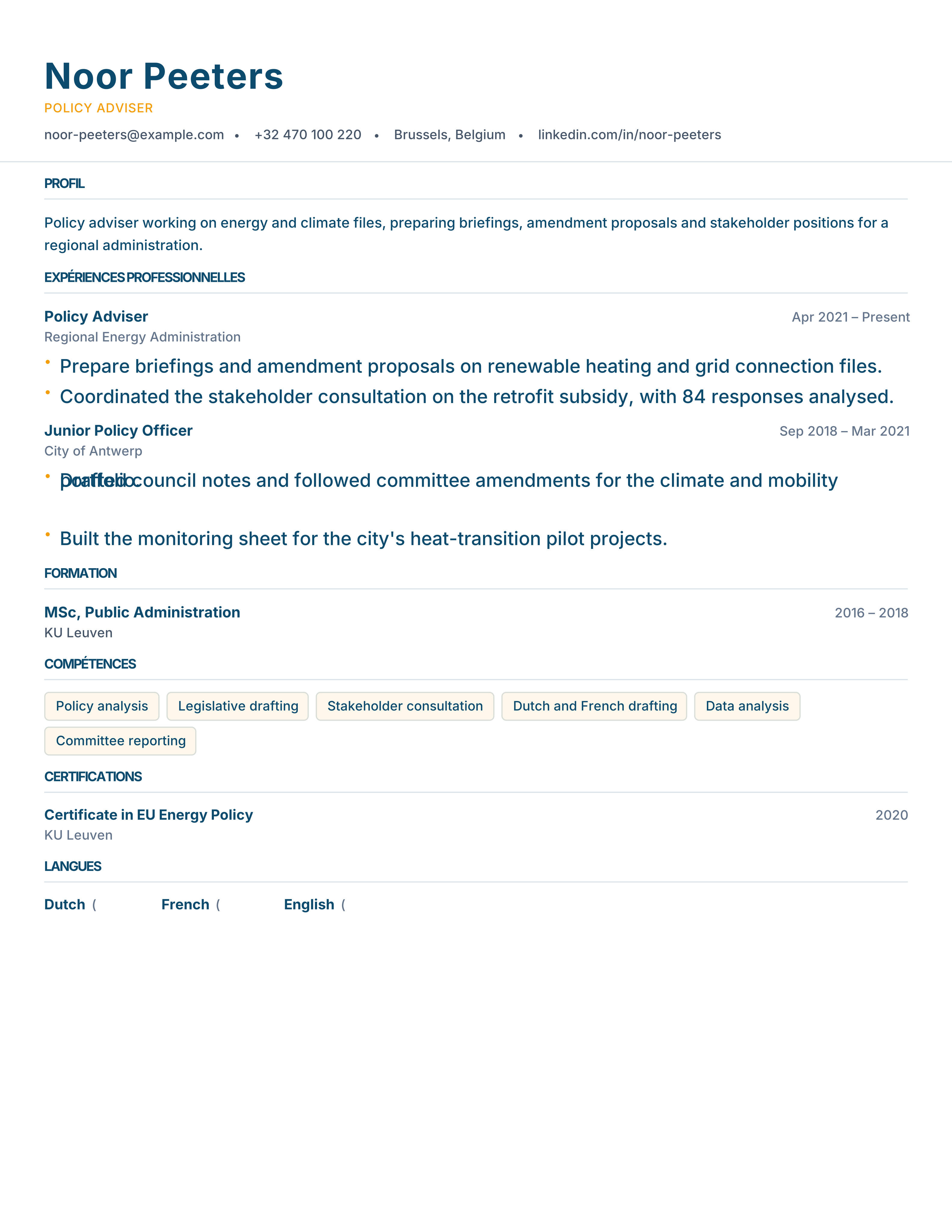
Belgian CV template for Brussels, Antwerp and Liège: bilingual-ready headings, A4 layout and an ATS-readable column. Free PDF download, no signup.
Best for: Applying in Belgium and EU institutions & NGOs
Belgium · Bilingual · Brussels · EU Affairs
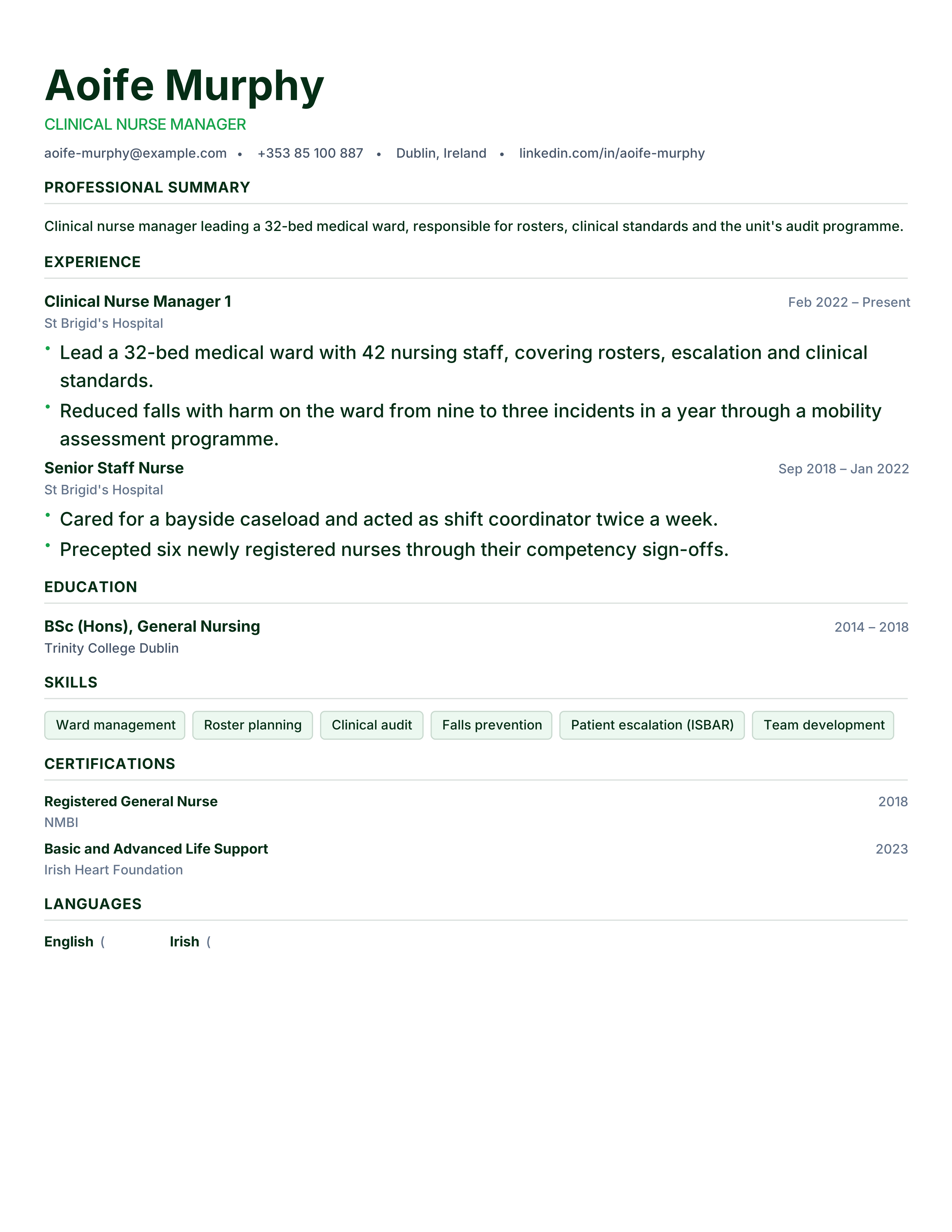
Irish CV template for jobs in Dublin, Cork and Galway: two pages, no photo, personal profile and Irish education entries. Free instant PDF download.
Best for: Applying in Ireland and Healthcare & Nursing
Ireland · Dublin · No Photo · Two Pages
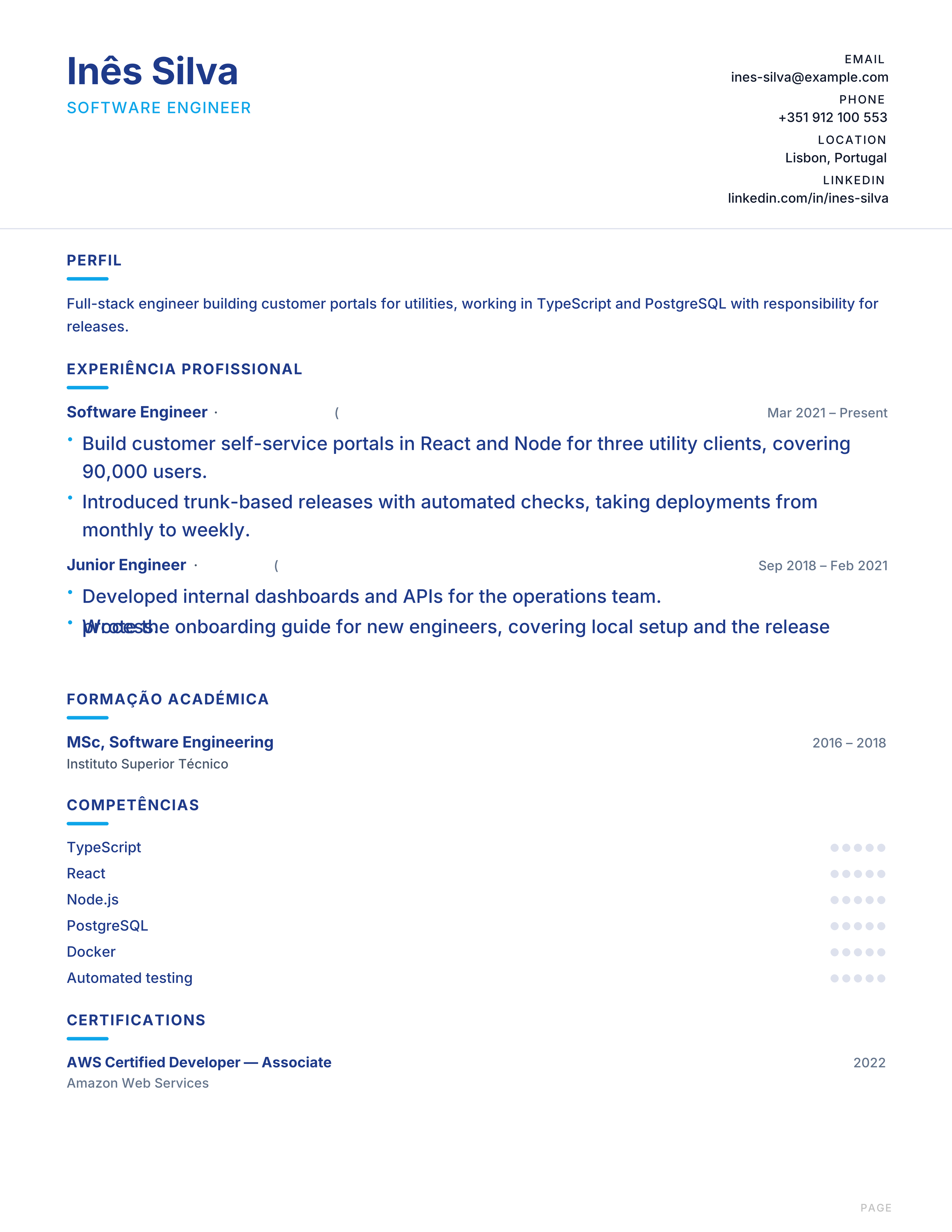
Modelo de currículo em português: perfil, experiência profissional, formação e competências em A4, compatível com ATS. Download grátis em PDF.
Best for: Applying in Portugal and Shared-service centres
Portugal · Português · Currículo · Blue
Darmowy wzór CV po polsku: profil, doświadczenie zawodowe, wykształcenie i umiejętności na A4, czytelny dla systemów ATS. Pobierz PDF bez rejestracji.
Best for: Applying in Poland and Business services (BPO/SSC)
Poland · Polskie · Klauzula RODO · A4
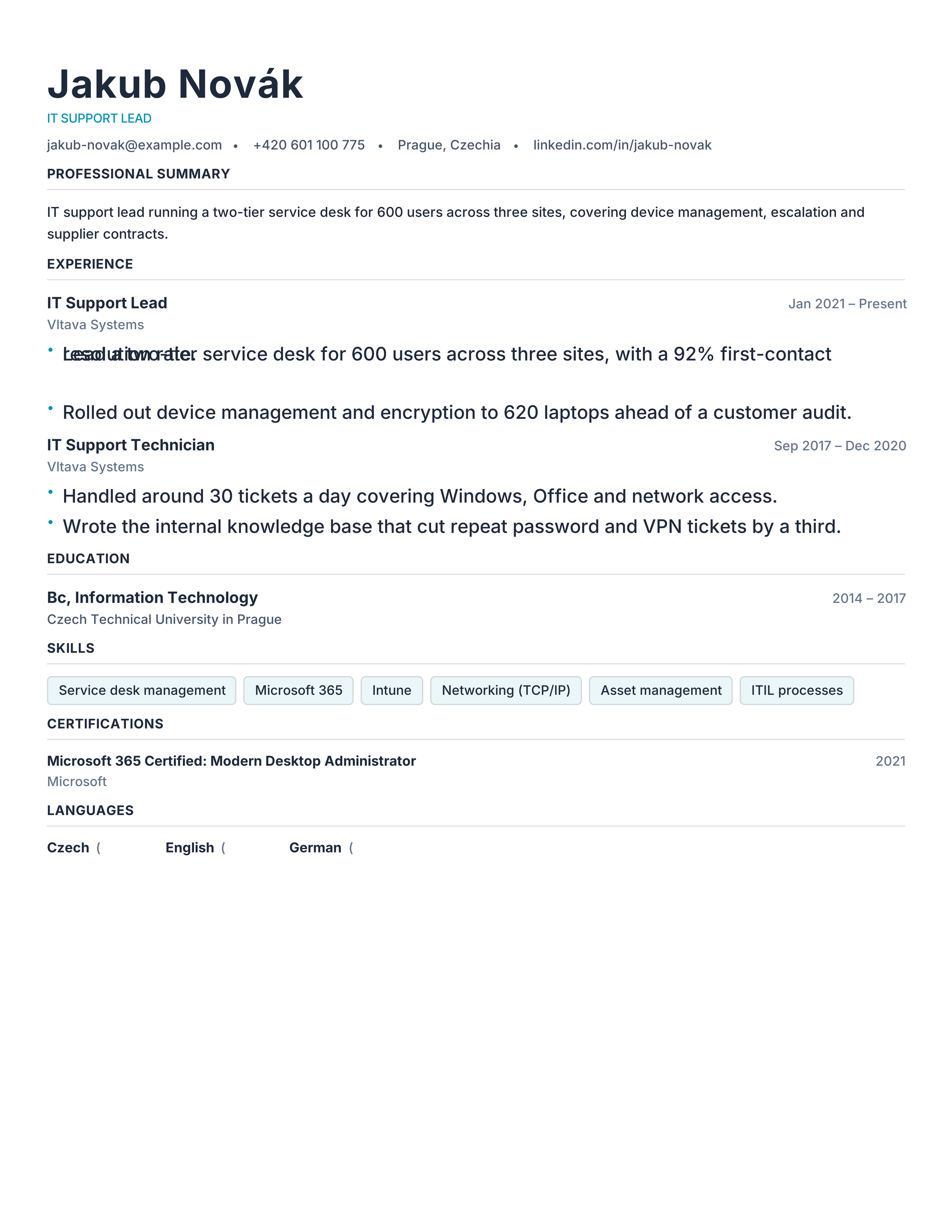
Czech-market CV template for Prague, Brno and Ostrava: životopis structure in English or Czech, A4 format and ATS-readable layout. Free PDF download.
Best for: Applying in Czechia and IT & Support roles
Czechia · Životopis · Bilingual · Shared Services
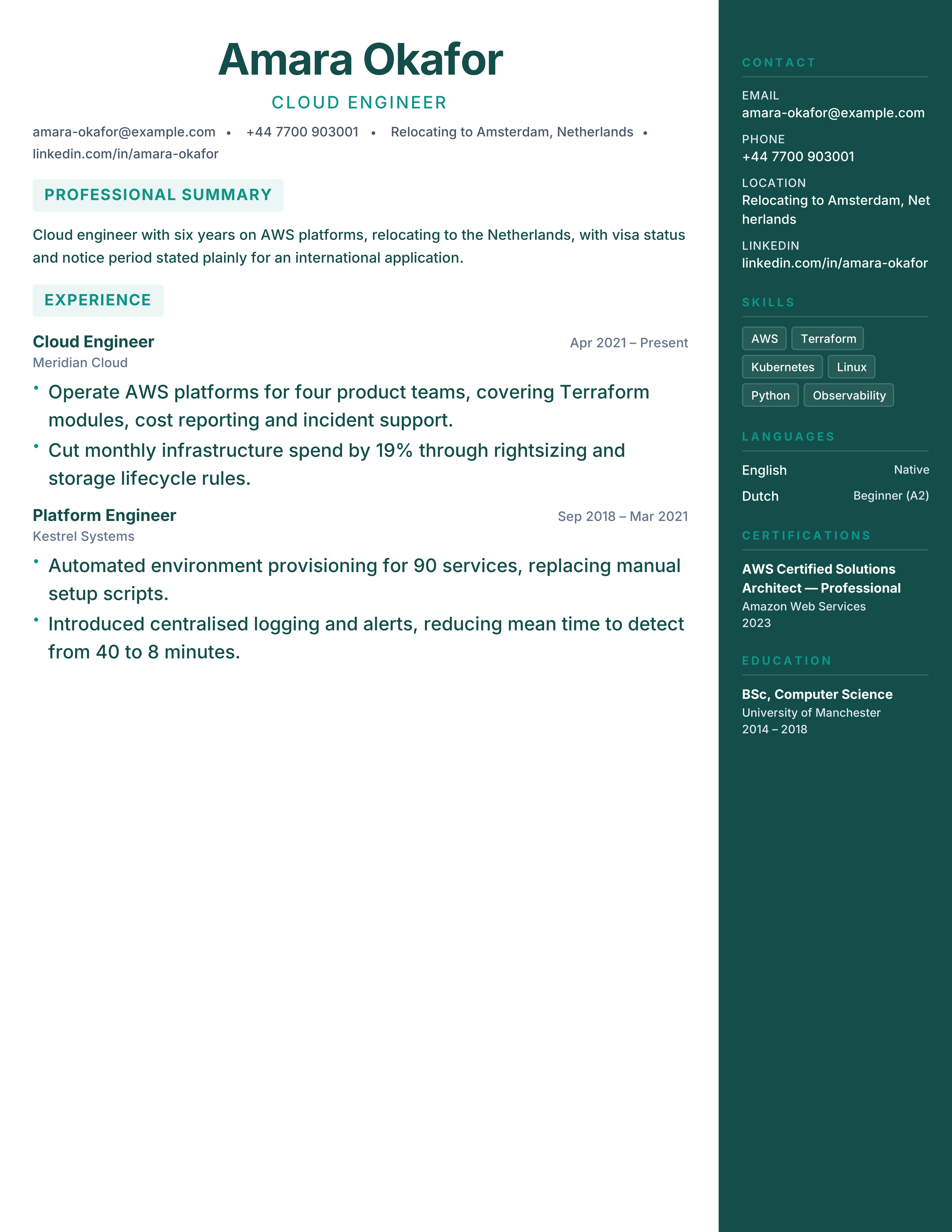
International CV template for relocating professionals: work-permit status, relocation date, language levels and a two-page A4 layout. Free PDF.
Best for: Relocating to Europe and International hires
Expat · Relocation · Work Permit · International
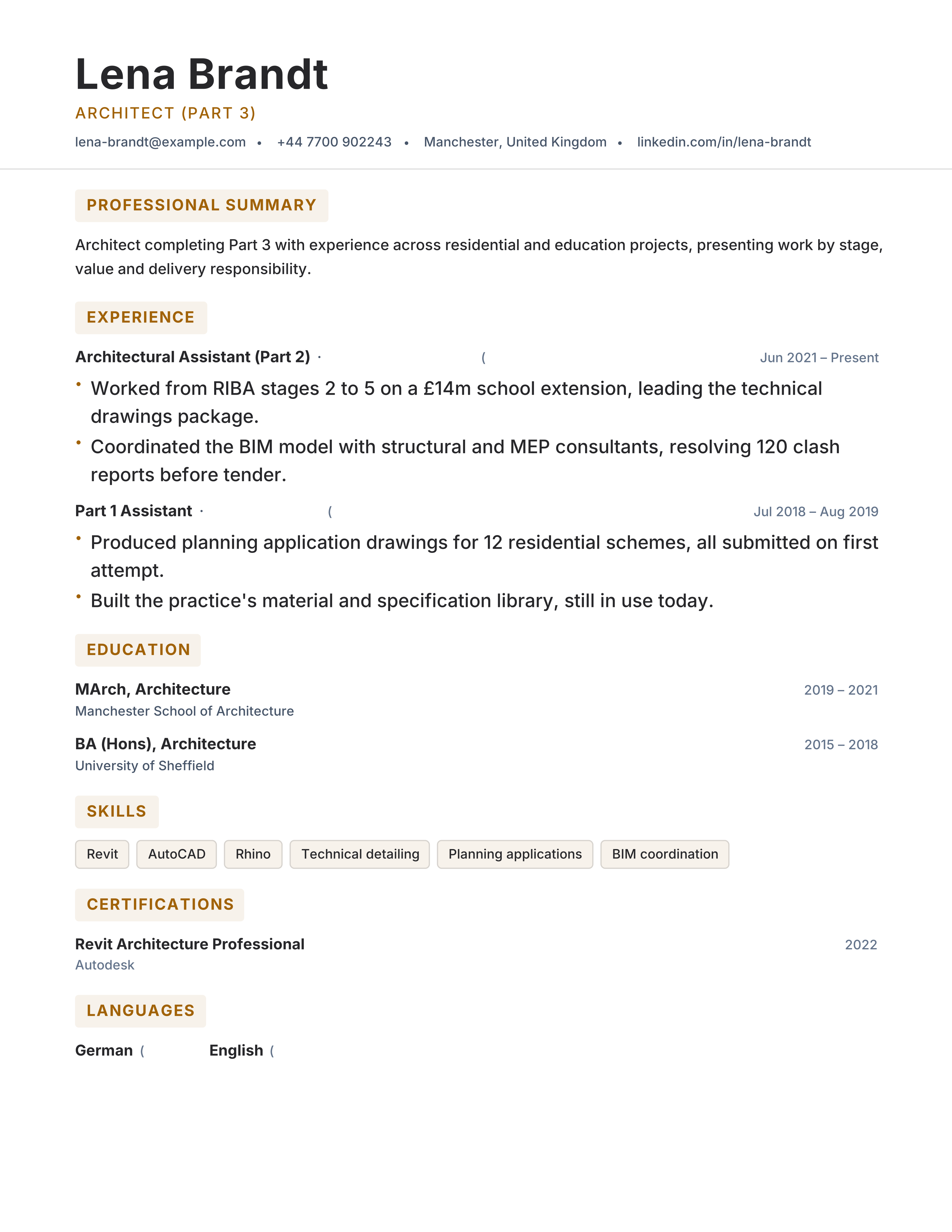
Architect CV template with portfolio, project stages, typologies, software and registration. Free ATS-ready A4 format for architecture roles.
Best for: Architects and Architectural Designers
Architecture · Portfolio · Original · split
Free internship resume template with coursework, projects, technical skills and availability in a recruiter-friendly one-page ATS layout.
Best for: Internship Applicants and Placement Students
Internships · Evidence-led · ATS · dense
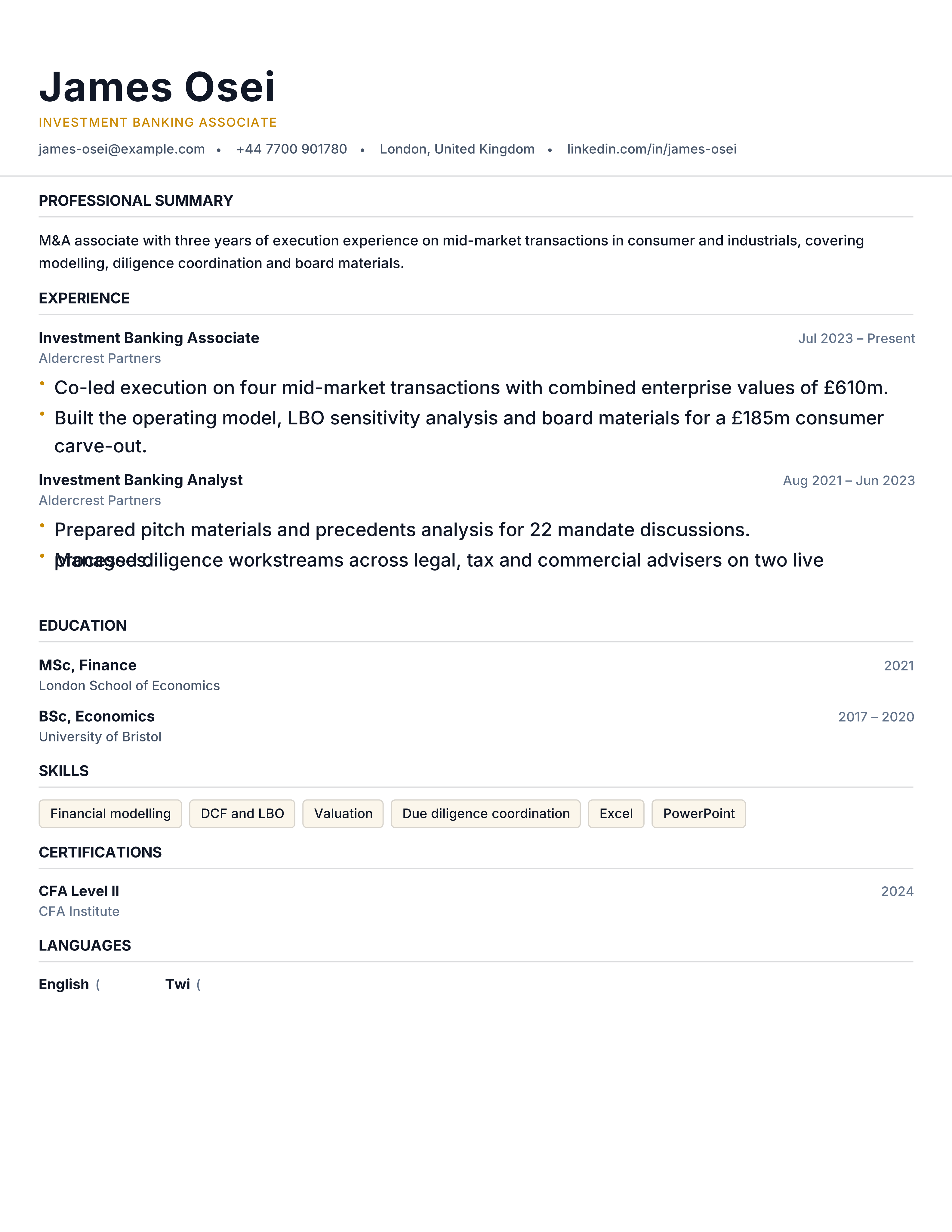
Investment banking resume template with transactions, modelling, sector coverage and deal values. Free one-page analyst format with ATS-readable text.
Best for: Investment Analysts and IB Associates
Investment Banking · Professional · Results · dense
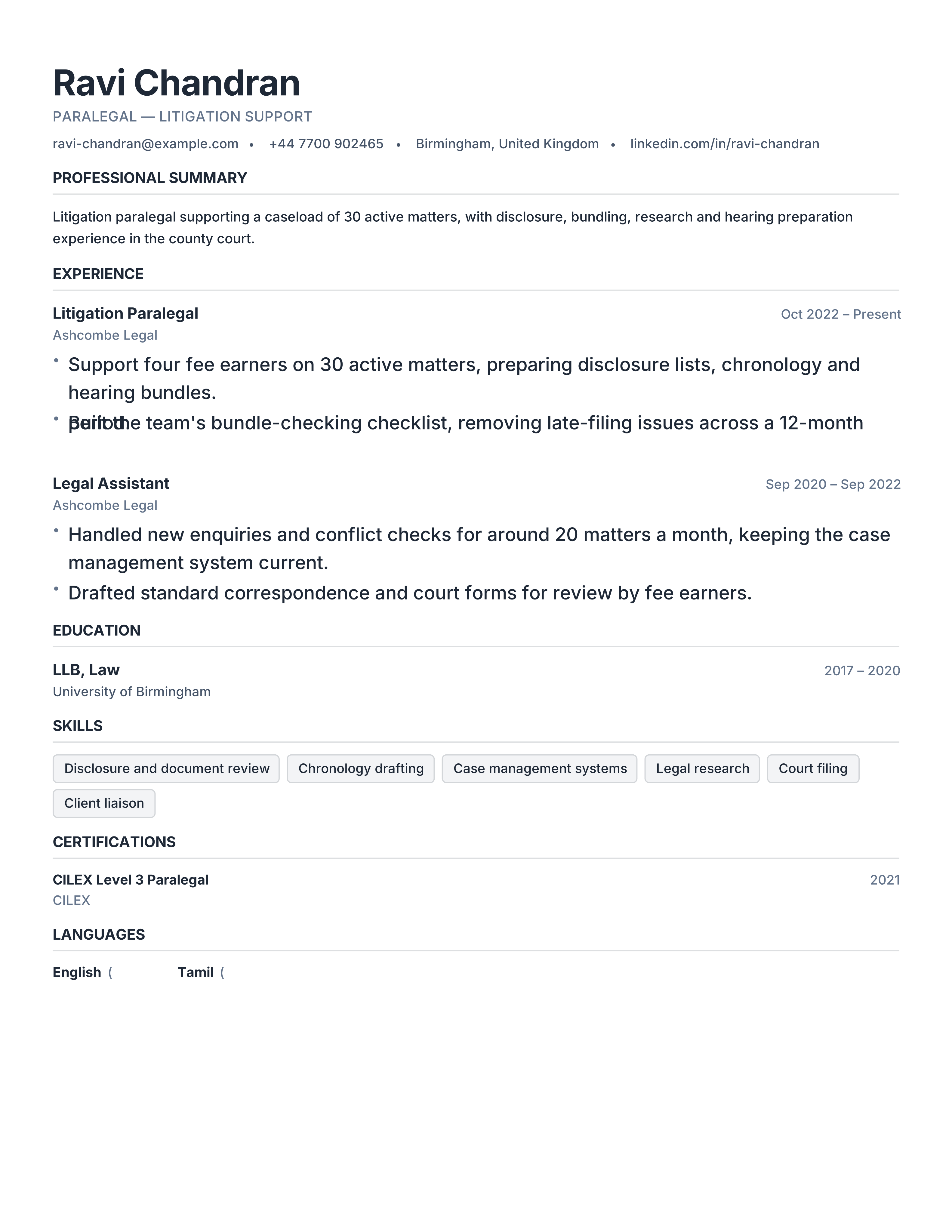
Paralegal resume template with practice areas, caseload, research, filings and legal systems. Free ATS CV for law firm and in-house roles.
Best for: Paralegals and Legal Assistants
Legal Support · Traditional · Professional · split
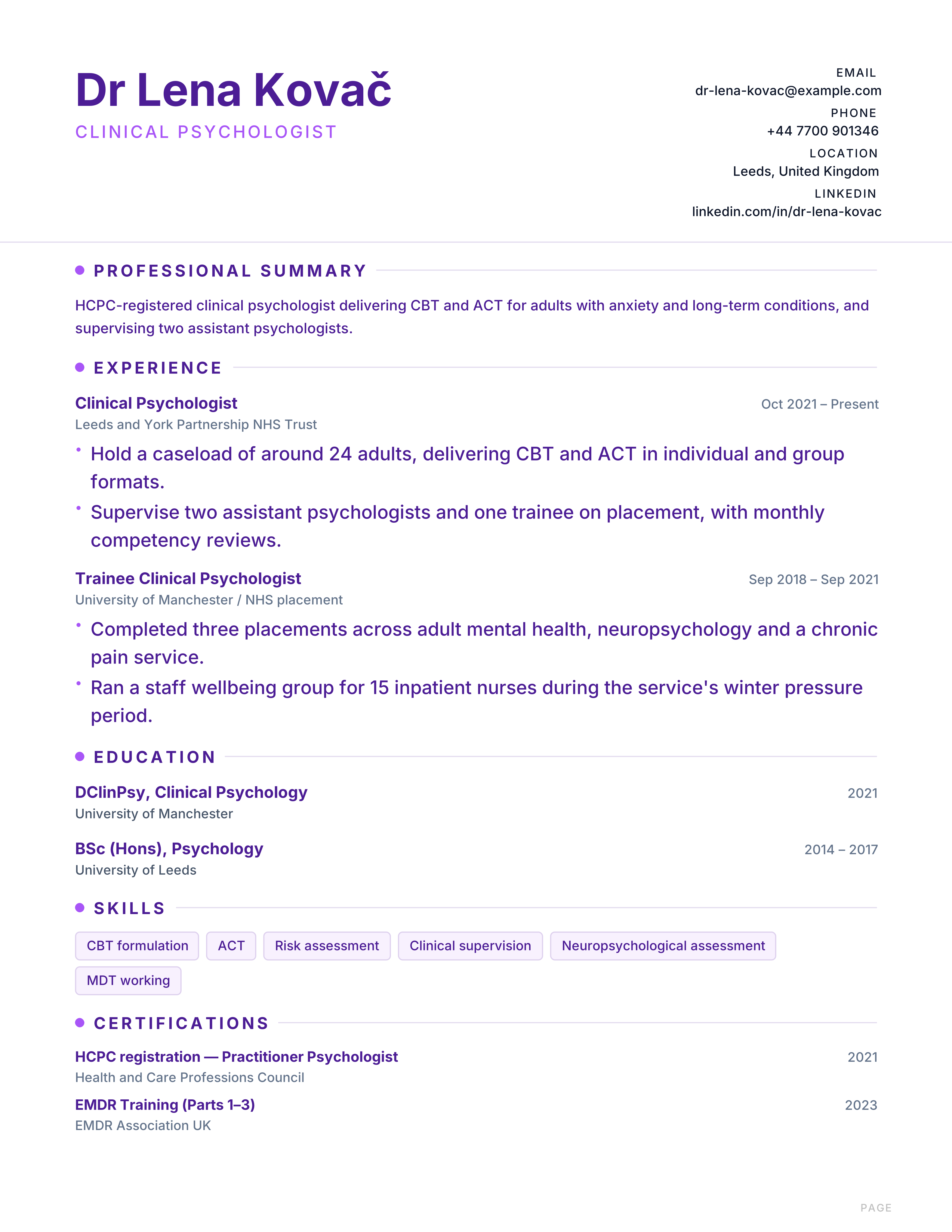
Psychologist CV template with registration, modalities, populations, supervision and research. Free A4 format for clinical and counselling roles.
Best for: Clinical Psychologists and Counsellors
Psychology · Clinical · Credentials · classic
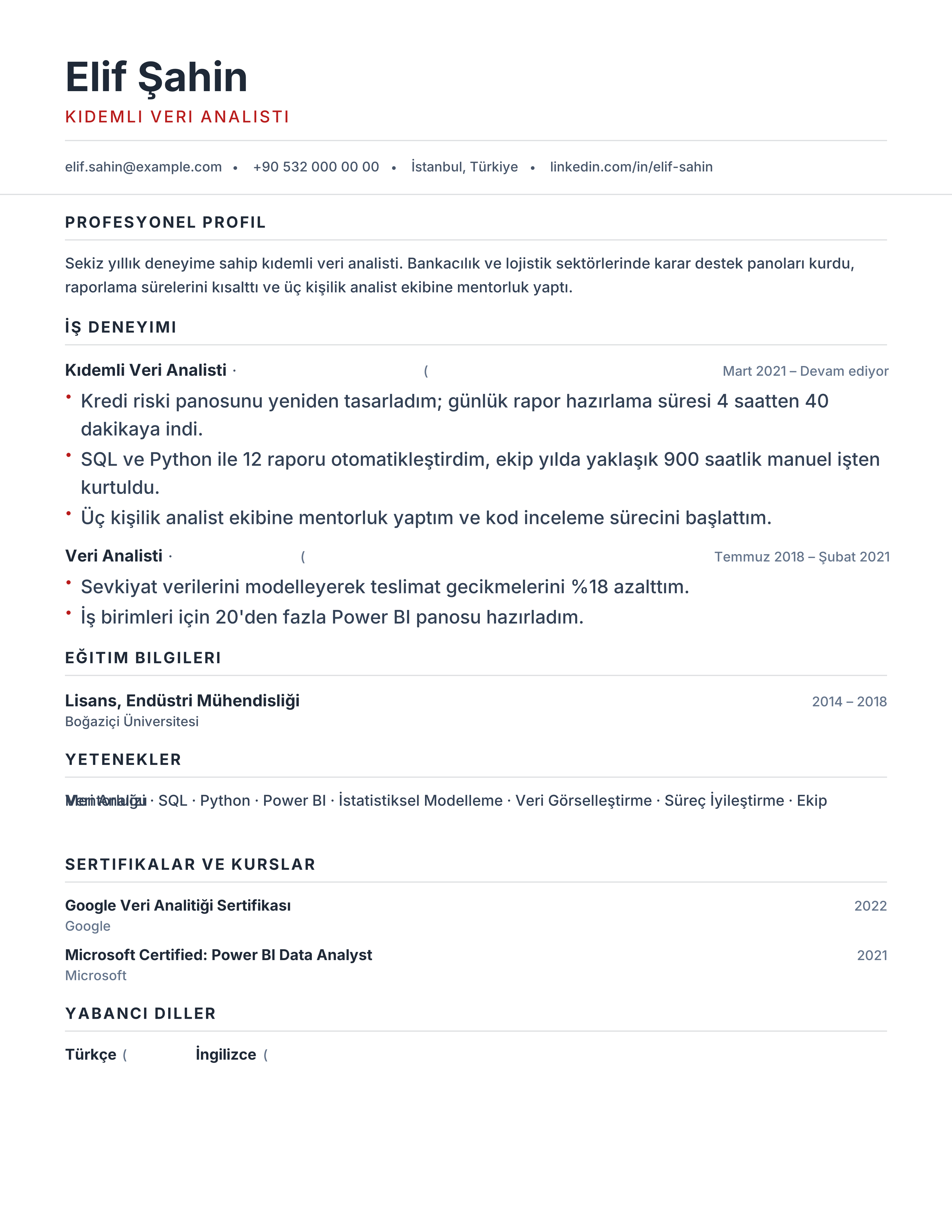
Türkçe özgeçmiş şablonu for Türkiye: Turkish headings, correct ğ ş ı İ ö ü ç characters and clean A4 export. Free PDF or Word download.
Best for: Turkey-based professionals and Finance, operations and engineering
Türkçe · Özgeçmiş · Türkiye · A4
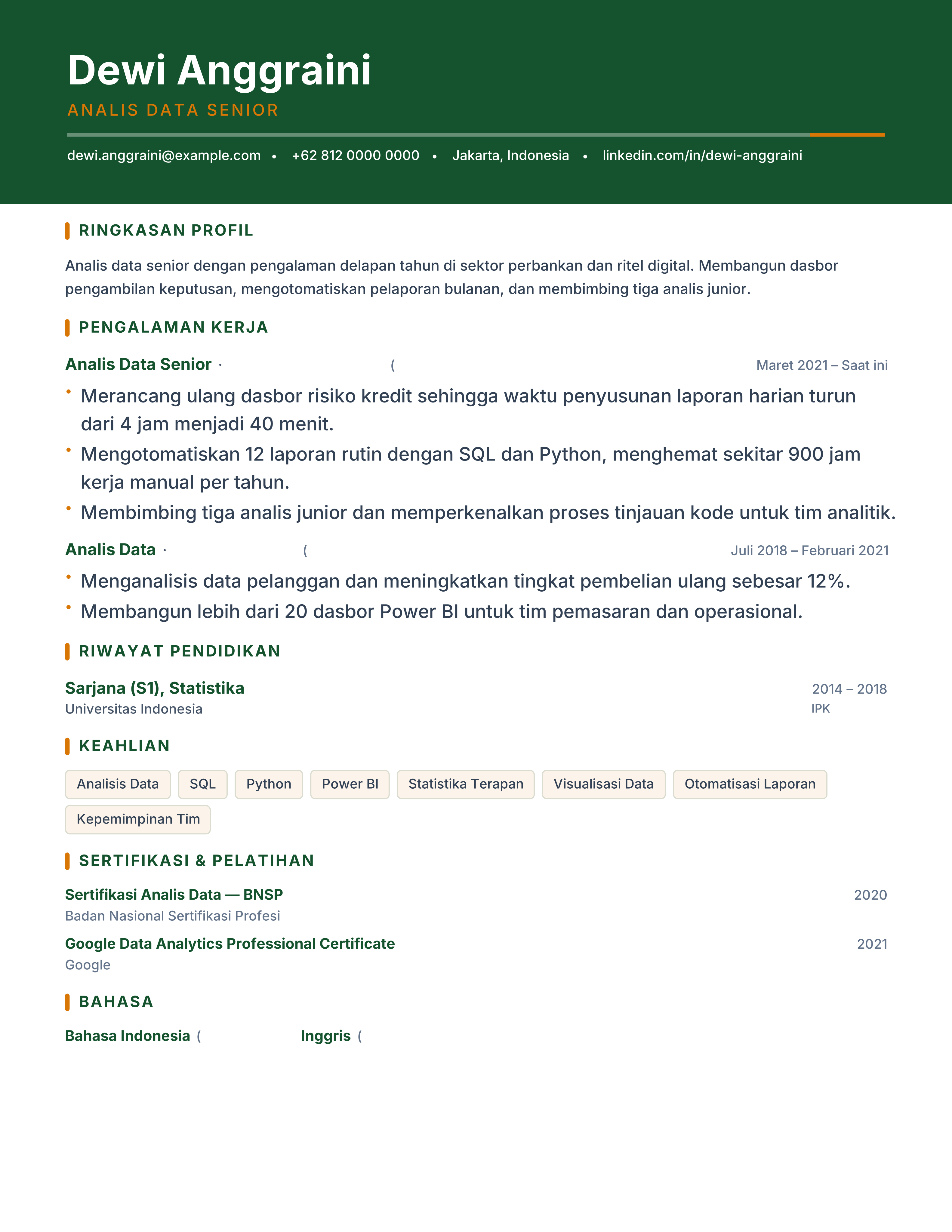
Contoh CV Bahasa Indonesia with Ringkasan Profil, Pengalaman Kerja and Riwayat Pendidikan on A4, including an optional IPK line. Free PDF or Word.
Best for: Indonesia-based professionals and Data, finance and operations roles
Bahasa Indonesia · CV · Indonesia · A4
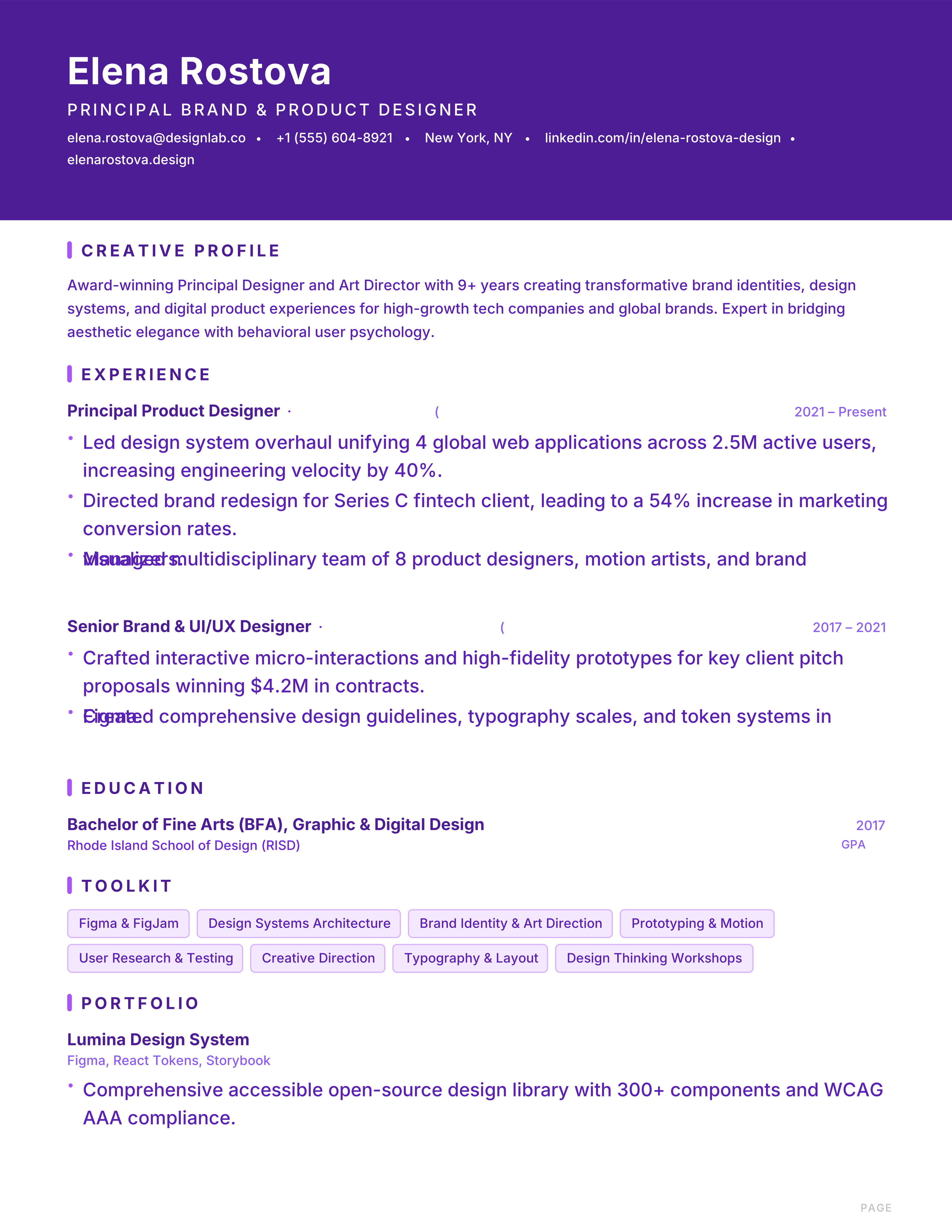
Bold creative resume with violet banner header, purple accent bars and portfolio section for brand strategists.
Best for: Designers and Brand Strategists
Gallery · Violet · Purple · Banner
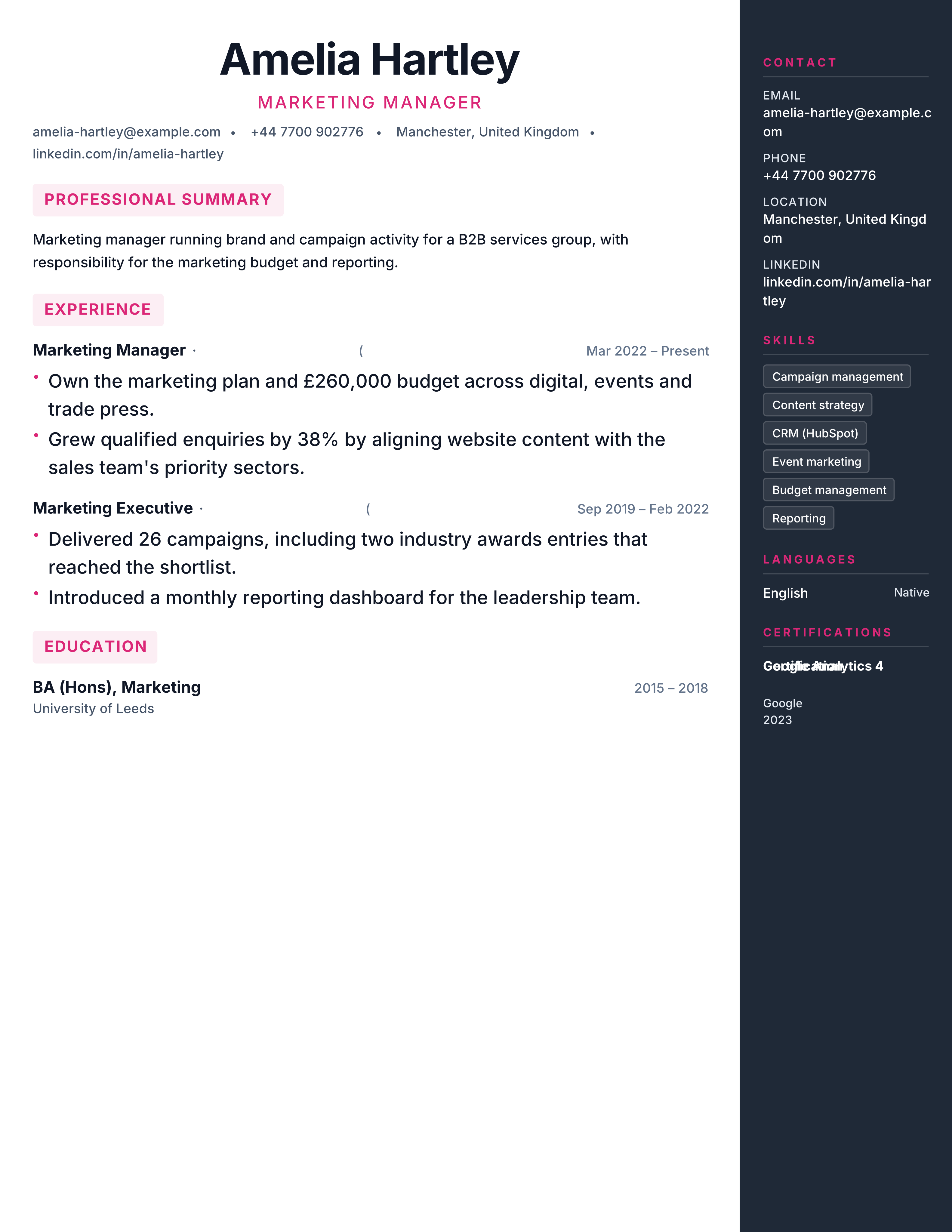
Modern British CV template with an accent sidebar for skills and a clean UK-format main column. Free two-page A4 CV with instant PDF download.
Best for: UK digital & marketing and Engineering & Operations
United Kingdom · Modern · Sidebar · Digital
Compact one-page Lebenslauf for Germany: tighter rhythm, German headings, still fully ATS-readable. Free A4 template with instant PDF download.
Best for: Trades & Handwerk and Care & Healthcare
Kompakt · One Page · German · Trades
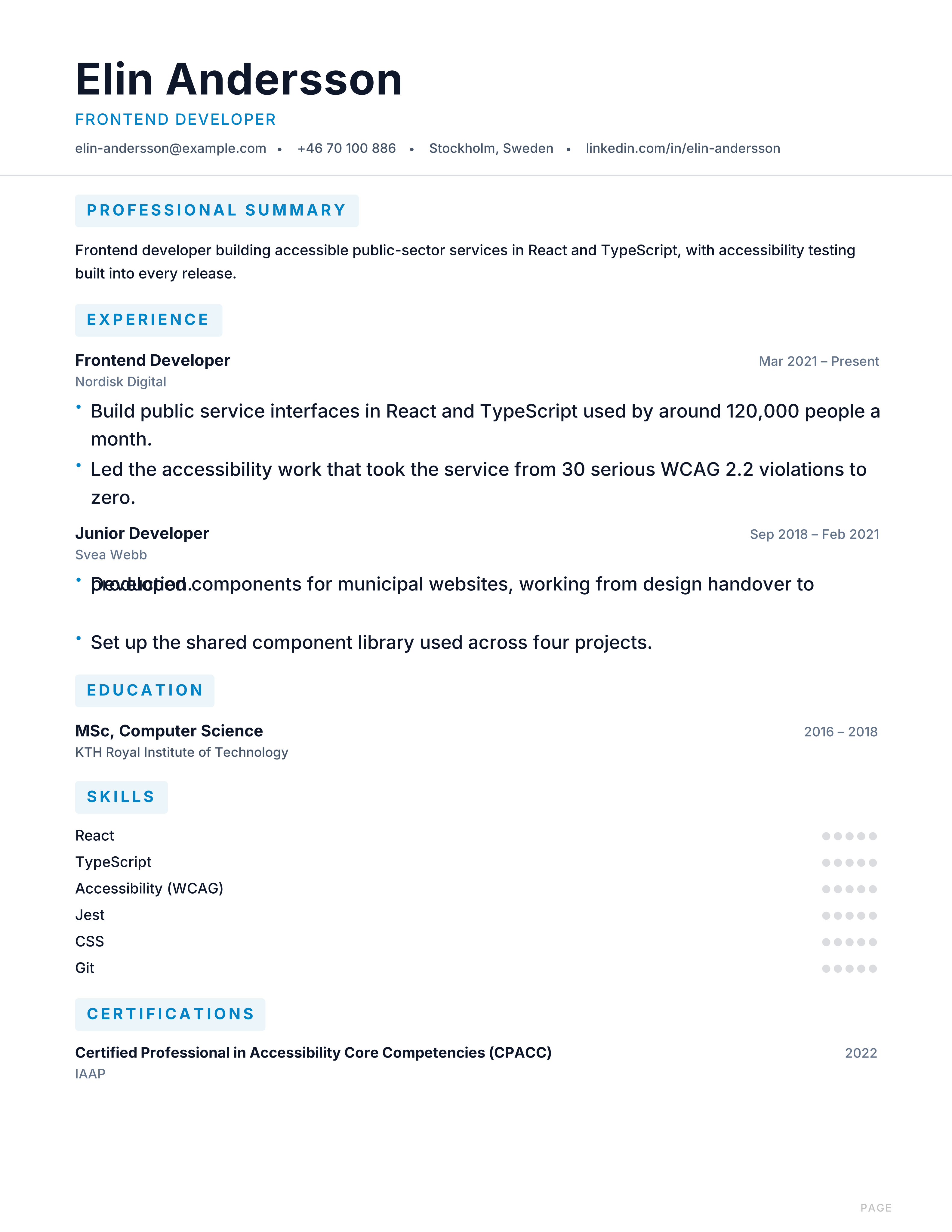
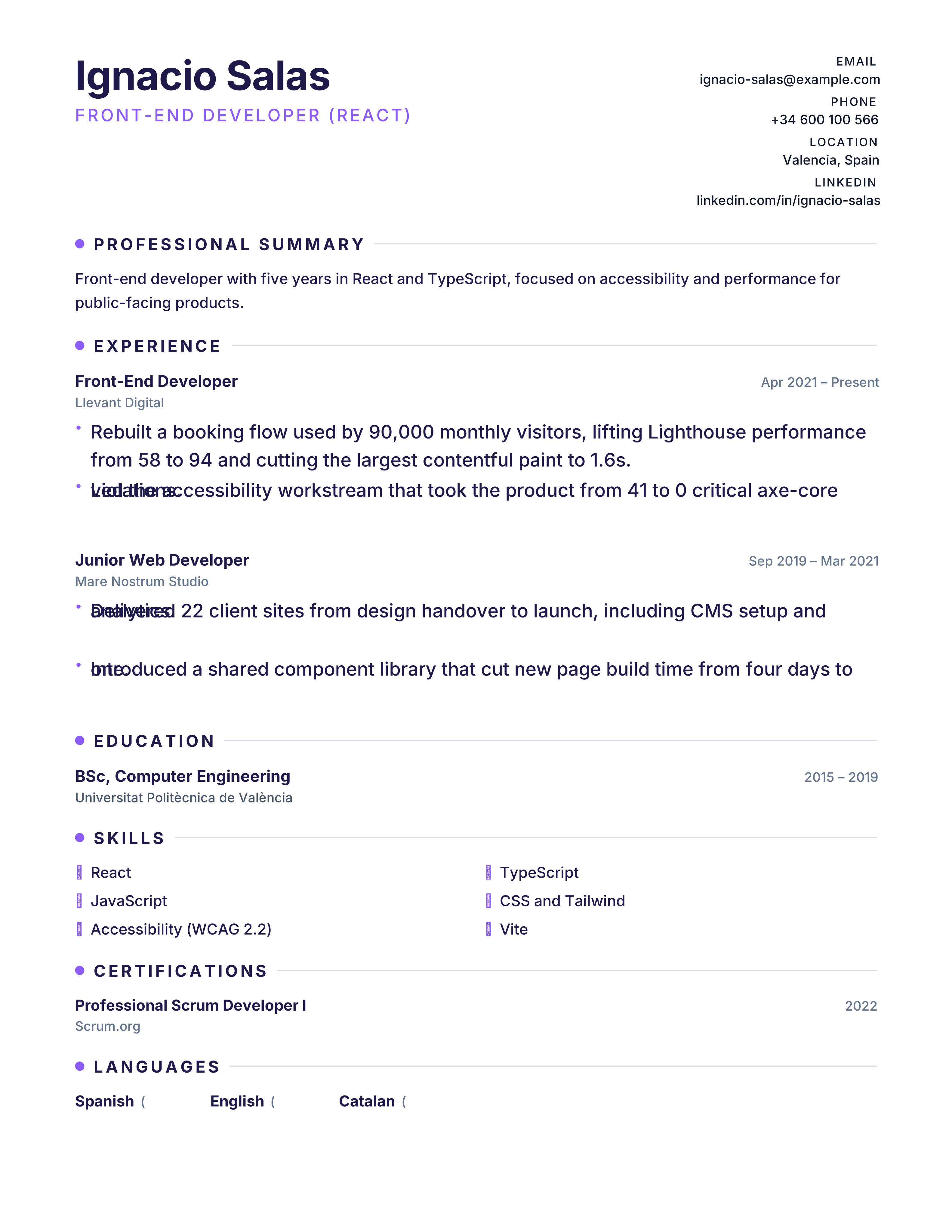
Front-end developer resume template with framework stack, accessibility, performance and shipped products. Free ATS-ready technical CV.
Best for: Front-End Developers and React Engineers
Front-End Development · Technical · Projects · split
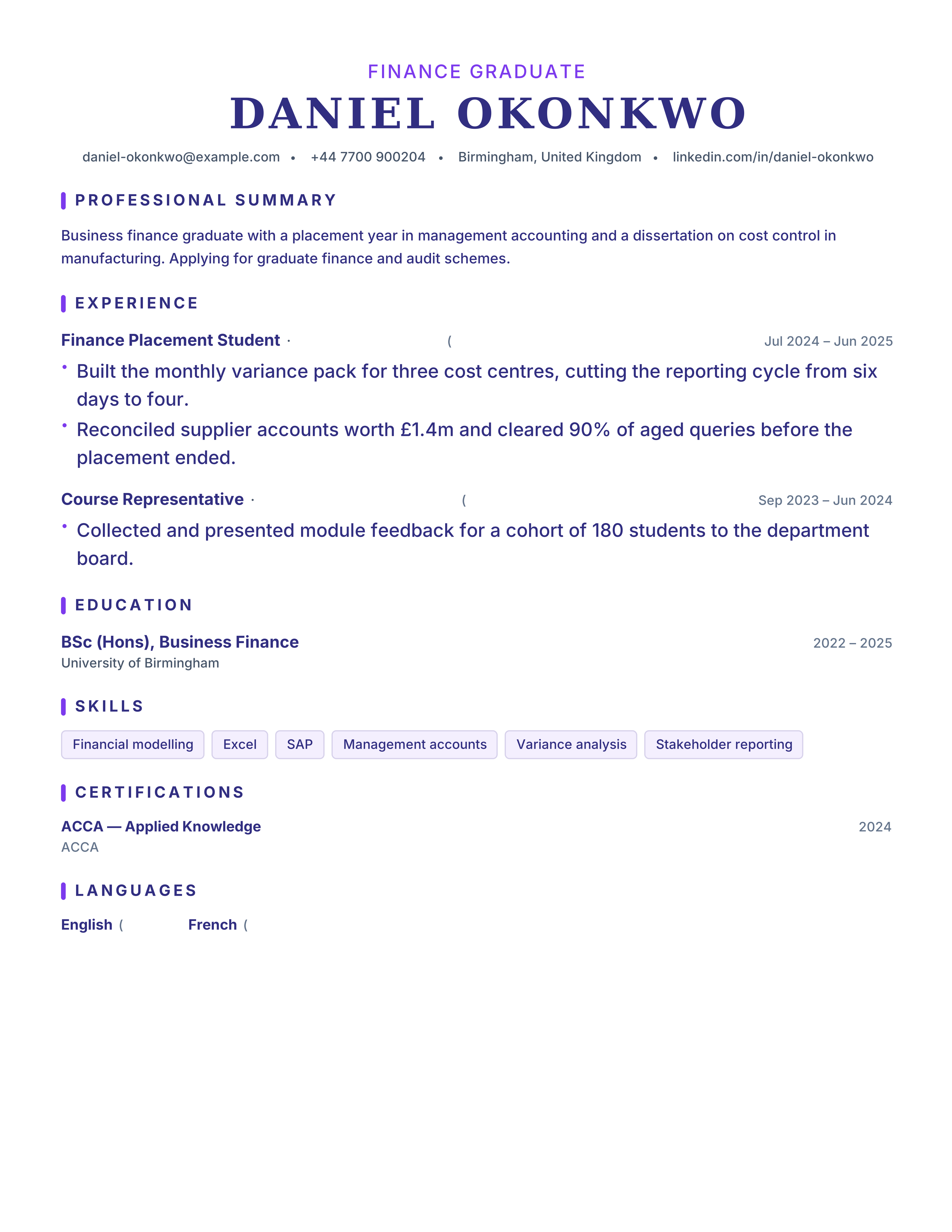
Graduate CV template that turns degrees, placements and projects into job evidence. Clean one-page ATS format, free PDF export and no registration.
Best for: Recent Graduates and Graduate Schemes
Graduates · Evidence-led · ATS · split
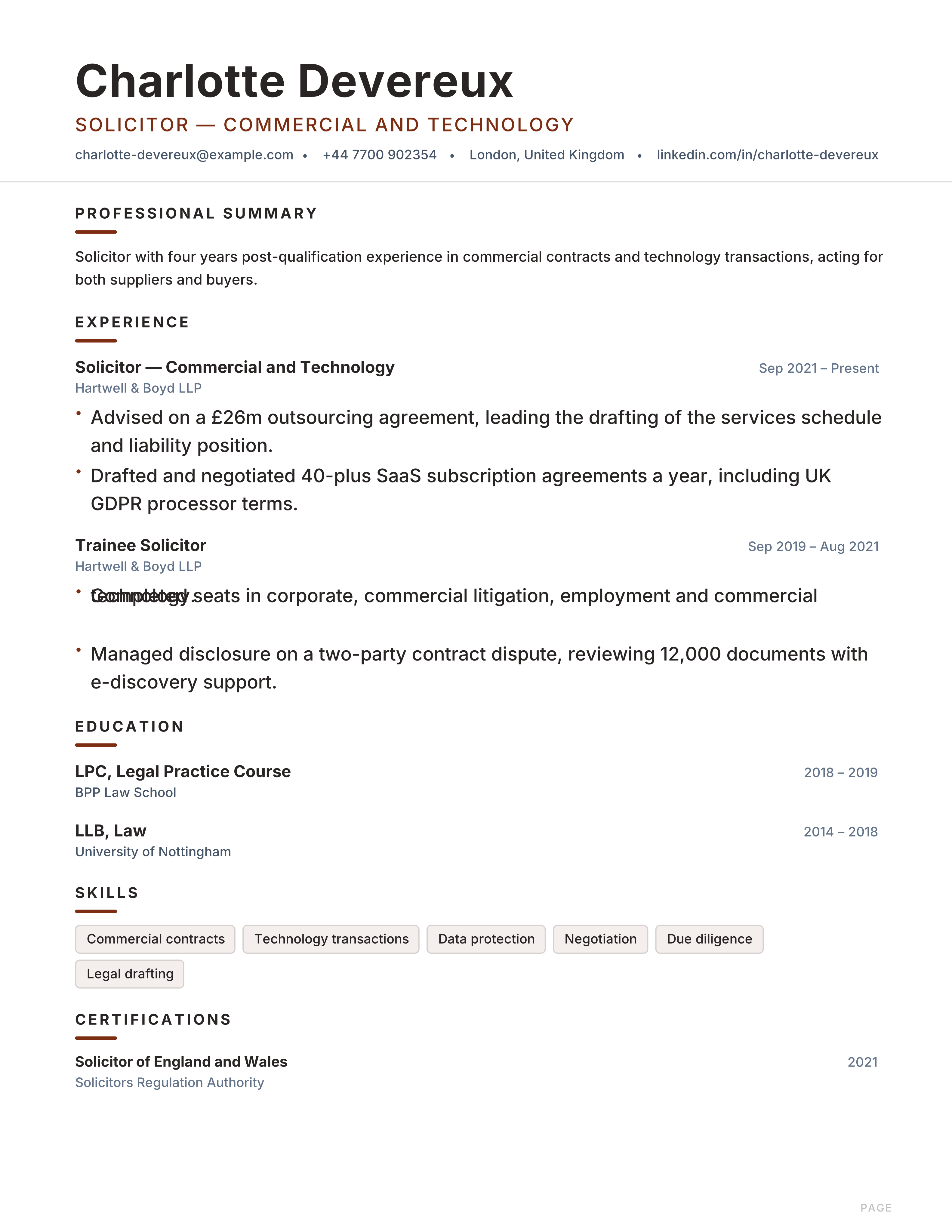
Lawyer CV template with admissions, practice areas, matters, transactions and court experience. Free ATS-ready format for legal roles.
Best for: Lawyers and Solicitors
Law · Traditional · Professional · classic
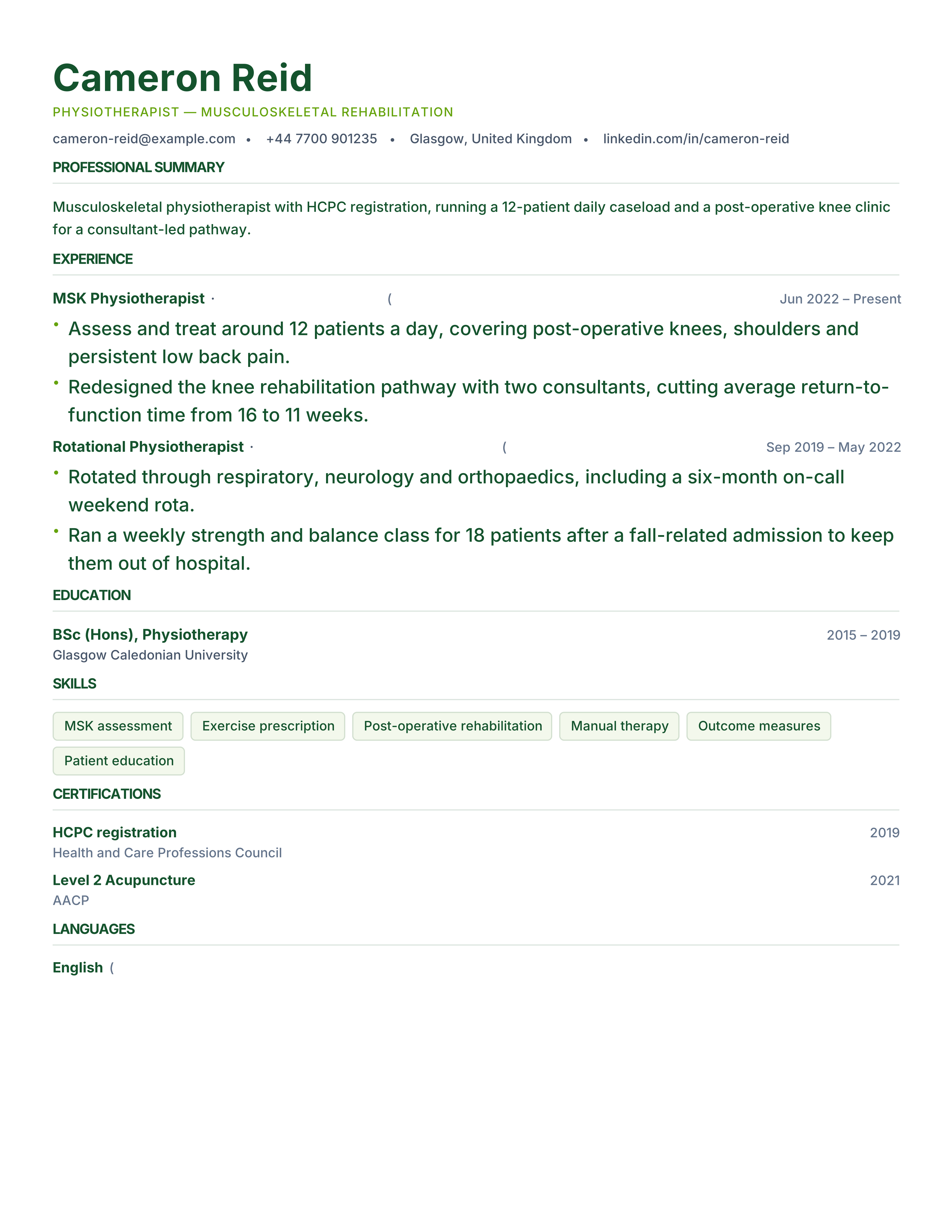
Physiotherapist CV template with registration, caseload, treatments and patient outcomes. Free ATS-ready format for clinics, hospitals and sport.
Best for: Physiotherapists and Sports Therapists
Physiotherapy · Clinical · Credentials · classic
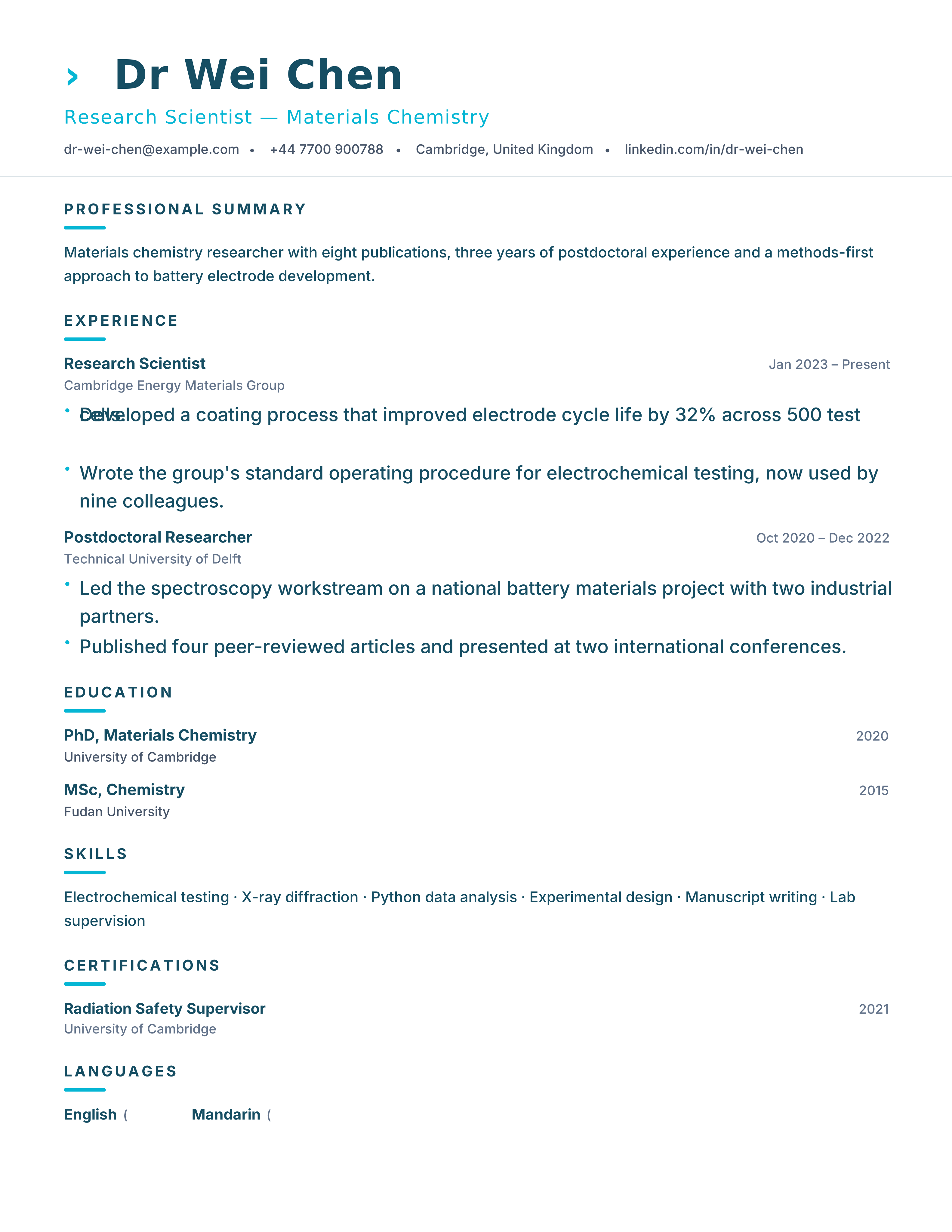
Research scientist CV template with publications, methods, grants, patents and conference evidence. Free ATS-readable format for R&D roles.
Best for: Research Scientists and Postdocs
Research · Evidence-led · ATS · split
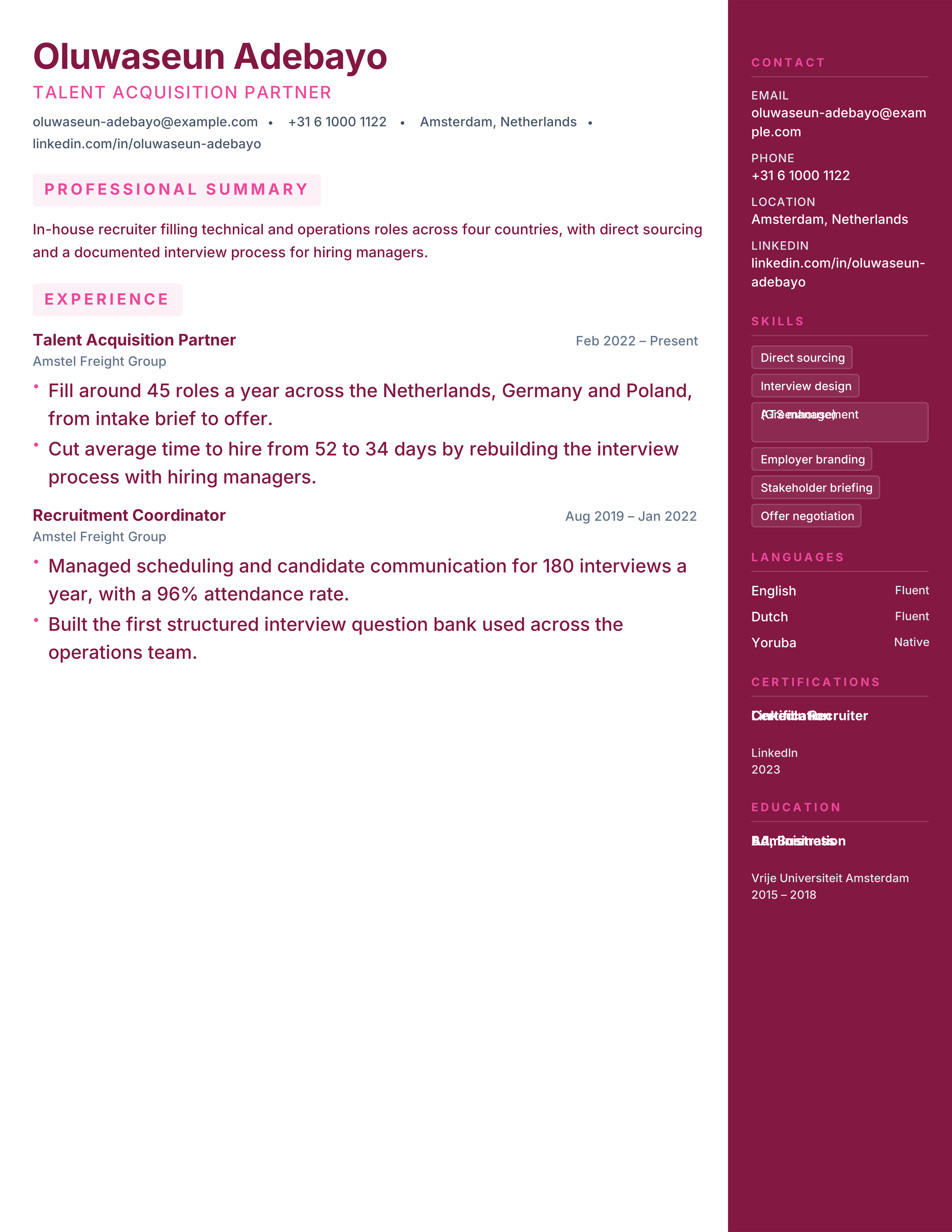
Recruiter resume template with hiring volume, time-to-fill, sourcing channels and offer acceptance. Free ATS CV for talent acquisition roles.
Best for: Recruiters and Talent Partners
Recruitment · Professional · Results · sidebar-right
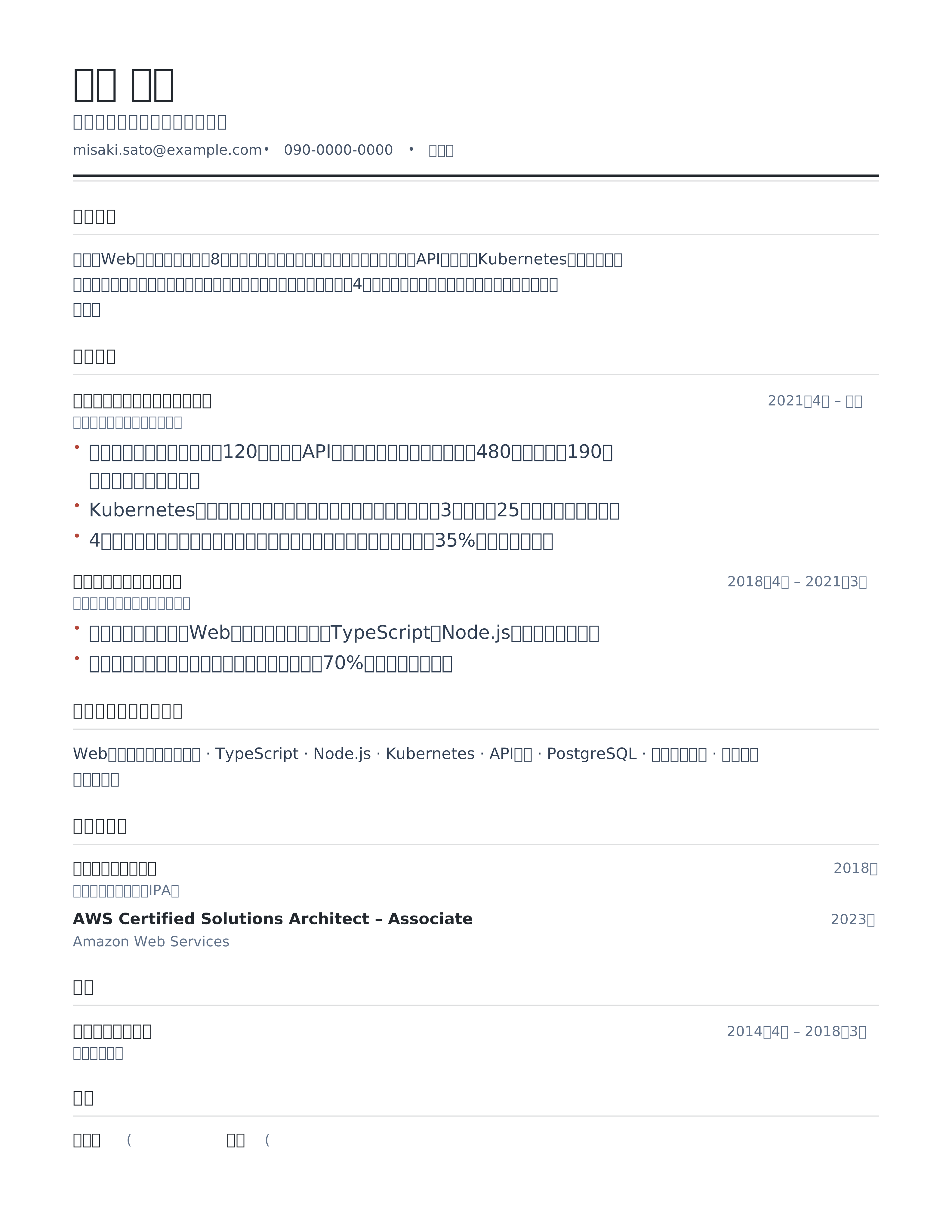
Japanese 職務経歴書 template: 職務要約, 職務経歴 and 資格 sections in Japanese hiring order with a bundled CJK font and A4 PDF export.
Best for: Mid-career applicants in Japan and Software and engineering roles
日本語 · 職務経歴書 · Japan · A4
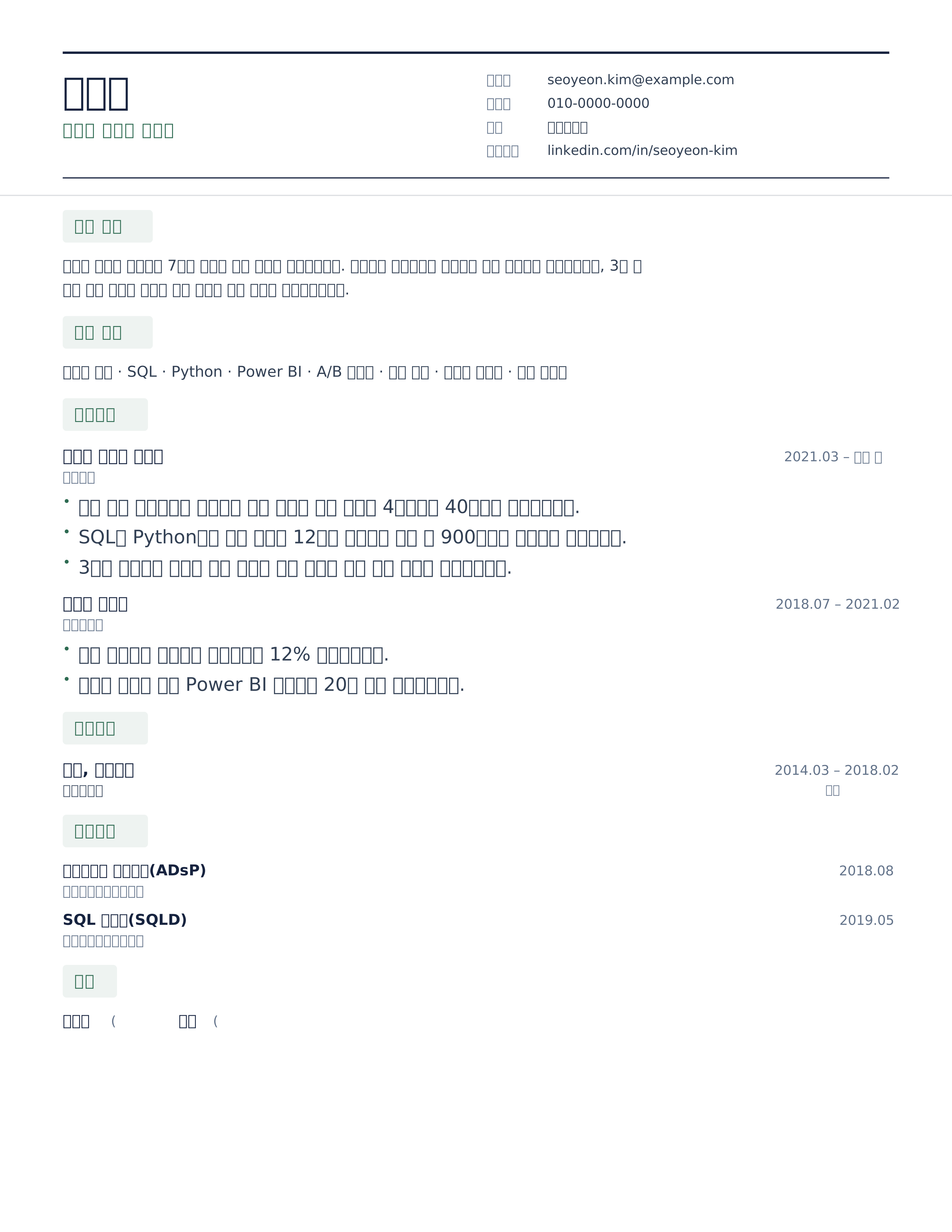
Korean 이력서 template with a labelled 인적사항 header, 경력사항 and 학력사항 in reverse order, and selectable Hangul text. Free A4 PDF download.
Best for: Korea-based professionals and Product, data and marketing roles
한국어 · 이력서 · Korea · A4
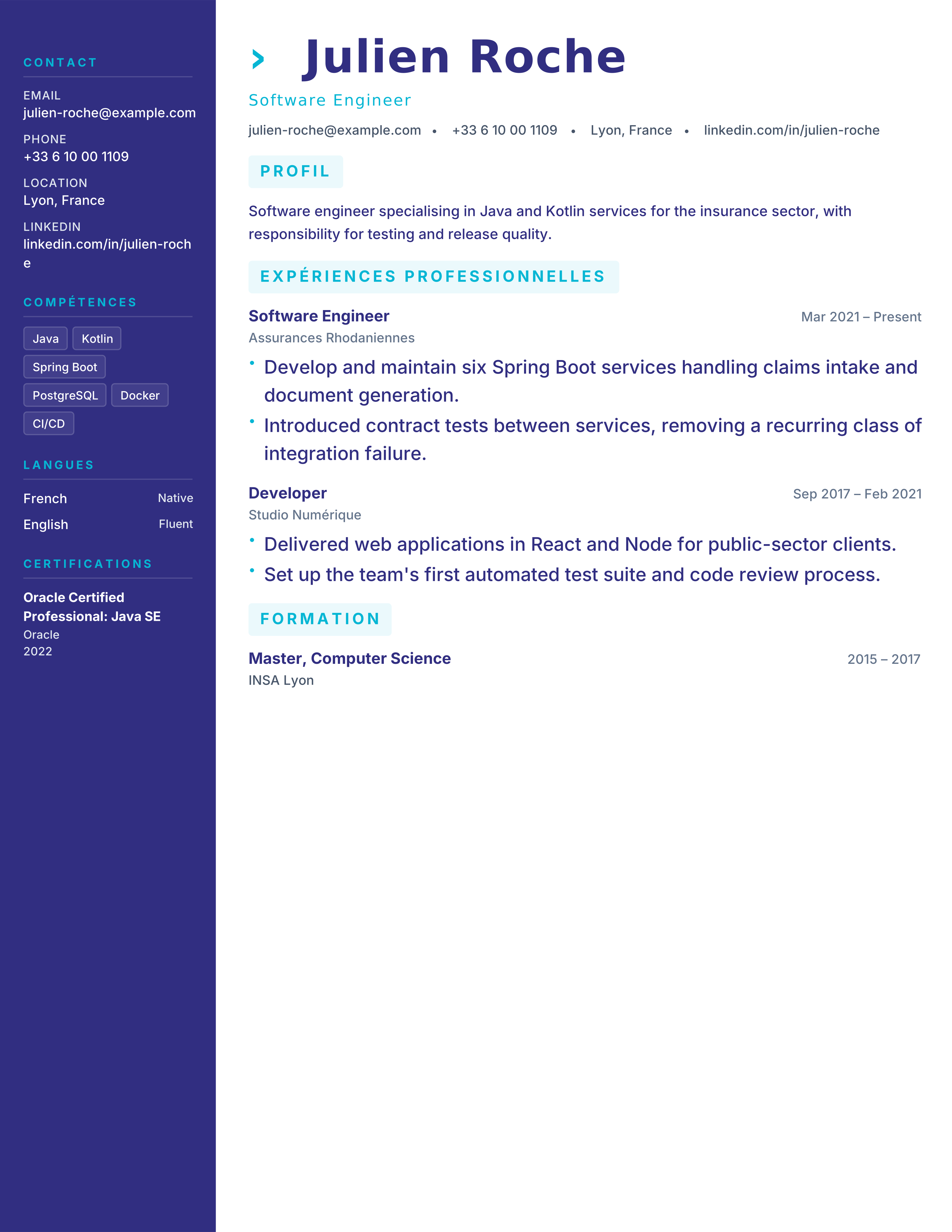
CV moderne à deux colonnes pour la France : compétences et langues dans la colonne latérale, expérience en colonne principale. A4, gratuit, PDF instantané.
Best for: French tech employers and Marketing & Consulting
France · Two Column · Modern · Tech
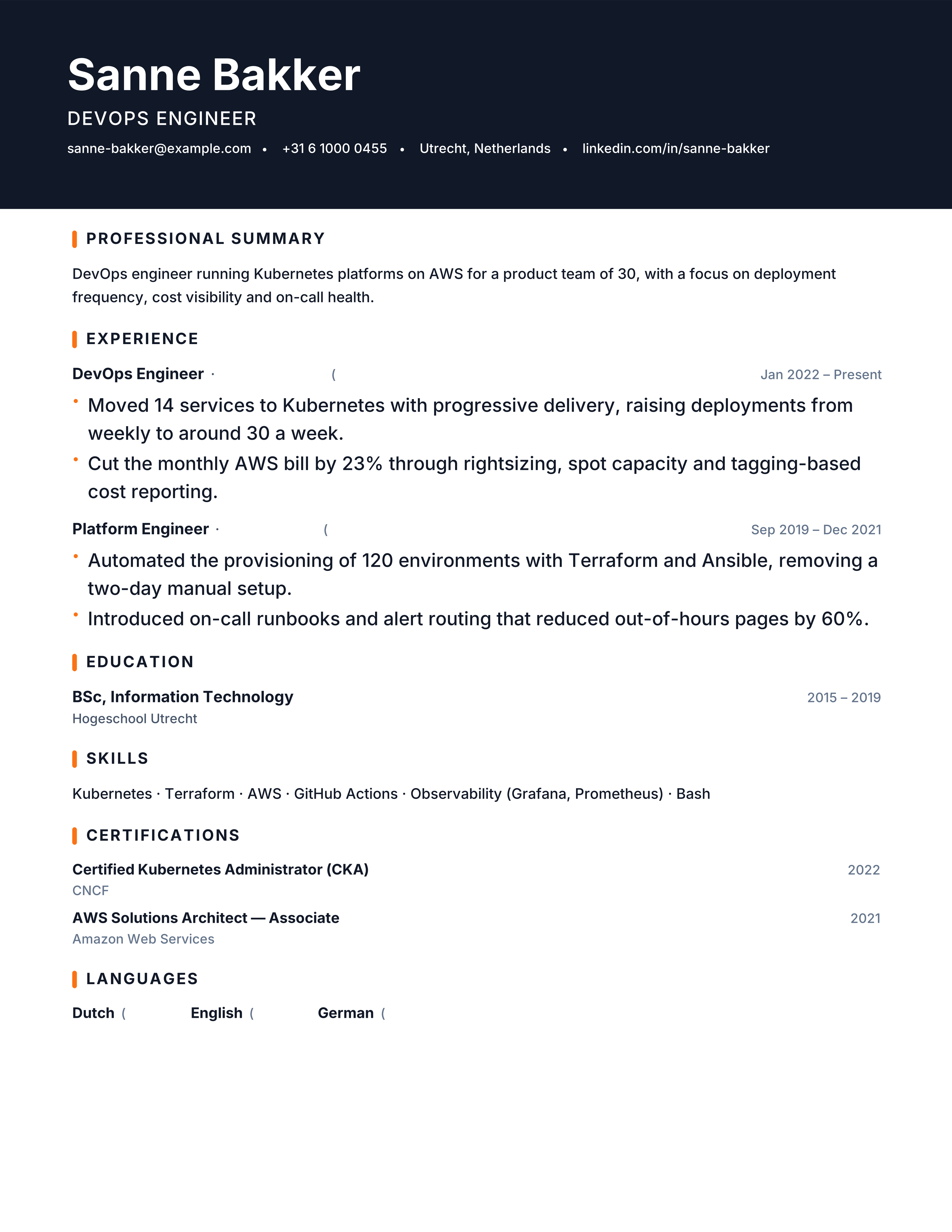
DevOps resume template with cloud platforms, IaC, CI/CD, SRE metrics and incident ownership. Free ATS technical CV and PDF download.
Best for: DevOps Engineers and Cloud Engineers
DevOps · Technical · Projects · banner
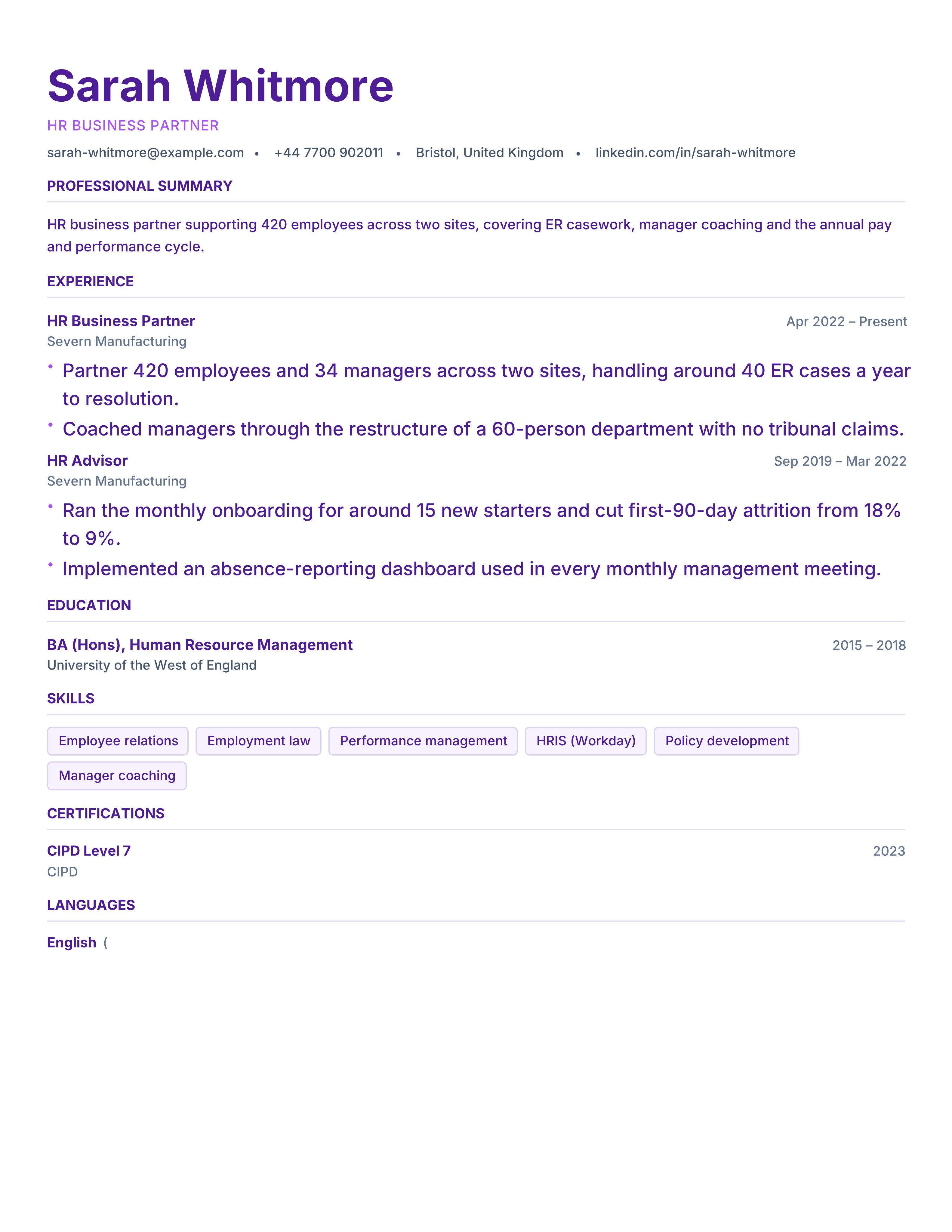
Human resources resume template with employee scope, HRIS, hiring, retention and policy outcomes. Free ATS-ready CV for HR and people roles.
Best for: HR Managers and People Partners
Human Resources · Professional · Results · classic
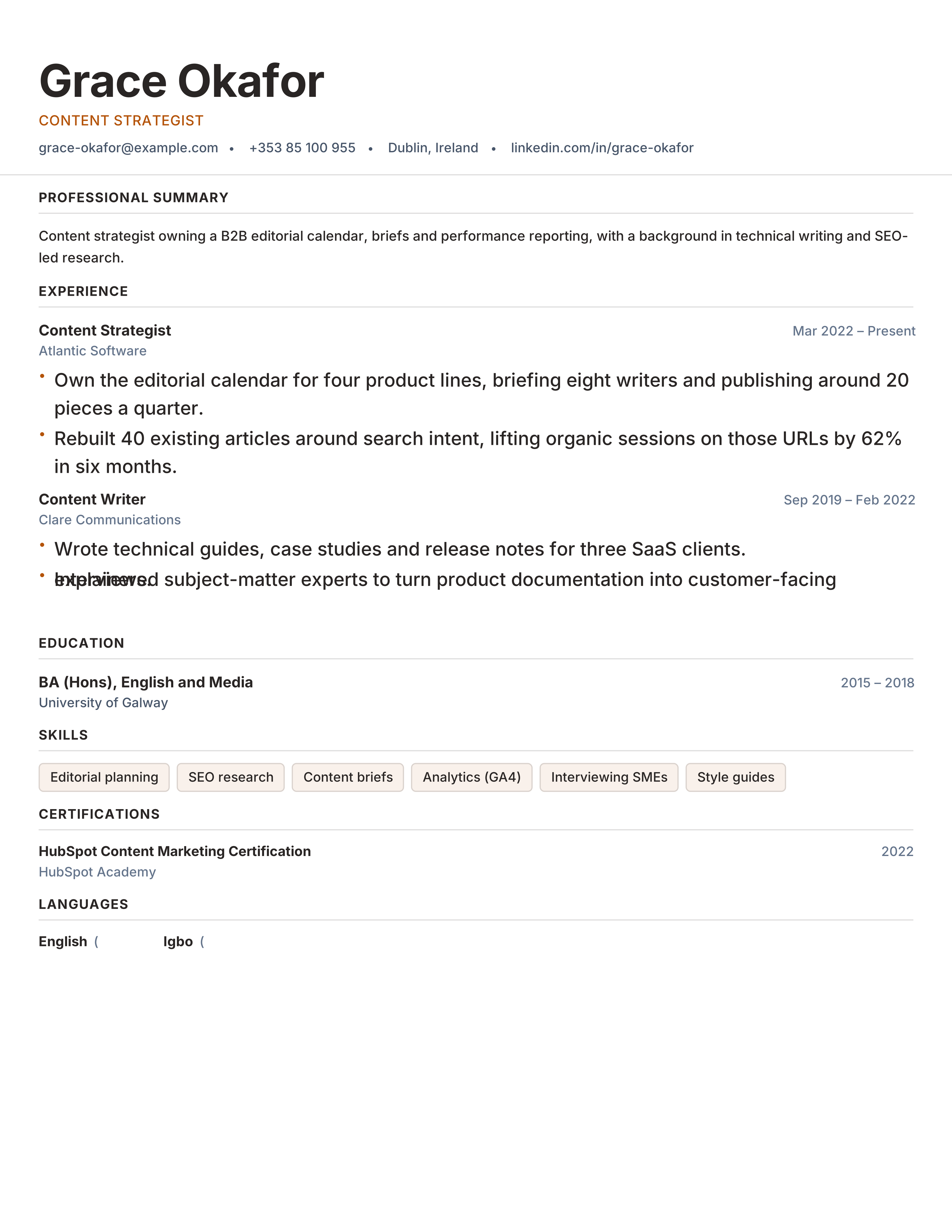
Content writer resume template with portfolio, content formats, search growth and editorial results. Free ATS CV for writers and strategists.
Best for: Content Writers and Content Strategists
Content · Portfolio · Original · typographic
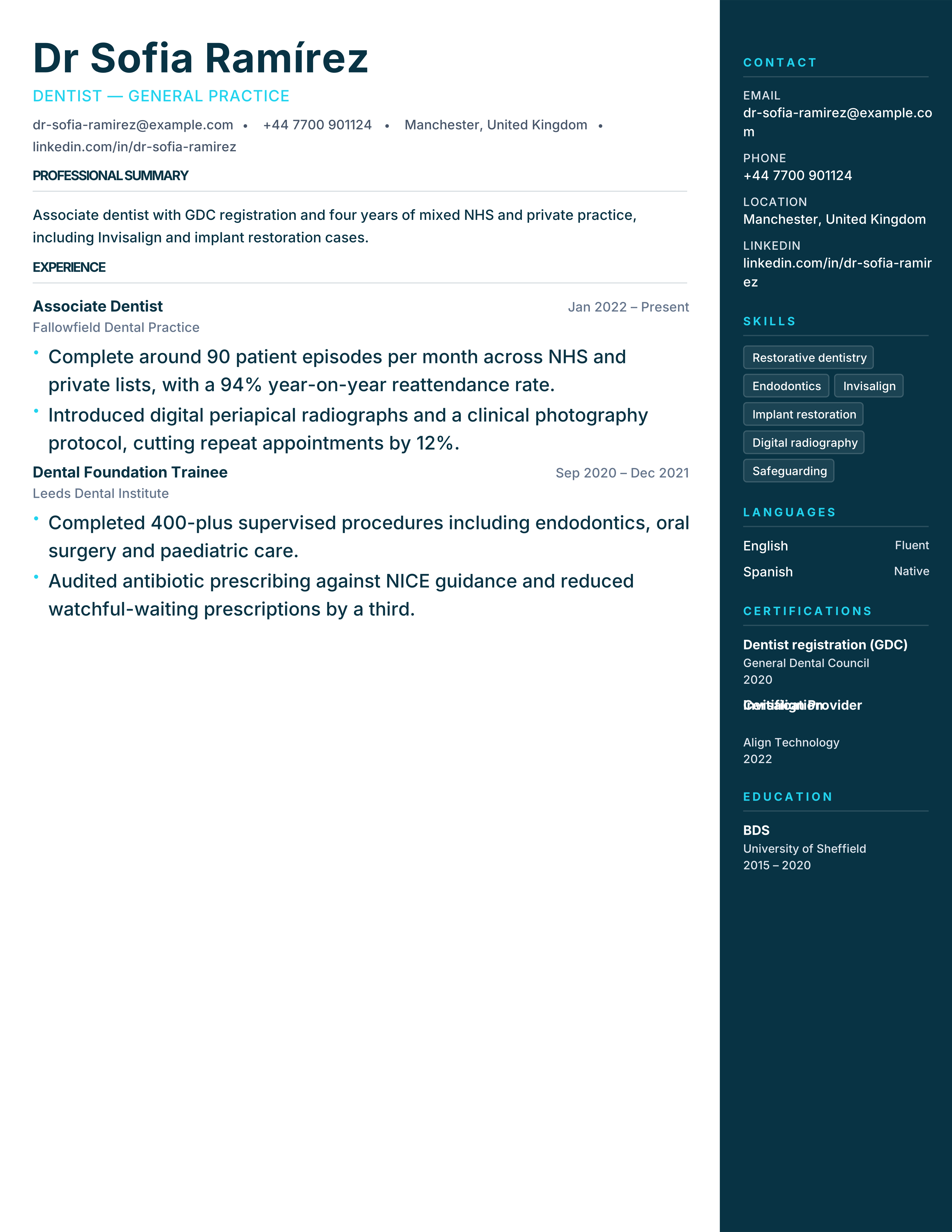
Dentist CV template for practices and hospitals, with registration, procedures, caseload and CPD. Free professional A4 CV and PDF export.
Best for: Dentists and Dental Associates
Dentistry · Clinical · Credentials · sidebar-right
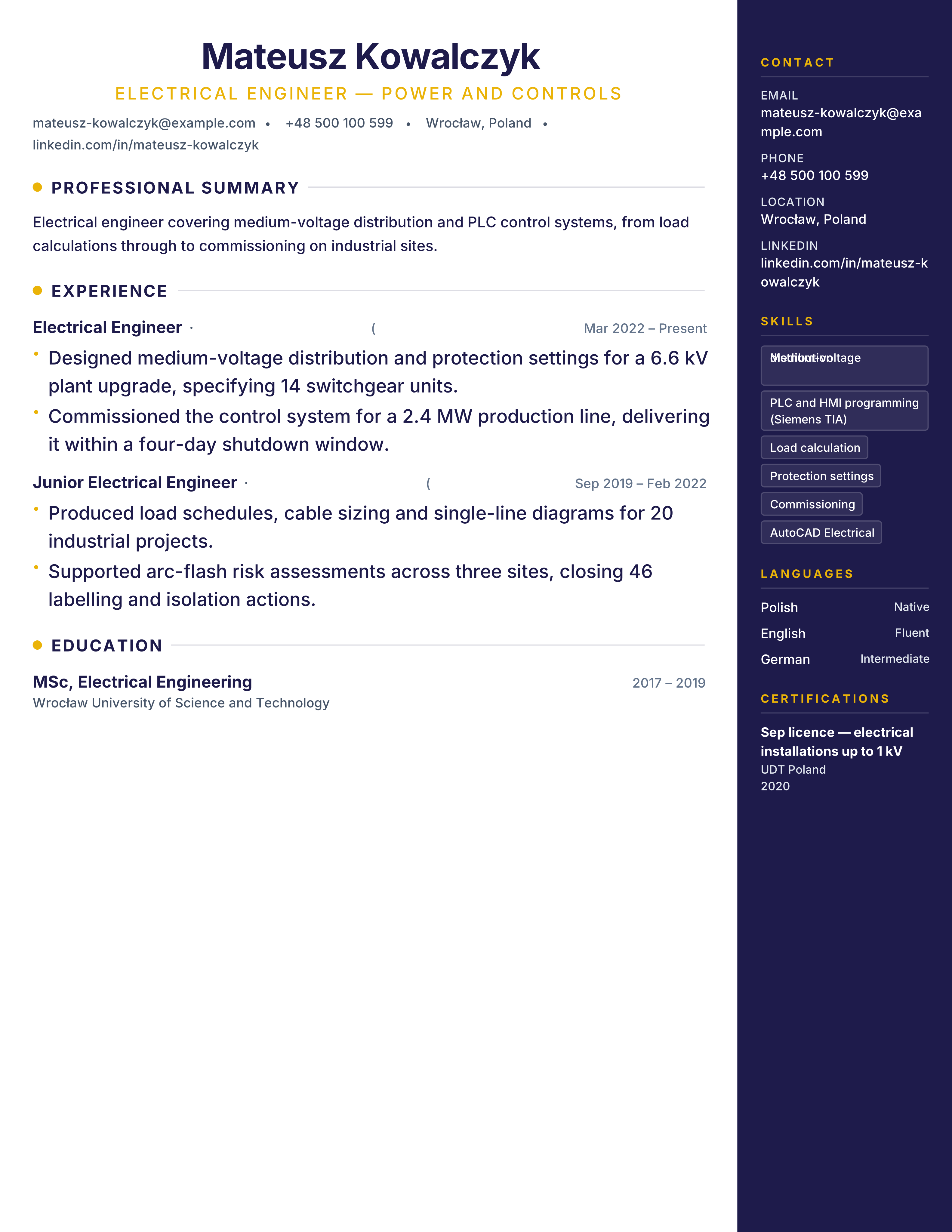
Electrical engineer resume template with systems, standards, controls, commissioning and safety outcomes. Free ATS-ready technical CV.
Best for: Electrical Engineers and Controls Engineers
Electrical Engineering · Technical · Projects · sidebar-right
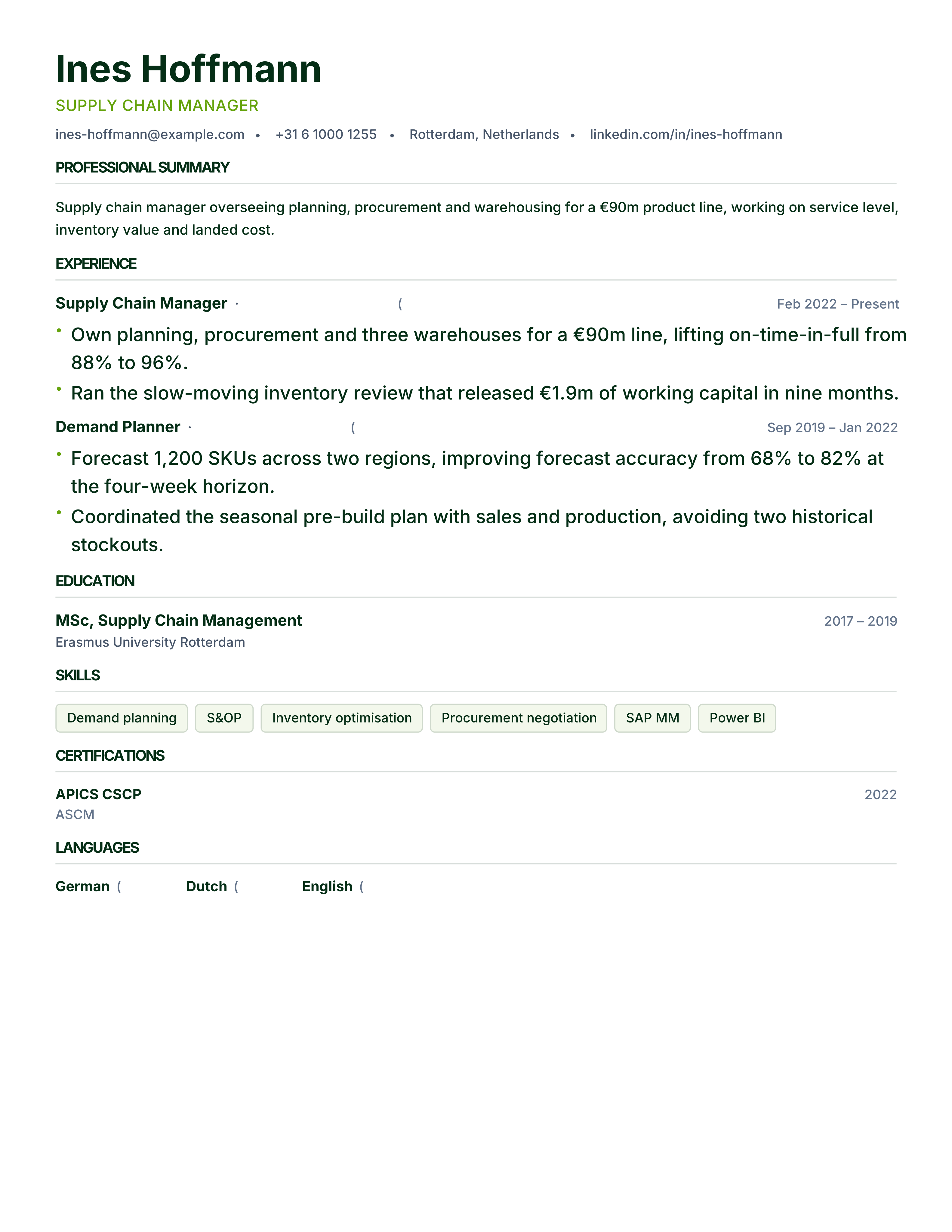
Supply chain resume template with inventory, OTIF, warehouse, procurement and cost metrics. Free ATS CV for logistics and operations roles.
Best for: Supply Chain Managers and Logistics Coordinators
Supply Chain · Professional · Results · split
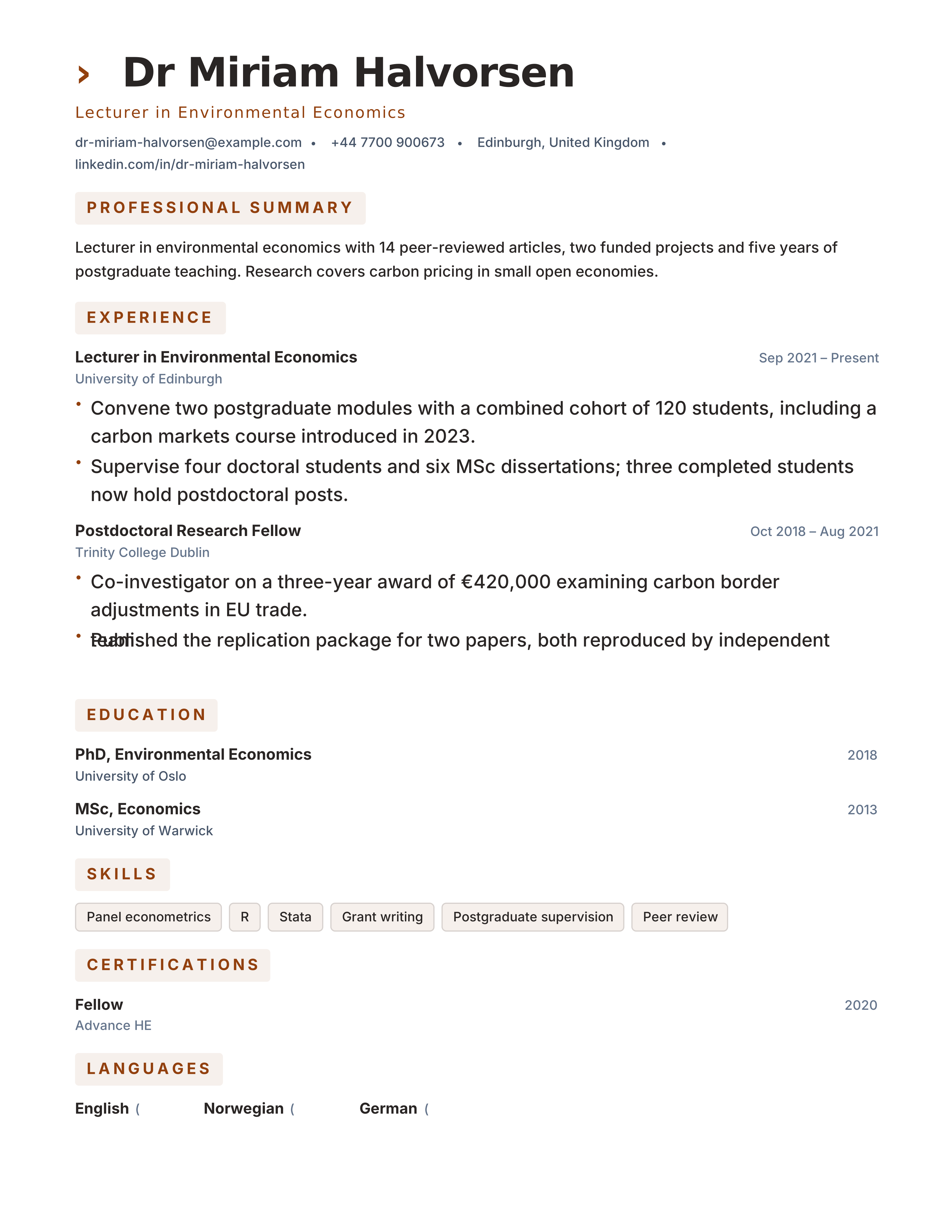
Long-form academic CV template for publications, teaching, grants, service and appointments. Free format for professor and lecturer applications.
Best for: Professors and Lecturers
Higher Education · Evidence-led · ATS · classic
Currículum creativo en español para diseño, marketing y medios: columna de color, portafolio y competencias visuales. A4, gratis y legible por ATS.
Best for: Designers in Spain and Marketing & Media
Spain · Creative · Portfolio · Design
ATS-friendly CV templates are layouts built so the text in them can be extracted by an applicant tracking system: one reading column, standard section headings such as Experience and Education, and real selectable text rather than text baked into an image. In the US the document is usually called a resume and in the UK, Ireland and much of Europe a CV — the structure a parser needs is the same either way.
Name, contact details and section headings sit where a reader — and a parser — expects them.
Experience, Education, Skills and Summary use conventional names, not invented labels a search will miss.
Body copy is real text, not an image of text. That is what lets hiring software extract fields.
One primary reading column, sensible spacing and no tables in the experience timeline.
Professional type, clear headings and enough contrast to survive both a screen and a printout.
Accents are allowed; infographics, skill bars and text baked into pictures are not how these layouts work.
Parsing behaviour still varies by employer, ATS software, document format and configuration. Nothing here is guaranteed ATS compatible with every system — export the file and check that the text still reads in the order you wrote it.
Choose on conventions first and style second. Every design is editable, so a template that fits your industry can still be adjusted.
Corporate, finance, legal and healthcare
Classic, Corporate or Executive designs.
Engineering, data and academic roles
The Technical and Academic layouts.
Creative roles
Layouts that can carry more visual structure.
The profession collections on this page list the layouts that fit each field.
A layout cannot fix content, and no template can guarantee how a particular employer's system will treat your file. The free ATS resume checker runs that test on the exported file itself.
The best ATS CV format is reverse-chronological, in one column, saved as a text-based PDF or DOCX. These are the seven structural choices that decide whether an applicant tracking system reads your CV in the order you wrote it. The full ATS resume format guide goes deeper.
| Element | Use | Why |
|---|---|---|
| Layout | One main reading column | Parsers read top-to-bottom; side columns can scramble the order. |
| Section headings | Summary, Experience, Education, Skills | Standard names map to fields; invented labels may be missed. |
| Order | Reverse-chronological | Recruiters and parsers both expect the latest role first. |
| Dates | One consistent style, e.g. Mar 2022 – Present | Mixed formats make tenure harder to calculate. |
| File type | Text-based PDF or DOCX | Scanned or image-only files contain no extractable text. |
| Contact details | In the page body, not a header or footer | Some systems skip header and footer areas. |
| Fonts and icons | Standard fonts, plain text for contact info | Icons and skill bars carry no readable meaning. |
Every template exports to PDF or Word (DOCX), free and without signup. Start from the situation you are in.
Each profession page shows the layouts that fit that hiring process — not a copy of the full gallery with a different heading.
Practical articles on format, ATS parsing and section writing — not a substitute for the templates above.
ATS
How applicant tracking systems read a file, and what actually helps.
Format
When a one-page layout is enough, and when a second page is honest.
Skills
How to list skills so a keyword search can match them.
Role
Stack, ownership and scale — the evidence engineering screens check.
Applying abroad? Country guides explain local CV conventions and pair them with these templates.
Open a template, replace the sample text with your own details, and export when the document reads the way you want.