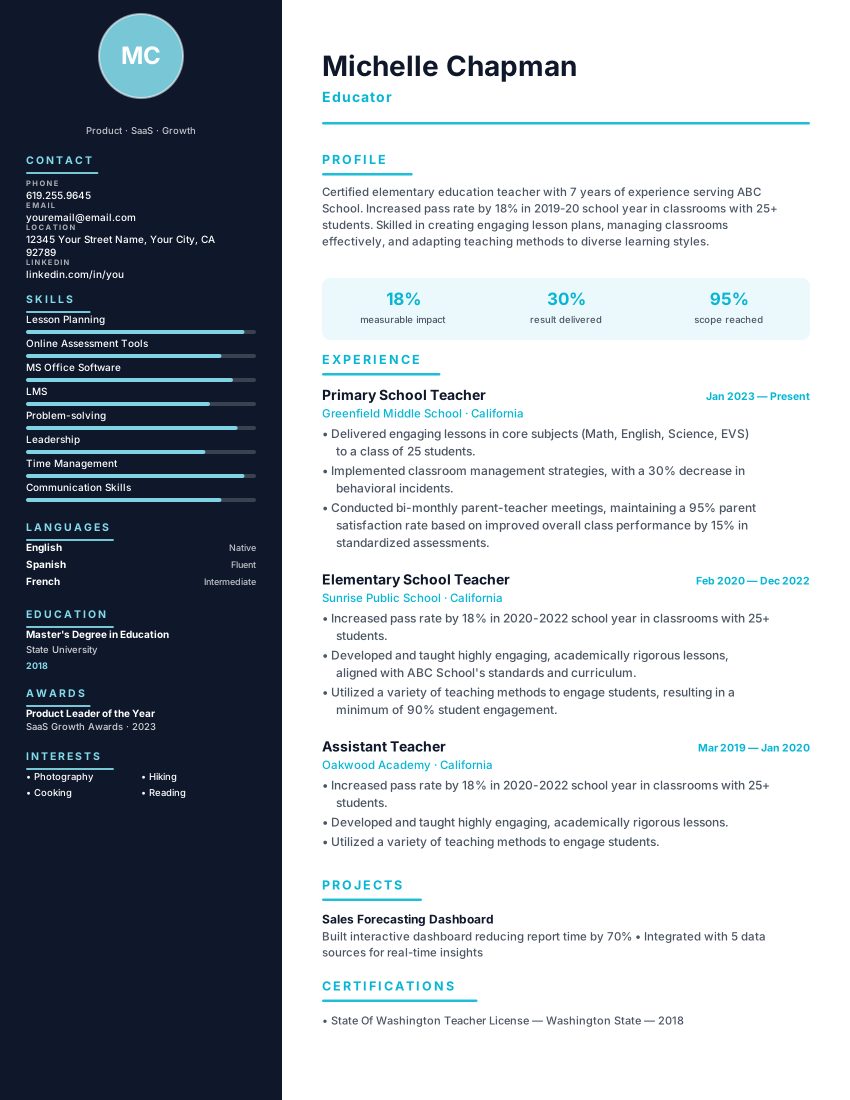
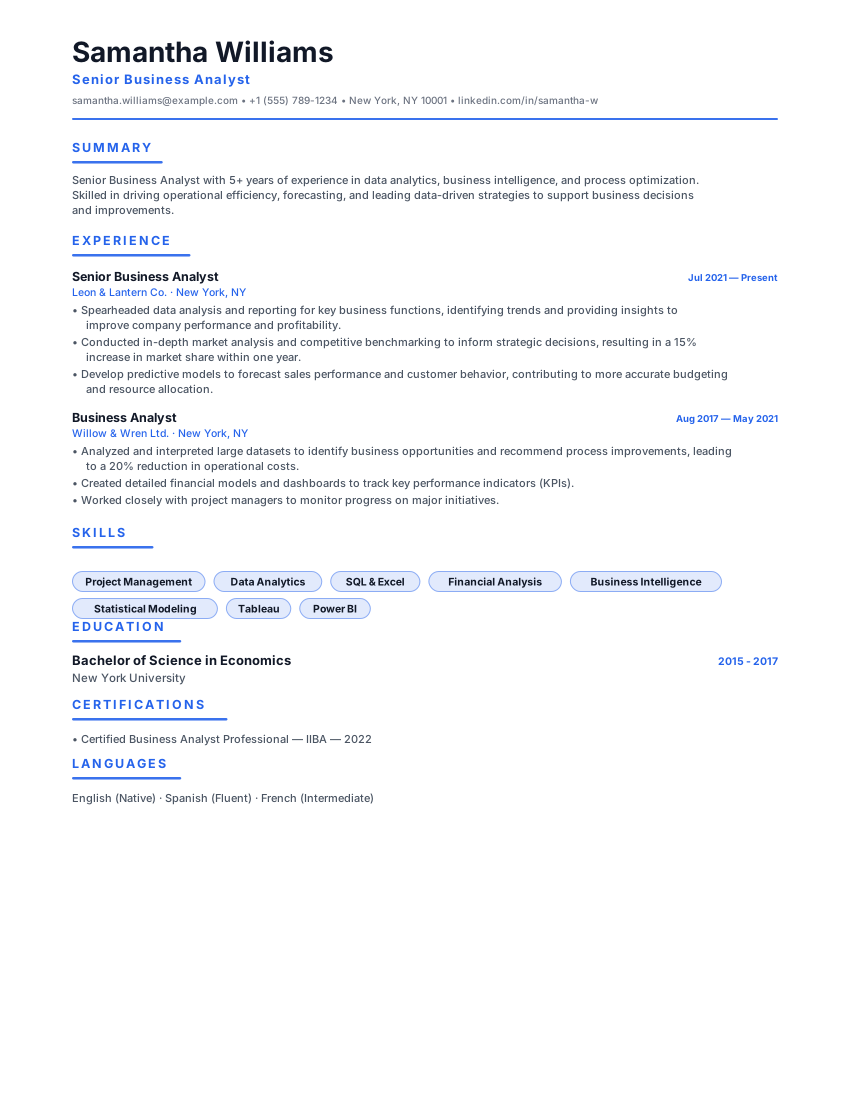
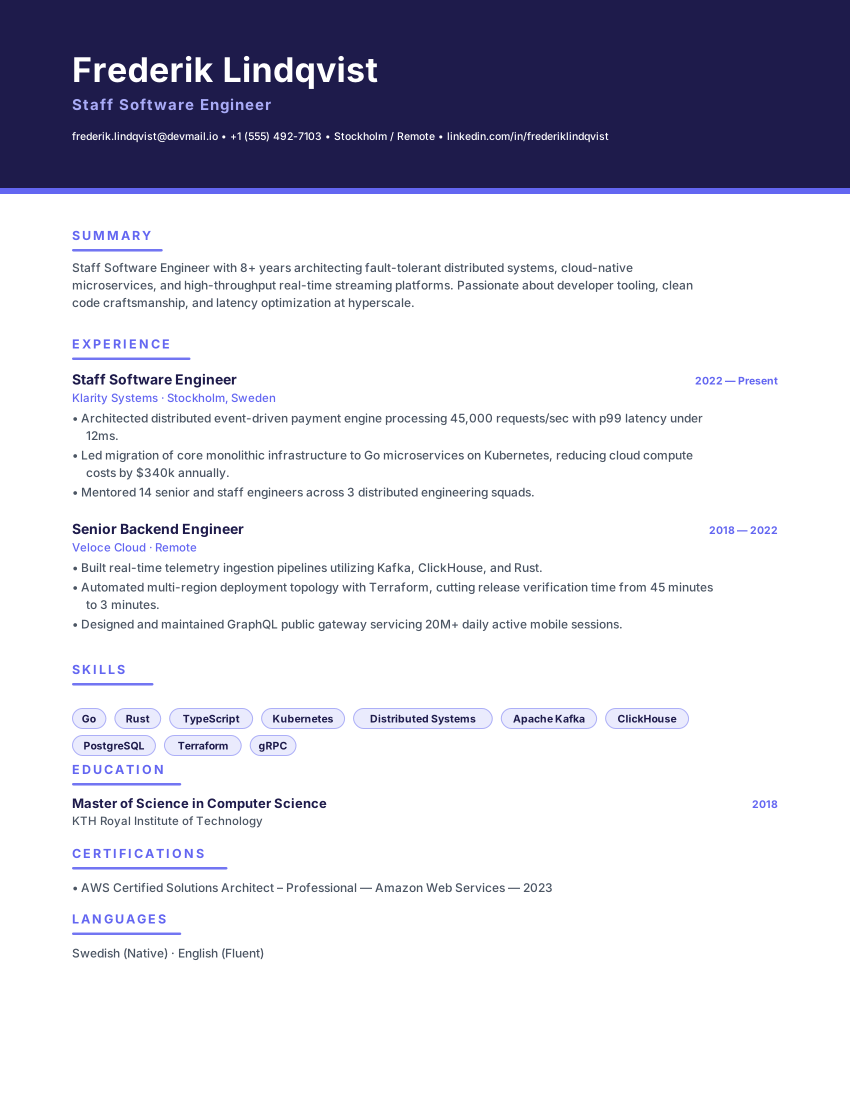
PopularFilled example
Template layoutStack Engineer
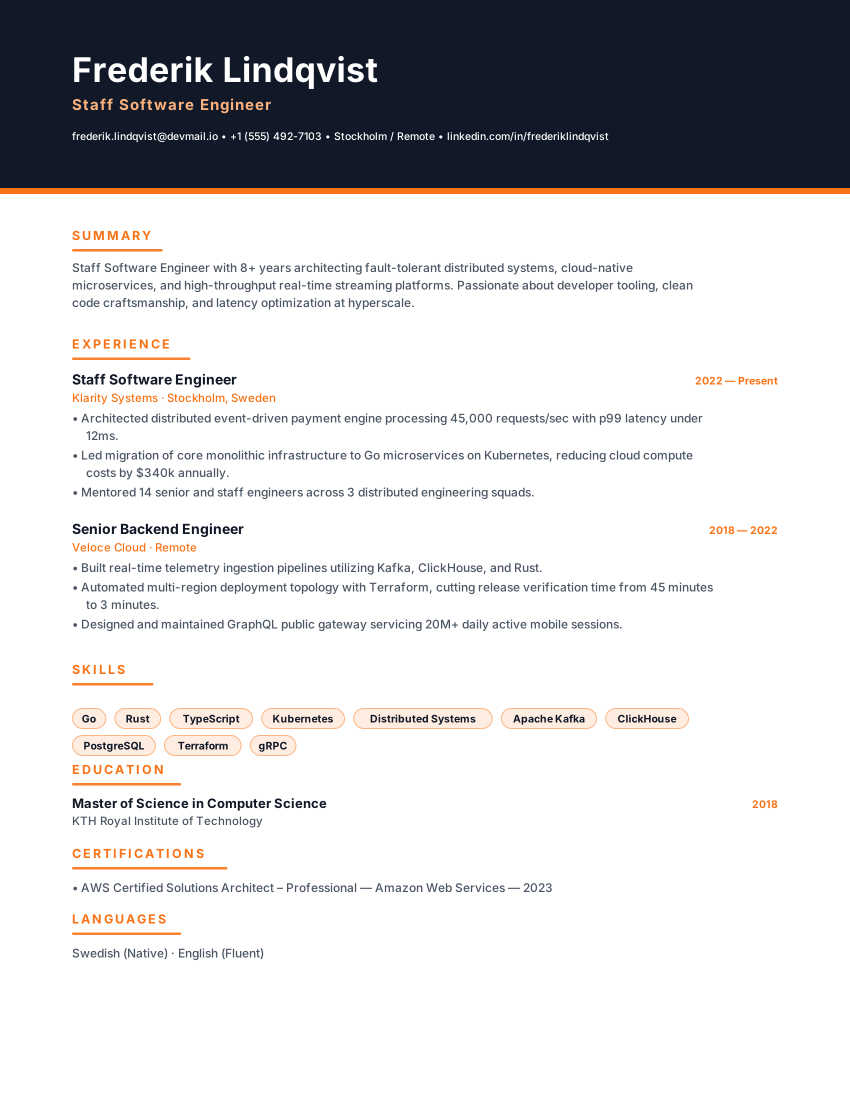
technicalEngineering resume with dark midnight sidebar, emerald accent and tech-stack blocks for developers and tech leads.
StackMidnightEmerald
DevelopersEngineersStackMidnight
8 templates · free, no signup
Backend screening rewards evidence that a system held up: the services you owned, the data you modelled, the traffic you absorbed, and what still broke while you were on call. A resume that only lists languages leaves all of that to chance.
These backend developer resume templates keep a parser-safe structure — one reading column, conventional headings, selectable text — while giving queues, stores, APIs and reliability work a spot a keyword search can reach. Choose a layout, replace the sample history, and export a PDF or Word file without creating an account.
Featured backend developer templates
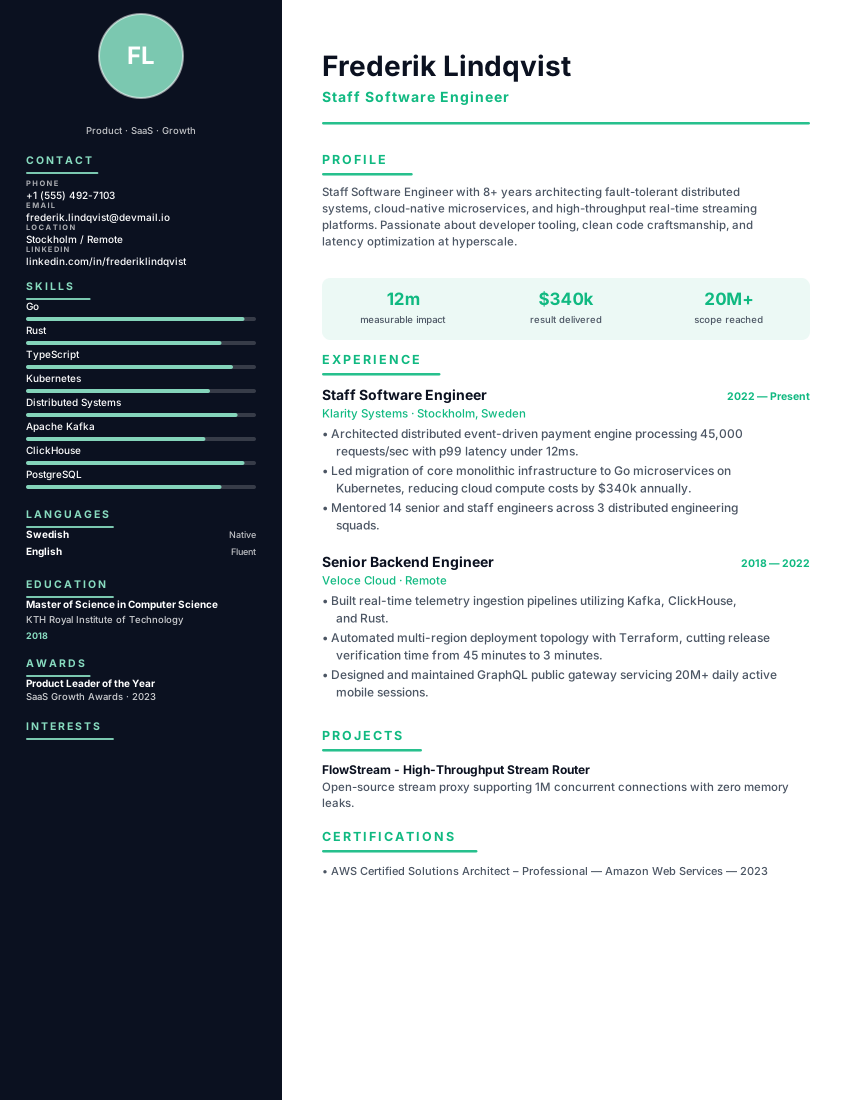
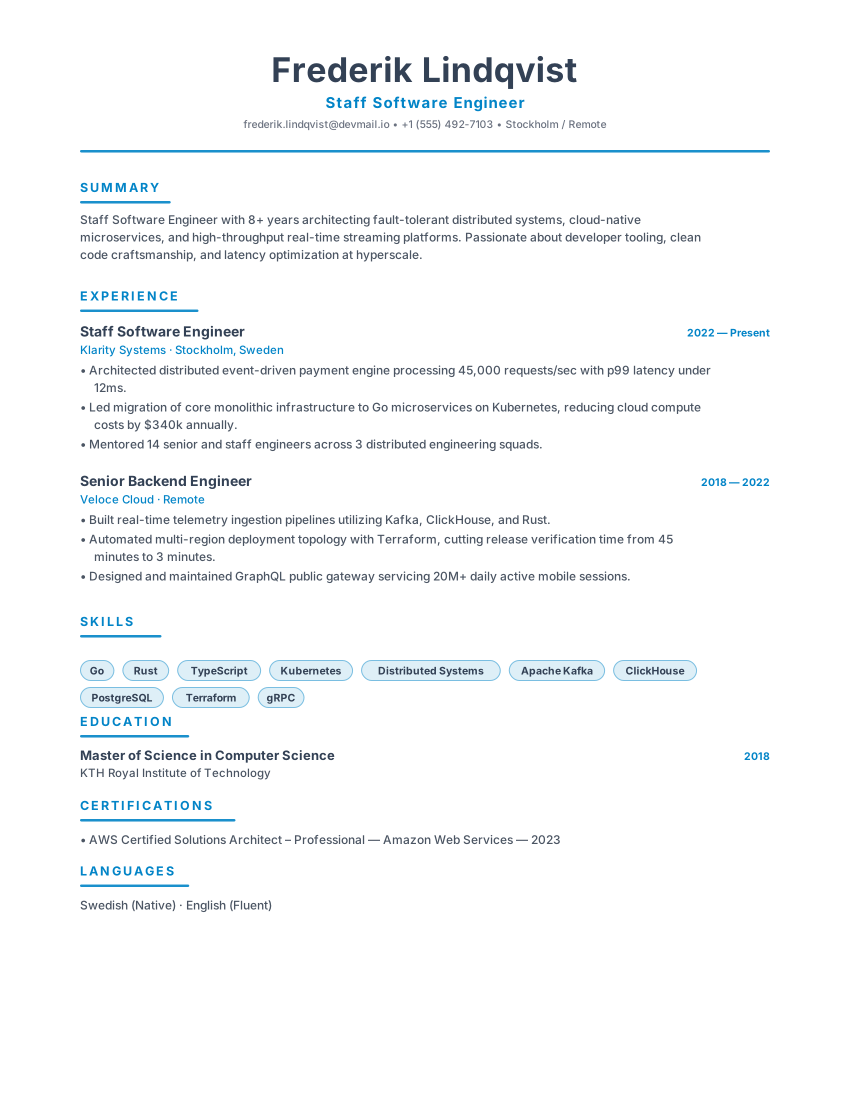
Stack Engineertechnical layout · shown with sample content
View this templateTemplate 1 of 6: Stack Engineer
8 layouts that fit how backend developer hiring actually reads a CV. Open a card to preview, or start in the builder — the same content reflows if you switch template later.
Engineering resume with dark midnight sidebar, emerald accent and tech-stack blocks for developers and tech leads.
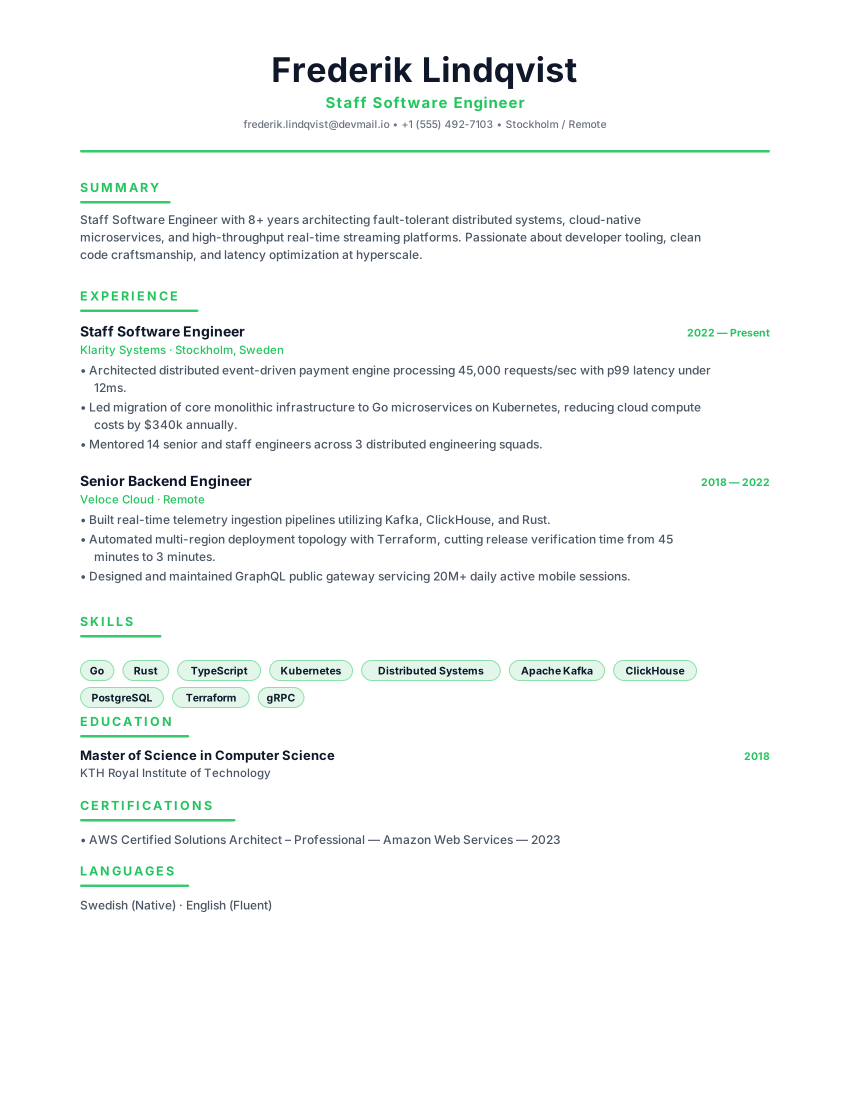
Developer terminal resume with monospace header, green accent and tech-stack grid for engineers and developers.
DevOps resume template with cloud platforms, IaC, CI/CD, SRE metrics and incident ownership. Free ATS technical CV and PDF download.
Technical two-column resume with midnight sidebar and cyan accent for software engineers and developers. Tech-stack focused.
Space-efficient dense resume with tight type, a blue accent bar and a skill grid, made to fit a long career on one page.
Confident indigo banner resume with violet accent rules and pill skills for software engineers and data scientists.
Scandinavian minimal resume with slate primary, icy blue accent and generous whitespace for engineers and product leaders.
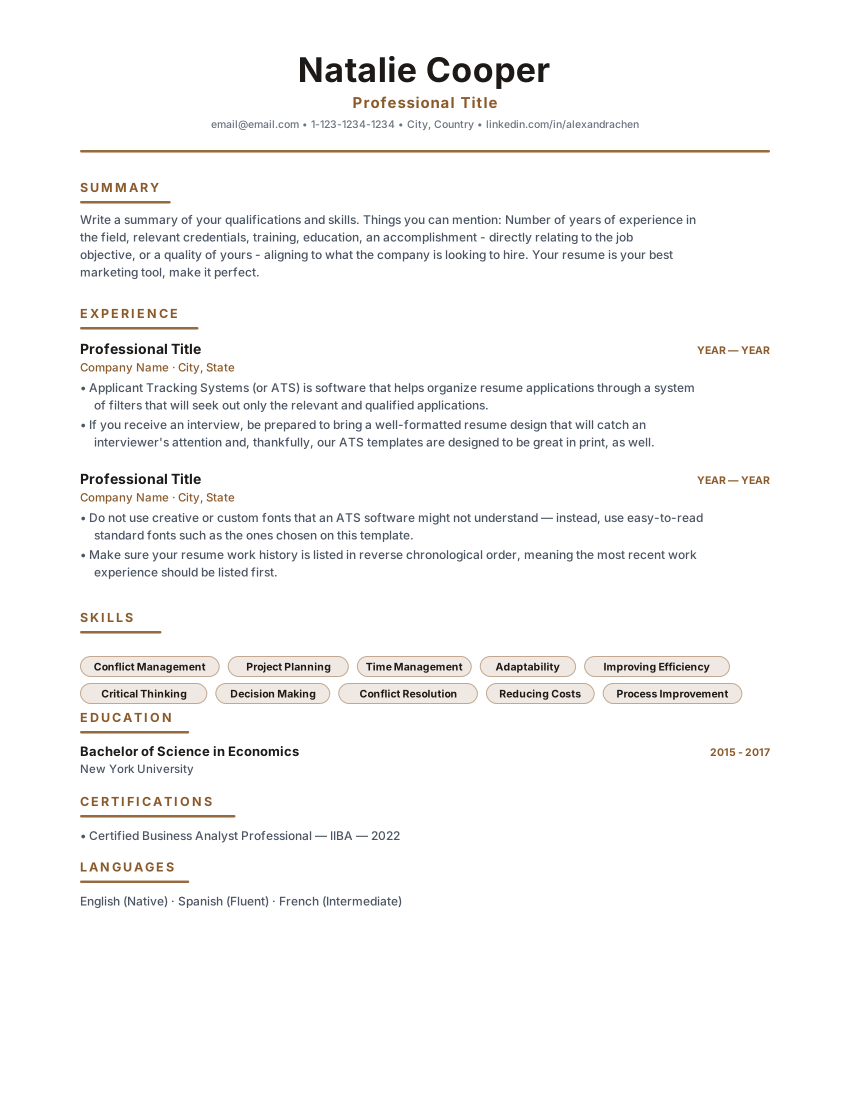
Timeless single-column classic resume with warm brown accents and centered header. Built for corporate, legal and business analyst roles.
Layout, not adjectives
The right template for this field is the one that puts the evidence a backend developer screen checks first in a document a parser can still read. Style is secondary.
Match the market
What belongs on the page
Write the runtime, the database and the broker the advert asks for. "Familiar with modern stacks" matches nothing a parser searches for.
Traffic, latency, error budget, data volume — one figure per role that you can defend in the follow-up conversation.
Name the services you were the last line for. Rotation, alert load and what you automated out of the rotation are all evidence.
A maintained service with a real README beats a tutorial clone. Put the URL in the header as plain, selectable text.
From template to file
Start from one of the templates on this page — each keeps a single reading column and conventional section labels.
If the posting says Kafka and Postgres, those are the words on the page. Parsers match literals, not synonyms.
Throughput moved, latency cut, infrastructure spend reduced or incidents closed — whichever figure you can back up under questioning.
Save the PDF or DOCX, open it, and confirm the section order and technology names survived the conversion before you send it.
Questions
No. Rank them: what you run in production now, what you have shipped in past roles, and everything else stays off the page. A twelve-item list reads as surface exposure, not depth.
One page until roughly five years of experience; beyond that two pages are normal, provided every entry still carries a result. The templates on this page reflow to either length rather than forcing a count.
One line of context per role is enough — "event-driven order pipeline, about 400 events per second". The depth conversation belongs to the design interview, not the document.
They follow ATS-friendly formatting principles — standard headings, real selectable text, one reading column — but no layout can promise compatibility with every employer's software. Export the file and check the reading order before you apply.
Open a template, replace the sample history with your own, and export a PDF or Word file. No account.