Popular
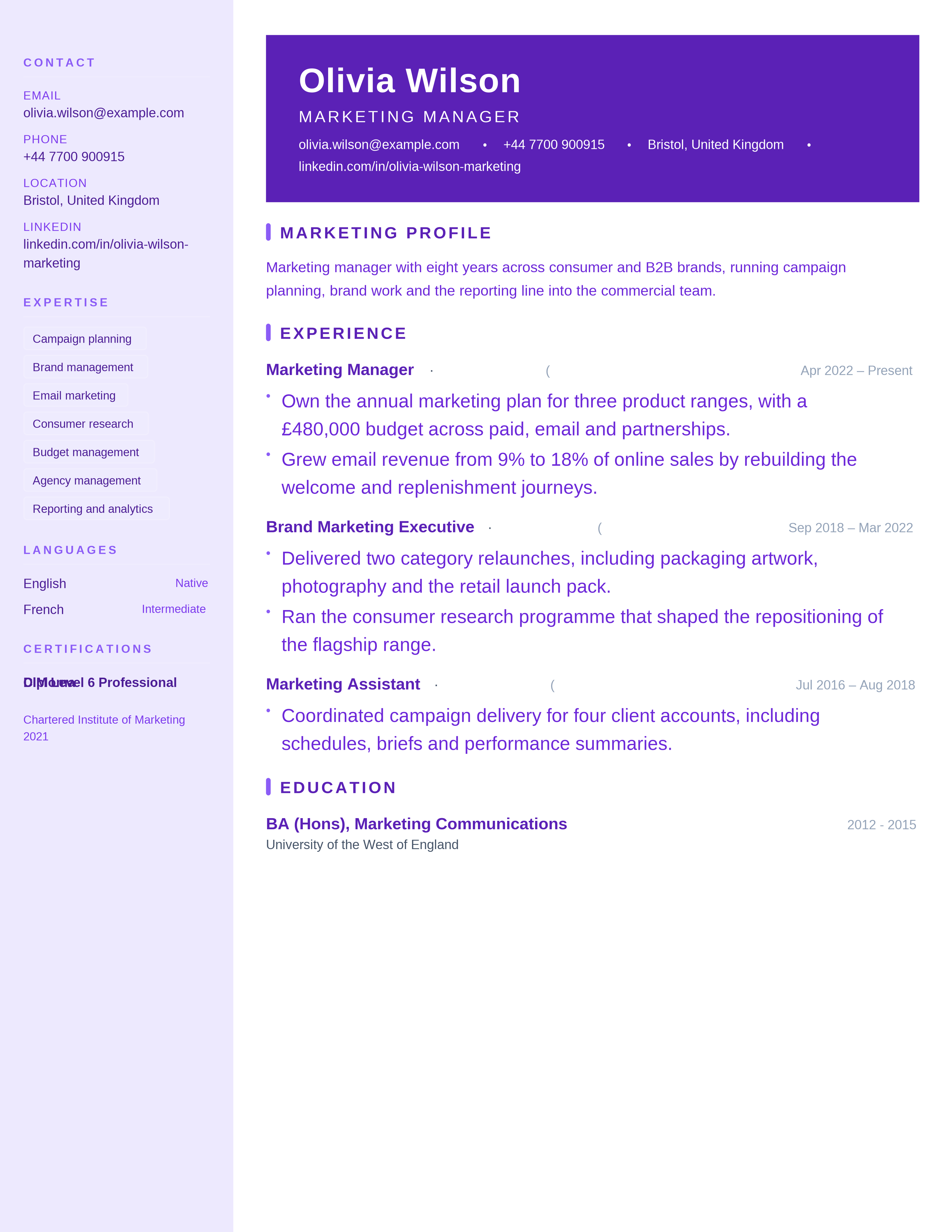
Marketing Lead
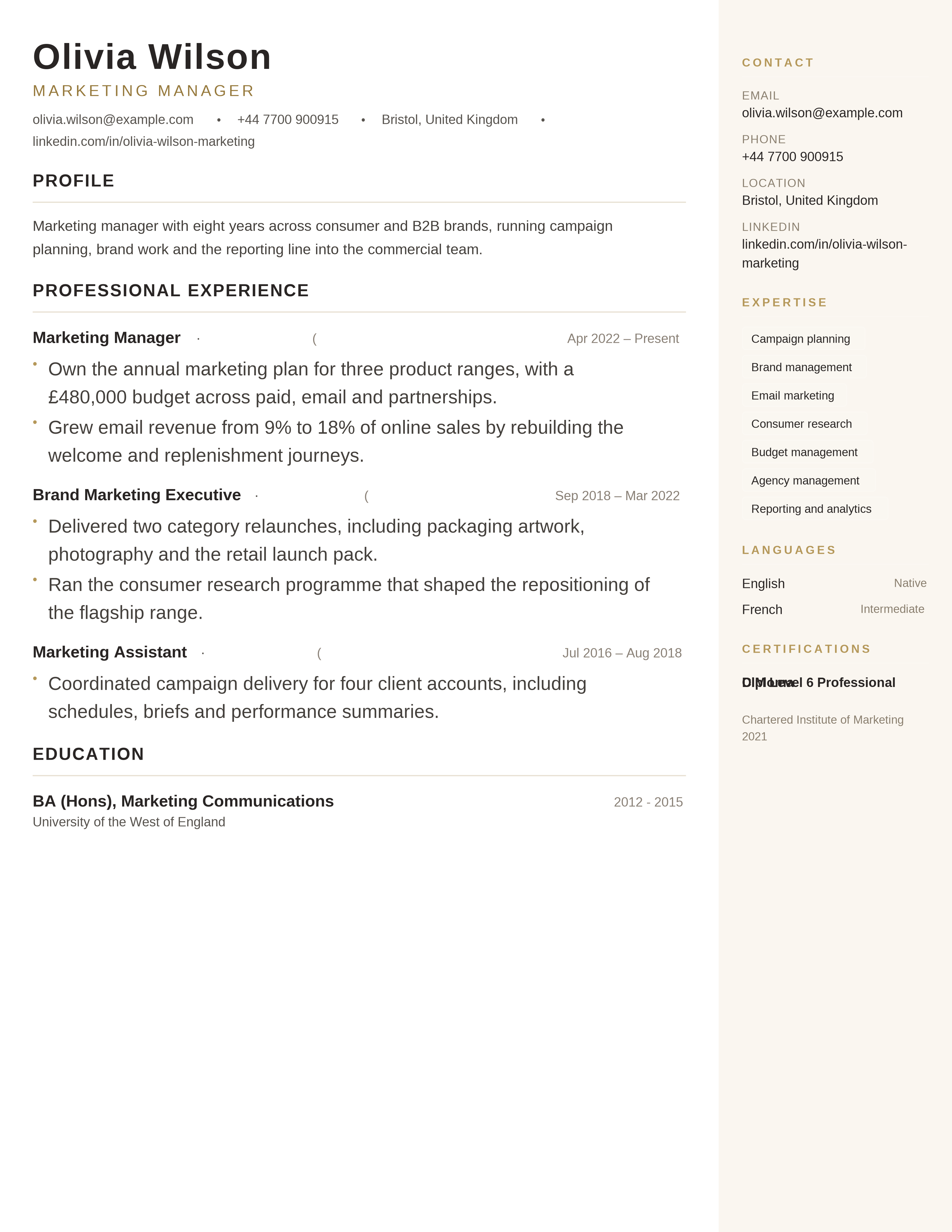
creativeMarketing resume with light lavender sidebar, violet banner header and campaign sections for growth marketers.
Best for: Marketing Managers and Brand Leads
Marketing · Lavender · Violet · Campaigns
8 templates · free, no signup
Marketing is the function where a CV full of adjectives is immediately suspicious. "Results-driven" is a claim; channel, spend and return are evidence. The candidates who get shortlisted can say what they spent, what it returned, and which channel did it.
These marketing manager resume templates keep channel and platform keywords where an ATS search finds them, and give experience bullets enough room for spend, CAC, ROAS and pipeline.
Featured marketing manager templates
Marketing Leadcreative layout · shown with sample content
View this templateTemplate 1 of 6: Marketing Lead
8 layouts that fit how marketing manager hiring actually reads a CV. Open a card to preview, or start in the builder — the same content reflows if you switch template later.
Marketing resume with light lavender sidebar, violet banner header and campaign sections for growth marketers.
Best for: Marketing Managers and Brand Leads
Marketing · Lavender · Violet · Campaigns
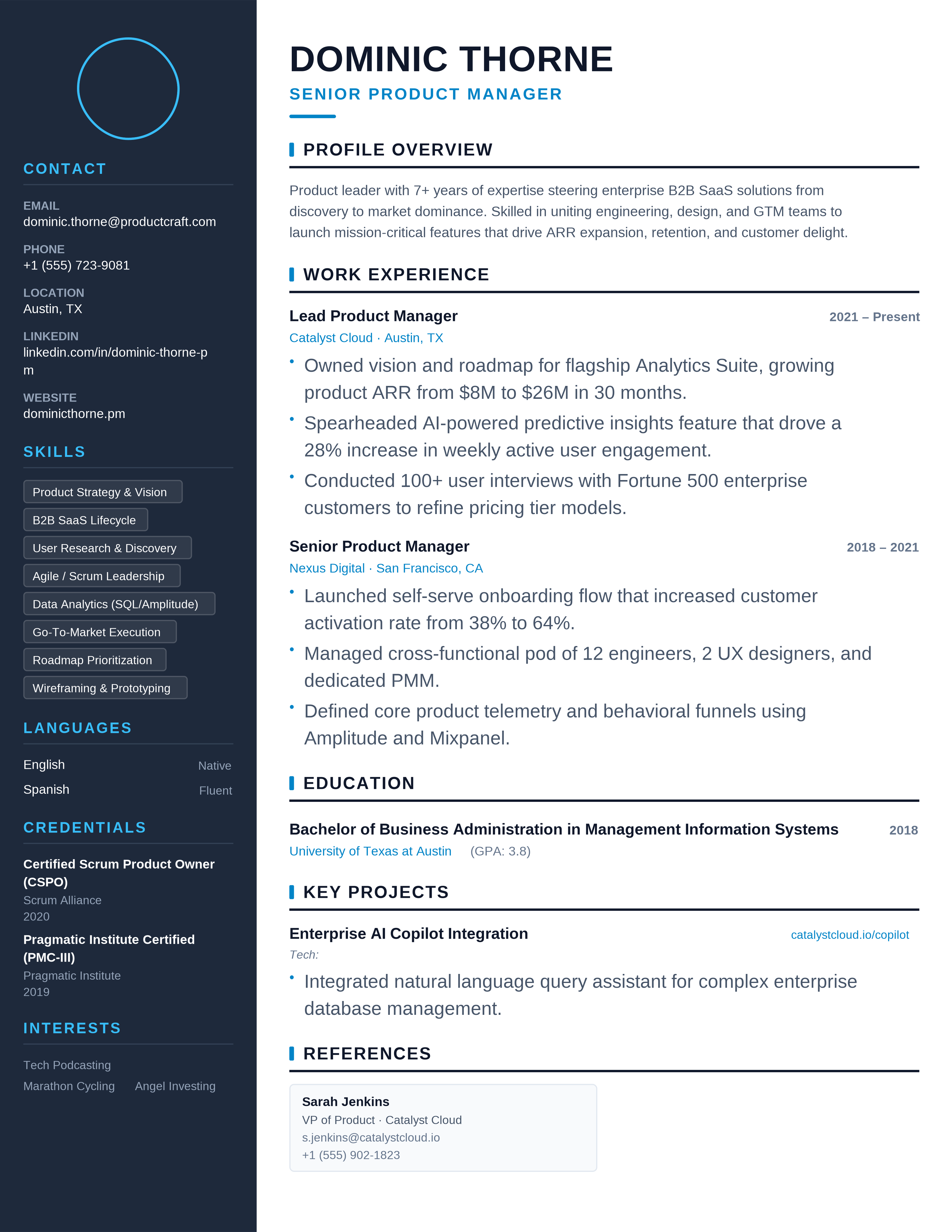
Digital marketing resume template with channel spend, ROAS, CAC, conversion and growth outcomes. Free ATS CV for performance and growth roles.
Best for: Digital Marketers and Growth Managers
Digital Marketing · Portfolio · Original · sidebar-left
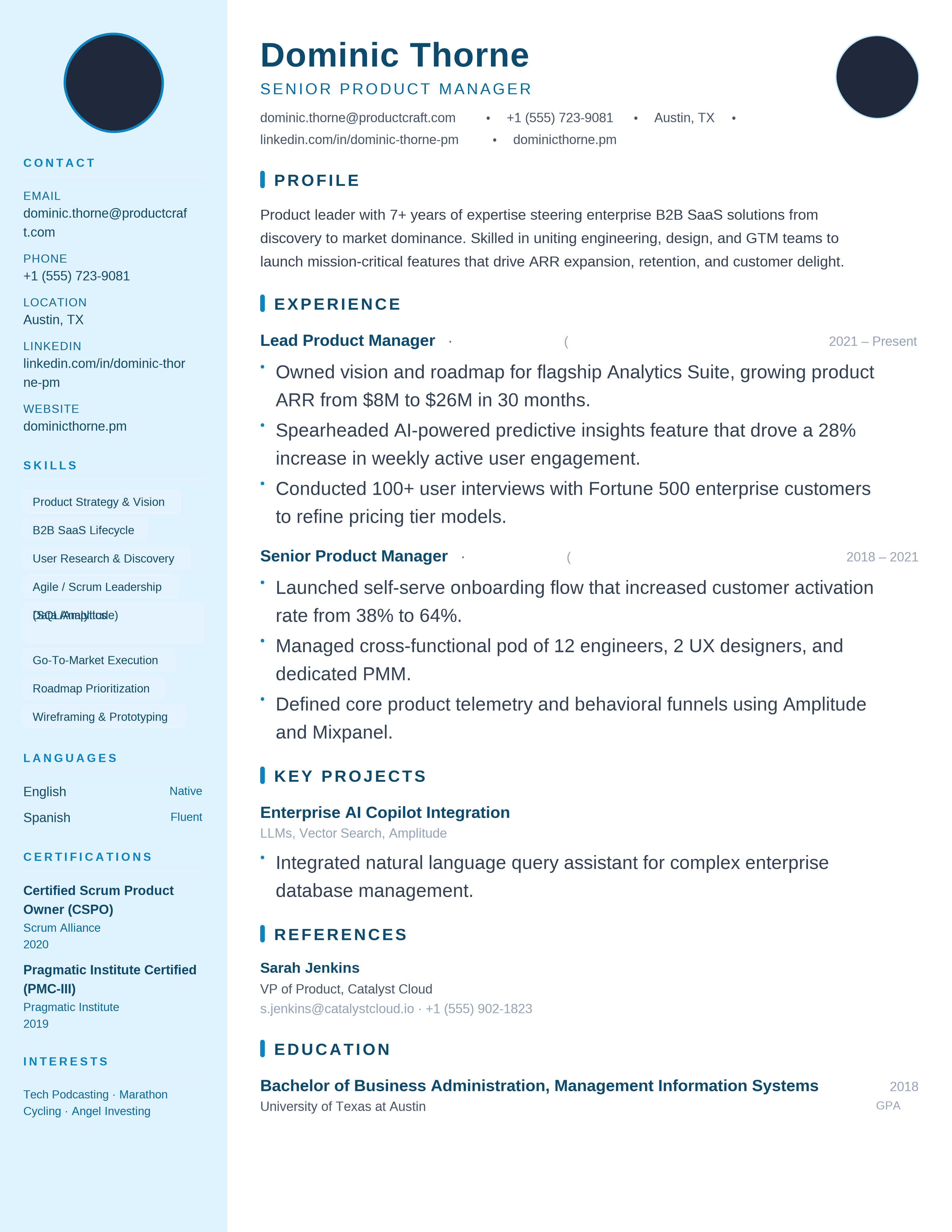
Free modern resume template with a light-blue sidebar, navy text and clear section hierarchy. A two-column design for product, marketing and IT roles.
Best for: Product Managers and Marketing Leads
Meridian · Icy Blue · Navy · Product
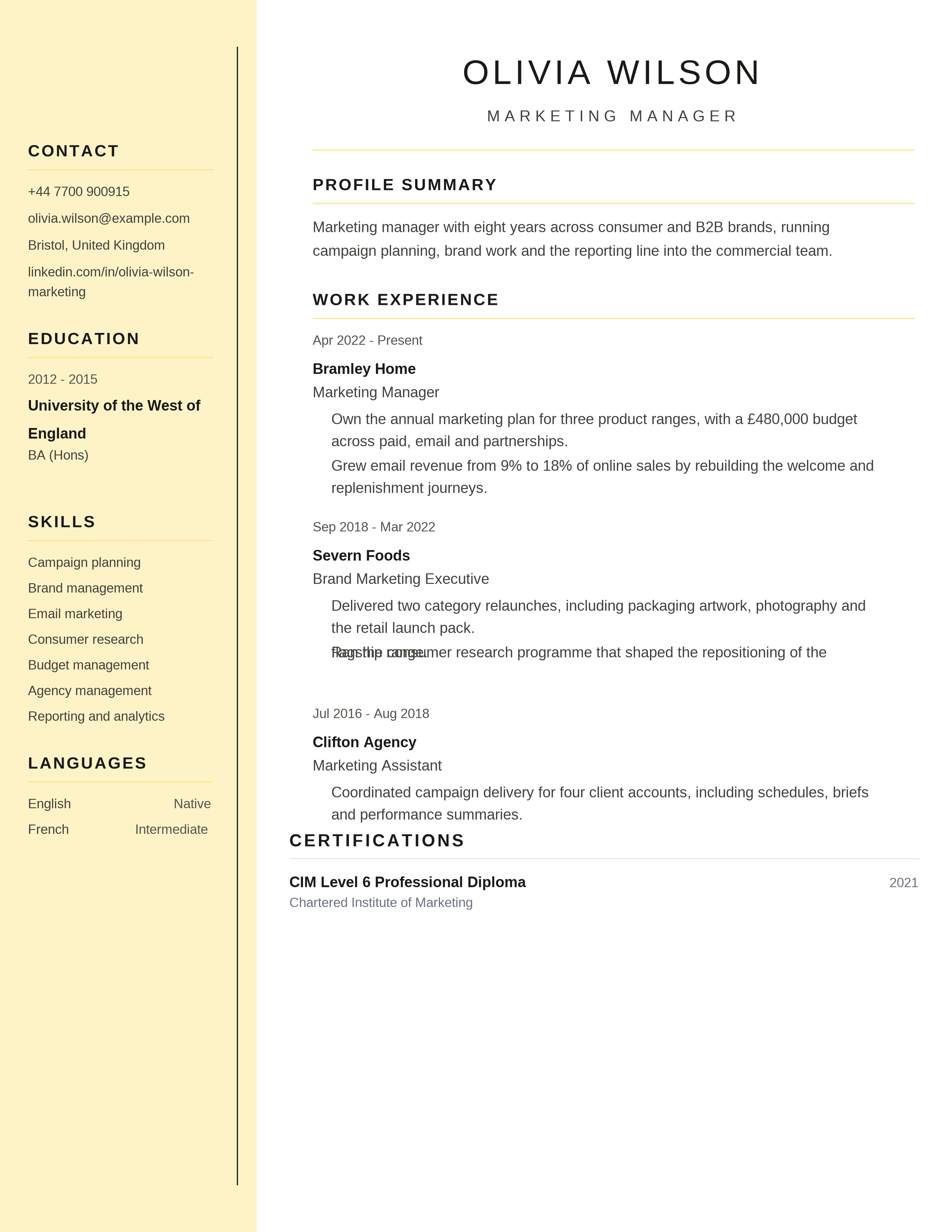
Light parchment sidebar with warm brown accents and elegant typography for marketing managers and modern professionals.
Best for: Marketing Managers and Business Professionals
Parchment · Warm · Sidebar · Marketing
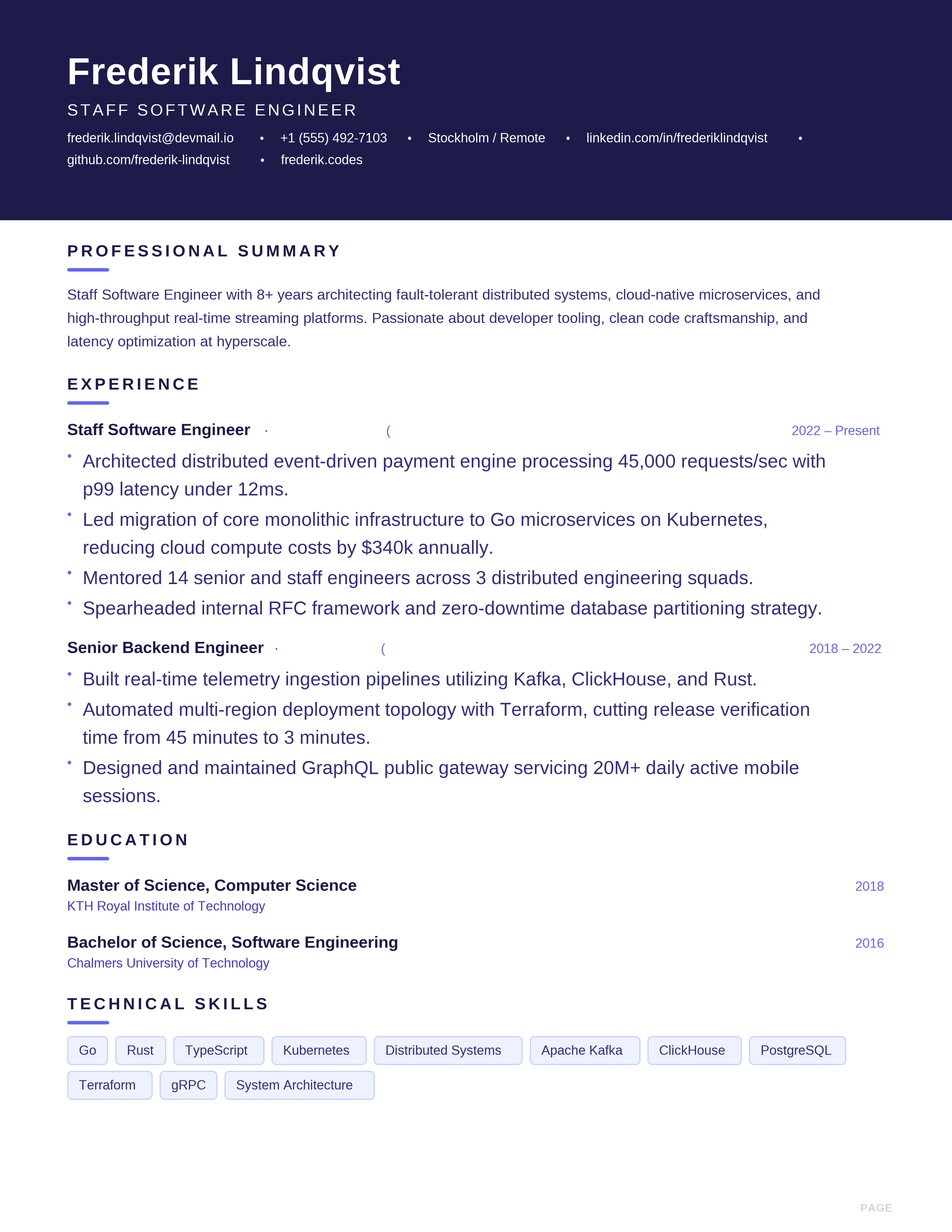
Confident indigo banner resume with violet accent rules and pill skills for software engineers and data scientists.
Best for: Software Engineers and Data Scientists
Atlas · Indigo · Violet · Banner
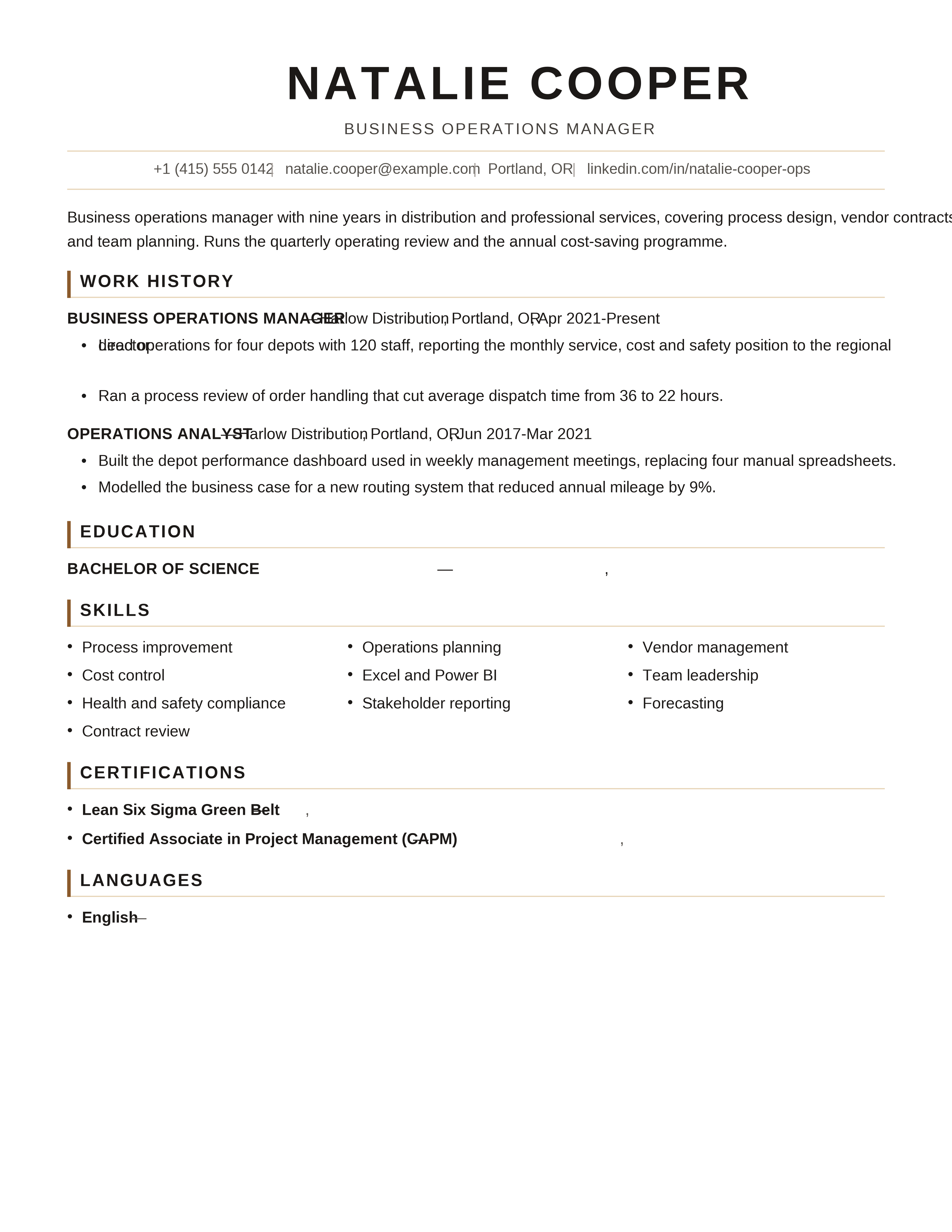
Timeless single-column classic resume with warm brown accents and centered header. Built for corporate, legal and business analyst roles.
Best for: Business Analysts and Accountants
Heritage · Classic · Centered · Traditional
Refined elegant resume with a warm parchment right sidebar, muted gold serif titles and charcoal type for senior roles.
Best for: Managers and Consultants
Lumina · Parchment · Gold · Serif
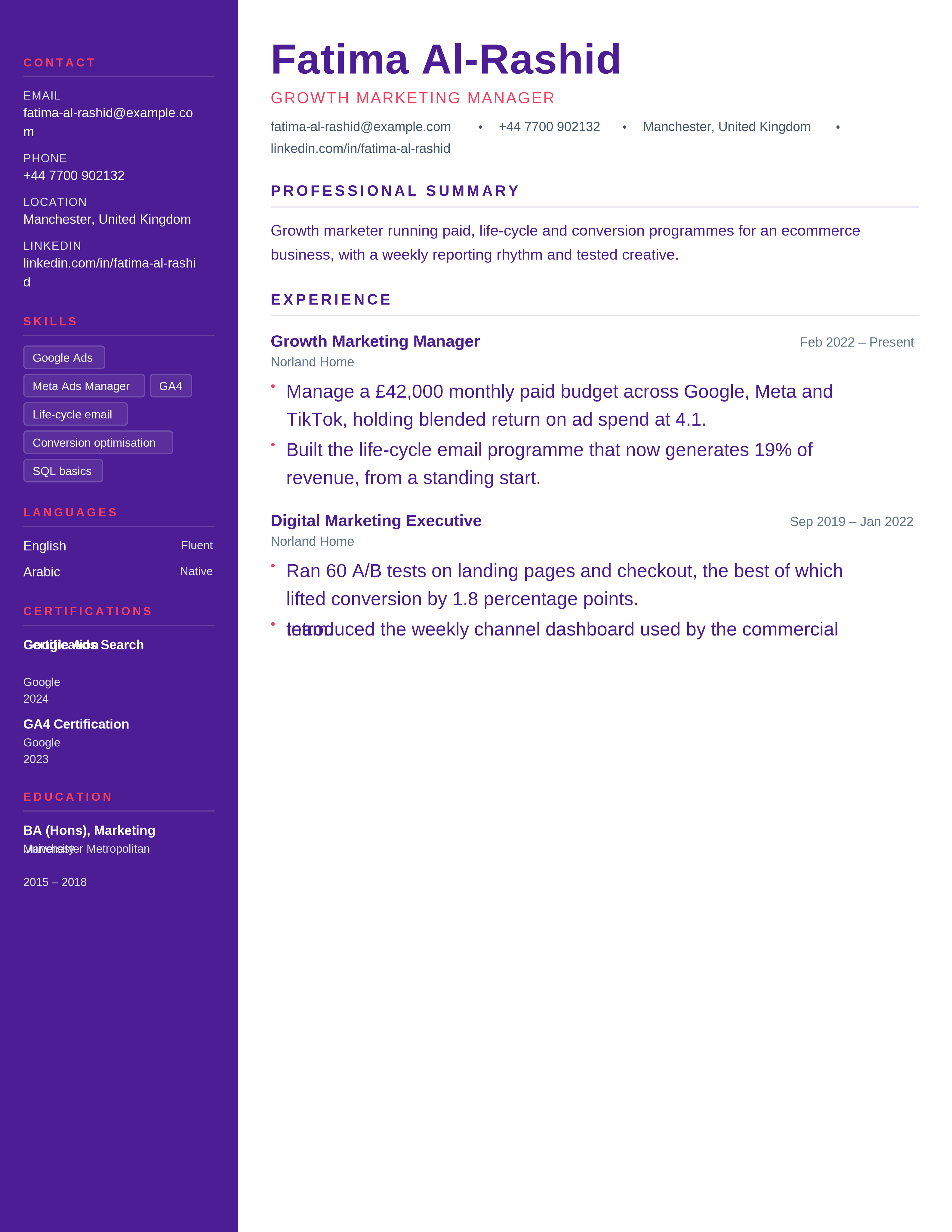
Balanced slate sidebar with sky-blue accent and a spacious main column, designed for product managers and project managers in agile teams.
Best for: Product Managers and Marketing Leads
Vanguard · Slate · Sky Blue · Two-Column
Layout, not adjectives
The right template for this field is the one that puts the evidence a marketing manager screen checks first in a document a parser can still read. Style is secondary.
Match the market
What belongs on the page
Never a bullet without a number. If you inherited a strategy, say what you changed and what moved after.
Google Ads, Meta, HubSpot, Salesforce — literals. "CRM experience" will not match those filters.
Make it obvious whether you set the plan or ran someone else's. Both are valid; mixing them up is not.
Google Ads, HubSpot, Meta — verifiable, and an ATS can match them. Keep them in a compact block, not mixed into skills.
From template to file
They already treat channel metrics as the spine of the timeline.
Then the platforms in the advert. Depth in two channels beats a list of nine.
CAC, ROAS, pipeline share, conversion. Pick the metric the vacancy cares about.
Then send. A designed marketing PDF belongs in a portfolio, not in the ATS upload.
Questions
For most manager roles, no — the numbers are the portfolio. Creative-lead roles are the exception, where a link to two or three pieces is expected.
Less than you would think. Multi-column layouts with coloured blocks often parse badly. A clean single-column CV plus a linked portfolio is the safer choice.
Say what you changed and what moved after. "Restructured paid search around intent-based ad groups, cutting cost per lead 34%" credits your contribution without claiming the whole programme.
Only if SEO is a primary channel you owned. Otherwise it belongs as two bullets under the relevant role, with ranking or organic-conversion numbers attached.
Open a template, replace the sample history with your own, and export a PDF or Word file. No account.