8 templates · free, no signup

UX Designer Resume Templates

UX applications die in the parser when the resume tries to be the portfolio. Columns, text boxes and icon fonts frequently arrive as empty fields, so the case studies never get opened. The resume should be plain and parseable; the portfolio should do the visual work.

These UX designer resume templates put the portfolio URL beside the name and give selected case studies room for problem, method and outcome — as real text, not as embedded images.

  • free, no credit card
  • No login or signup
  • Live preview
  • PDF and Word export

8 layouts that fit how ux designer hiring actually reads a CV. Open a card to preview, or start in the builder — the same content reflows if you switch template later.

PopularFilled example
Template layout
Use Template

UX Evidence

creative

UX designer resume template with portfolio link, research methods, case studies and product outcomes. Free ATS-friendly creative CV format.

UX DesignPortfolioOriginal
UX DesignersProduct DesignersUX DesignPortfolio
PopularFilled example
Template layout
Use Template

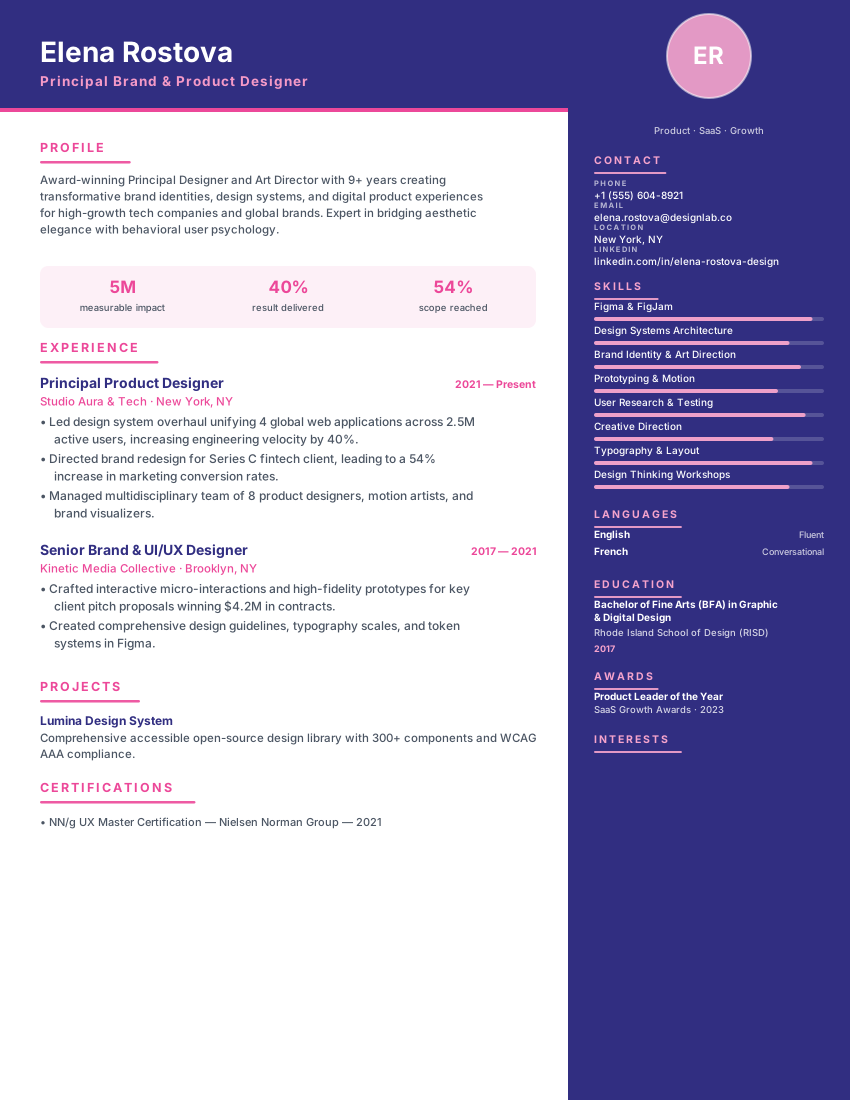
Designer resume with indigo sidebar on the right, pink dot markers and photo header for UI/UX and art directors.

StudioIndigoPink
UI/UX DesignersArt DirectorsStudioIndigo
Filled example
Template layout
Use Template

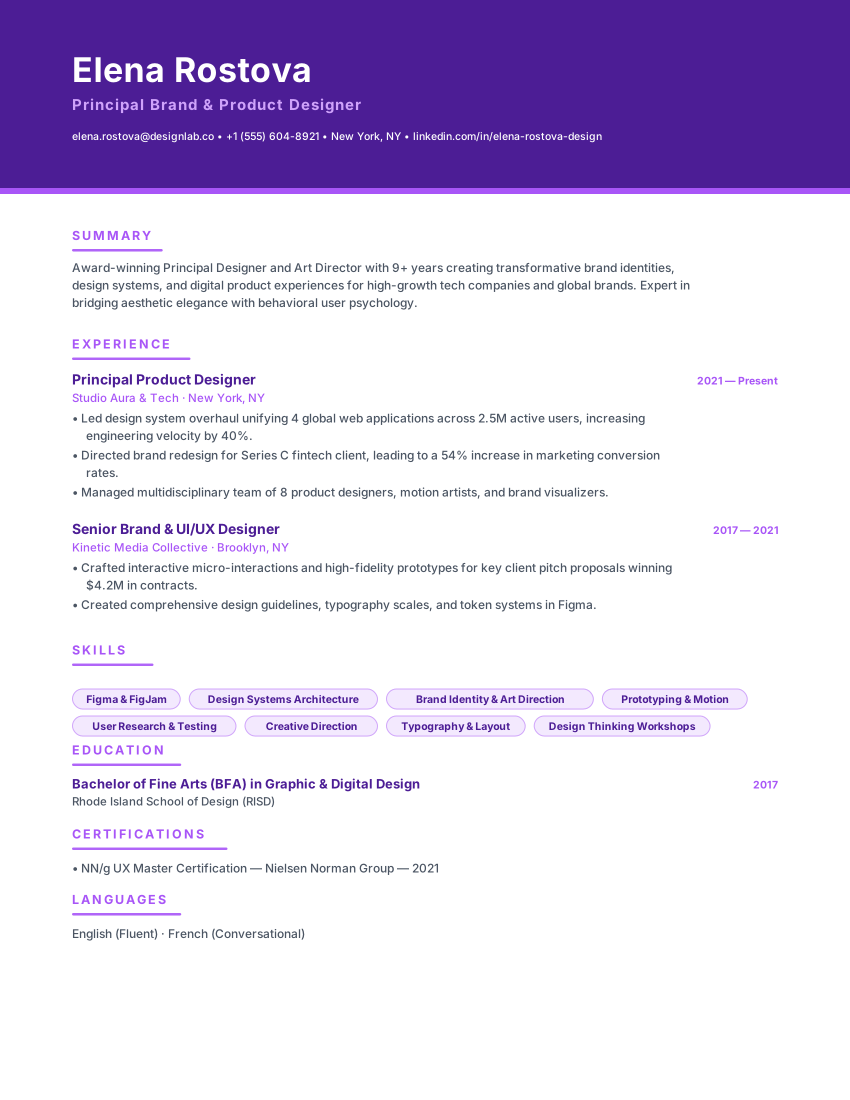
Bold creative resume with violet banner header, purple accent bars and portfolio section for brand strategists.

GalleryVioletPurple
DesignersBrand StrategistsGalleryViolet
PopularFilled example
Template layout
Use Template

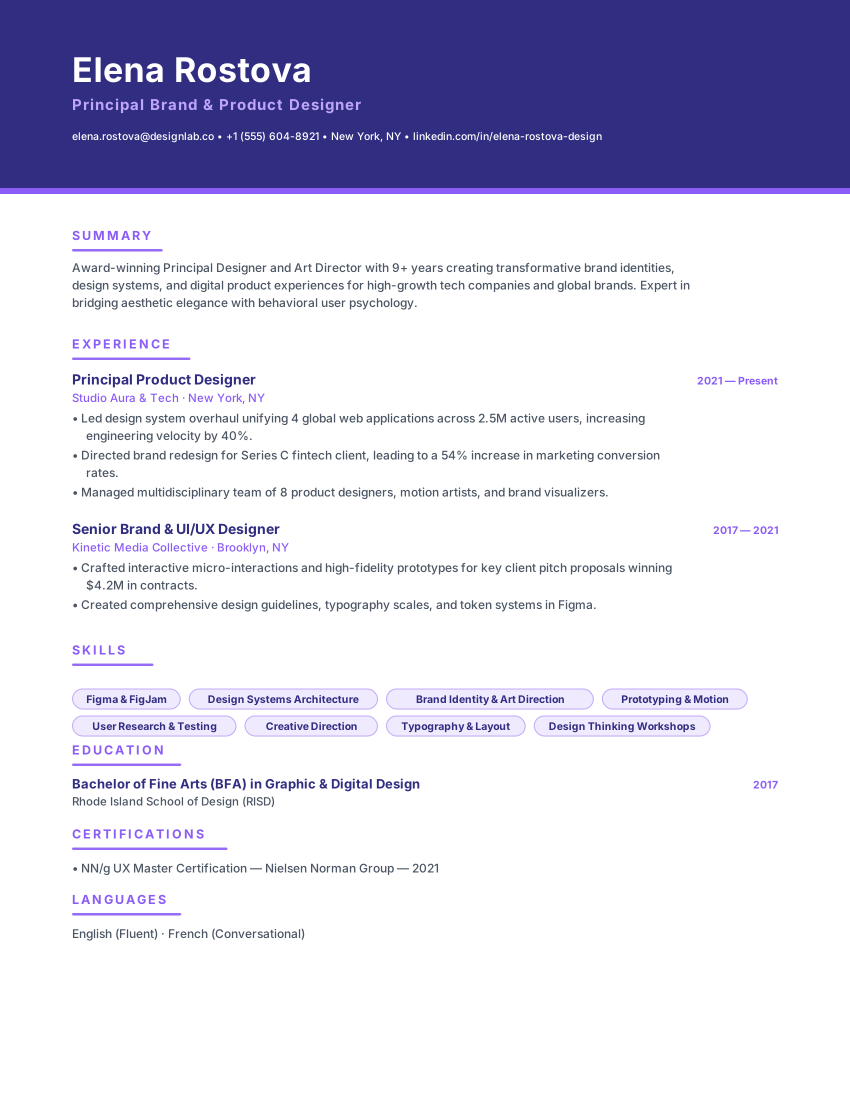
Creative banner resume with indigo header, violet accents and card-style left lines for UI/UX and brand designers.

PrismIndigoViolet
UI/UX DesignersArt DirectorsPrismIndigo
PopularFilled example
Template layout
Use Template

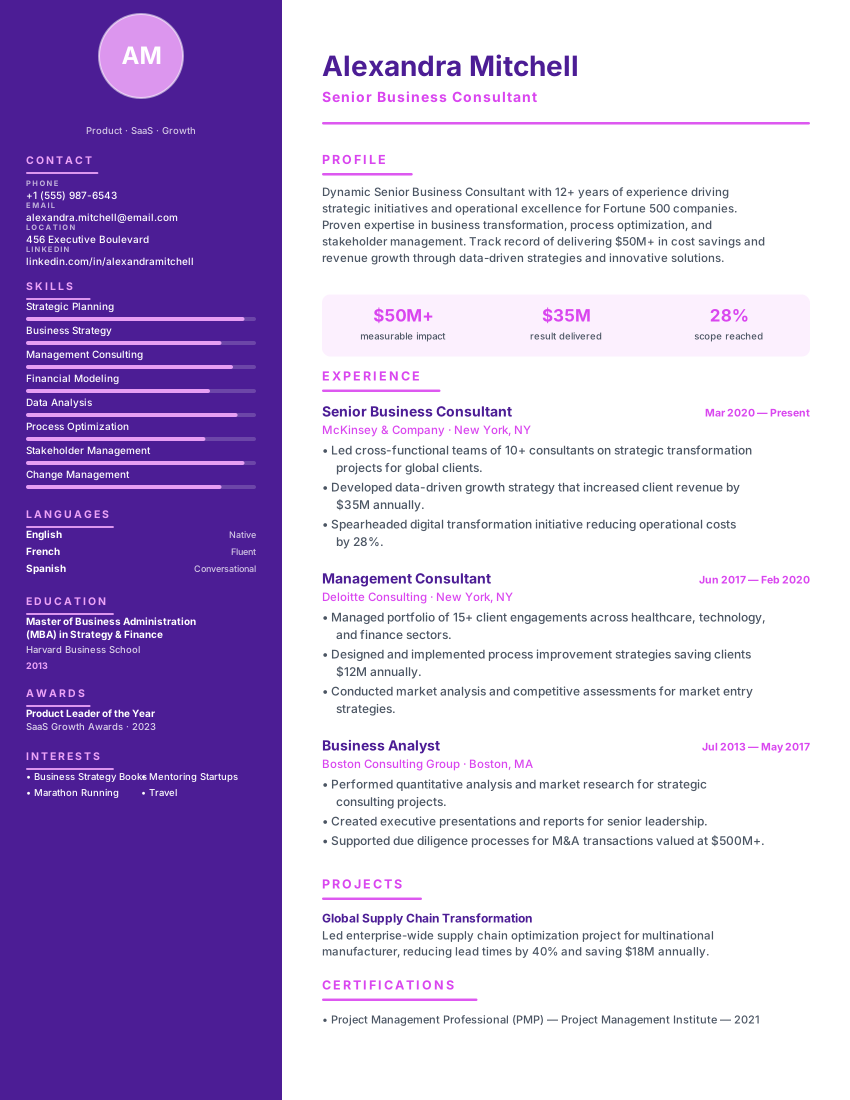
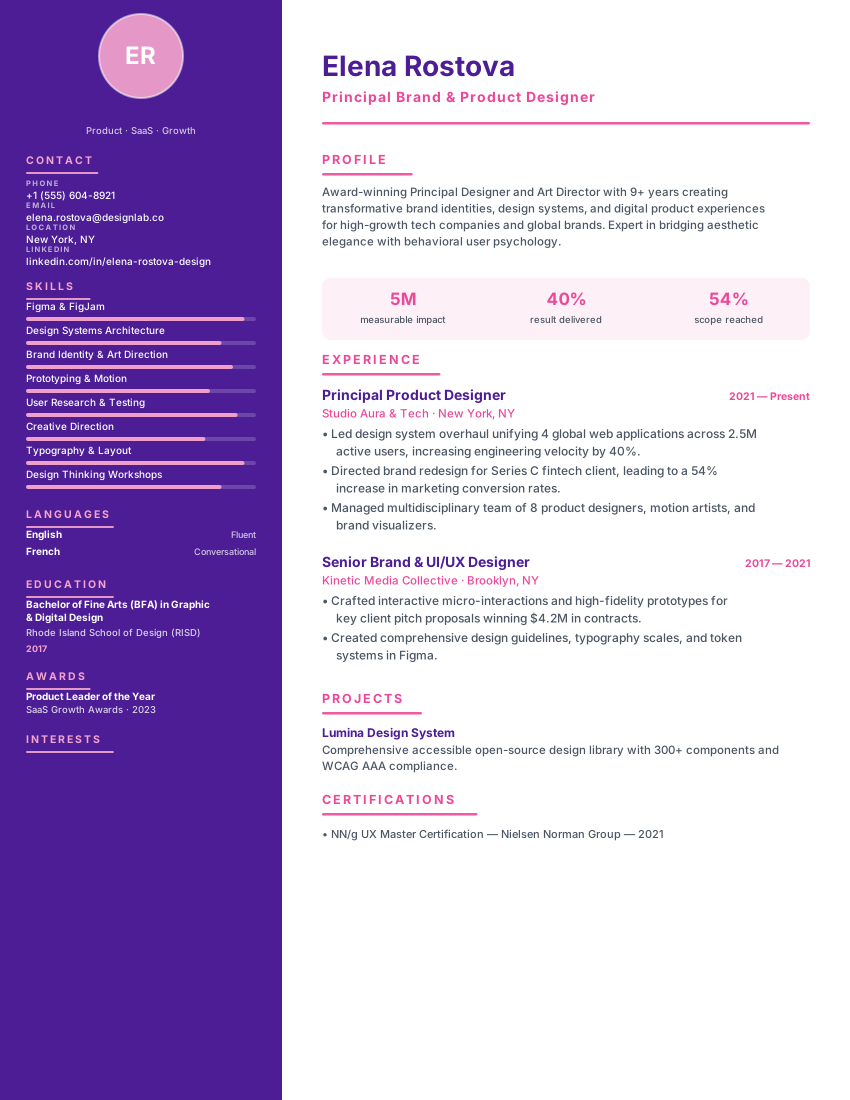
Vibrant creative resume with deep purple sidebar and magenta timeline dots for designers, artists and brand strategists.

CreativePurpleMagenta
DesignersArt DirectorsCreativePurple
Filled example
Template layout
Use Template

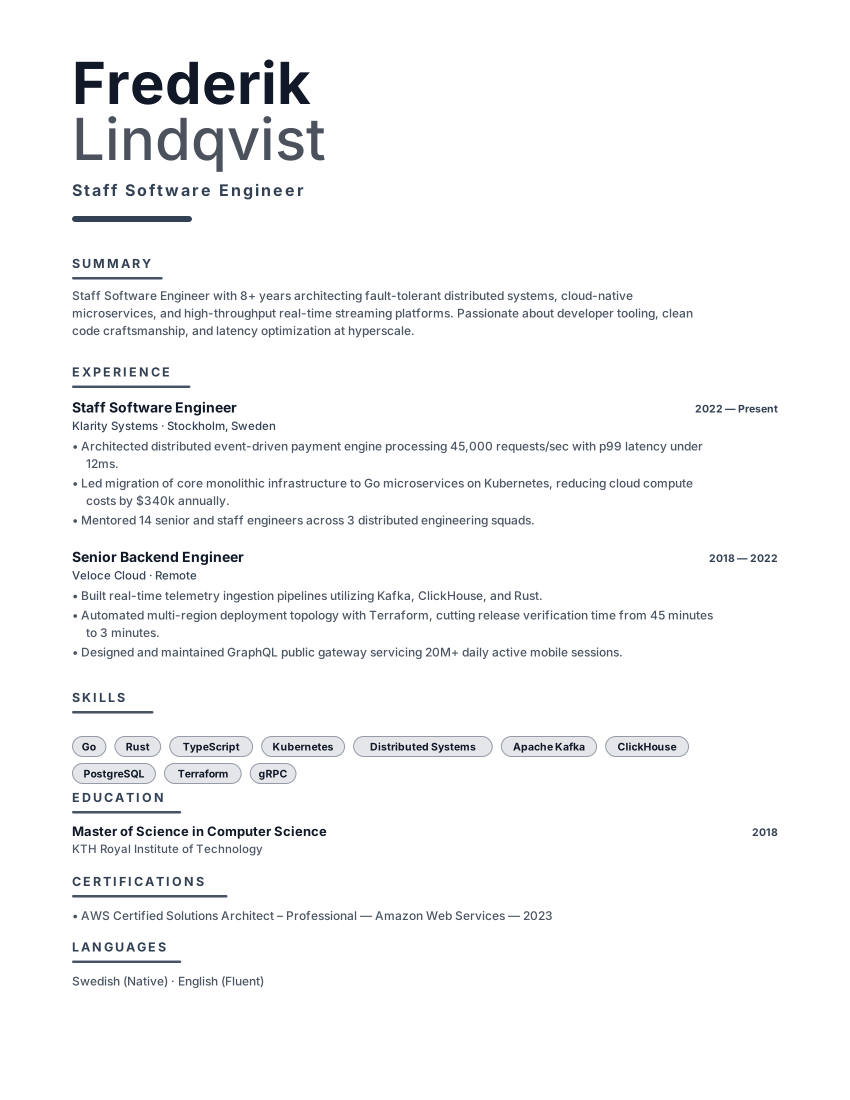
Typography-driven resume with oversized name, charcoal accent bar and minimal chrome for designers and writers.

TypographicOversizedCharcoal
DesignersWritersTypographicOversized
PopularFilled example
Template layout
Use Template

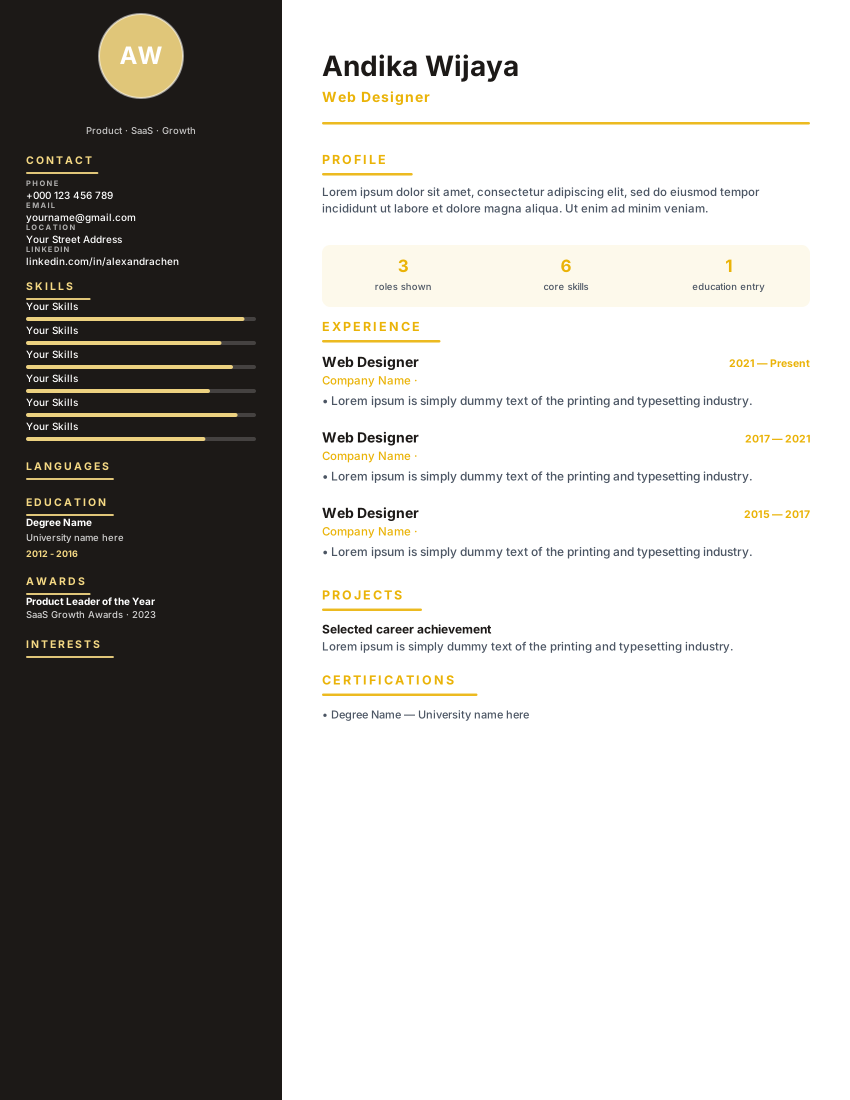
Onyx Gold

creative

Luxury dark charcoal sidebar with true gold accents and skill bars for web designers and creative directors who want a portfolio-style resume.

OnyxGoldLuxury
Web DesignersGraphic DesignersOnyxGold
PopularFilled example
Template layout
Use Template

Ultra-clean minimal resume with sky-blue accent, generous whitespace and a left-aligned header. Perfect for tech and product roles.

MinimalWhitespaceSky
Software EngineersProduct ManagersMinimalWhitespace

Layout, not adjectives

What to look for in a UX Designer resume template

The right template for this field is the one that puts the evidence a ux designer screen checks first in a document a parser can still read. Style is secondary.

  • A header that can hold a portfolio URL as selectable text.
  • Case-study entries shaped as problem, method, outcome — not a gallery of thumbnails.
  • A rail for research methods, accessibility practice and design systems.
  • No star ratings for skills. They parse badly and they convince nobody.

Match the market

How to choose a UX Designer resume template

  • UX Evidence is the purpose-built option: portfolio beside the name, case studies in the timeline, methods in a rail.
  • Studio Designer and Prism Creative suit product-design seats that still need a little more visual structure.
  • Typographic and Pure Minimal are the safer send into large-company ATS inboxes.

What belongs on the page

What to include in a UX Designer resume

Portfolio URL in the header

One link, current, password-free if you can. A locked Figma file that a recruiter cannot open is wasted space.

Two or three case studies

Problem, method, outcome. Choose for relevance to the vacancy, not for how colourful the screens are.

Research methods, named

Interviews, usability tests, diary studies, analytics. "User-centred designer" is not a method.

Accessibility as practice

WCAG level, how you tested, what changed. This is one of the few design claims that is both searchable and verifiable.

From template to file

How to create your UX Designer resume

  1. Start with UX Evidence or a quiet creative layout

    The portfolio does the visual arguing. This document has to parse.

  2. Paste the portfolio URL as text

    Not as a QR code, not as a logo. Selectable text survives more parsers.

  3. Write each case study in three lines

    Constraint, what you did, what changed for the user or the business.

  4. Export and open the PDF as a recruiter would

    If the URL or the method names are gone, pick a simpler template and try again.

Questions

FAQ

Should a UX designer resume template be visually designed?

Less than you think. The portfolio is where taste shows. A heavily designed CV is one of the most expensive mistakes in this field because it often never reaches a human.

How many case studies belong on the template?

Two or three, chosen for the vacancy. A product role wants product work; a research role wants research. A sprawling archive makes the reader do the selection.

Do I need Figma and every Adobe product listed?

List daily tools and anything the advert names. "Figma daily, FigJam for workshops, some After Effects for motion" is more credible than a blanket Creative Cloud claim.

Can these templates include a photo?

They can, but most UK, US and Irish applications are better without one. Follow the market you are applying in; the European CV guides on this site cover the markets that expect a portrait.

Ready to build your UX Designer resume?

Open a template, replace the sample history with your own, and export a PDF or Word file. No account.

  • No credit card
  • No signup
  • 100% free