Olivia Sidebar
Modern resume template · Two-column (left sidebar) layout
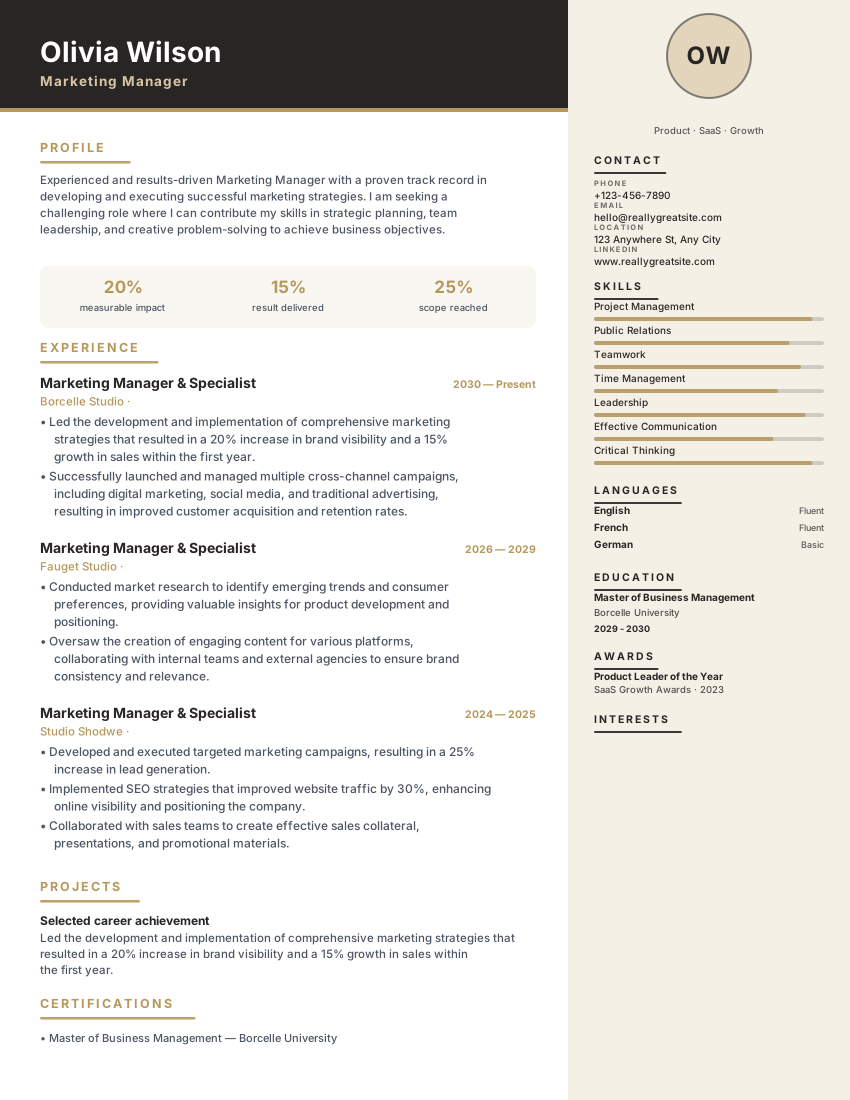
Olivia Sidebar uses a warm parchment sidebar for contact, skills and languages, paired with a spacious main column and brown accent rules for a refined modern balance.
Designed for
- Marketing Managers
- Business Professionals
- Mid-Career Professionals
Open it in the resume builder, replace the sample text, and export when you are ready. There is no watermark and no signup.
Key features of the Olivia Sidebar template
Dedicated left rail for contact details, core skills, and credentials paired with a primary right-hand experience timeline. Standard headings and selectable text help readers follow your experience. After exporting, check that your contact details, job titles and dates copy in the intended order; extraction can differ between systems.
Parchment light sidebar with warm typography
Brown accent rules
Spacious main column for achievements
Formatting that keeps text selectable
Instant PDF export
No signup required
Layout & formatting specifications
- Template name
- Olivia Sidebar
- Design style
- Modern
- Column structure
- Two-column (left sidebar)
- Page dimensions
- A4 & US Letter
- Default color palette
- #1c1917#b45309
- ATS text layer
- Selectable text, standard headings
- Download formats
- PDF, Word (DOCX), Plain Text (TXT)
Included resume sections
The Olivia Sidebar template comes pre-configured with the sections below. Inside the builder, you can rename headings, reorder blocks, or hide any section you do not need.
- Contact Header
- Professional Summary
- Work Experience
- Education
- Core Skills
- Certifications & Projects
Ready to customize in the builder
Click Use this template to open the Olivia Sidebar layout directly in the resume builder, enter your own experience and skills, and export a watermark-free PDF, DOCX, or TXT file.
Who the Olivia Sidebar template is built for
Marketing managers and mid-career professionals who want a two-column layout that stays calm rather than decorative.
How to get the most from the Olivia Sidebar layout
- The parchment sidebar is quiet by design, so use it for contact details, languages and a short skills list — long paragraphs there break the contrast with the main column.
- Keep achievements in the main column where the width lets a bullet run to two lines without wrapping awkwardly.
- Warm tones vary between screens and printers. Check the exported PDF on a second device before sending it to an employer known for formal processes.
How to customize the Olivia Sidebar template
- 1
Add your contact details and summary
Open Olivia Sidebar in the builder and enter your contact details, target job title, and a concise 2–3 sentence summary aligned with marketing managers postings.
- 2
Prioritize measurable experience bullets
List recent roles in reverse-chronological order. Lead each bullet with a concrete action and outcome — scope, revenue, latency, patient load, or delivery metrics.
- 3
Align skills with the job description
Use the vacancy's names for skills and tools where they accurately describe your experience. Add evidence in your work history; repeating a term alone does not establish competence or guarantee a search match.
- 4
Verify reading order and export
Preview page breaks, then export the file type requested by the employer. Copy its text into a plain-text editor to check the order. The ATS Scanner provides a local checklist; Job Match compares your text with a specific posting.
Similar resume templates
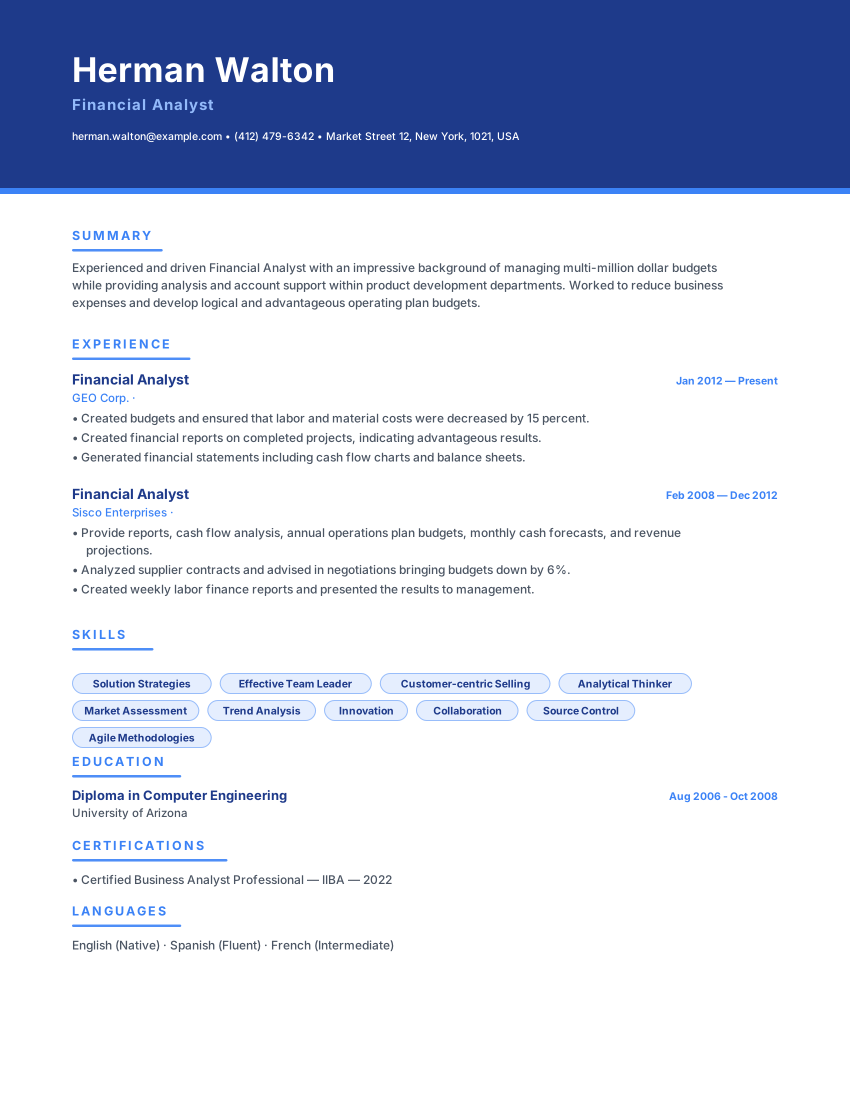
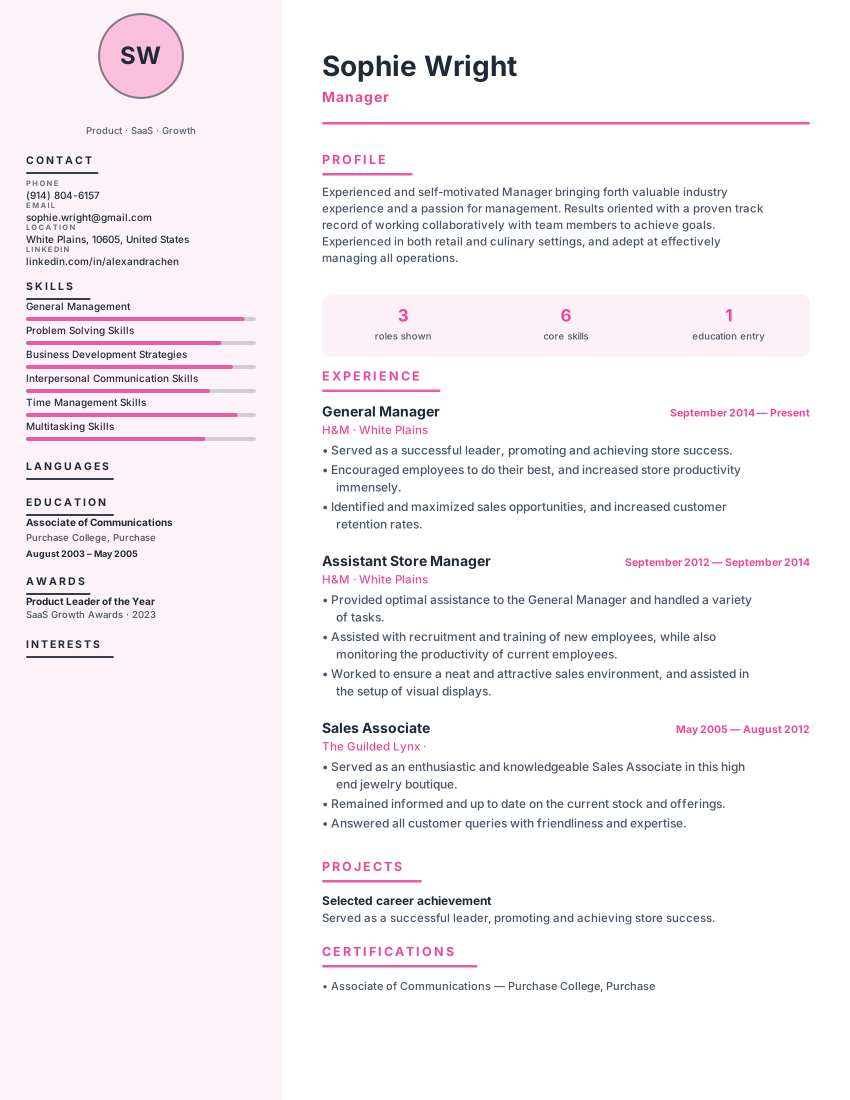
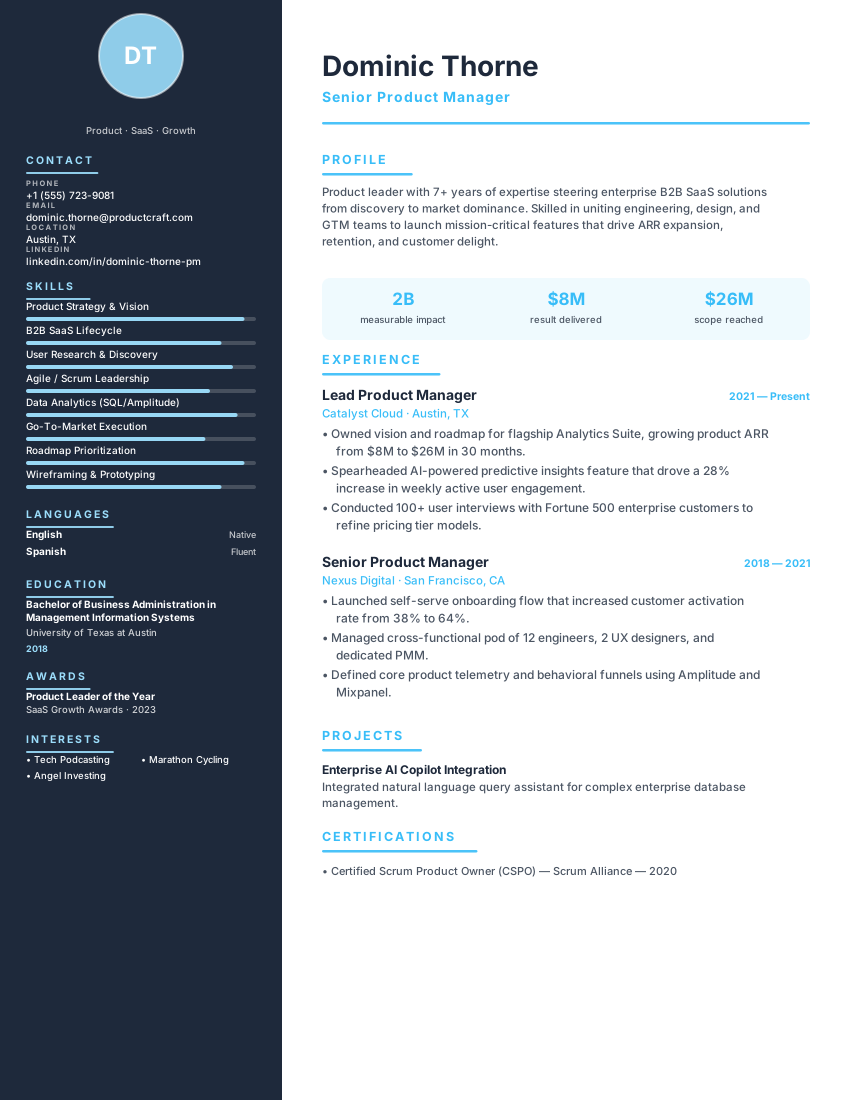
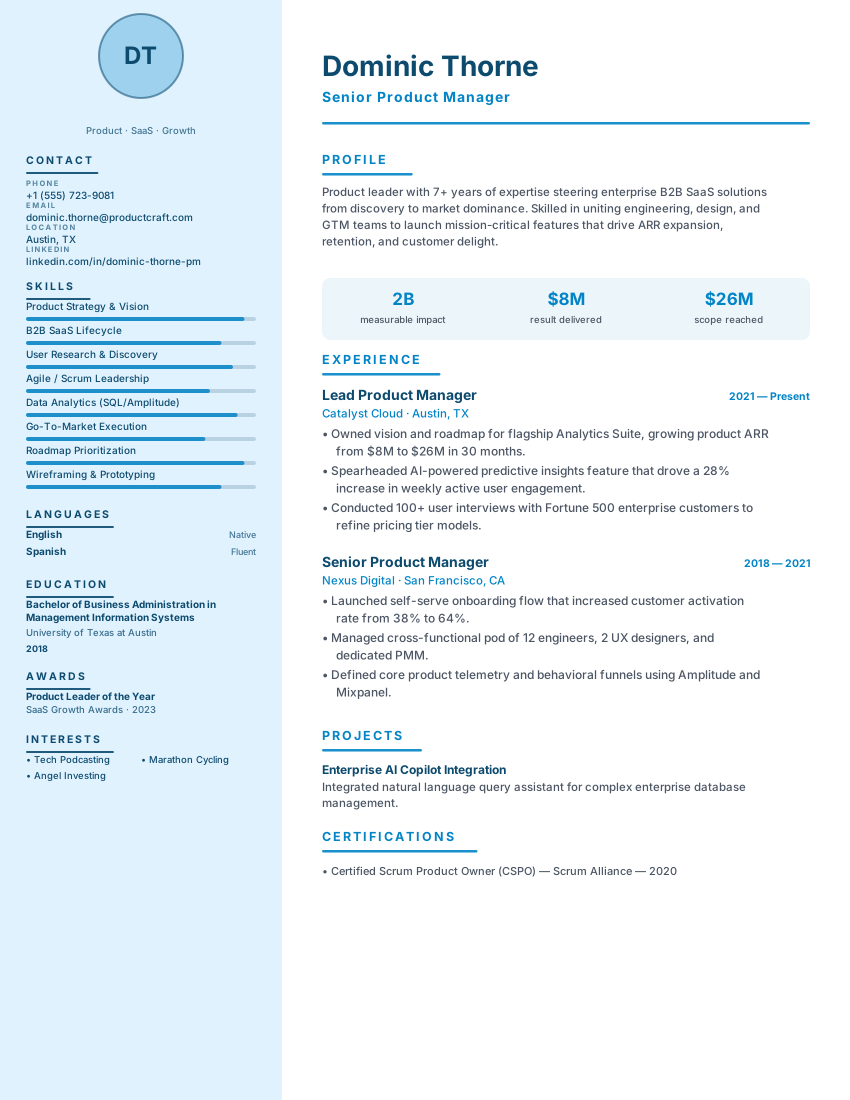
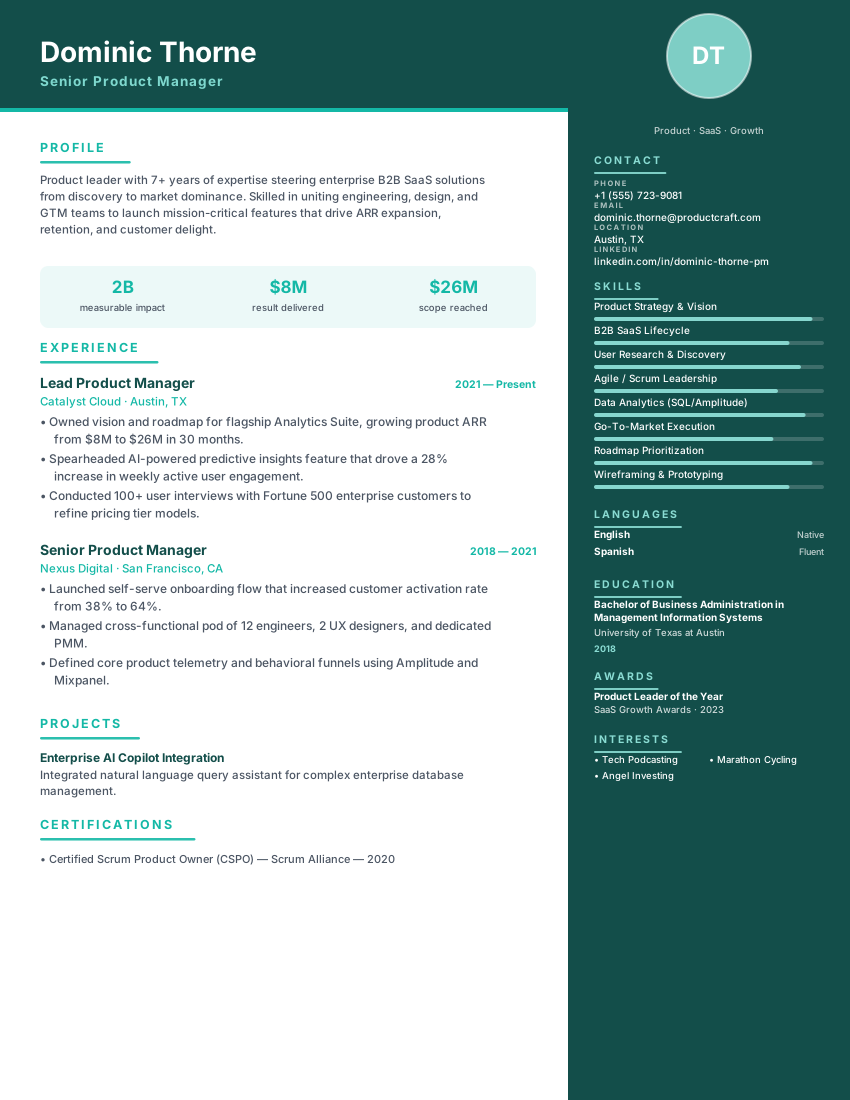
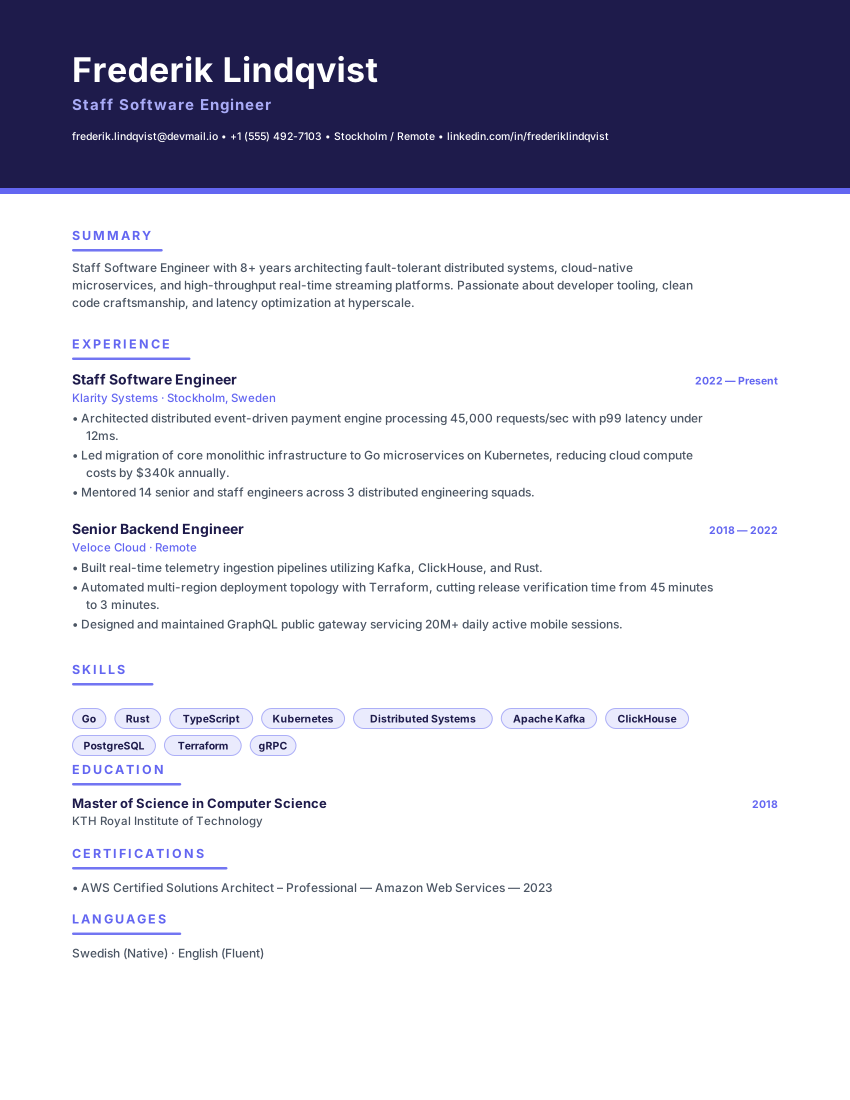
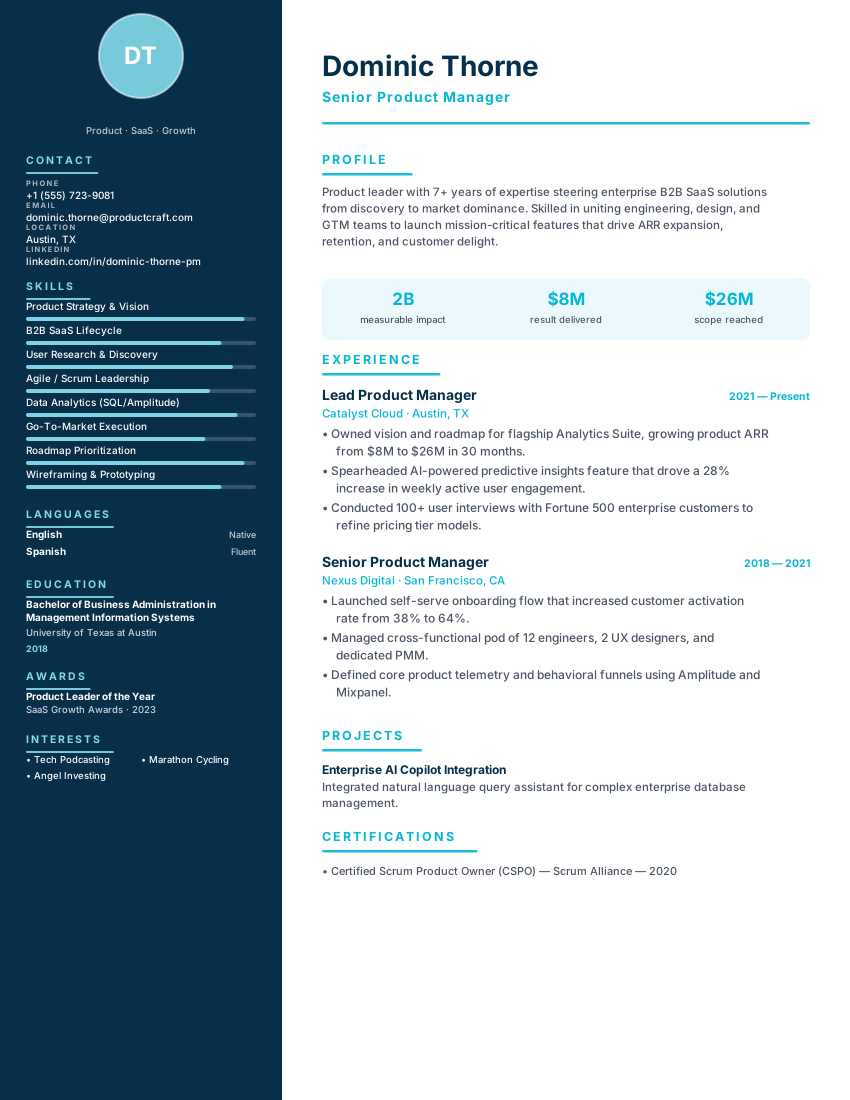
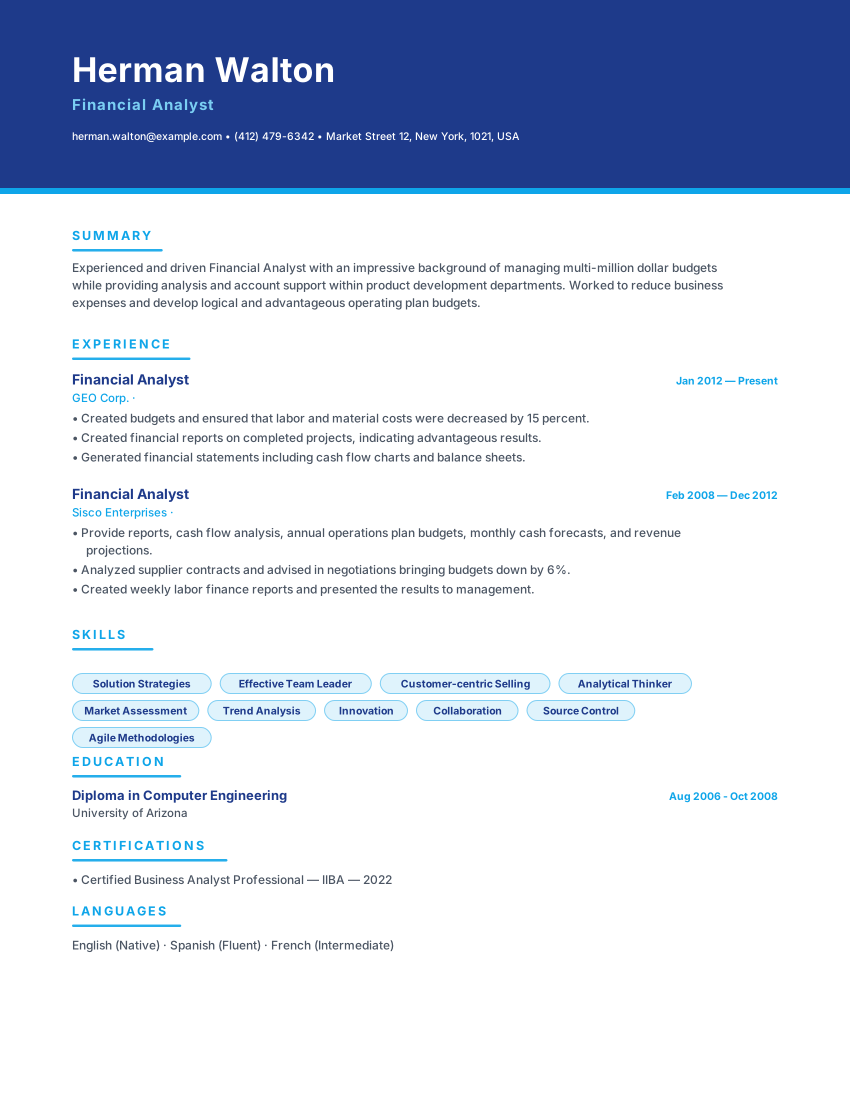
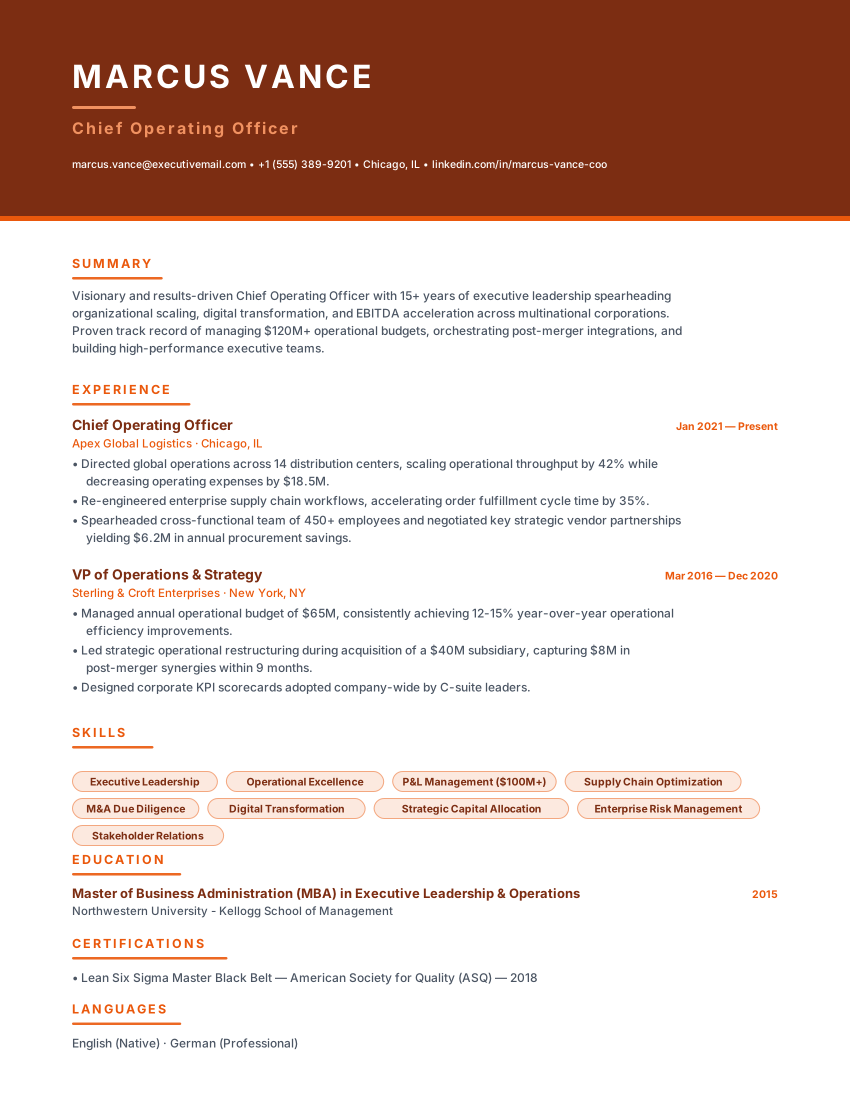
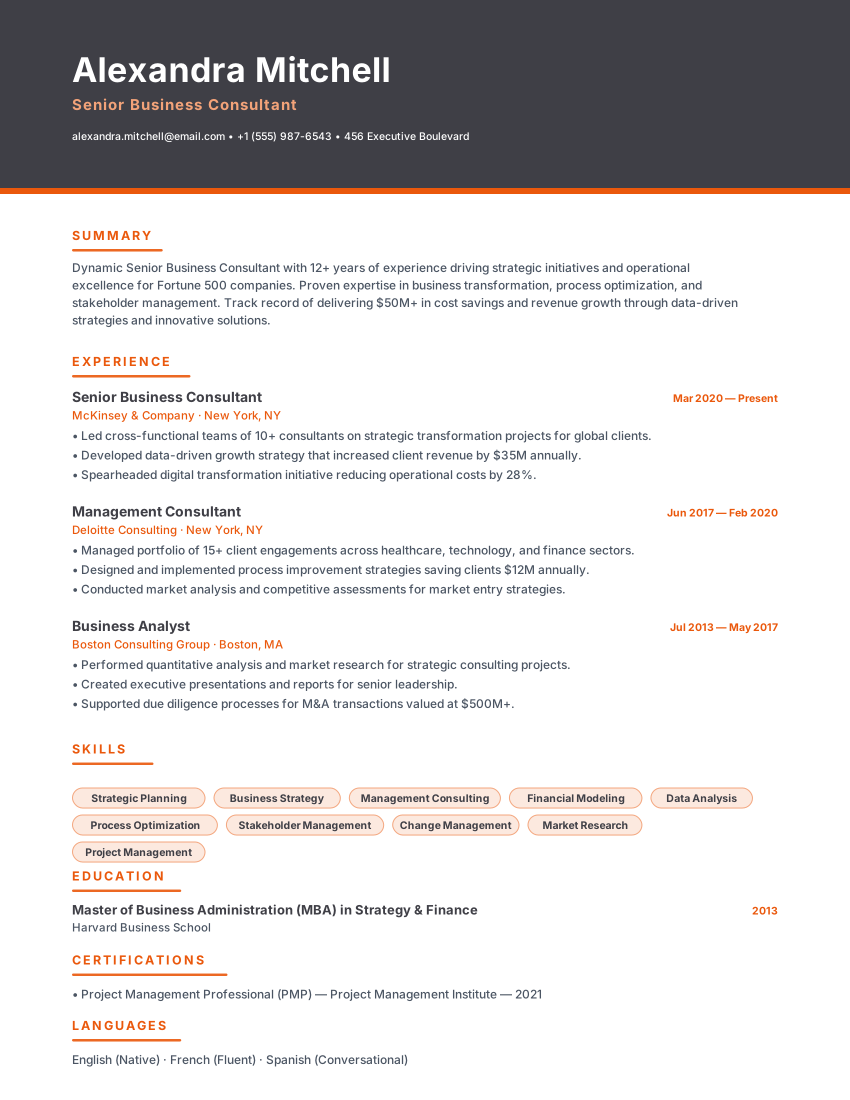
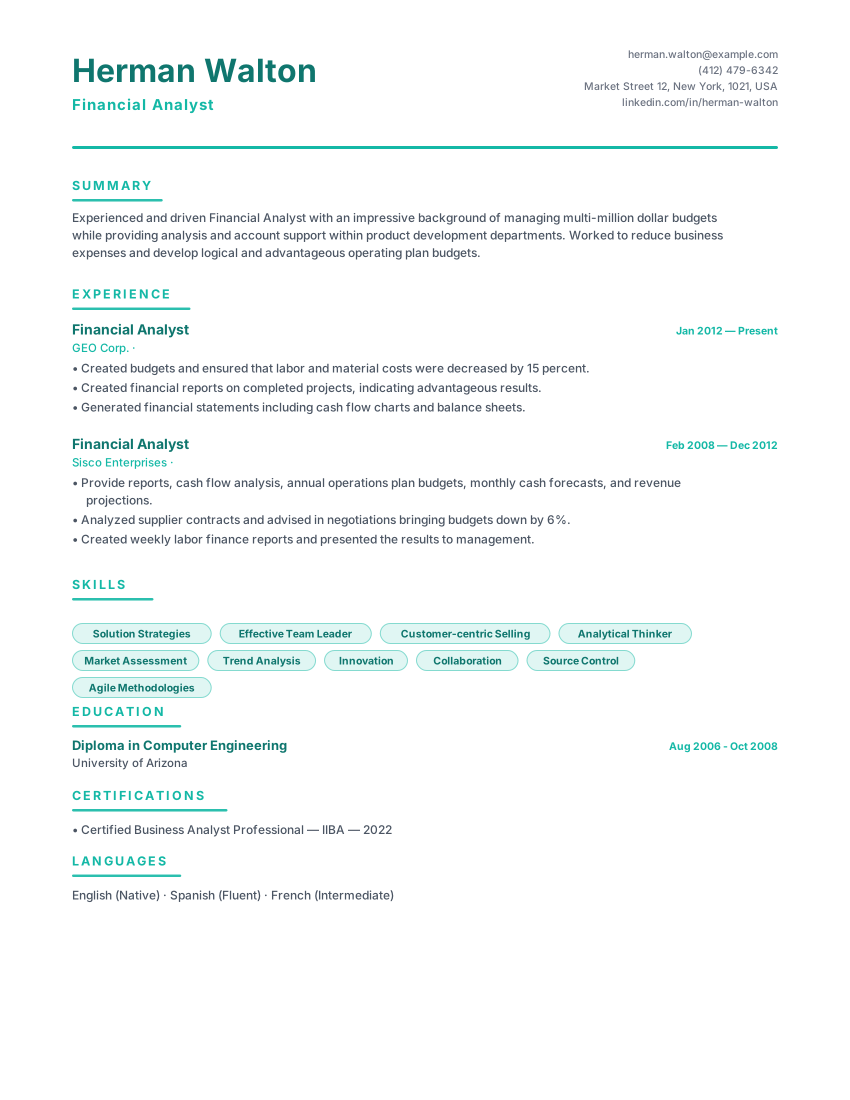
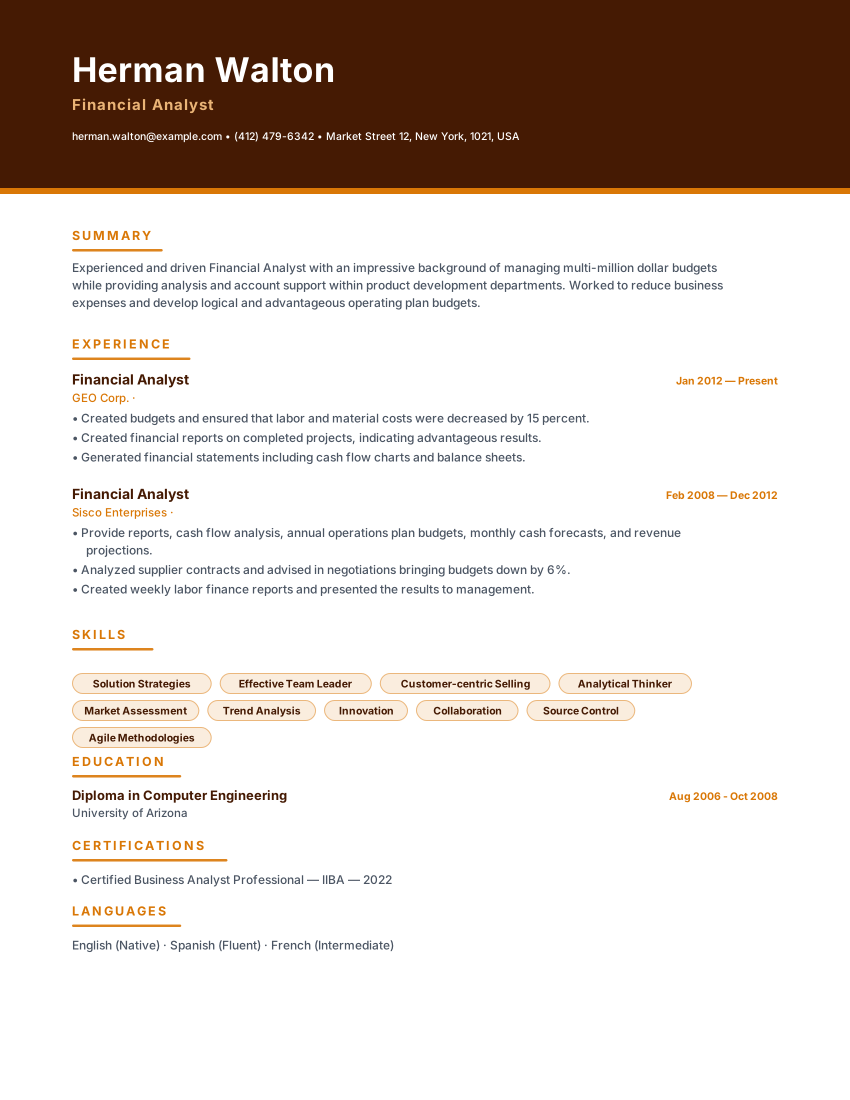
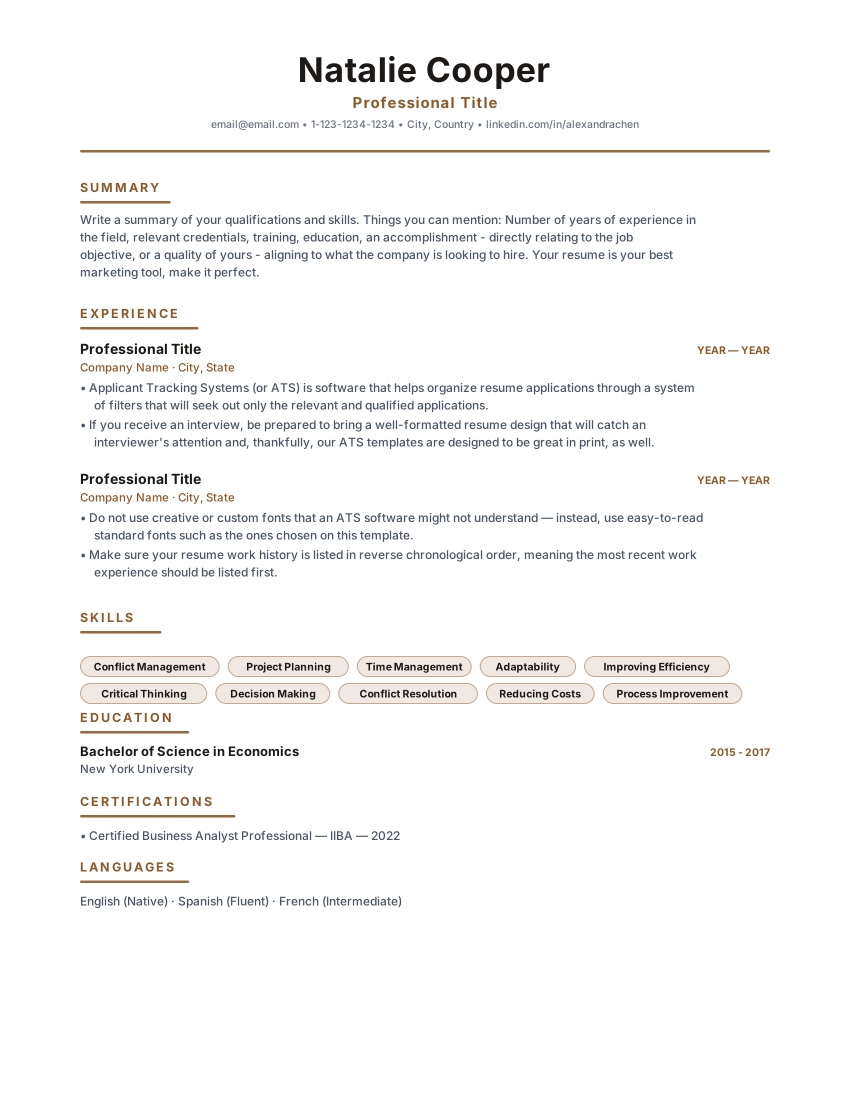
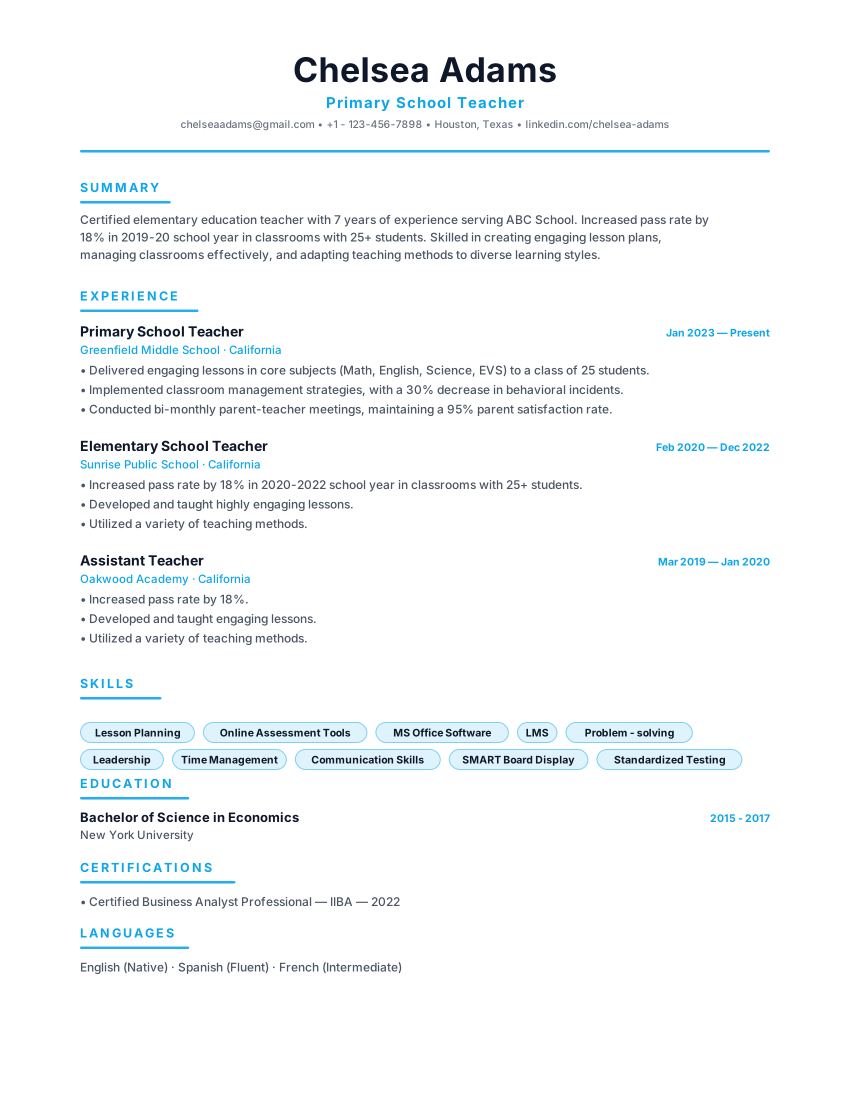
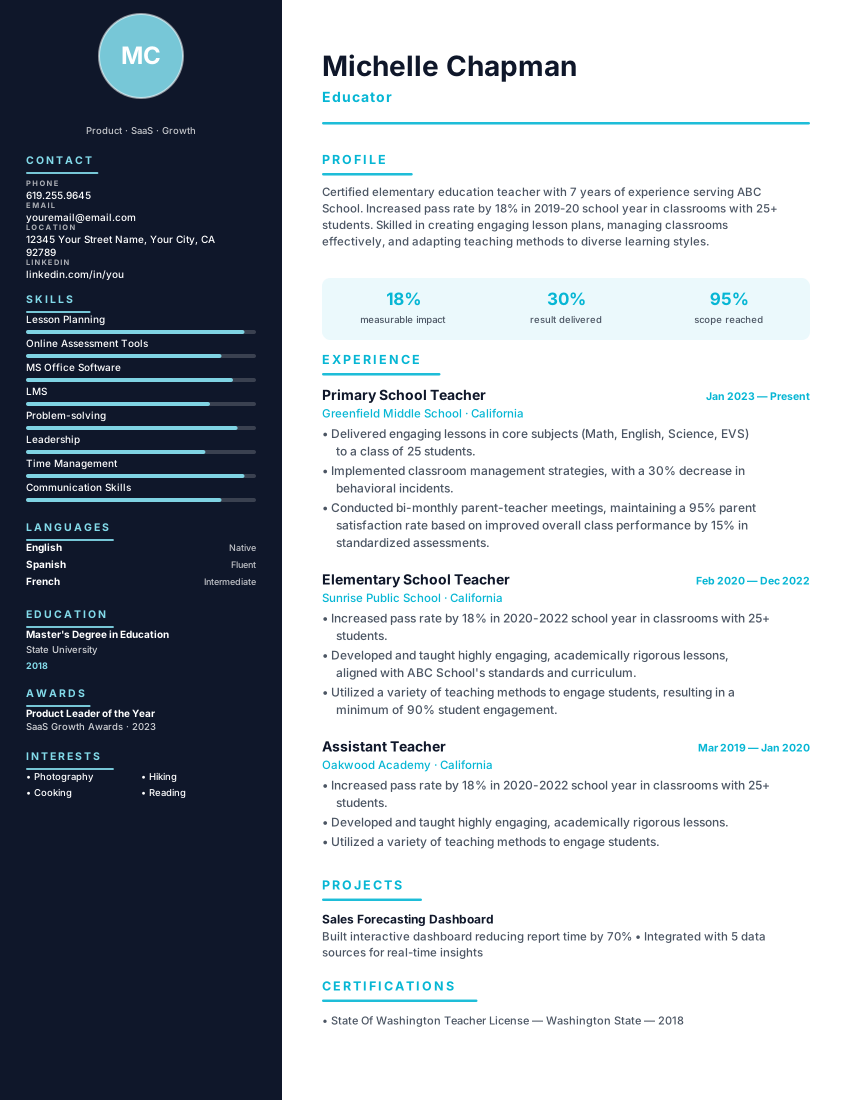
Swipe, pause or use the arrows to compare other modern layouts.
Frequently asked questions
Practical details about formatting, ATS compatibility, and customizing the Olivia Sidebar template.
What belongs in the sidebar rather than the main column?
Short, scannable facts: how to reach you, languages with levels, tools you can name in one or two words. Anything that needs a sentence belongs beside your experience.
Is a warm colour palette unprofessional?
Palette is a judgement call, not a rule, and it reads differently by sector. If you are applying somewhere formal, the same content works in a monochrome template — switch template without retyping anything.
Is the Olivia Sidebar template really ATS-friendly?
ATS products and employer configurations differ, so this template cannot guarantee parsing or screening results. Check the layout and exported text, use accurate role-specific content, and follow the employer's file instructions. Any compatibility percentage shown on this page is not an independent test by an ATS provider.
Can I download my resume as a PDF or Word file for free?
You can export a PDF, Microsoft Word (DOCX), or plain-text (TXT) file without a watermark. Review the downloaded file before sending it and follow the employer's requested file format. ATS products and employer settings differ, so no template or export can guarantee parsing in every system.
Is this resume template completely free?
The resume builder and PDF, DOCX, and TXT exports are available without payment or an account. Online AI or analysis tools may depend on service availability; see the Privacy Policy for details about how submitted information is processed.
Do I need to create an account to use this template?
No account is required to use the builder. Drafts are stored in your browser; some online features send submitted information to configured services for processing. See the Privacy Policy for details.
Related ResumeEarth tools and guides
Explore role-specific resume collections, ATS checking tools, and formatting guides to complete your application.
Marketing Manager Resume Templates
Compare ATS-friendly marketing manager resume layouts and role-specific section guidance.
Human Resources Resume Templates
Compare ATS-friendly human resources resume layouts and role-specific section guidance.
Marketing Manager Resume Builder
Role-specific keywords, summary examples, and quantified bullet templates for marketing manager applications.
ATS Resume Scanner
Test your exported PDF or Word resume for parsing accuracy, section detection, and keyword coverage.
Job Description Keyword Matcher
Compare your resume against a specific vacancy to spot missing hard skills and role terminology.
AI Cover Letter Generator
Create a tailored cover letter that complements your Olivia Sidebar resume.
Create your resume with Olivia Sidebar
Open the template, add your details, and export a watermark-free PDF, Word (DOCX), or TXT file when it reads the way you want.
No credit card. No signup. Free to use.