CV ATS Simple
Spain A4 CV template · Single-column classic layout
CV ATS Simple está diseñado con un propósito primordial: máxima legibilidad para sistemas de seguimiento de candidatos (ATS) y rapidez de escaneo para reclutadores humanos. Elimina columnas complejas, cajas de texto anidadas y artificios visuales, utilizando una estructura lineal de una sola columna con encabezados estándar en español e inglés que mantienen una extracción de texto limpia y lineal.
Designed for
- Corporate ATS Portals (Workday, Taleo)
- High-Volume Job Portals (InfoJobs, LinkedIn)
- Technical, Admin & Operations Roles
Open it in the resume builder, replace the sample text, and export when you are ready. There is no watermark and no signup.
Key features of the CV ATS Simple template
Full-width single reading column with horizontal section dividers and traditional reverse-chronological flow. Standard headings and selectable text help readers follow your experience. After exporting, check that your contact details, job titles and dates copy in the intended order; extraction can differ between systems.
Strict single-column reading order for clean, linear text extraction
Universal Spanish & European heading naming conventions
High-contrast typography optimized for human recruiters and OCR
Zero tables, text boxes or multi-column obstacles that cause parsing errors
Standard A4 dimensions with consistent margins and line spacing
Export to clean text PDF and Word (.docx) formats with selectable text
Layout & formatting specifications
- Template name
- CV ATS Simple
- Design style
- European
- Column structure
- Single-column classic
- Page dimensions
- A4 (Spain)
- Default color palette
- #18181b#0284c7
- ATS text layer
- Selectable text, standard headings
- Download formats
- PDF, Word (DOCX), Plain Text (TXT)
Included resume sections
The CV ATS Simple template comes pre-configured with the sections below. Inside the builder, you can rename headings, reorder blocks, or hide any section you do not need.
- Contact Header
- Professional Summary
- Work Experience
- Education
- Core Skills
- Certifications & Projects
Ready to customize in the builder
Click Use this template to open the CV ATS Simple layout directly in the resume builder, enter your own experience and skills, and export a watermark-free PDF, DOCX, or TXT file.
Who the CV ATS Simple template is built for
Candidates applying through automated recruitment portals (Workday, Taleo, SuccessFactors, InfoJobs, LinkedIn Easy Apply) where automated screening precedes human review.
How to get the most from the CV ATS Simple layout
- Mirror the keywords from the job description exactly: if the ad asks for 'Gestión de proyectos' or 'JavaScript', use those exact terms.
- Keep the bullet format clean: start each point with an action verb followed by the action taken and the quantifiable result.
- Avoid uncommon section headers; stick to standard terms like Experiencia laboral, Educación, and Competencias.
How to customize the CV ATS Simple template
- 1
Add your contact details and summary
Open CV ATS Simple in the builder and enter your contact details, target job title, and a concise 2–3 sentence summary aligned with corporate ats portals (workday, taleo) postings.
- 2
Prioritize measurable experience bullets
List recent roles in reverse-chronological order. Lead each bullet with a concrete action and outcome — scope, revenue, latency, patient load, or delivery metrics.
- 3
Align skills with the job description
Use the vacancy's names for skills and tools where they accurately describe your experience. Add evidence in your work history; repeating a term alone does not establish competence or guarantee a search match.
- 4
Verify reading order and export
Preview page breaks, then export the file type requested by the employer. Copy its text into a plain-text editor to check the order. The ATS Scanner provides a local checklist; Job Match compares your text with a specific posting.
Similar resume templates
Swipe, pause or use the arrows to compare other european layouts.
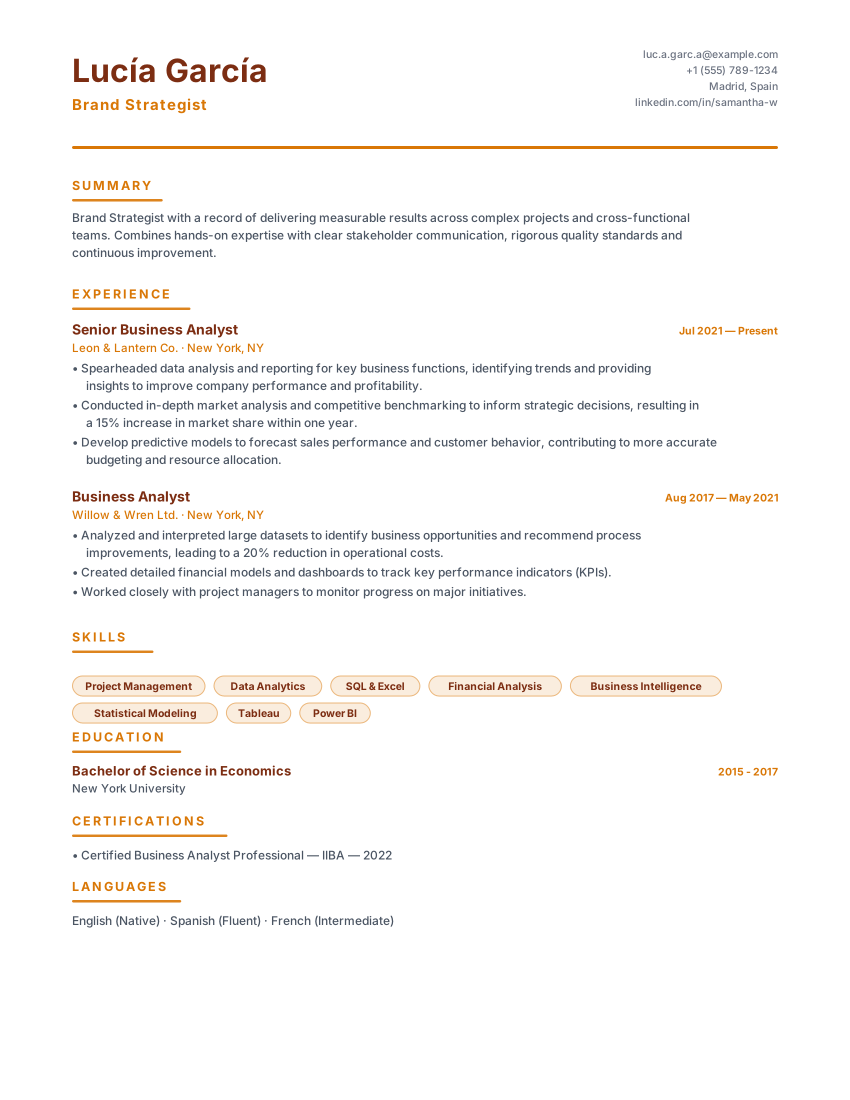
Madrid CV Español
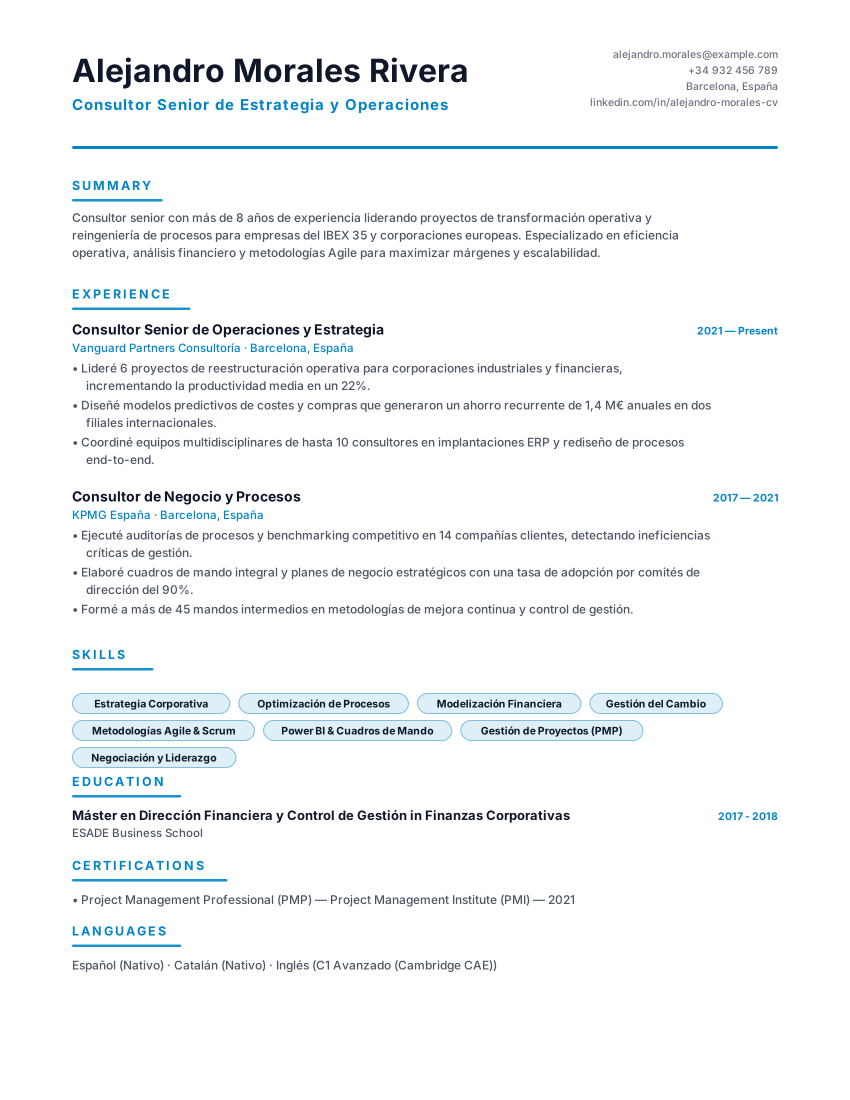
Barcelona CV Profesional
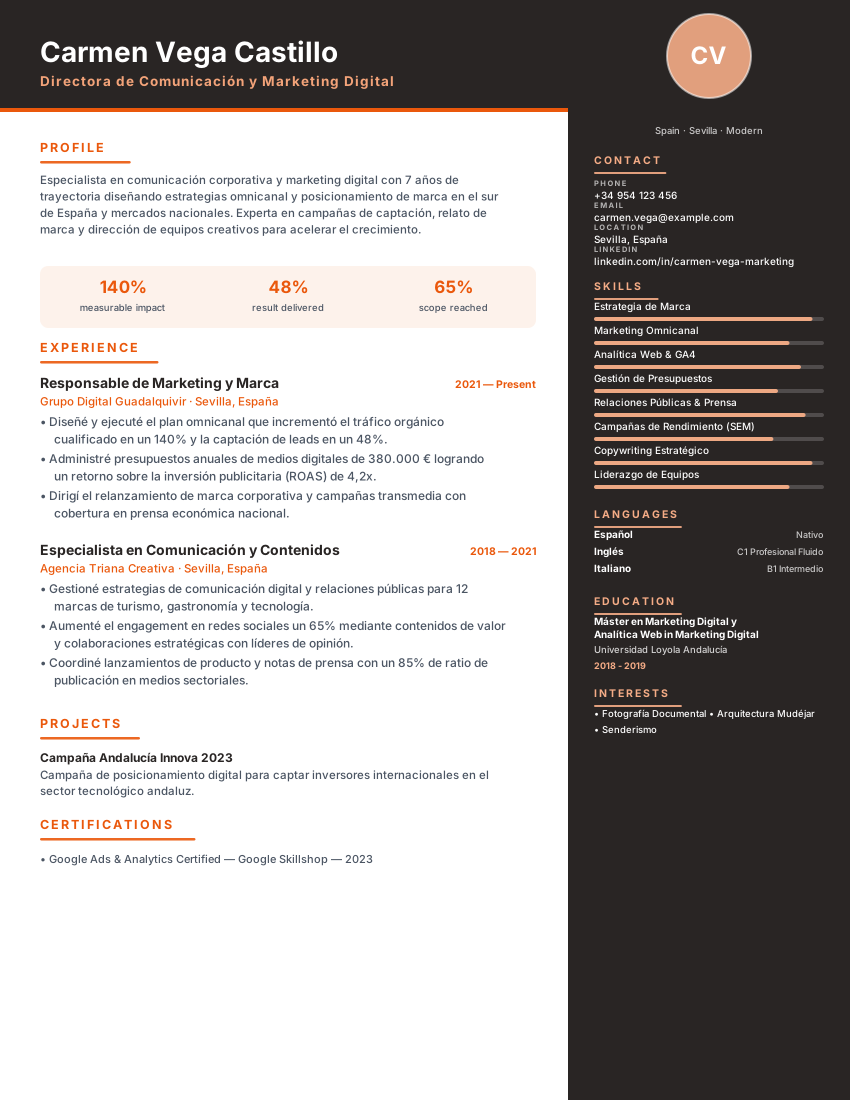
Sevilla CV Moderno
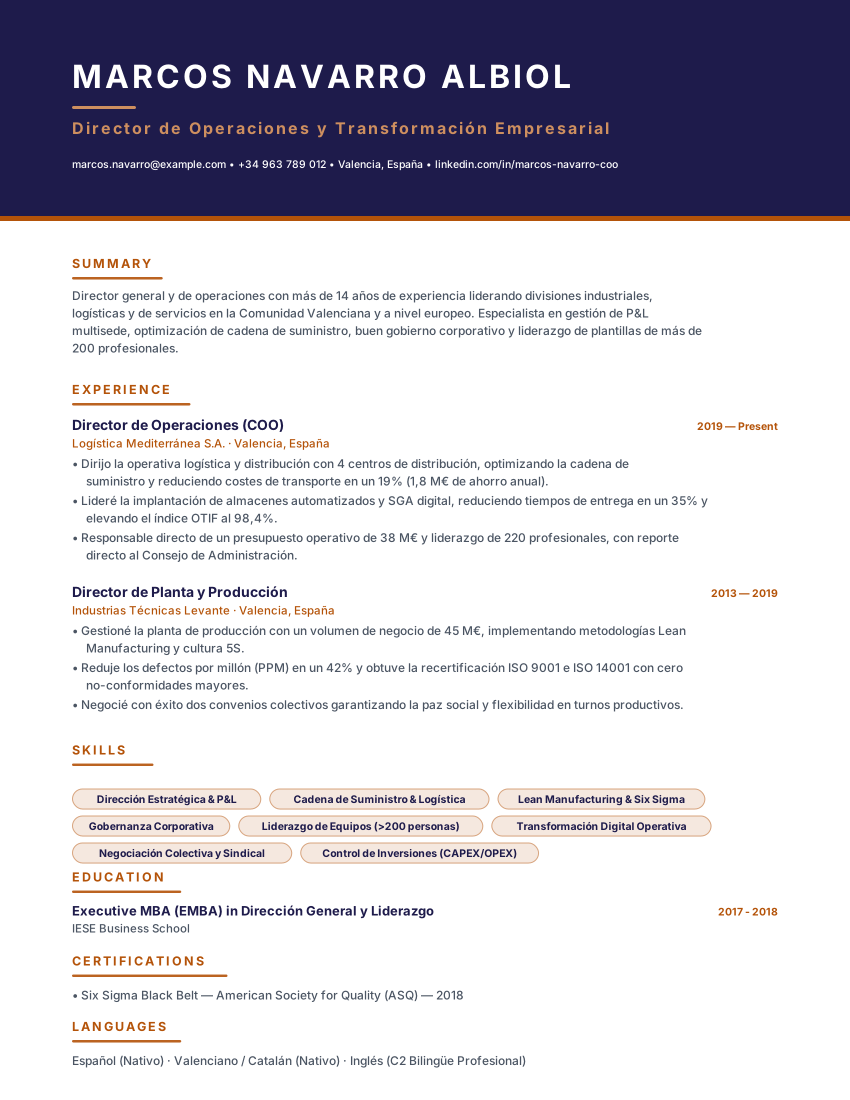
Valencia CV Ejecutivo
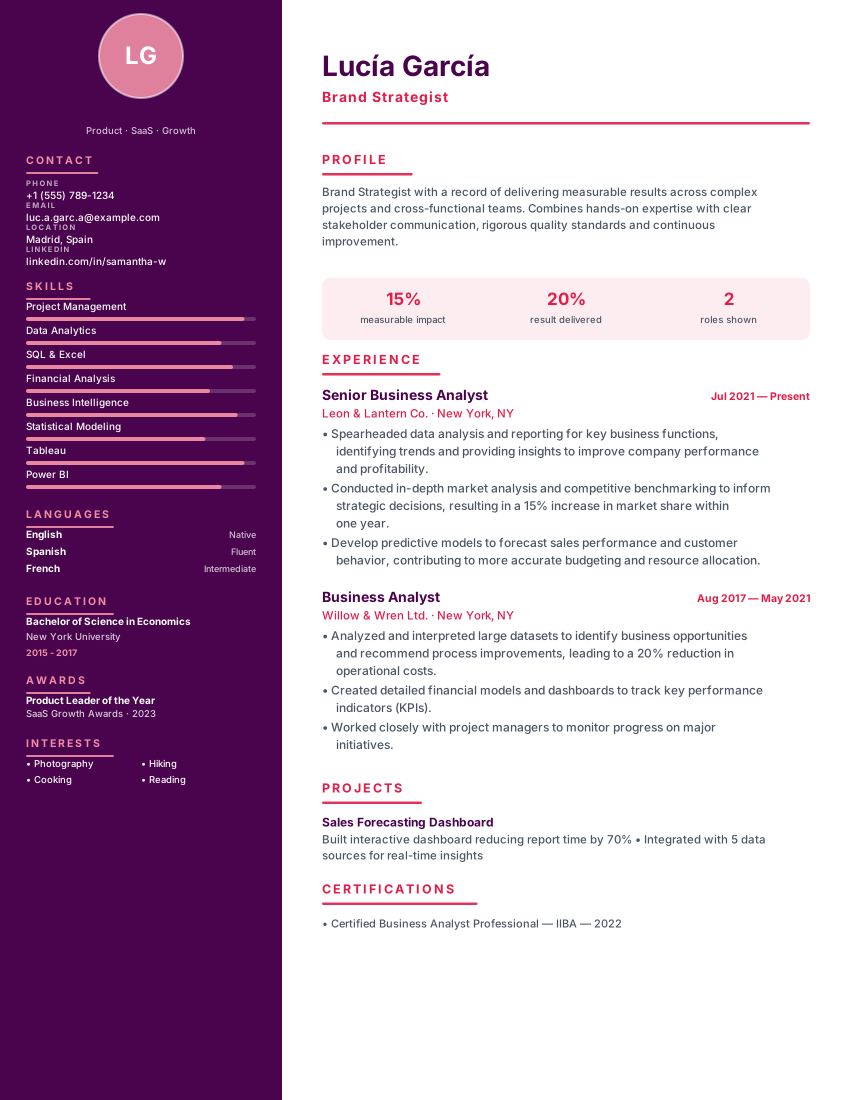
Barcelona CV Creativo
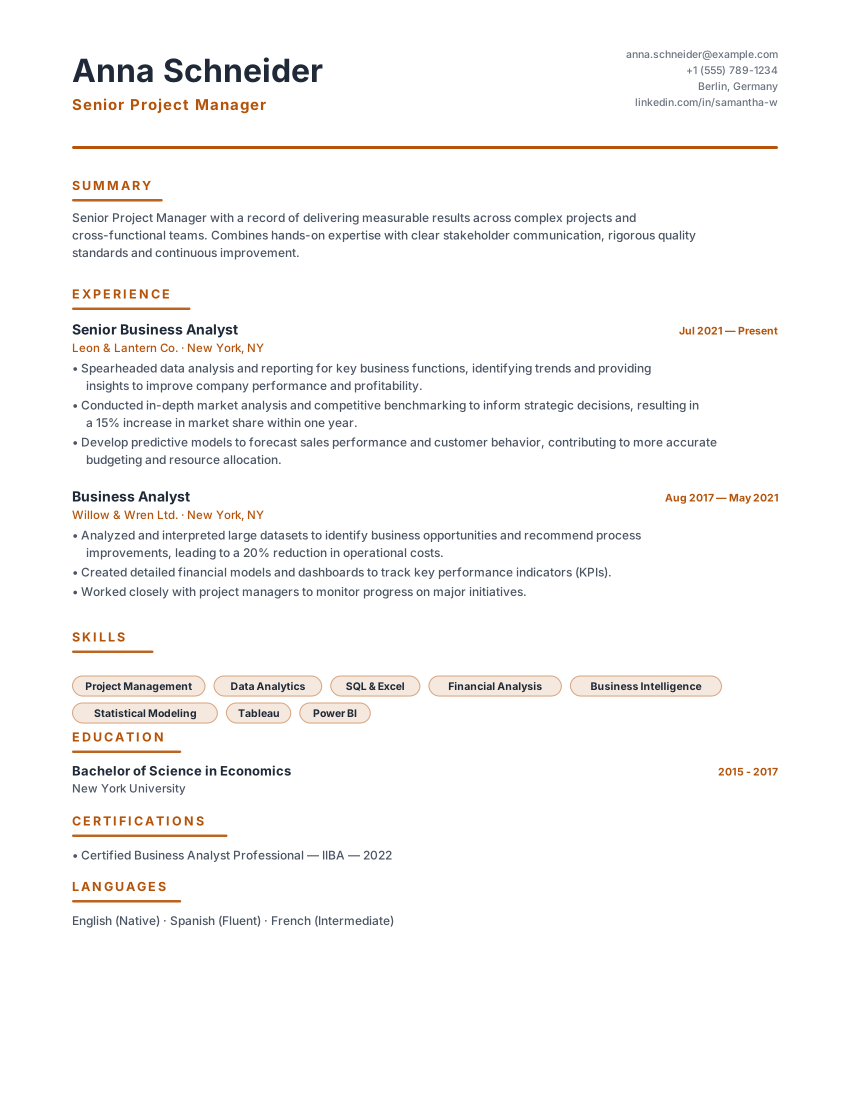
Berlin Lebenslauf
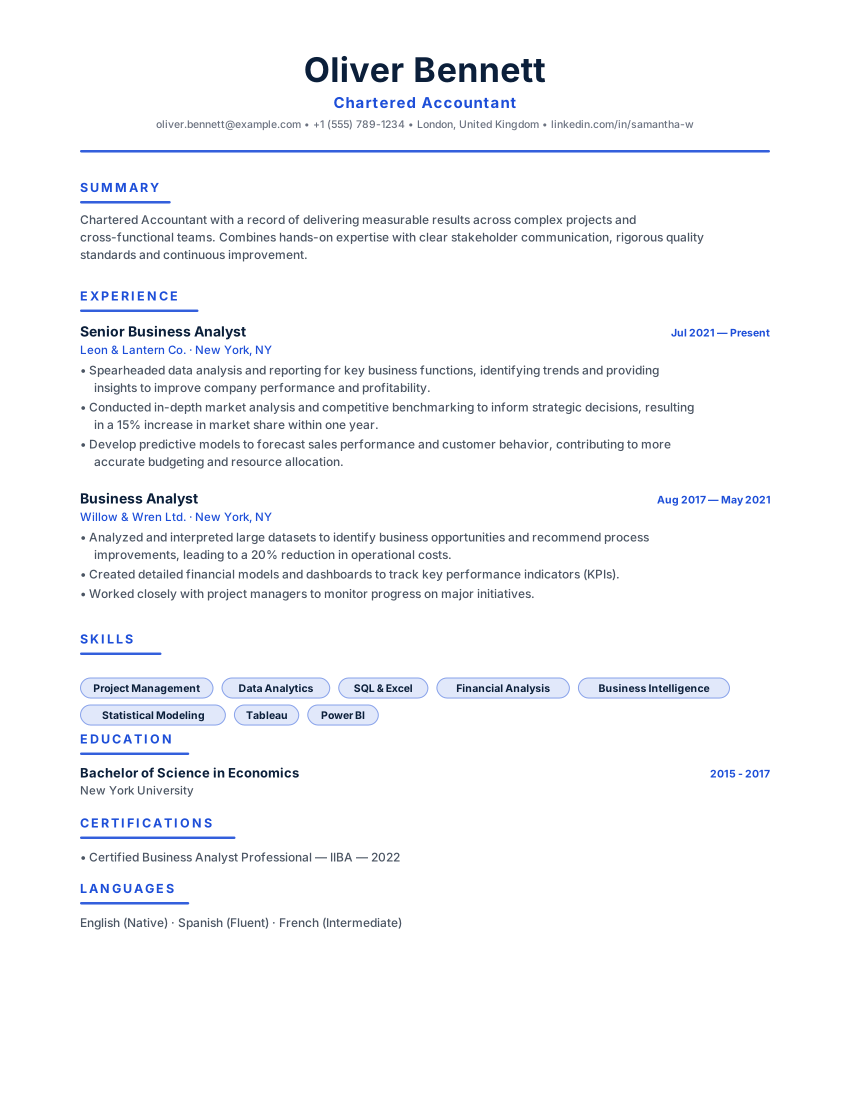
London British CV
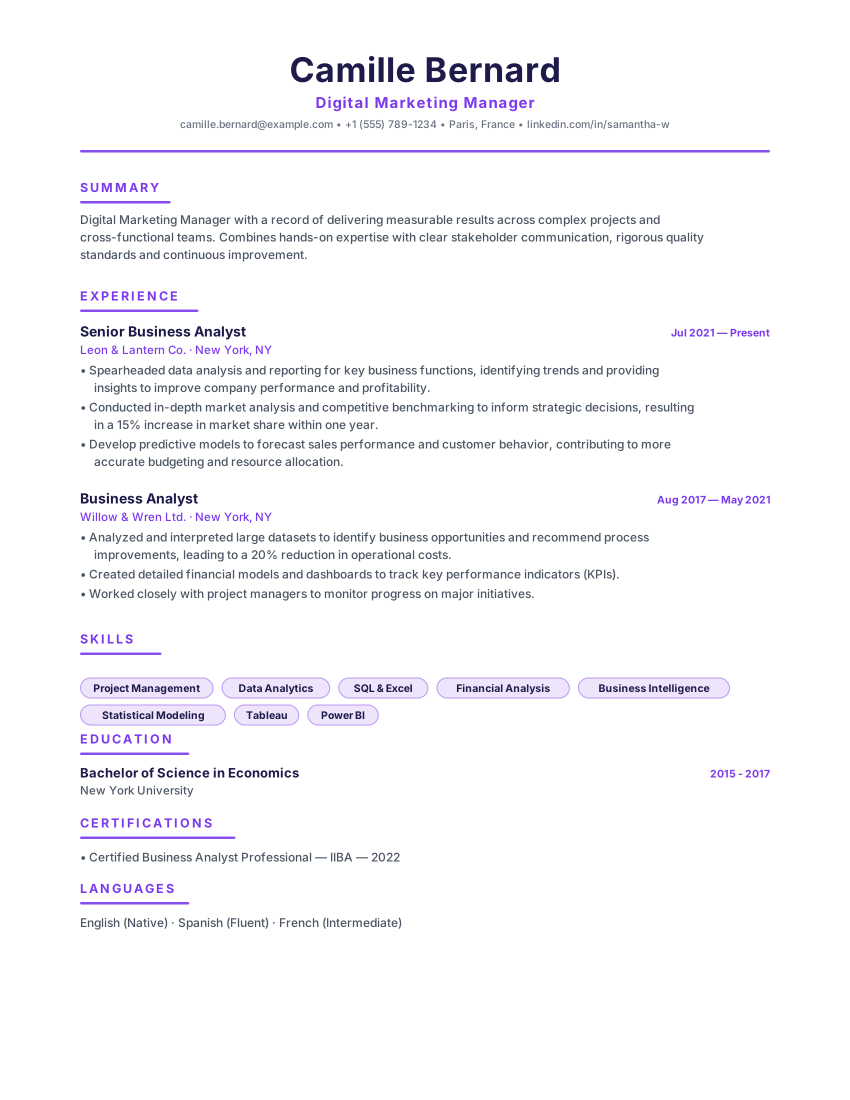
Paris CV Français
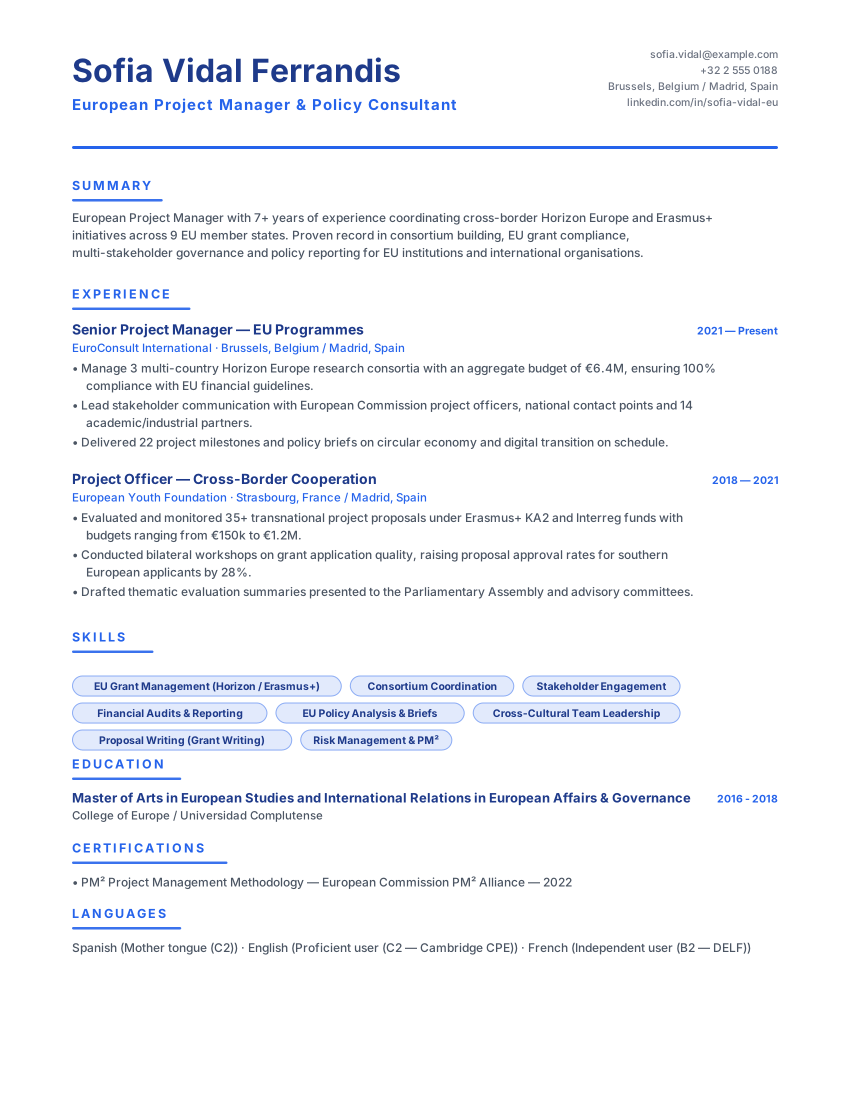
CV Europass-Inspired
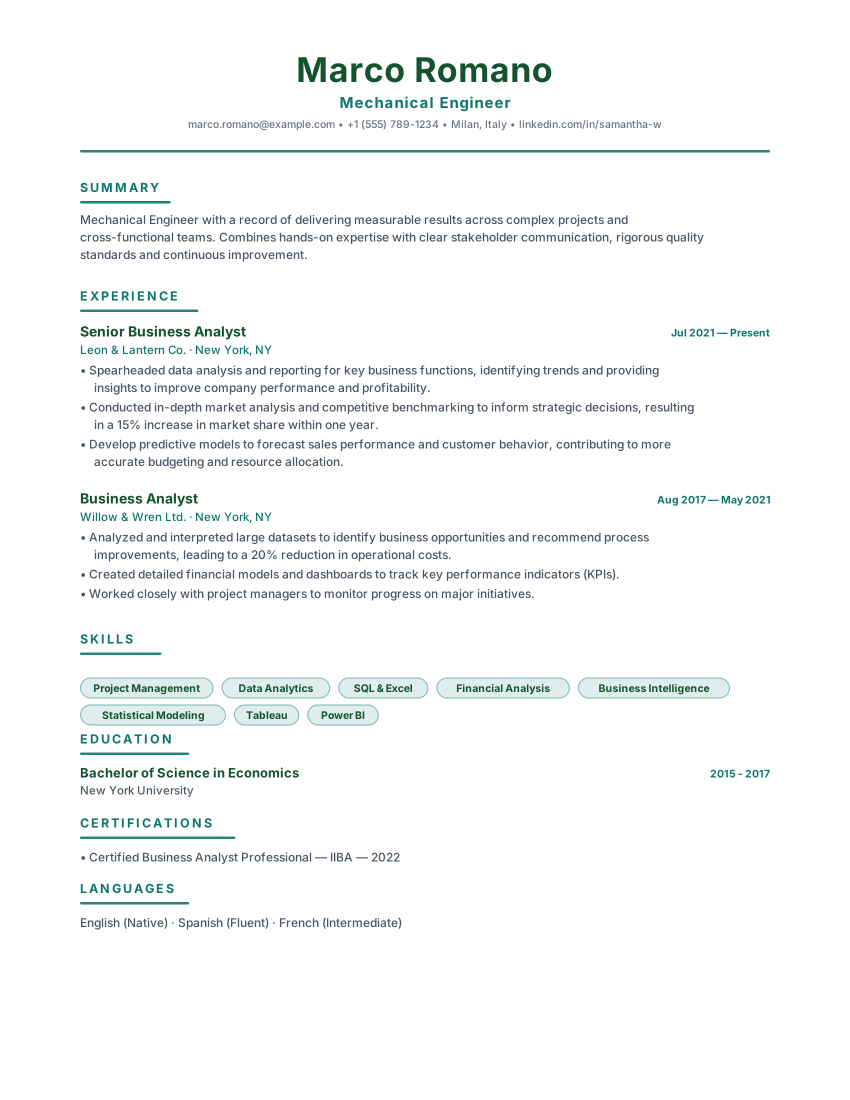
Milan CV Italiano
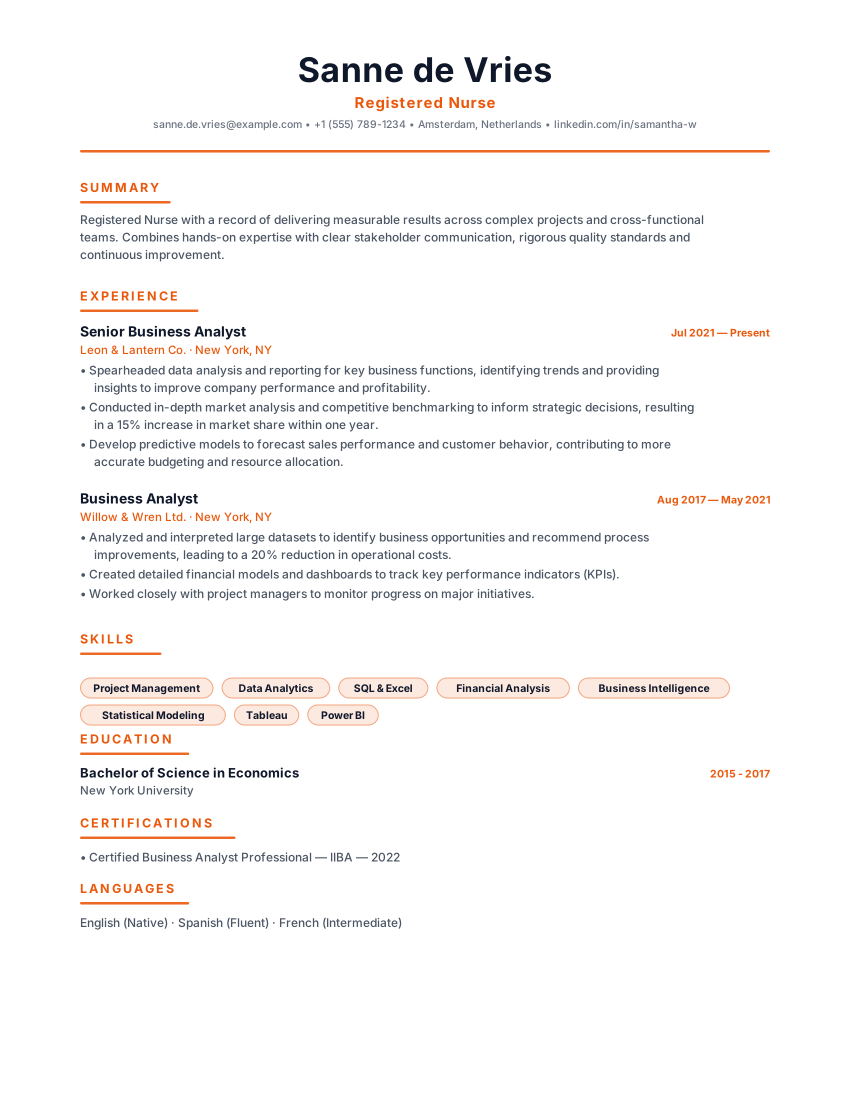
Amsterdam Nederlands CV
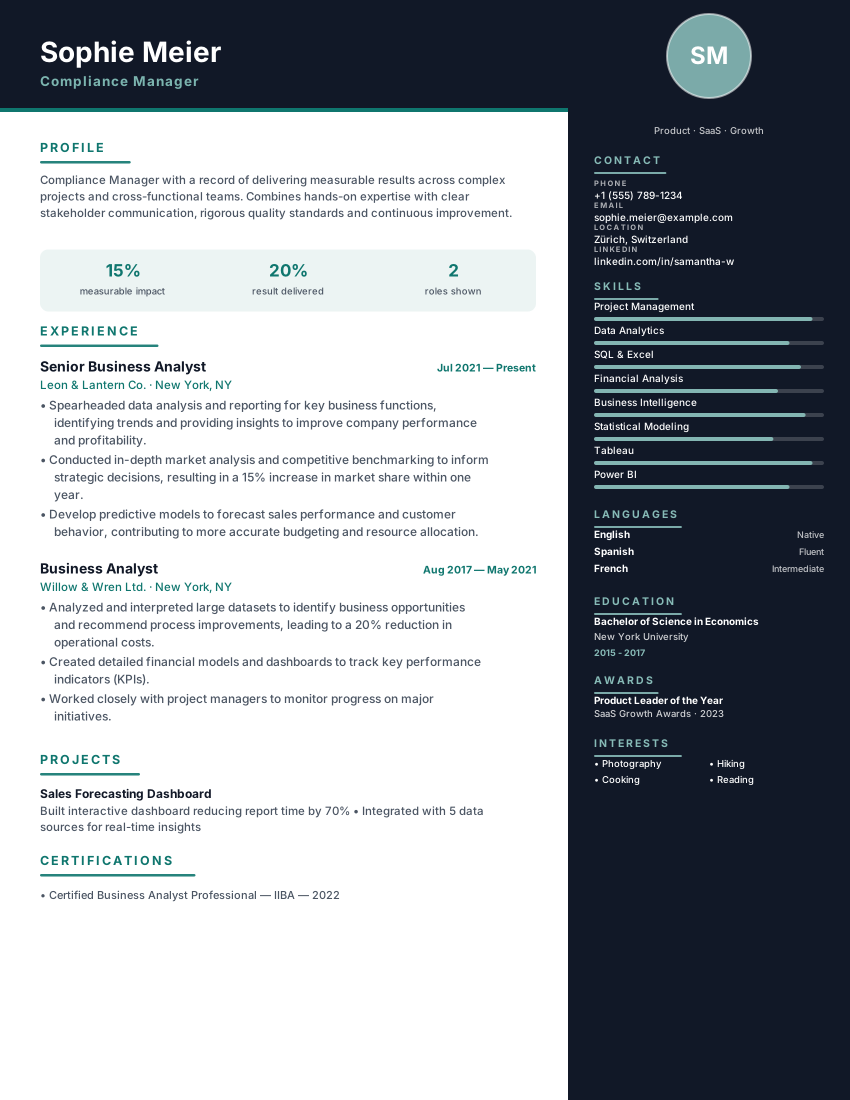
Zurich Swiss CV
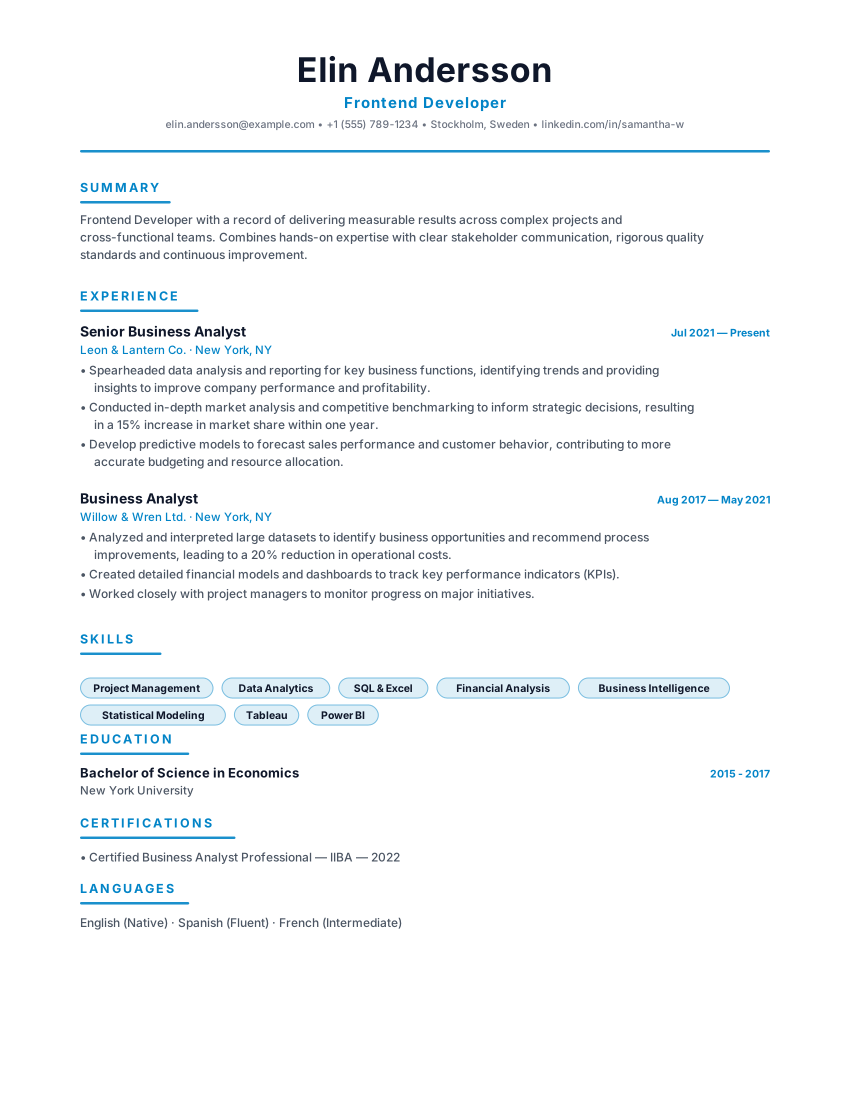
Stockholm Nordic CV
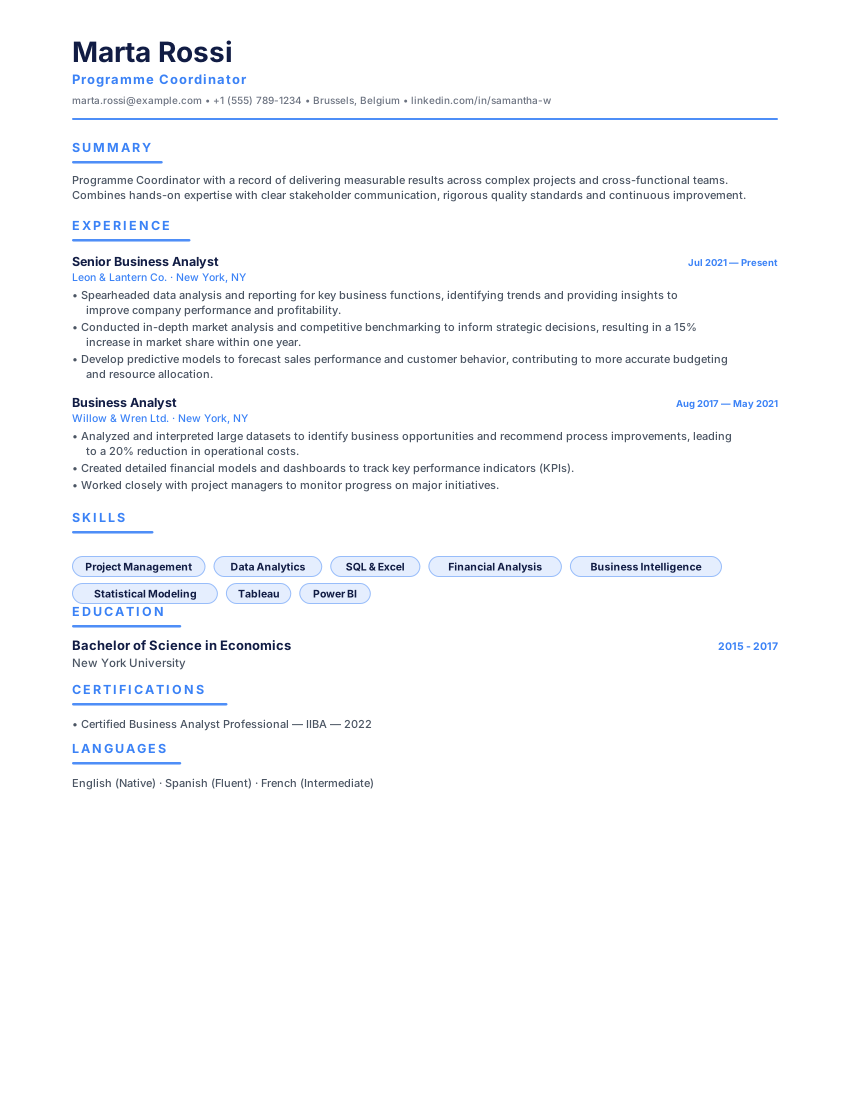
Europa Structured CV
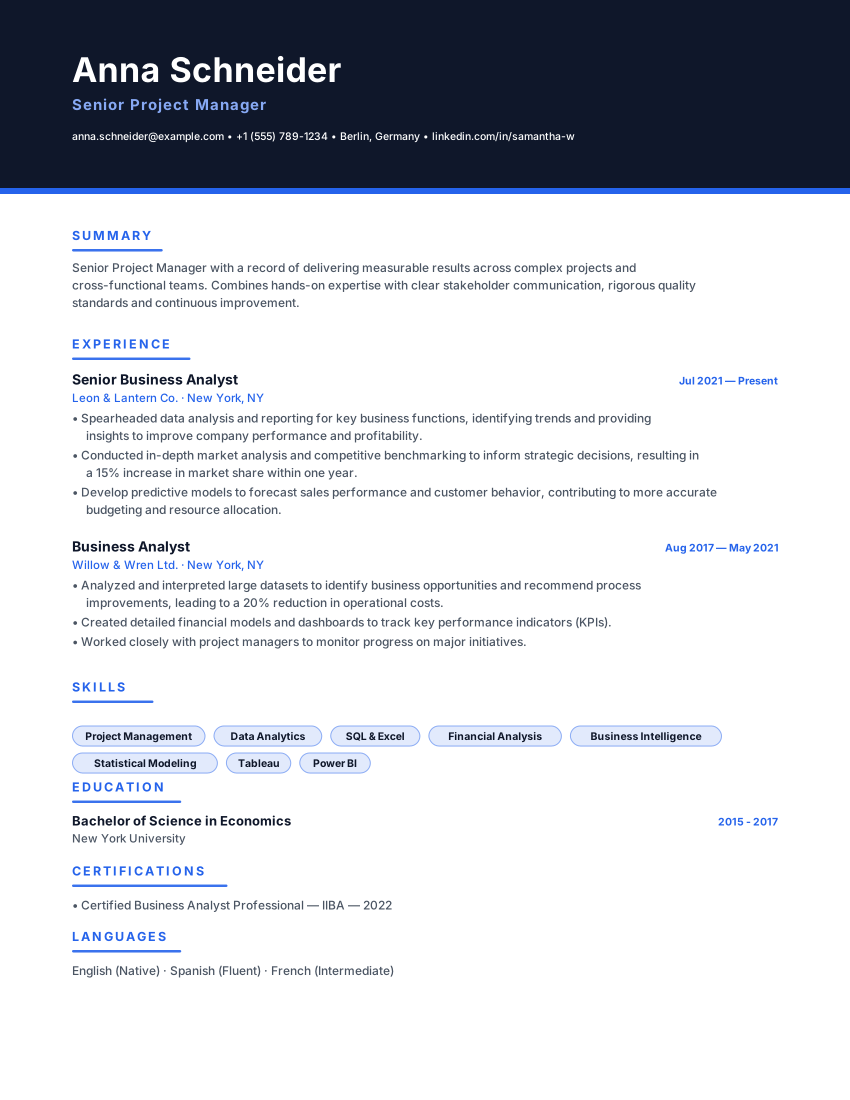
Hamburg Bewerbung
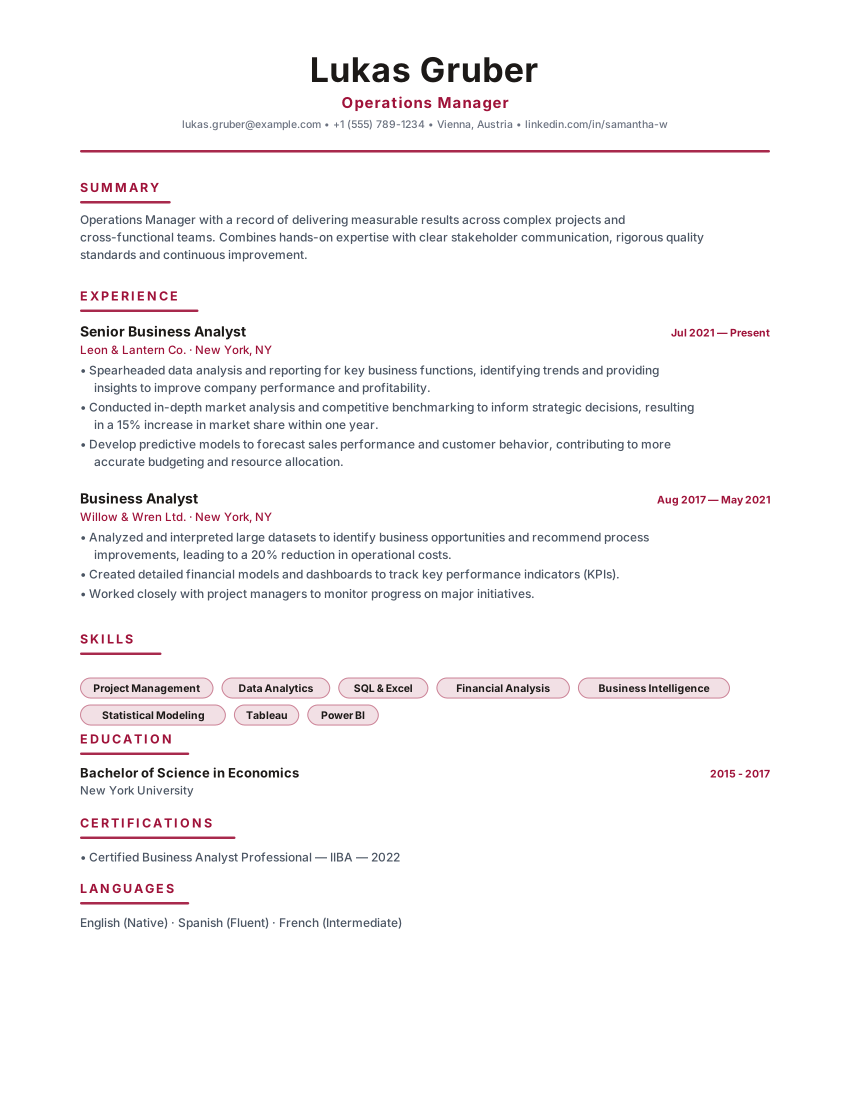
Vienna Lebenslauf
Frequently asked questions
Practical details about formatting, ATS compatibility, and customizing the CV ATS Simple template.
Does this template guarantee 100% parsing by every ATS?
No template can guarantee 100% compatibility across all software because parsing depends on each employer's specific ATS platform, version, and custom parsing rules. However, CV ATS Simple follows strict best practices — single column, standard headings, and selectable text — to maximize extraction accuracy.
Can I use CV ATS Simple for jobs that don't use ATS?
Absolutely. Hiring managers appreciate clean, unpretentious resumes that make qualifications immediately visible without searching through complex design layouts.
Should I export in PDF or Word (.docx) for ATS portals?
Most modern ATS systems parse text-based PDFs accurately while preserving visual formatting for the human recruiter. If a job posting specifically requests Word (.docx), use the Word export option.
Is the CV ATS Simple template really ATS-friendly?
ATS products and employer configurations differ, so this template cannot guarantee parsing or screening results. Check the layout and exported text, use accurate role-specific content, and follow the employer's file instructions. Any compatibility percentage shown on this page is not an independent test by an ATS provider.
Can I download my resume as a PDF or Word file for free?
You can export a PDF, Microsoft Word (DOCX), or plain-text (TXT) file without a watermark. Review the downloaded file before sending it and follow the employer's requested file format. ATS products and employer settings differ, so no template or export can guarantee parsing in every system.
Is this resume template completely free?
The resume builder and PDF, DOCX, and TXT exports are available without payment or an account. Online AI or analysis tools may depend on service availability; see the Privacy Policy for details about how submitted information is processed.
Do I need to create an account to use this template?
No account is required to use the builder. Drafts are stored in your browser; some online features send submitted information to configured services for processing. See the Privacy Policy for details.
Related ResumeEarth tools and guides
Explore role-specific resume collections, ATS checking tools, and formatting guides to complete your application.
Spain CV Builder & Format Guide
Local Spain CV conventions, A4 formatting rules, and qualification terminology.
European CV Builder Hub
Compare A4 CV conventions, language choices, and country-specific formats across Europe.
ATS Resume Scanner
Test your exported PDF or Word resume for parsing accuracy, section detection, and keyword coverage.
Job Description Keyword Matcher
Compare your resume against a specific vacancy to spot missing hard skills and role terminology.
AI Cover Letter Generator
Create a tailored cover letter that complements your CV ATS Simple resume.
How to Make an ATS-Friendly Resume
Practical formatting rules for headings, dates, columns, and file exports that parse cleanly.
Create your resume with CV ATS Simple
Open the template, add your details, and export a watermark-free PDF, Word (DOCX), or TXT file when it reads the way you want.
No credit card. No signup. Free to use.