Tokyo Career
Japan A4 CV template · Quiet ruled single-column layout
Tokyo Career is a 職務経歴書 — the free-format work-history document Japanese employers read alongside the fixed-form 履歴書. It opens with 職務要約, describes each employer under 職務経歴, then presents 活かせる経験・スキル and 資格 before an optional 学歴 block. Quiet typography, wider leading and Japanese-aware line breaking keep dense text readable on A4, and the layout deliberately has no photograph and no 履歴書-style personal fields.
Designed for
- Mid-career applicants in Japan
- Software and engineering roles
- Japanese-language applications
Open it in the resume builder, replace the sample text, and export when you are ready. There is no watermark and no signup.
Key features of the Tokyo Career template
Restrained single-column document with a plain left-aligned header, hairline rules under each heading and generous leading for dense non-Latin body text. Standard headings and selectable text help readers follow your experience. After exporting, check that your contact details, job titles and dates copy in the intended order; extraction can differ between systems.
職務経歴書 structure rather than a translated Western resume
Japanese hiring order: 職務要約 → 職務経歴 → 活かせる経験・スキル → 資格
Bundled Noto Sans JP face with Japanese-aware line breaking
Employer-by-employer entries with period and measurable outcomes
A4 PDF, DOCX and TXT export with selectable Japanese text
No photograph and no 履歴書-style personal fields
Layout & formatting specifications
- Template name
- Tokyo Career
- Design style
- International
- Column structure
- Quiet ruled single-column
- Page dimensions
- A4 (Japan)
- Default color palette
- #24292f#b4473a
- ATS text layer
- Selectable text, standard headings
- Download formats
- PDF, Word (DOCX), Plain Text (TXT)
Included resume sections
The Tokyo Career template comes pre-configured with the sections below. Inside the builder, you can rename headings, reorder blocks, or hide any section you do not need.
- Contact Header
- Professional Summary
- Work Experience
- Education
- Core Skills
- Certifications & Projects
Ready to customize in the builder
Click Use this template to open the Tokyo Career layout directly in the resume builder, enter your own experience and skills, and export a watermark-free PDF, DOCX, or TXT file.
Who the Tokyo Career template is built for
Candidates applying in Japanese, including foreign professionals who already have a Japanese-language application and mid-career changers who want a clean 職務経歴書 instead of a table-heavy form.
How to get the most from the Tokyo Career layout
- Submit the 履歴書 separately. This template is the 職務経歴書 and deliberately leaves out the personal details that form carries.
- Write 職務要約 in three to five lines: your field, your years of experience and the strength you want remembered.
- Describe the employer before the role — 事業内容, approximate size, your responsibility, then the result — which is how Japanese readers expect 職務経歴 to be organised.
- Use 現在 for a role you still hold and keep one date format (2021年4月 – 現在) through the whole document.
How to customize the Tokyo Career template
- 1
Add your contact details and summary
Open Tokyo Career in the builder and enter your contact details, target job title, and a concise 2–3 sentence summary aligned with mid-career applicants in japan postings.
- 2
Prioritize measurable experience bullets
List recent roles in reverse-chronological order. Lead each bullet with a concrete action and outcome — scope, revenue, latency, patient load, or delivery metrics.
- 3
Align skills with the job description
Use the vacancy's names for skills and tools where they accurately describe your experience. Add evidence in your work history; repeating a term alone does not establish competence or guarantee a search match.
- 4
Verify reading order and export
Preview page breaks, then export the file type requested by the employer. Copy its text into a plain-text editor to check the order. The ATS Scanner provides a local checklist; Job Match compares your text with a specific posting.
Similar resume templates
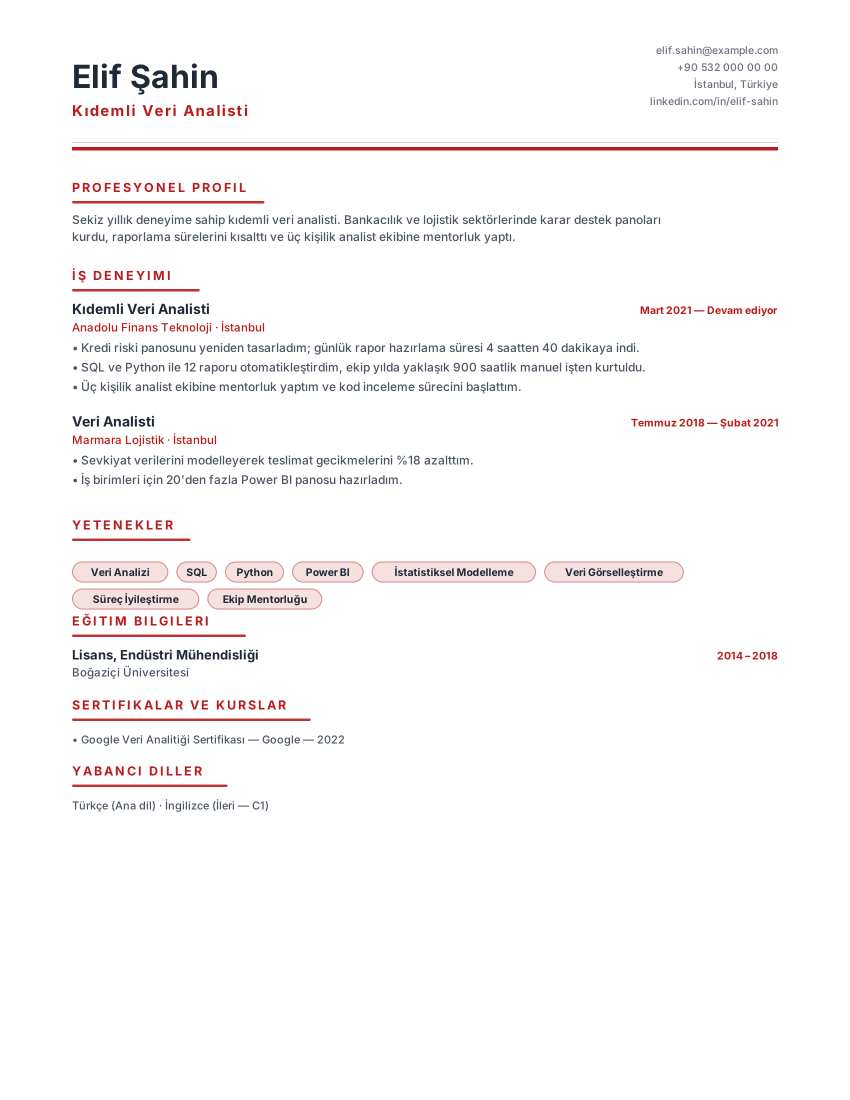
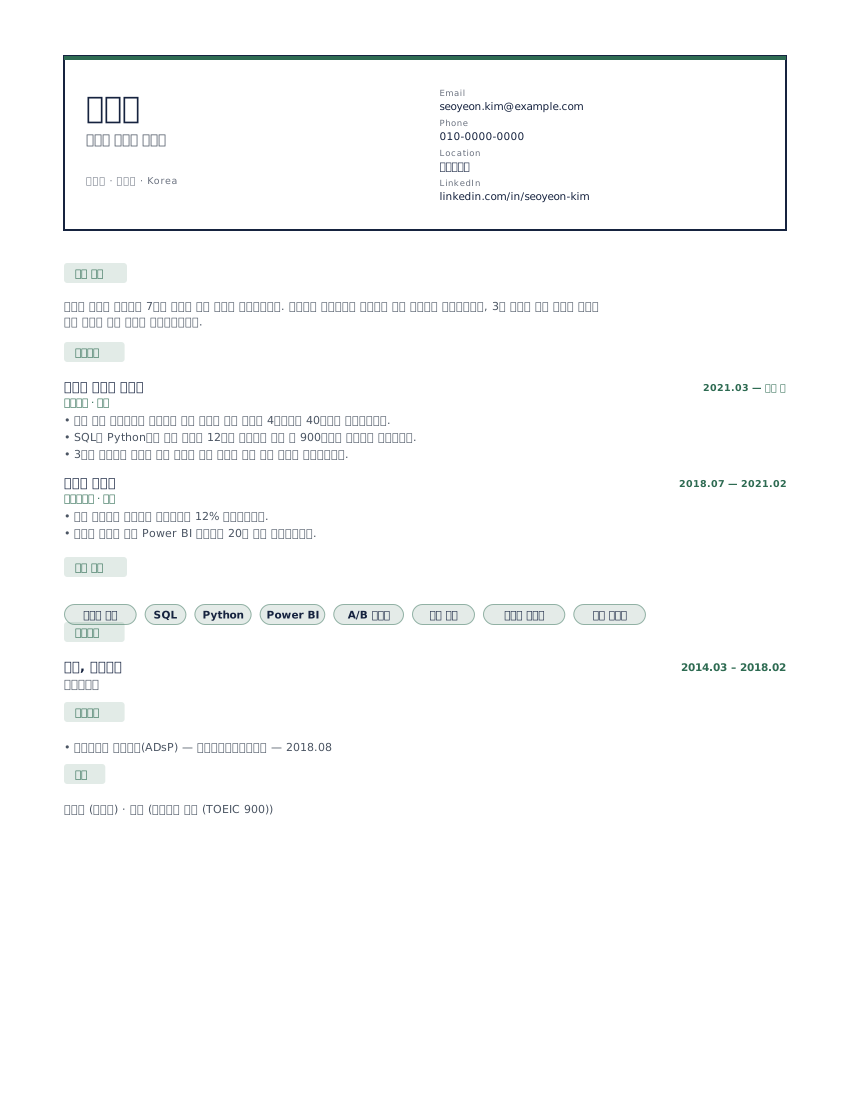
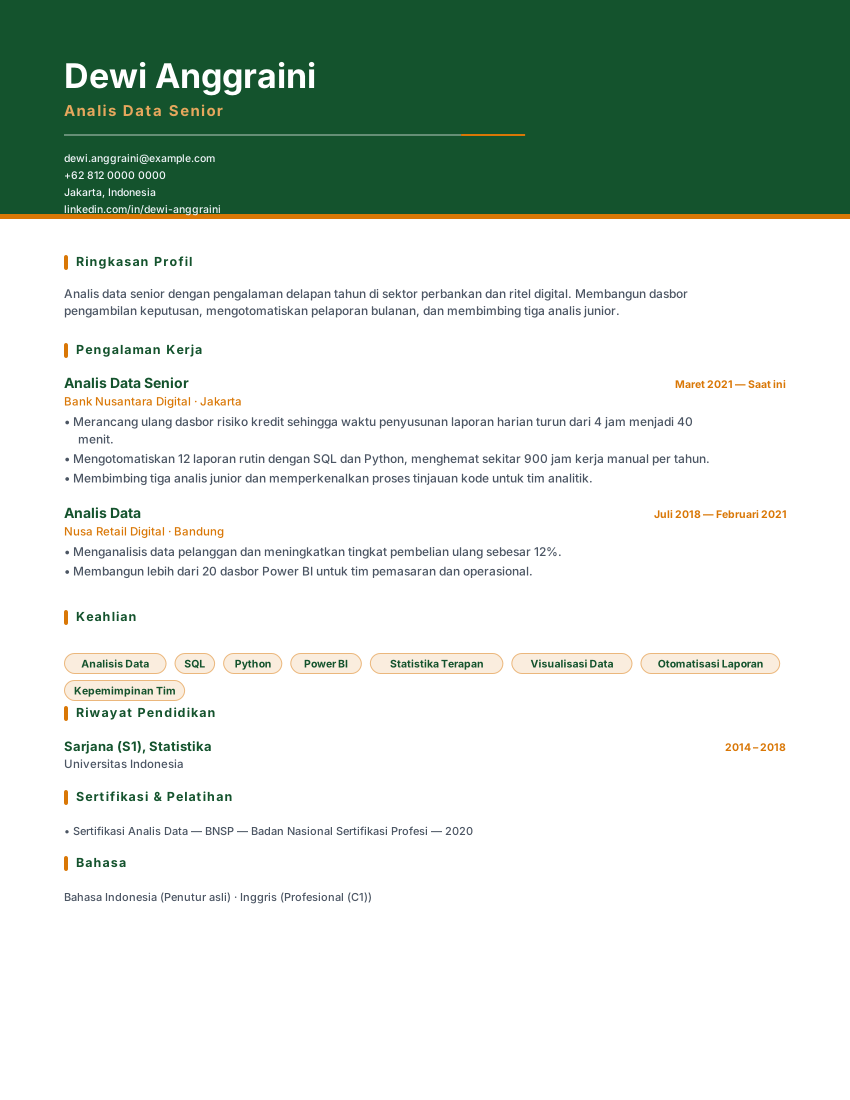
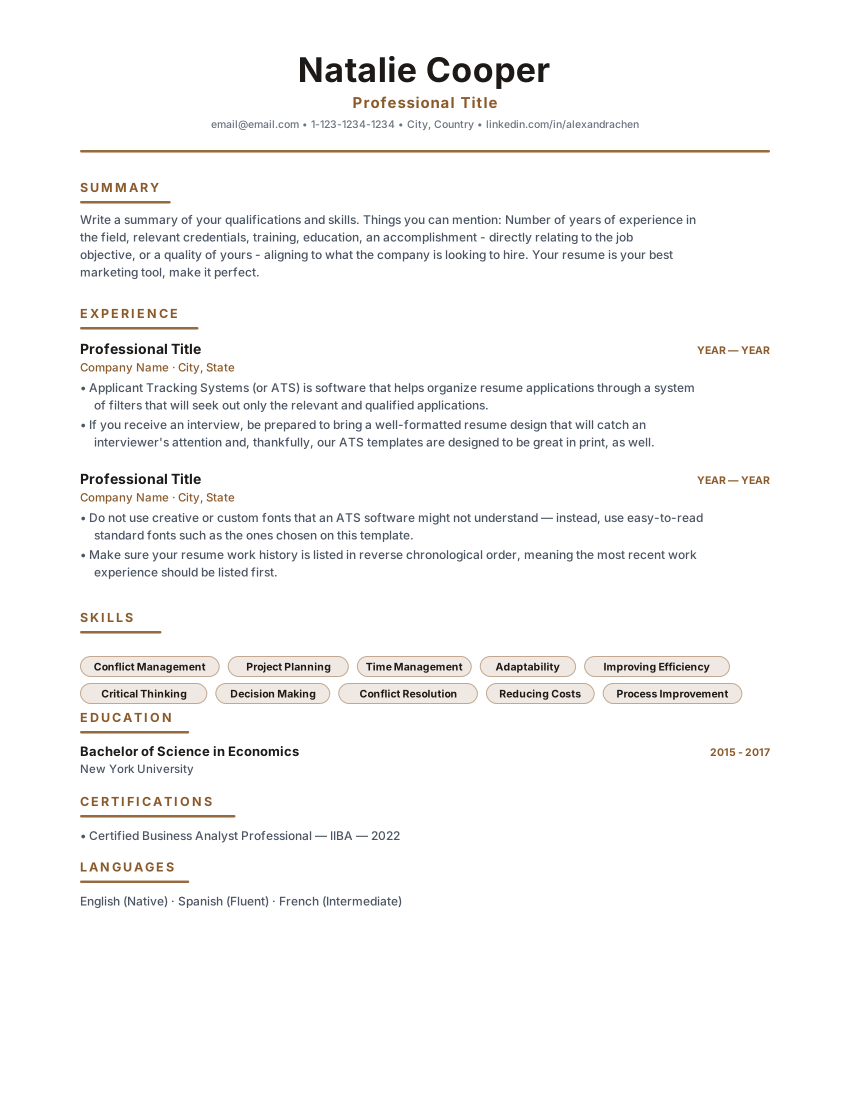
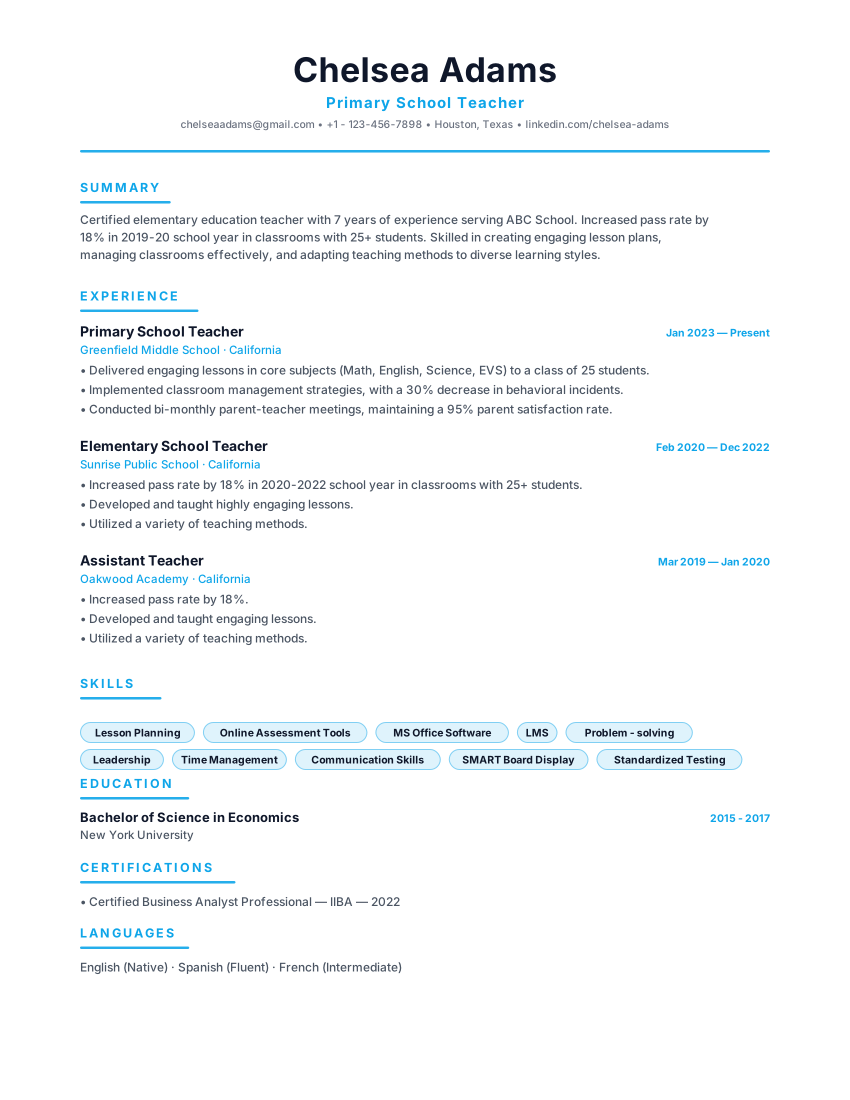
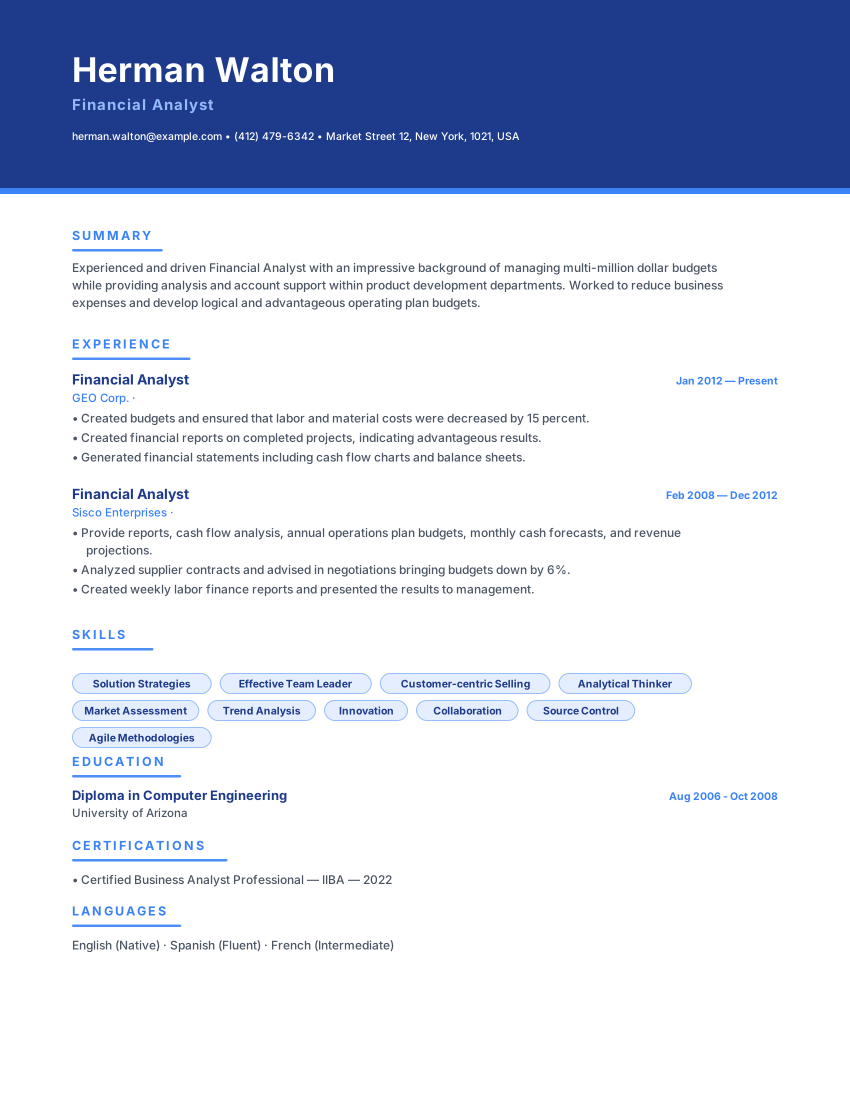
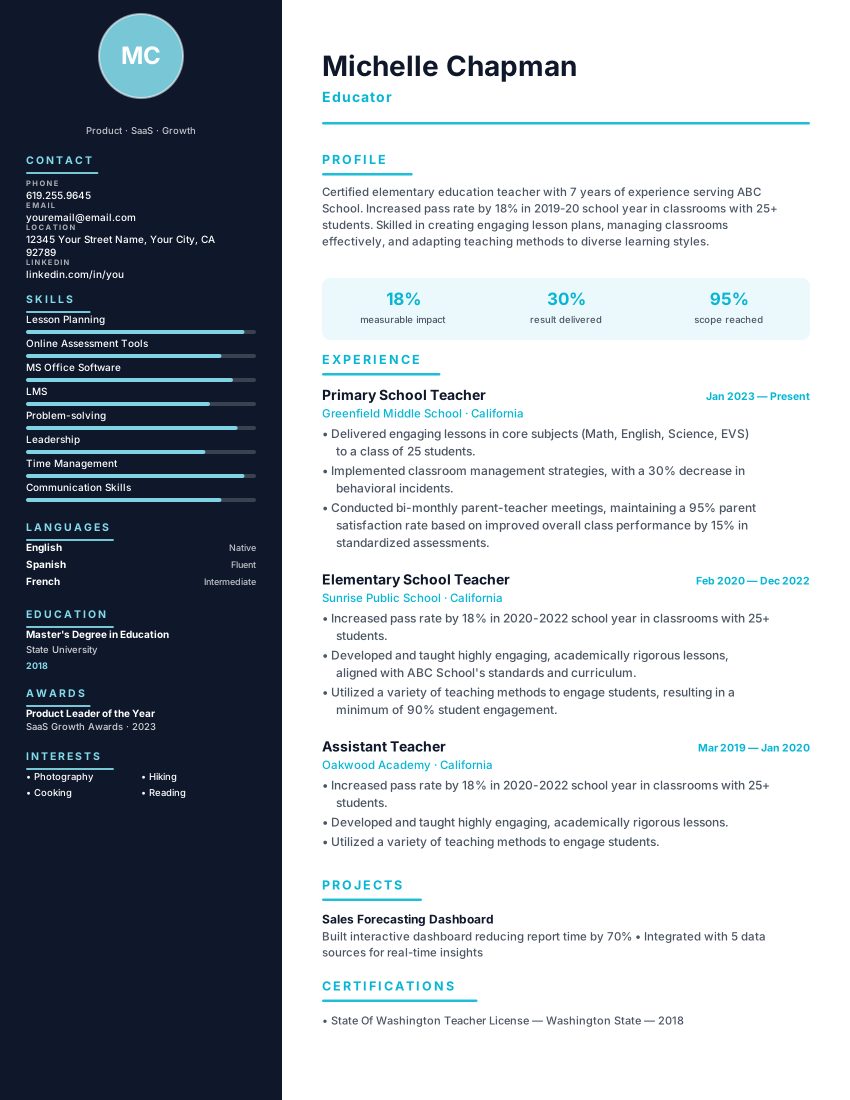
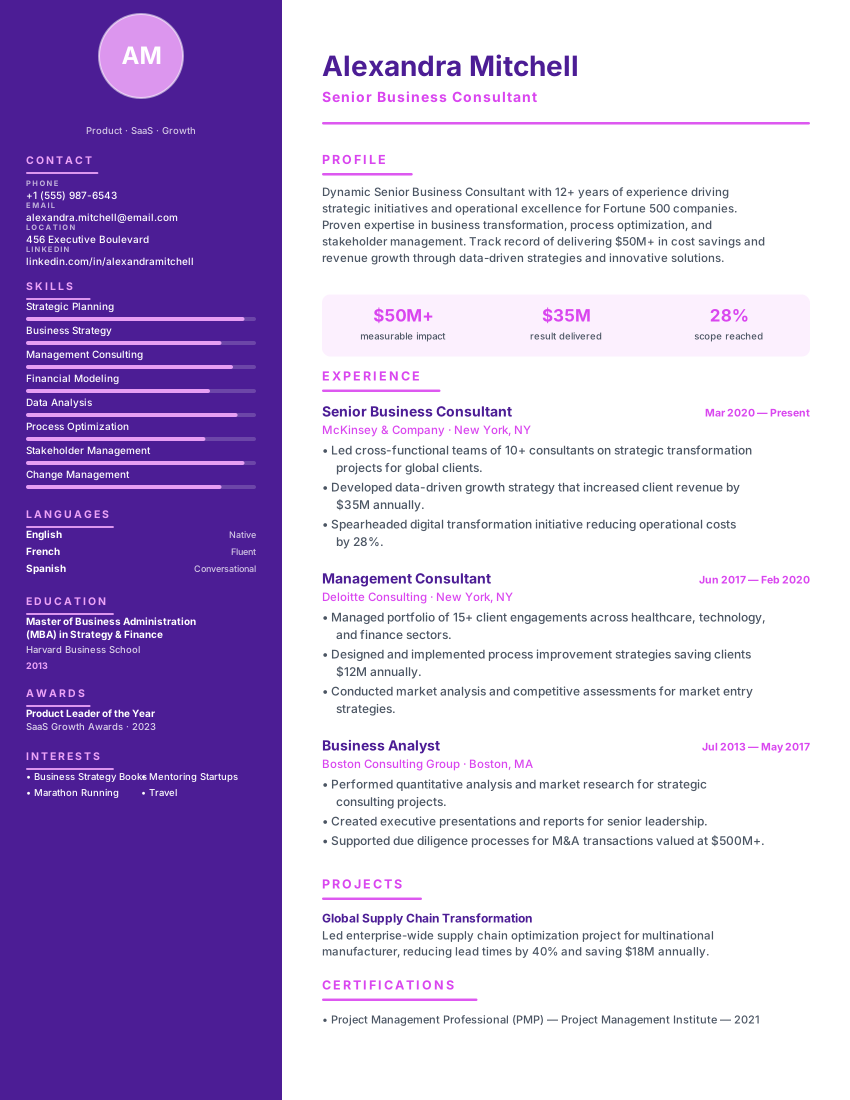
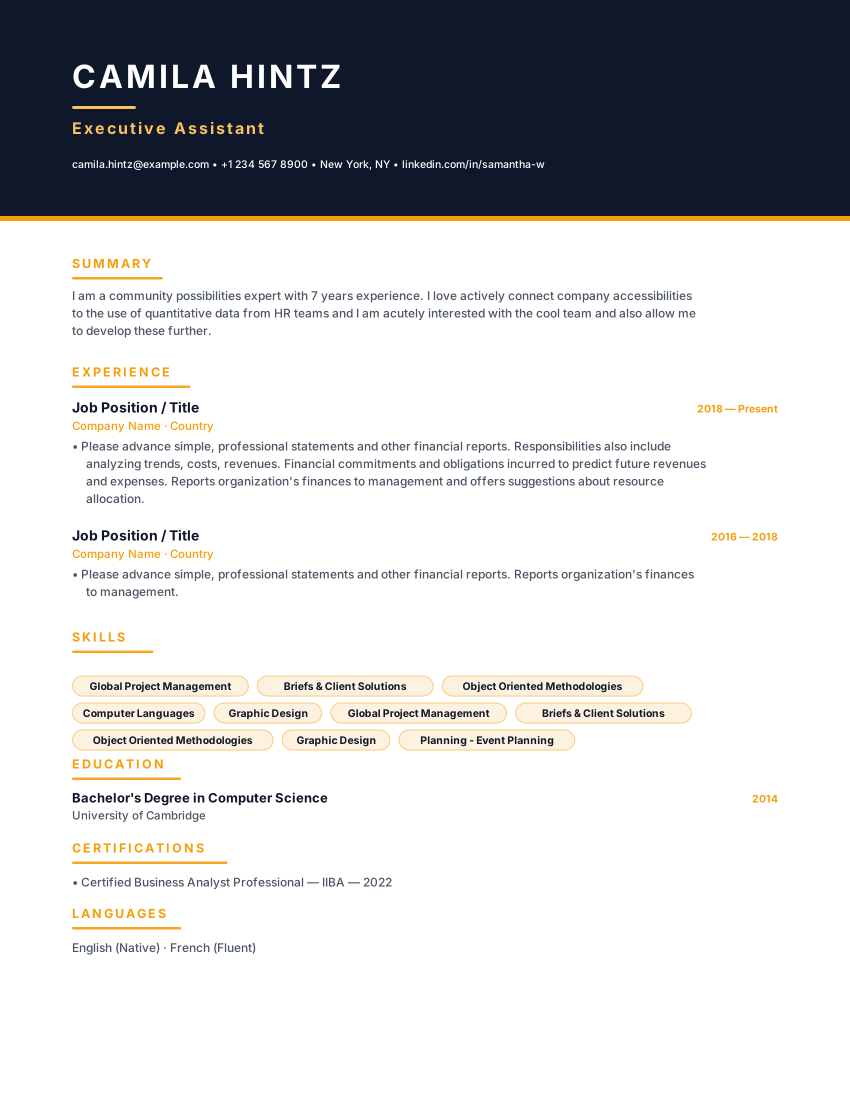
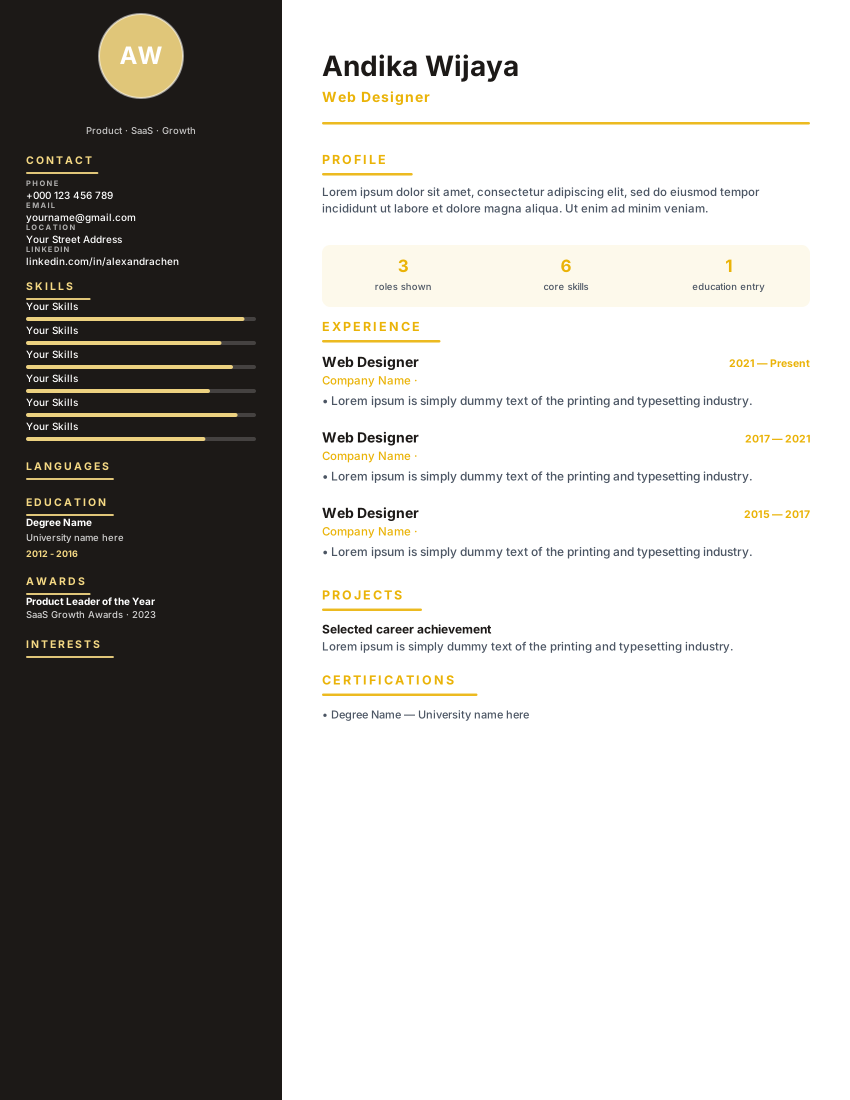
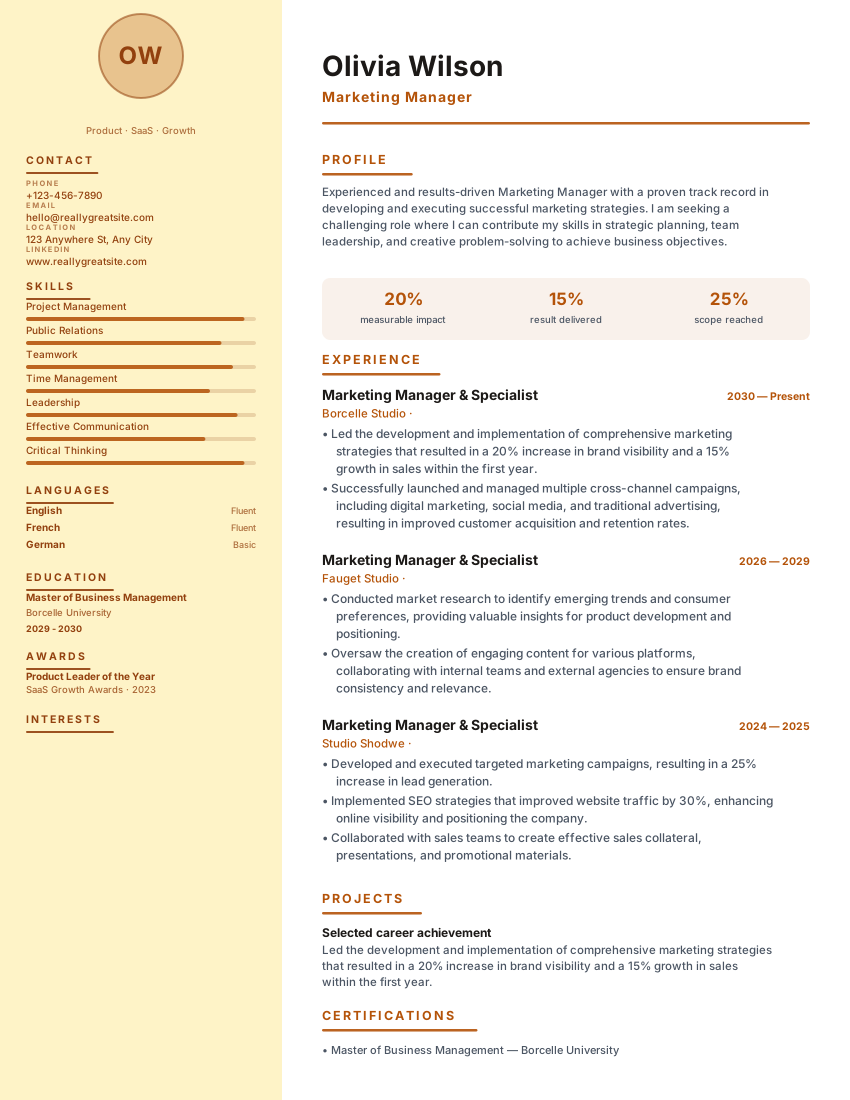
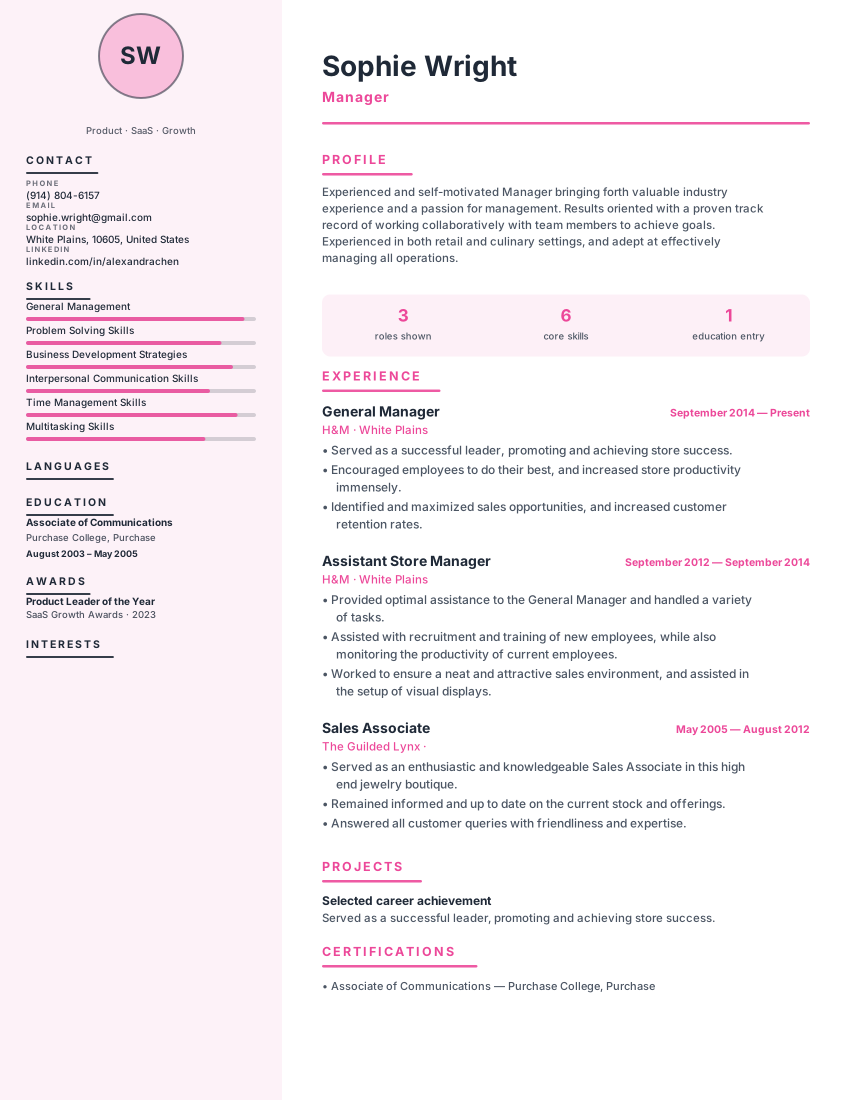
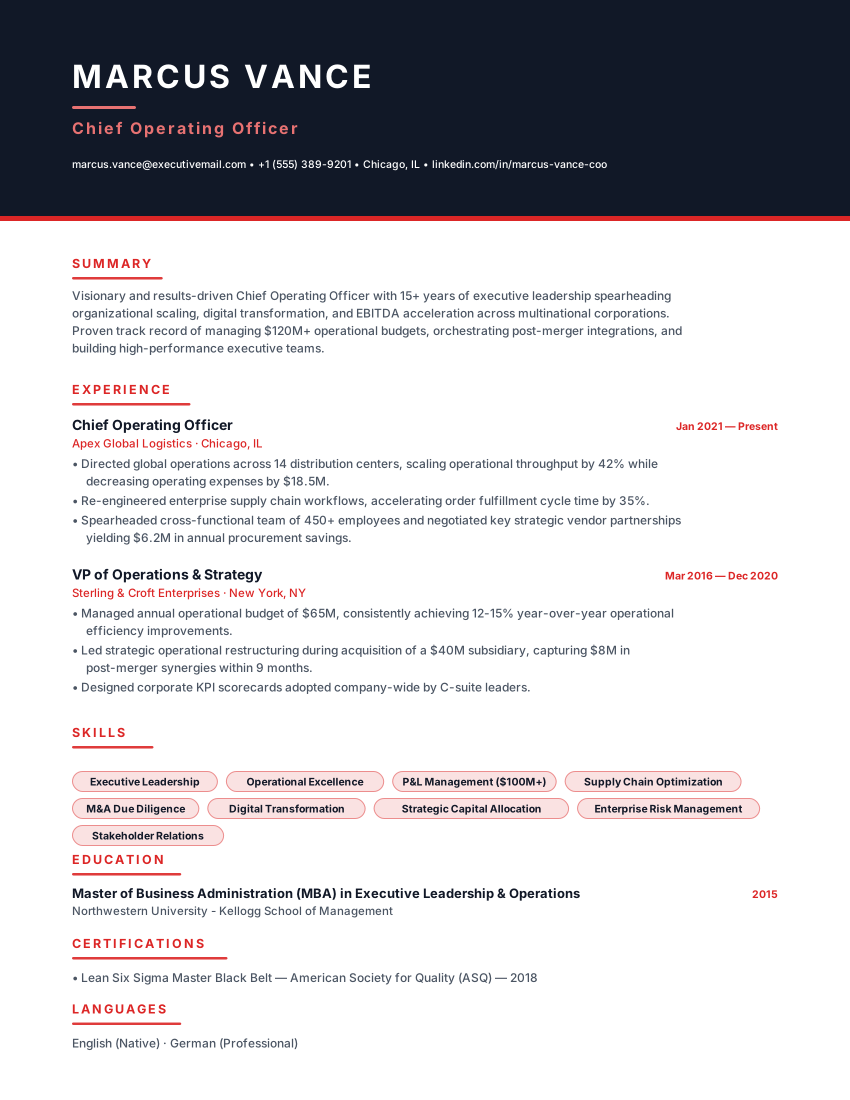
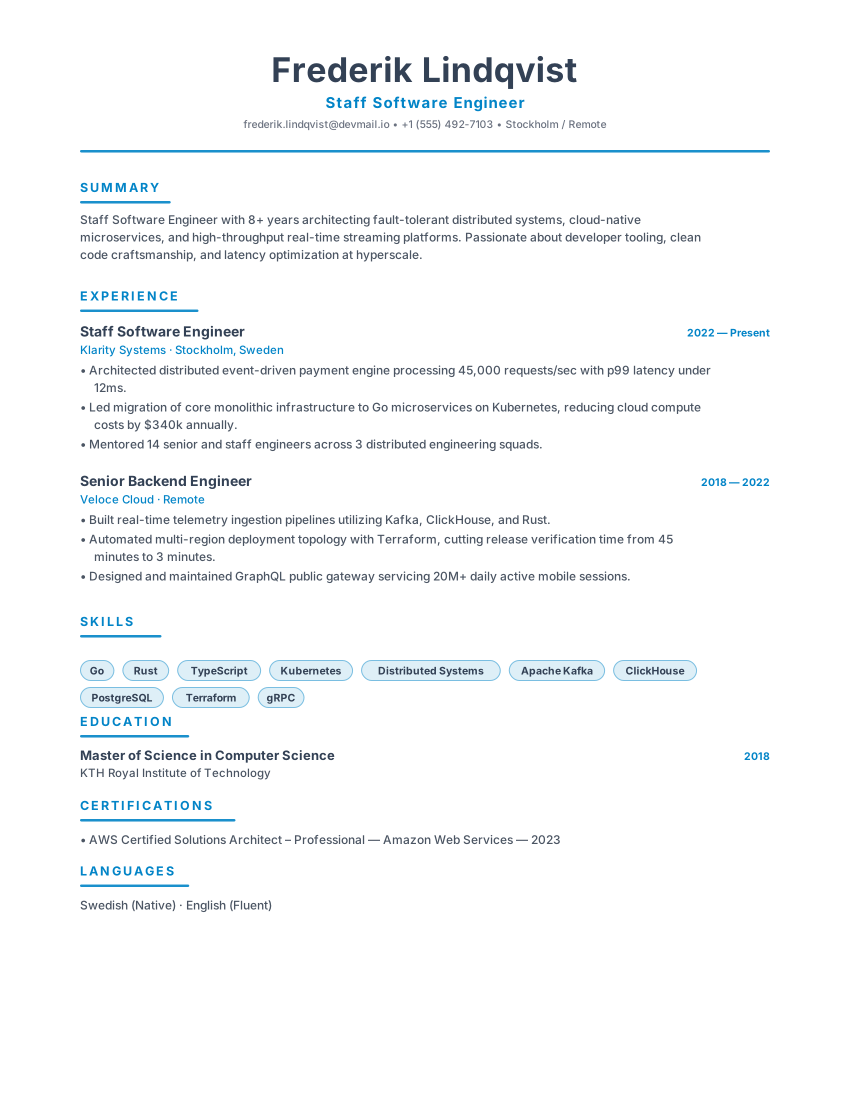
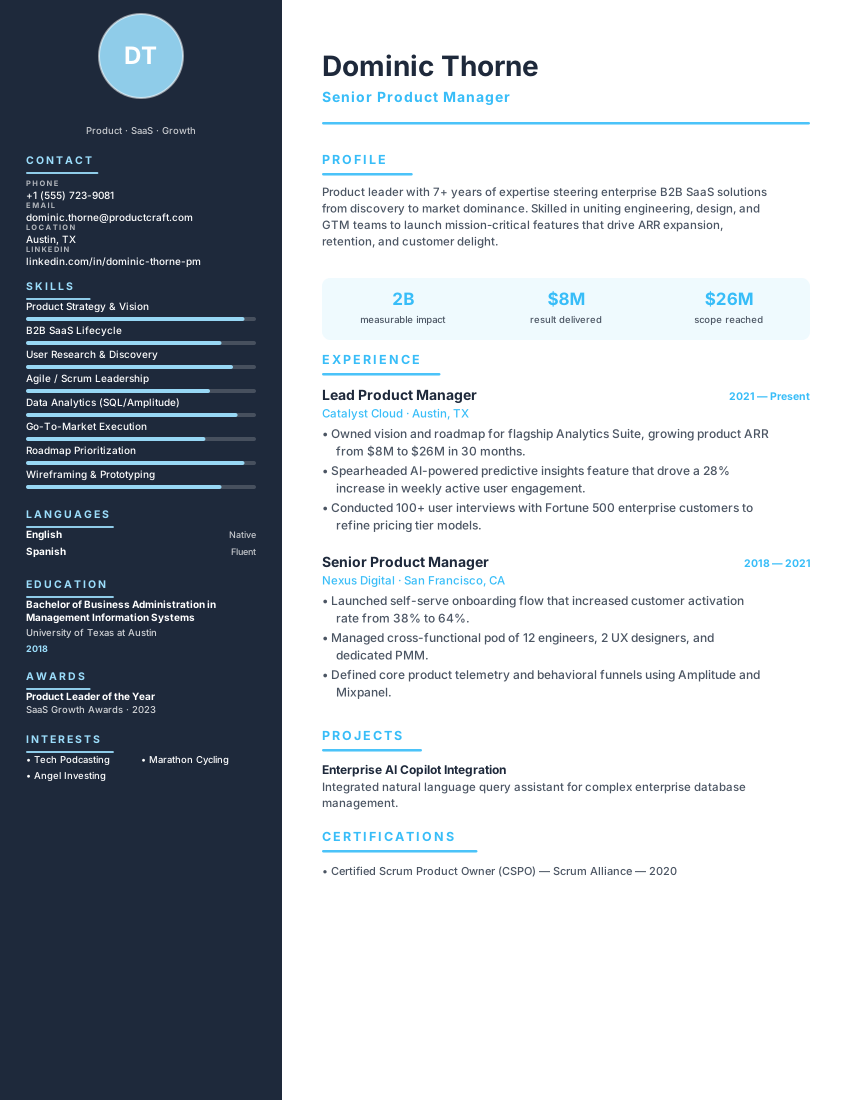
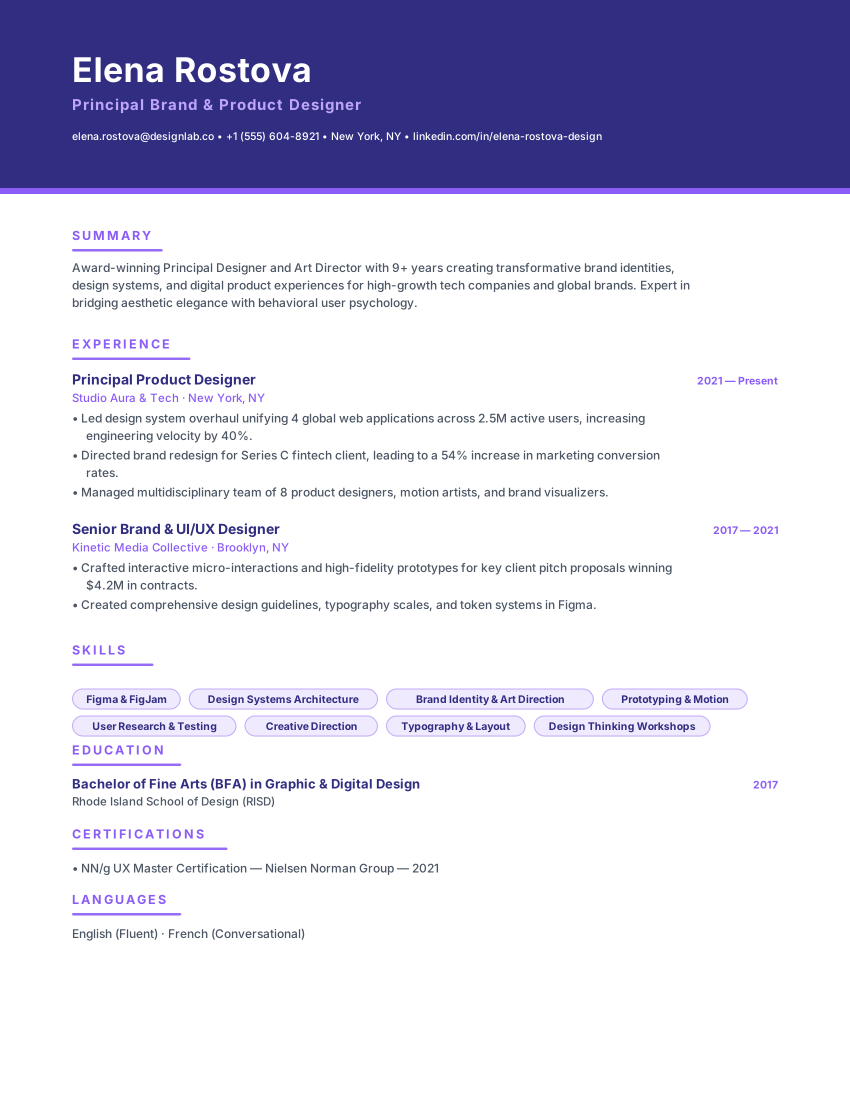
Swipe, pause or use the arrows to compare other international layouts.
Frequently asked questions
Practical details about formatting, ATS compatibility, and customizing the Tokyo Career template.
Is this a 履歴書 or a 職務経歴書?
It is a 職務経歴書. A 履歴書 is the fixed-form profile with a photo and personal details; a 職務経歴書 is a free-format document that explains what you did and achieved. Japanese applications often require both, so complete the employer's 履歴書 form as well.
Does the Japanese text wrap correctly in the preview and the PDF?
The template uses a Japanese-first font stack with Noto Sans JP bundled, so kana and kanji render even on a device without a Japanese face, and lines break between characters rather than inside Latin words. The same engine renders the screen preview and the print route.
Should I include a photo, age or address?
No. Those belong to the 履歴書, and blind-hiring forms increasingly omit them. This template asks only for contact details, your work history, skills, qualifications and an optional education section.
Is the Tokyo Career template really ATS-friendly?
ATS products and employer configurations differ, so this template cannot guarantee parsing or screening results. Check the layout and exported text, use accurate role-specific content, and follow the employer's file instructions. Any compatibility percentage shown on this page is not an independent test by an ATS provider.
Can I download my resume as a PDF or Word file for free?
You can export a PDF, Microsoft Word (DOCX), or plain-text (TXT) file without a watermark. Review the downloaded file before sending it and follow the employer's requested file format. ATS products and employer settings differ, so no template or export can guarantee parsing in every system.
Is this resume template completely free?
The resume builder and PDF, DOCX, and TXT exports are available without payment or an account. Online AI or analysis tools may depend on service availability; see the Privacy Policy for details about how submitted information is processed.
Do I need to create an account to use this template?
No account is required to use the builder. Drafts are stored in your browser; some online features send submitted information to configured services for processing. See the Privacy Policy for details.
Related ResumeEarth tools and guides
Explore role-specific resume collections, ATS checking tools, and formatting guides to complete your application.
European CV Builder Hub
Compare A4 CV conventions, language choices, and country-specific formats across Europe.
ATS Resume Scanner
Test your exported PDF or Word resume for parsing accuracy, section detection, and keyword coverage.
Job Description Keyword Matcher
Compare your resume against a specific vacancy to spot missing hard skills and role terminology.
AI Cover Letter Generator
Create a tailored cover letter that complements your Tokyo Career resume.
How to Make an ATS-Friendly Resume
Practical formatting rules for headings, dates, columns, and file exports that parse cleanly.
Create your resume with Tokyo Career
Open the template, add your details, and export a watermark-free PDF, Word (DOCX), or TXT file when it reads the way you want.
No credit card. No signup. Free to use.