Resume templates · Students and early career

Student Resume Template Gallery

Compare five free resume layouts for students, interns and first-job applicants. Preview each design with sample content, then open its detail page to see how it is structured before you start editing.

100% Free

Create and download your resume for free.

No Sign-Up

Start building without creating an account.

No Credit Card

No payment card details required.

Four featured layouts

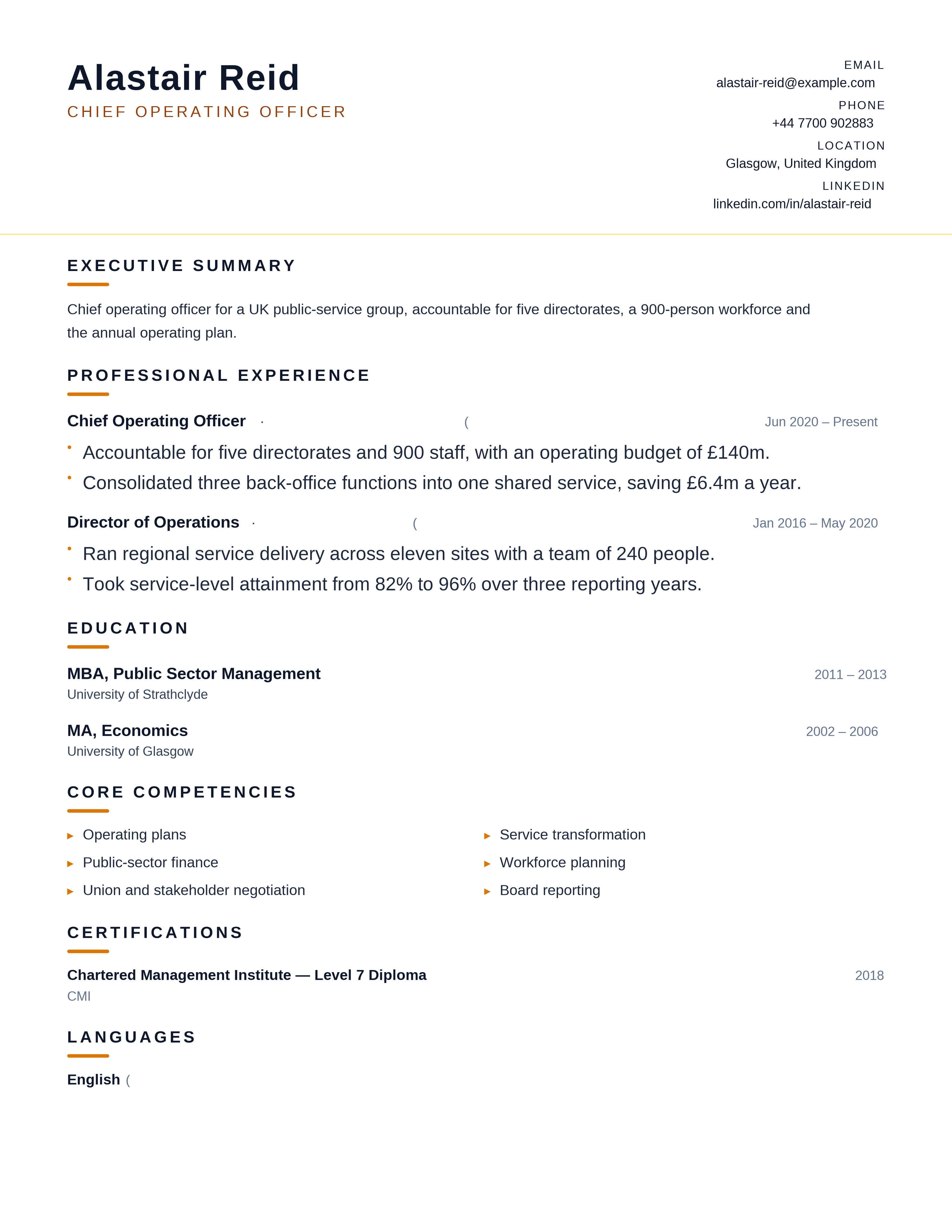
Executive Classic resume template with a split contact header and clean single-column layout for directors and VPs

Executive Classicexecutive layout · shown with sample content

View this template

Template 1 of 4: Executive Classic

Template gallery

Compare five student resume templates

Five free, ATS-friendly layouts for students, interns and first-job applicants. Compare the filled previews, then open the layout you want in the builder and replace the example with your own details.

Browse all templates
Popular

Free executive resume template for directors, VPs and senior managers. Split contact header, single-column experience and clear leadership evidence.

Best for: Directors and VPs

Executive · Split Header · Navy · Amber

Use Template

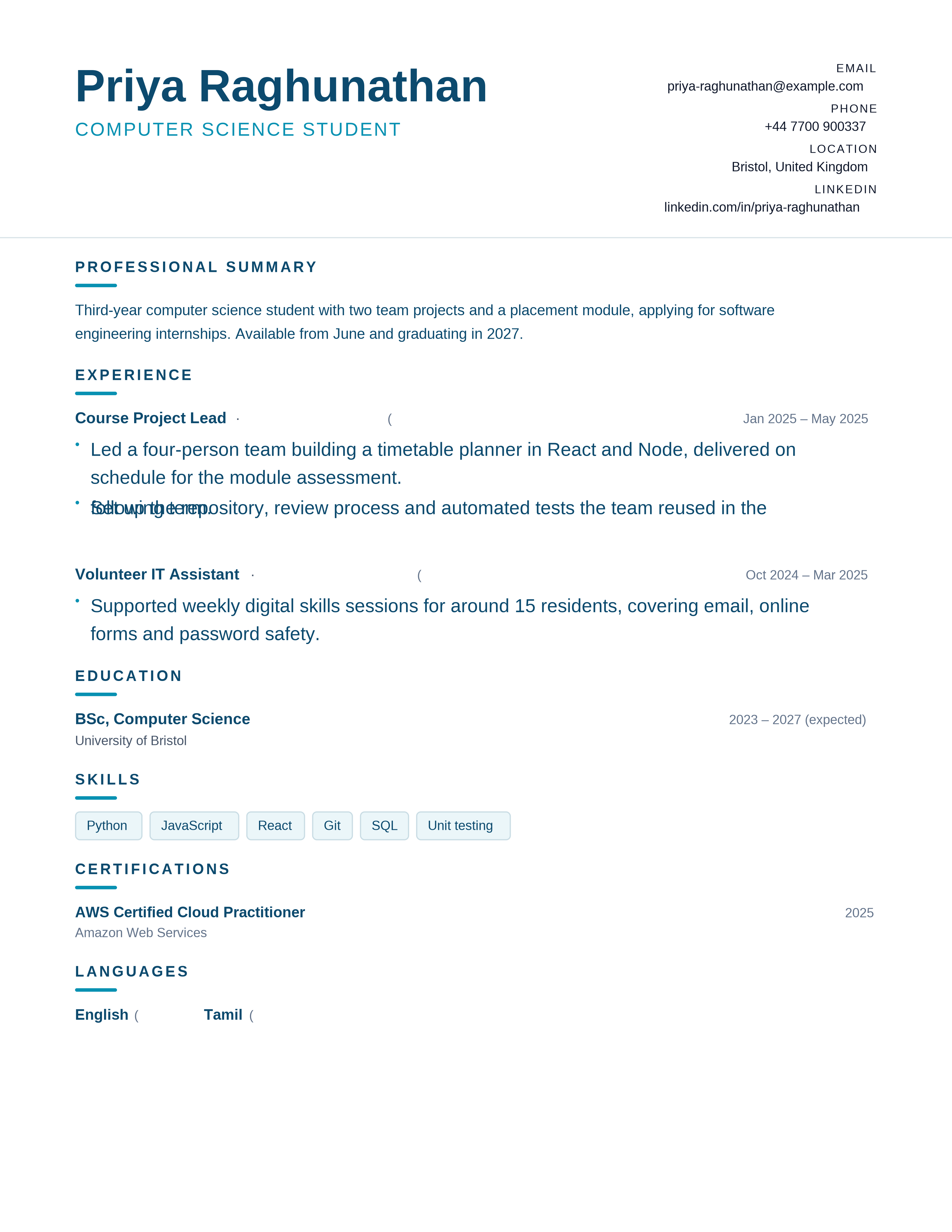
Free internship resume template for students and graduates. Showcase coursework, projects, skills, availability and graduation date in a one-page layout.

Best for: Internship Applicants and Placement Students

Internships · Evidence-led · ATS · dense

Use Template
Popular

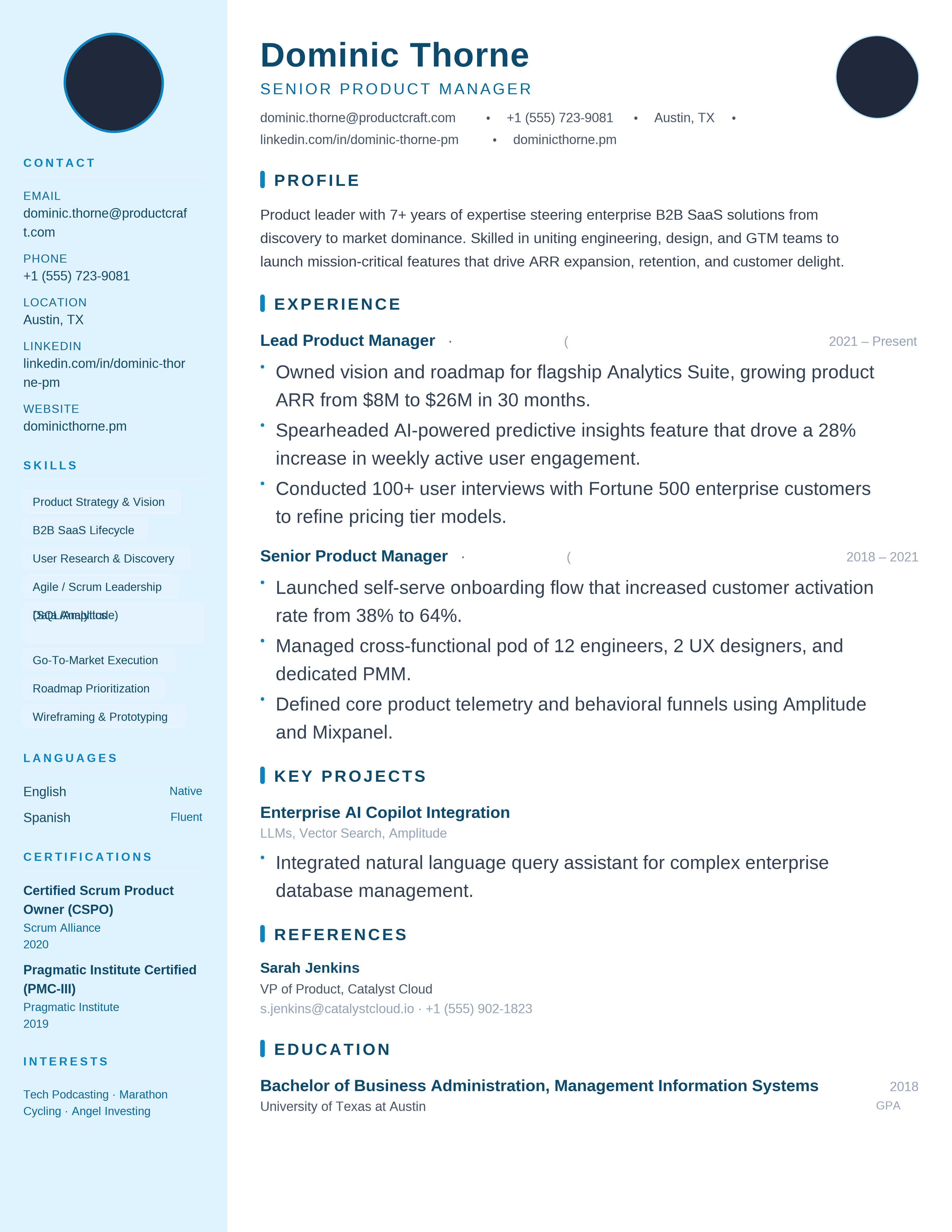
Free modern resume template with a light-blue sidebar, navy text and clear section hierarchy. A two-column design for product, marketing and IT roles.

Best for: Product Managers and Marketing Leads

Meridian · Icy Blue · Navy · Product

Use Template

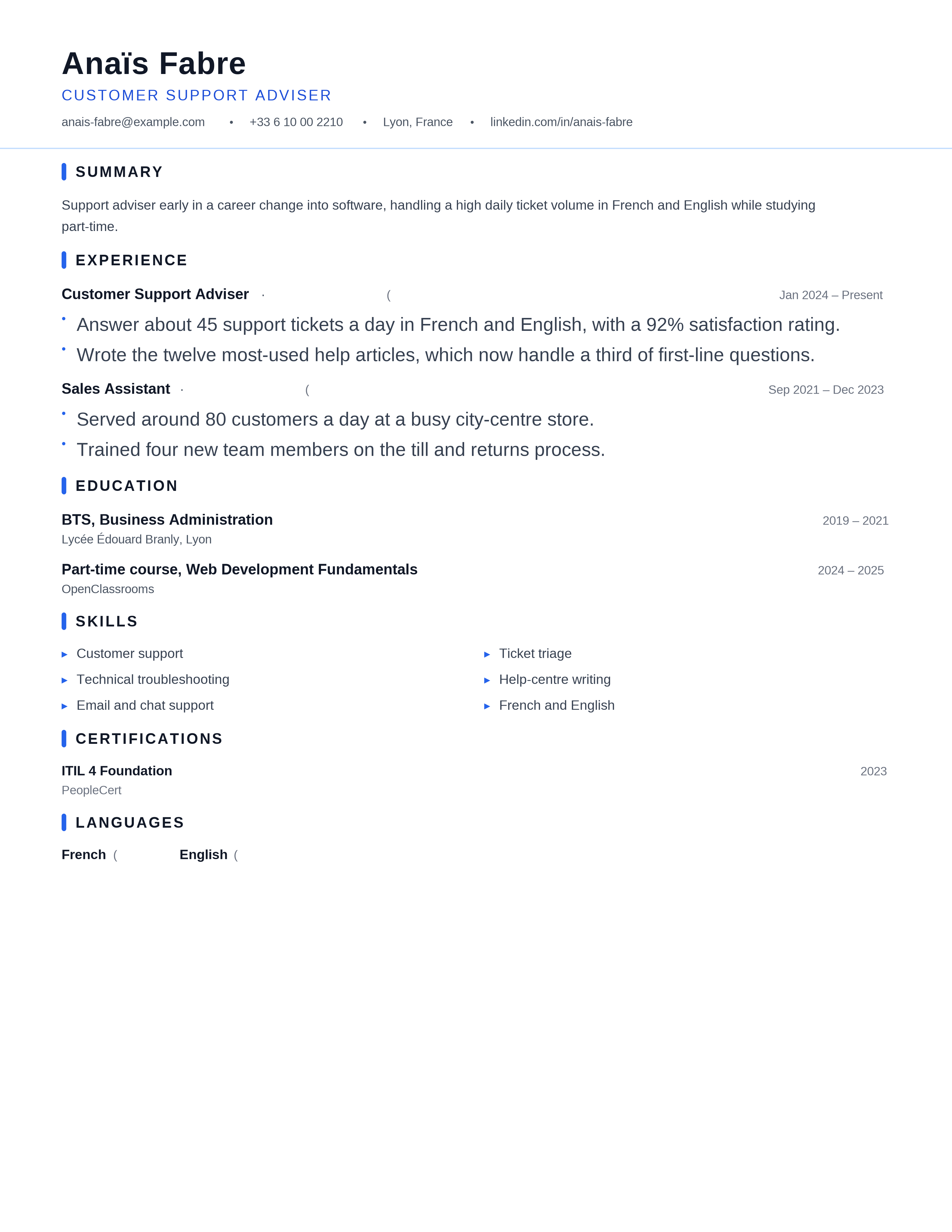
Free one-page resume template for early-career applicants and career changers. A compact skills grid helps prioritize relevant experience.

Best for: Early Career and Students

Compact · Dense · Blue · One-Page

Use Template
Popular

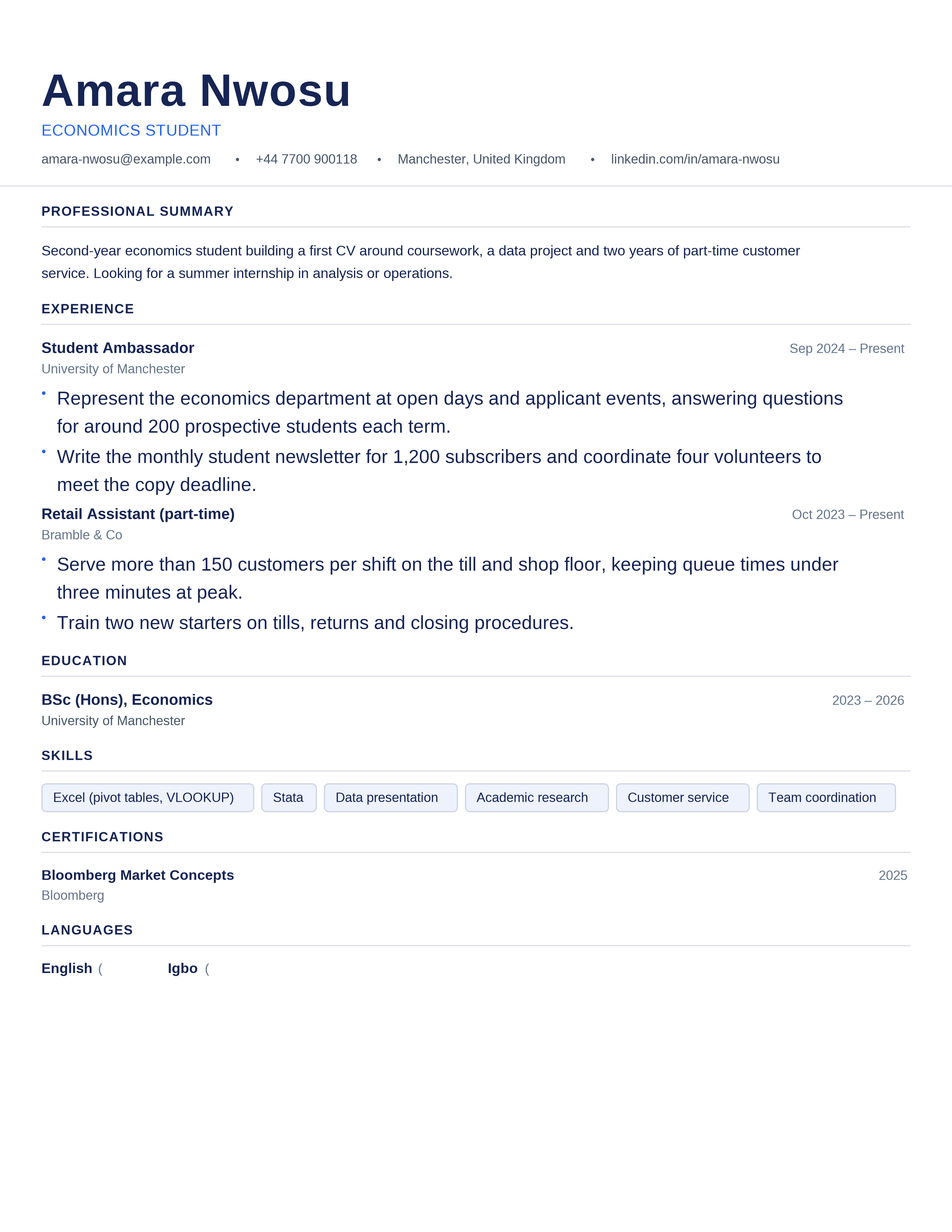
Free student CV template with education, coursework, projects and transferable skills before work history. Ideal for a first job, with no signup.

Best for: University Students and First Job Seekers

Students · Evidence-led · ATS · classic

Use Template

Previews show a fictional example candidate. Replace every line with your own information; nothing in a preview is a claim about the results you will get.

Student resume format guide

Which of these five resume templates should you choose?

For a first job with little or no work history, begin with Campus First CV or Internship Ready: both make education and practical evidence easier to foreground. Choose another design only when its structure fits the experience you can honestly show. This student resume format guide compares the five layouts by use case, not by promised hiring results.

Executive Classic: for genuine leadership experience

Its split contact header and single-column career history suit applicants who can show team, budget or organisational responsibility. Most students should choose an education-first design unless they already have substantial leadership evidence.

Meridian Modern: for a skills-led application

The two-column design separates supporting details from the main experience and education area. Check that the reading order remains clear in your exported file and follow the employer's preferred format.

Compact Dense: for concise, one-page content

The compact layout and skills grid help prioritise relevant information. Keep enough detail to explain your contribution, and do not reduce the type size just to force content onto one page.

These are layout recommendations, not a ranking of candidates. Every example profile is fictional; use your own accurate education, project and work details.

Choose by your evidence

Compare the layout with the experience you can show

A useful template makes your real qualifications easy to find; it cannot replace them or promise an interview. Look at the order and spacing of education, projects, skills and work history, then choose the design that fits the evidence you actually have.

Starting with study or projects?

Choose a layout where education, relevant coursework and academic projects are easy to scan before employment history. Keep each project specific: your contribution, tools and outcome.

Applying for an internship?

Make your degree, expected graduation, relevant skills and availability straightforward to find. Use project or volunteer evidence that genuinely relates to the placement, and label it clearly.

Already have more experience?

Compare how each design handles experience and skills, then keep the most relevant evidence. A compact layout can help focus a one-page application, but never shrink text just to force extra content in.

Every preview uses a fictional example candidate. Replace it with your own accurate details before exporting.

Student resume template FAQs

Questions about student resumes and templates

Which student resume template is best if I have no work experience?

Start with Campus First CV if education, coursework and projects are your strongest evidence. Choose Internship Ready when a placement application needs projects, availability and practical experience near the top. Add relevant class projects, volunteering or campus activities instead of inventing work history.

How do I choose a student resume format for a first job?

Choose the layout that makes your most relevant real evidence easiest to find. An education-first single column suits coursework and projects; a compact layout suits concise experience; a two-column design may suit a short skills list. Follow the employer's instructions and keep text readable.

Are these student resume templates free to edit and download?

Yes. You can open a template in Resume Earth's builder, edit the sample details and export a resume without paying or creating an account. Review the exported file and use the format requested by the employer.

Will every resume template work with every applicant tracking system?

No template can guarantee how every employer's applicant tracking system will read a file. Use clear headings, accurate text and a readable layout, then follow the employer's file-format instructions and check the exported document before submitting it.