Atlas Modern
Modern resume template · Header banner, single-column layout
Atlas Modern brings indigo banner header and violet accent rules with pill skills to a clean single-column layout built for tech and product professionals.
Designed for
- Software Engineers
- Data Scientists
- Tech Roles
Open it in the resume builder, replace the sample text, and export when you are ready. There is no watermark and no signup.
Key features of the Atlas Modern template
Full-width header block for name, role title, and contact links above a clean single-column body. Standard headings and selectable text help readers follow your experience. After exporting, check that your contact details, job titles and dates copy in the intended order; extraction can differ between systems.
Indigo banner header with violet rules
Pill skill tags
Clean left header
Single-column flow
ATS-compatible
Instant PDF export
Layout & formatting specifications
- Template name
- Atlas Modern
- Design style
- Modern
- Column structure
- Header banner, single-column
- Page dimensions
- A4 & US Letter
- Default color palette
- #1e1b4b#6366f1
- ATS text layer
- Selectable text, standard headings
- Download formats
- PDF, Word (DOCX), Plain Text (TXT)
Included resume sections
The Atlas Modern template comes pre-configured with the sections below. Inside the builder, you can rename headings, reorder blocks, or hide any section you do not need.
- Contact Header
- Professional Summary
- Work Experience
- Education
- Core Skills
- Certifications & Projects
Ready to customize in the builder
Click Use this template to open the Atlas Modern layout directly in the resume builder, enter your own experience and skills, and export a watermark-free PDF, DOCX, or TXT file.
Who the Atlas Modern template is built for
Software engineers, data scientists and technical specialists applying to product companies rather than consultancies.
How to get the most from the Atlas Modern layout
- The indigo banner makes the header read as a cover, so put the engineering discipline you want to be hired for in the title line.
- Pill skills suit a stack list; keep framework versions and buzzwords out and name the technologies the vacancy actually mentions.
- Single column plus pills gives you room for three or four bullets per role — use the extra line for the outcome, not for a longer list of duties.
How to customize the Atlas Modern template
- 1
Add your contact details and summary
Open Atlas Modern in the builder and enter your contact details, target job title, and a concise 2-3 sentence summary aligned with software engineers postings.
- 2
Prioritize measurable experience bullets
List recent roles in reverse-chronological order. Lead each bullet with a concrete action and outcome, scope, revenue, latency, patient load, or delivery metrics.
- 3
Align skills with the job description
Use the vacancy's names for skills and tools where they accurately describe your experience. Add evidence in your work history; repeating a term alone does not establish competence or guarantee a search match.
- 4
Verify reading order and export
Preview page breaks, then export the file type requested by the employer. Copy its text into a plain-text editor to check the order. The ATS Scanner provides a local checklist; Job Match compares your text with a specific posting.
Similar resume templates
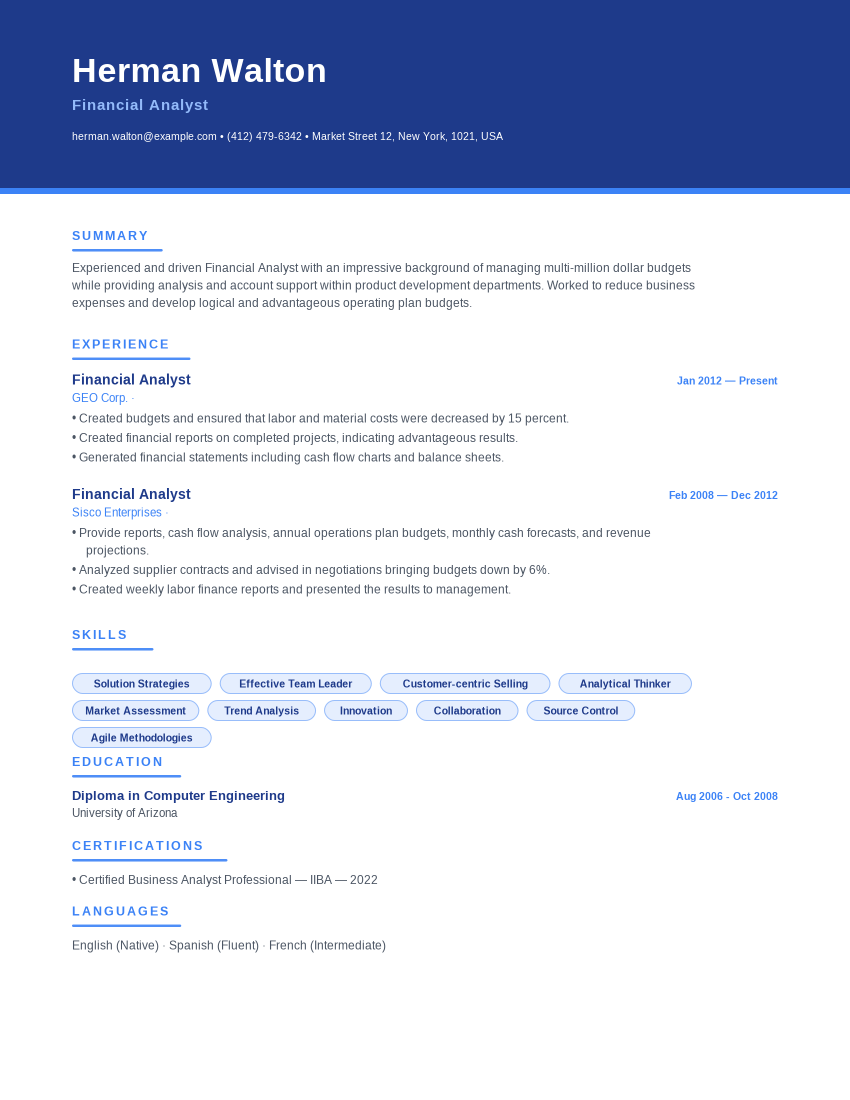
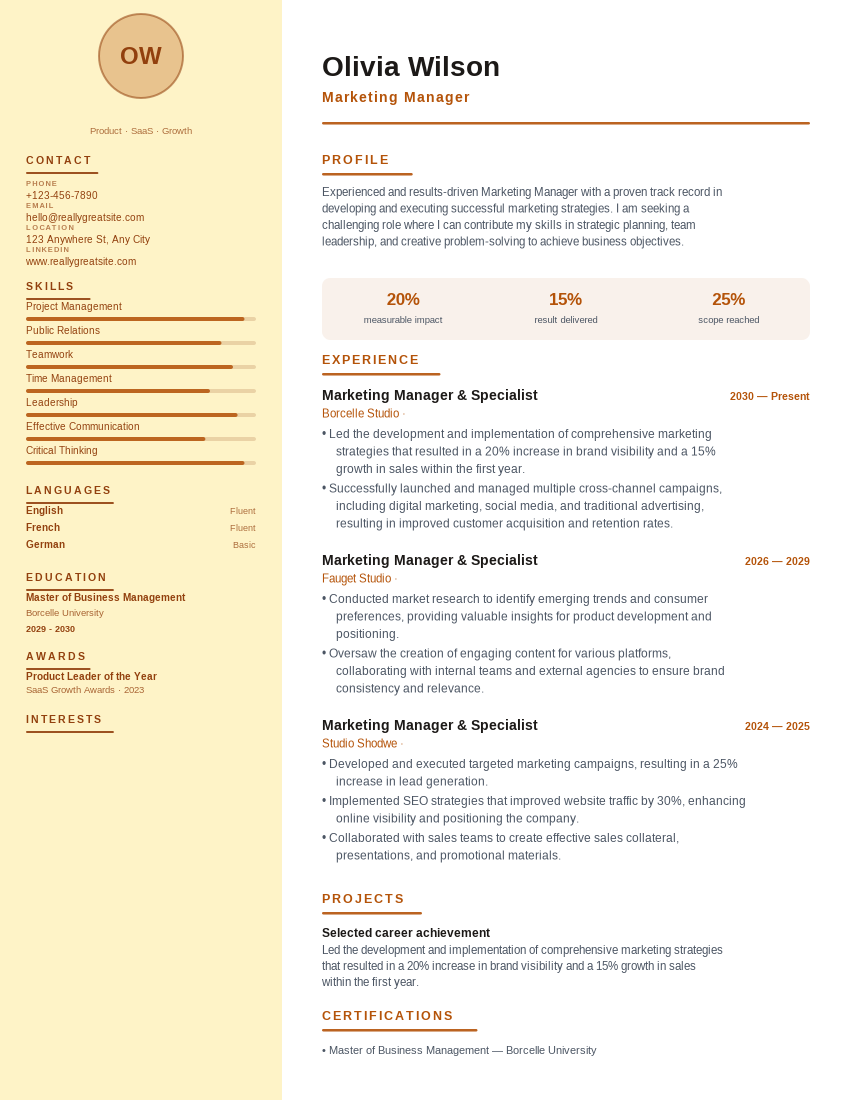
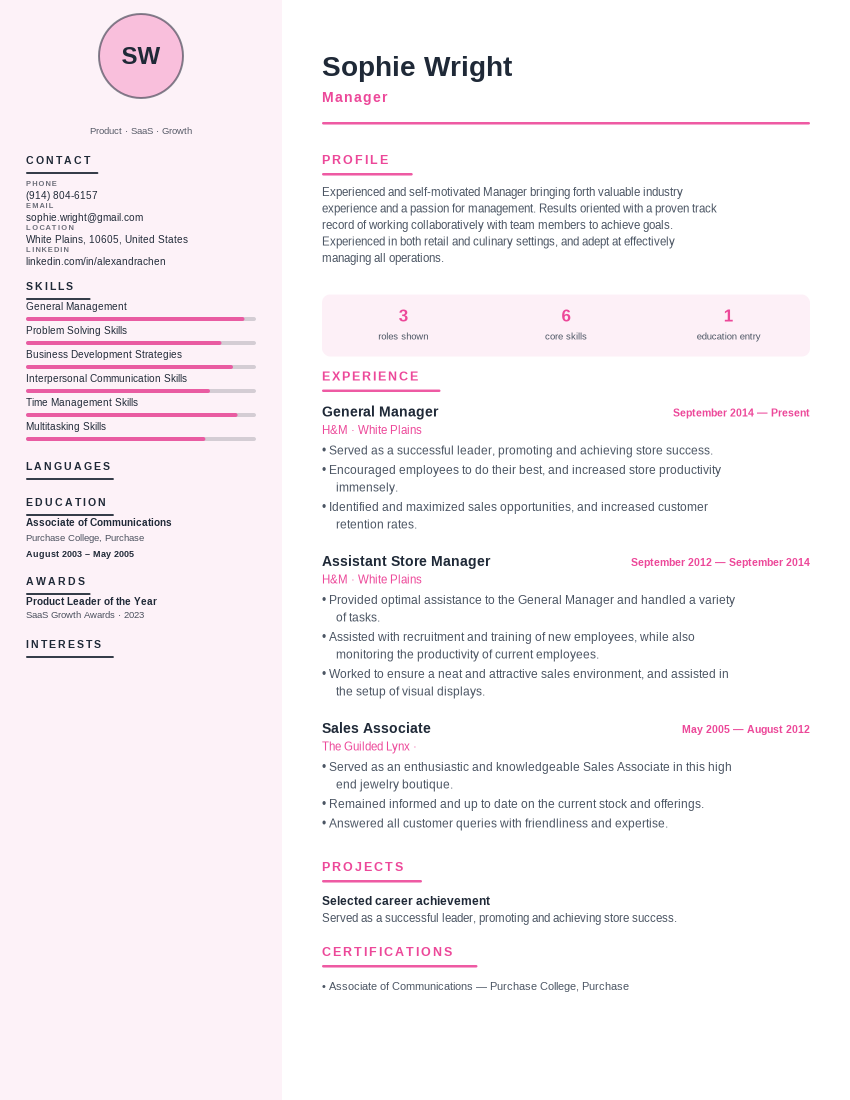
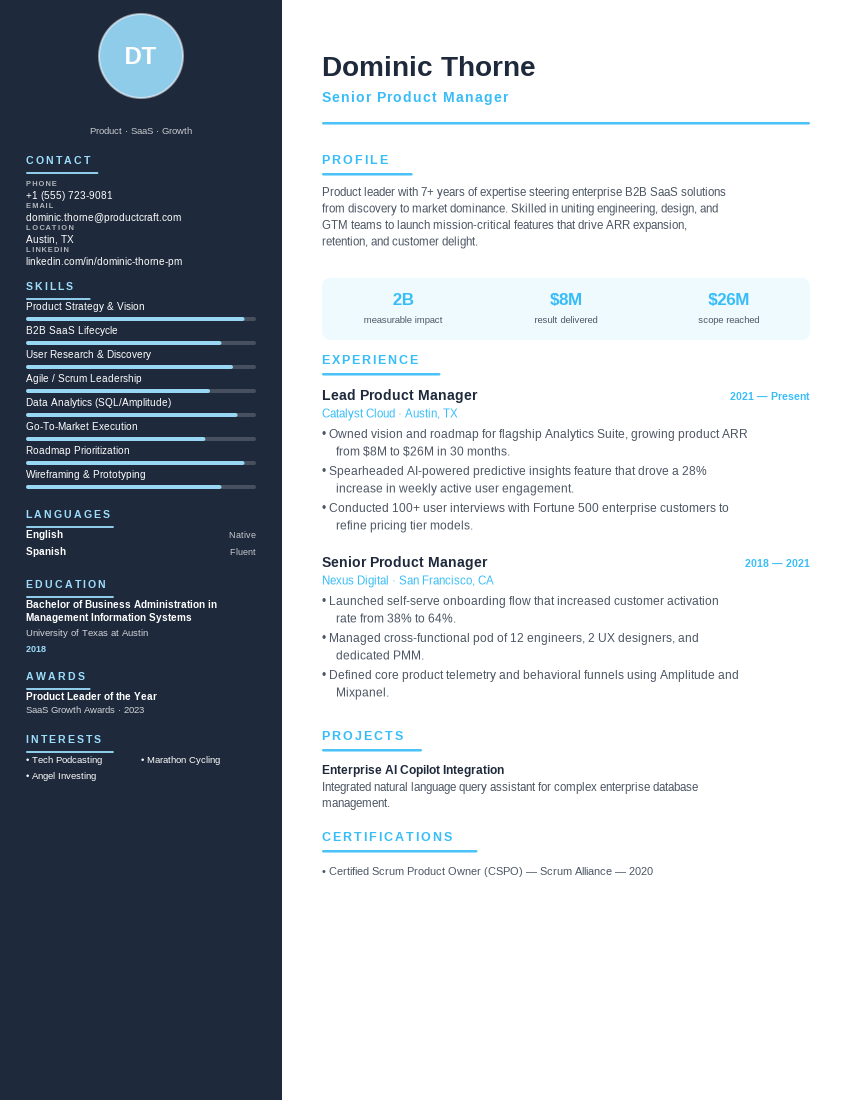
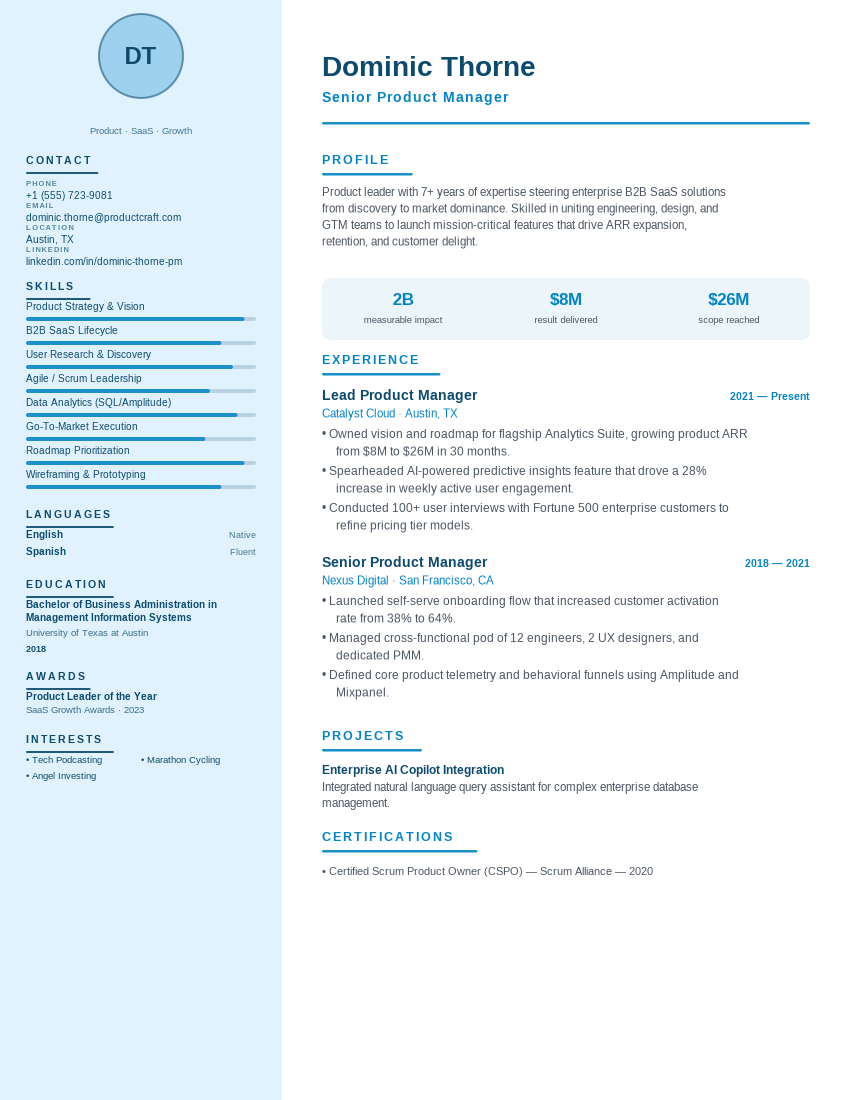
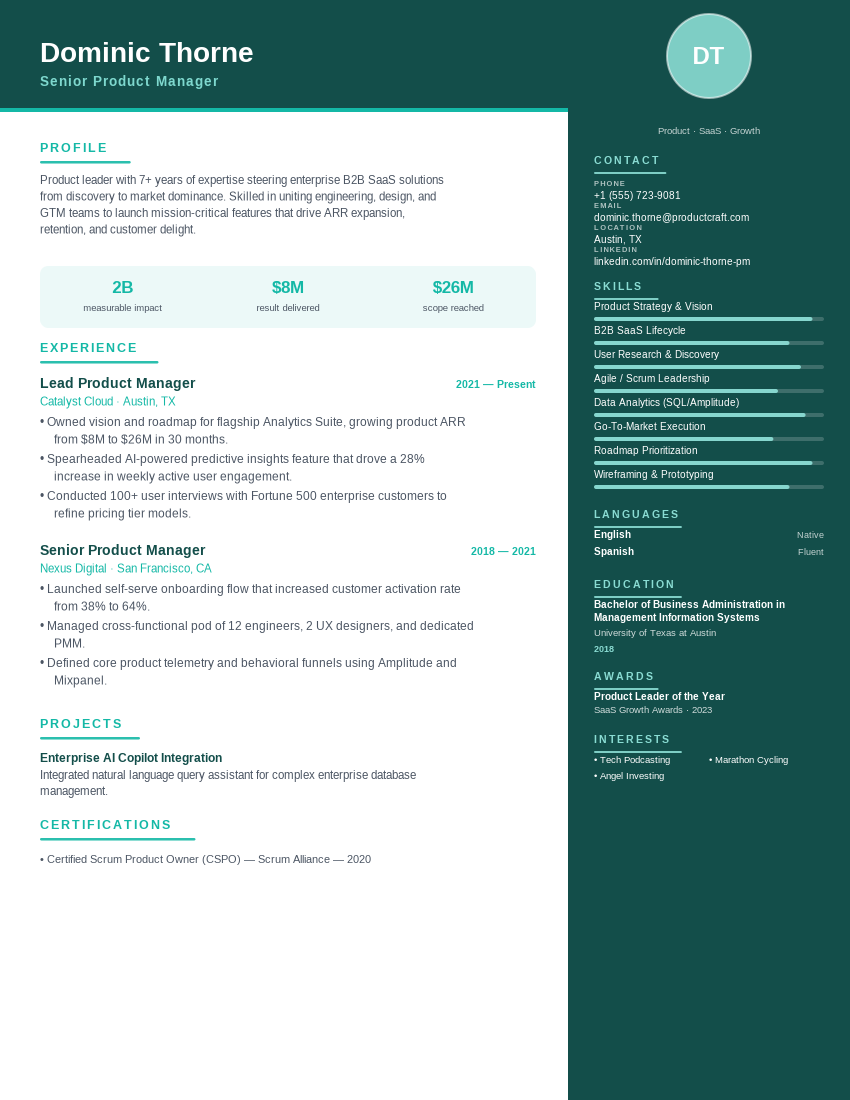
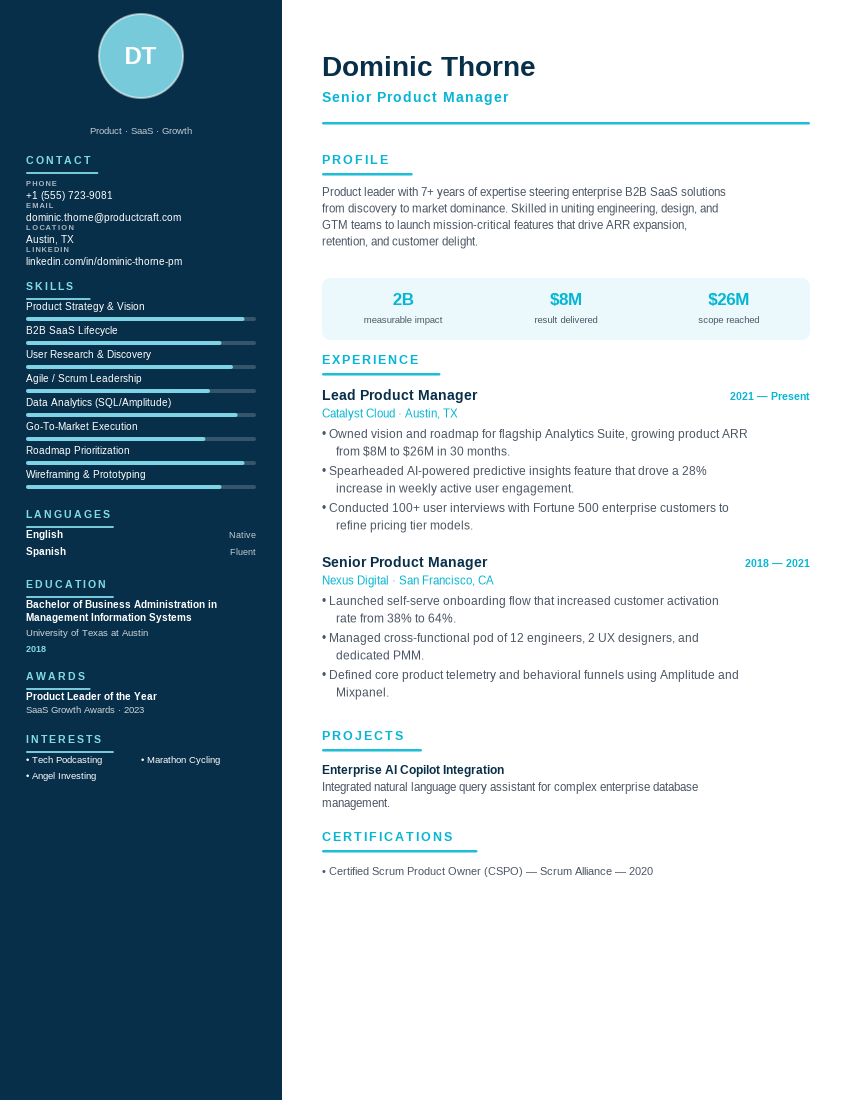
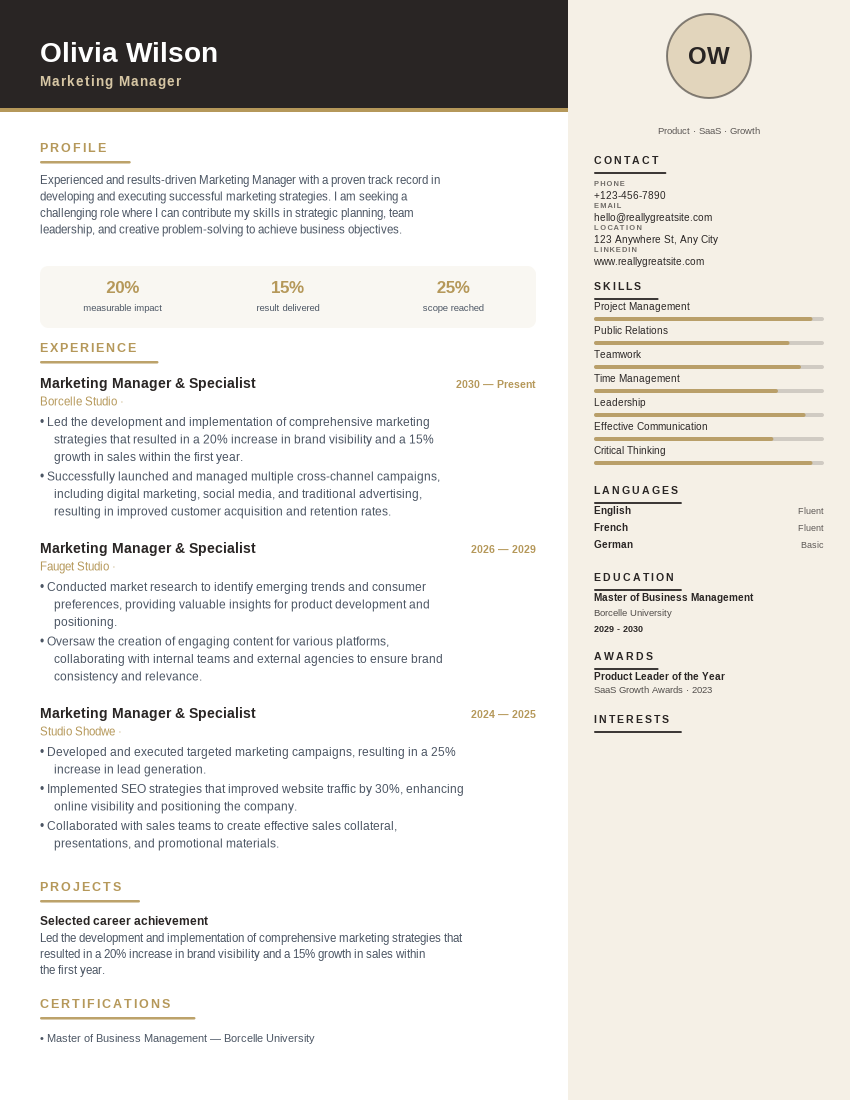
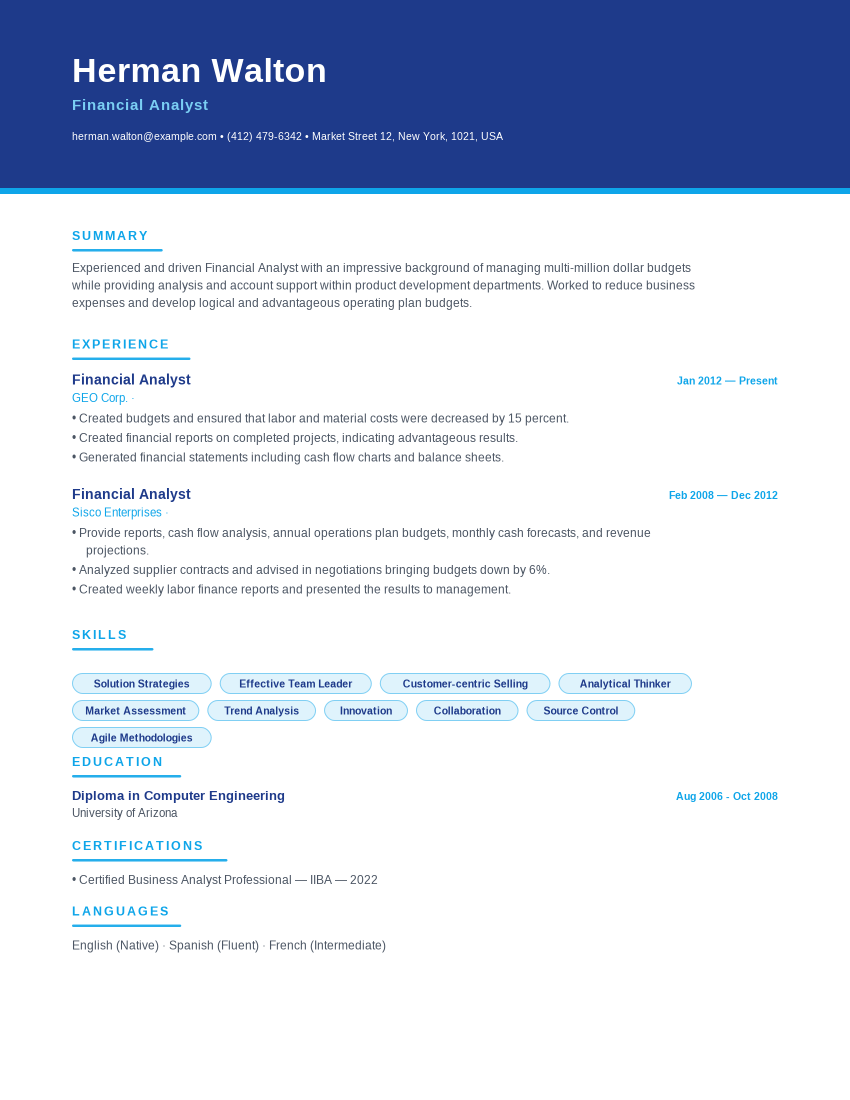
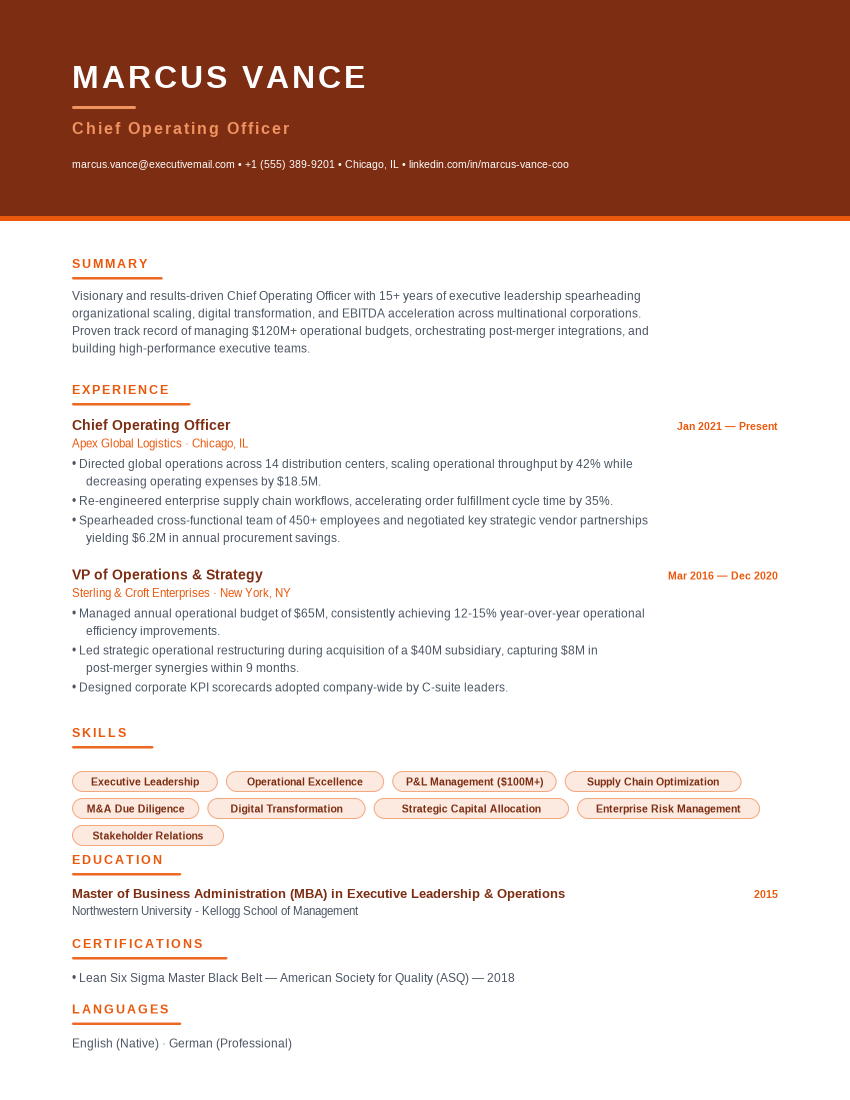
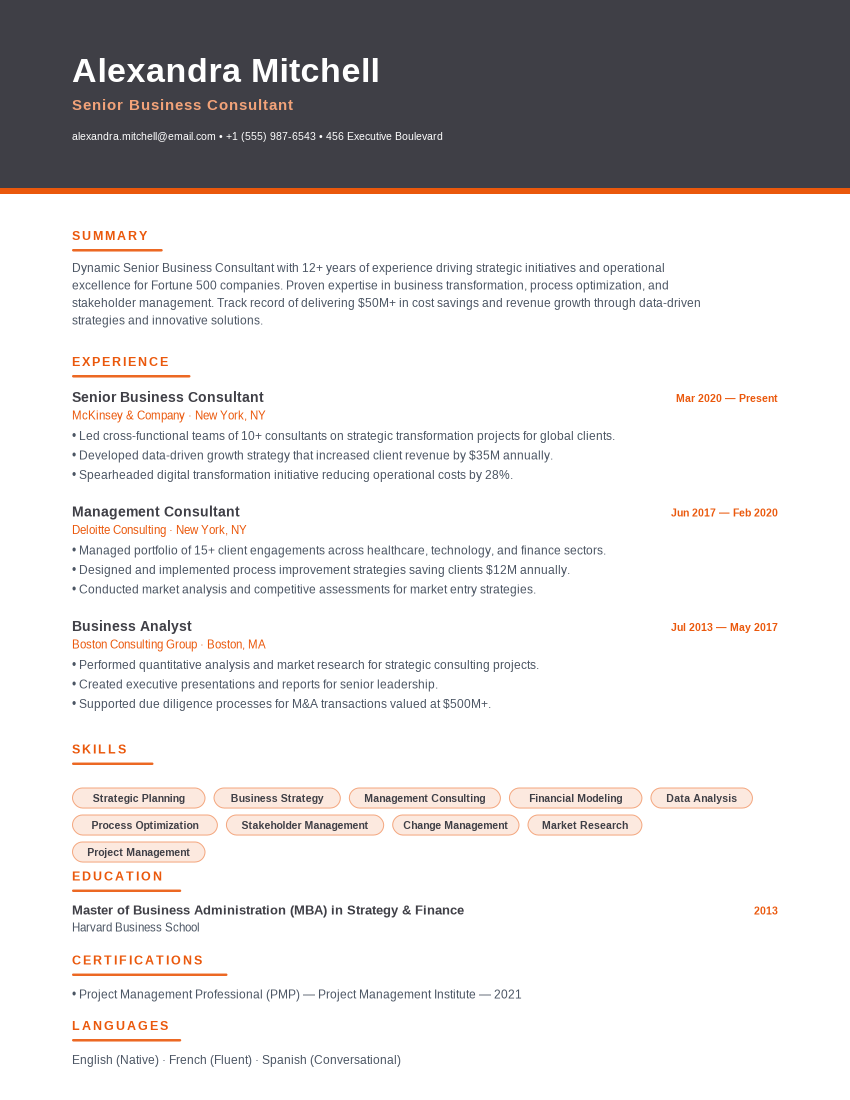
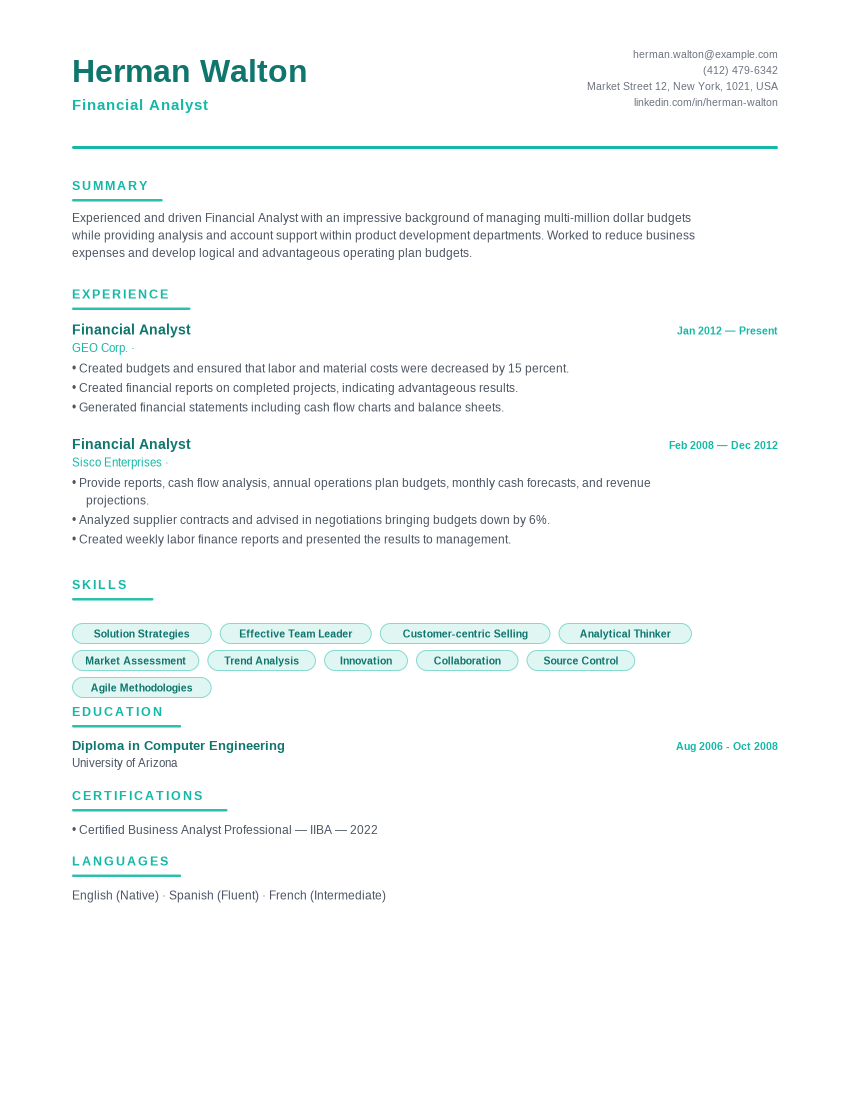
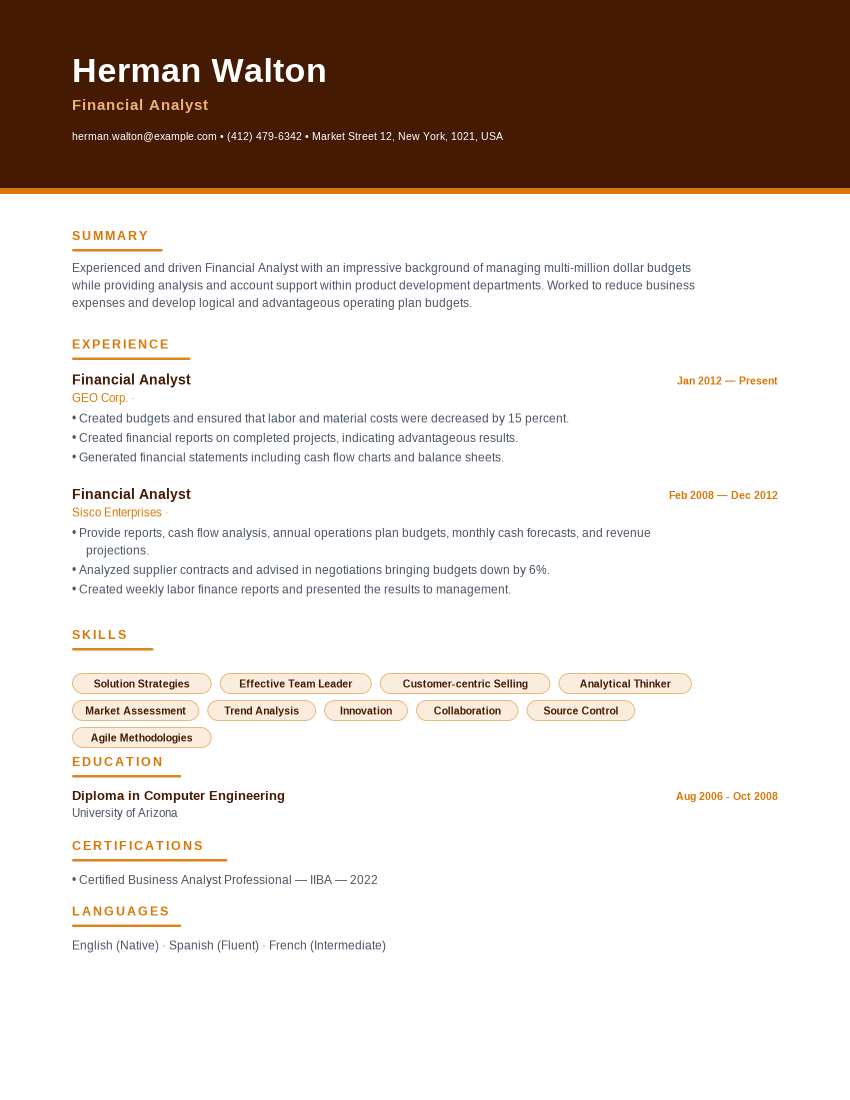
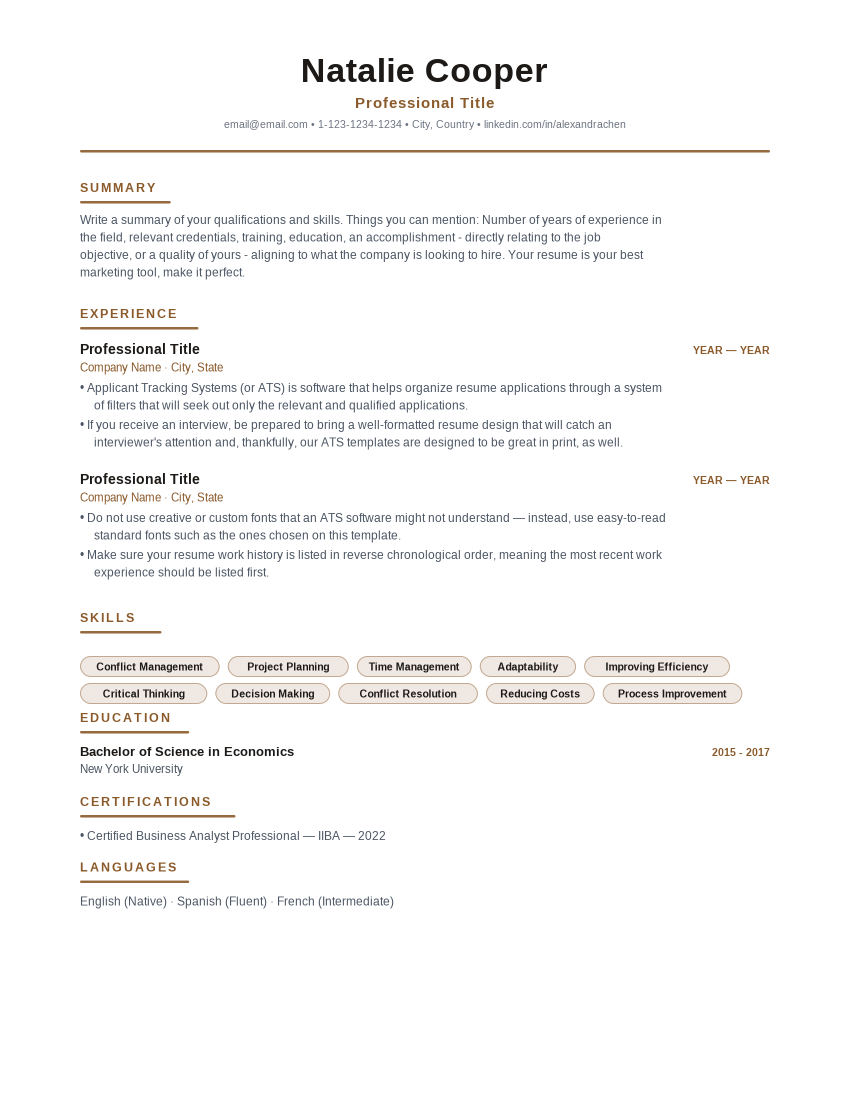
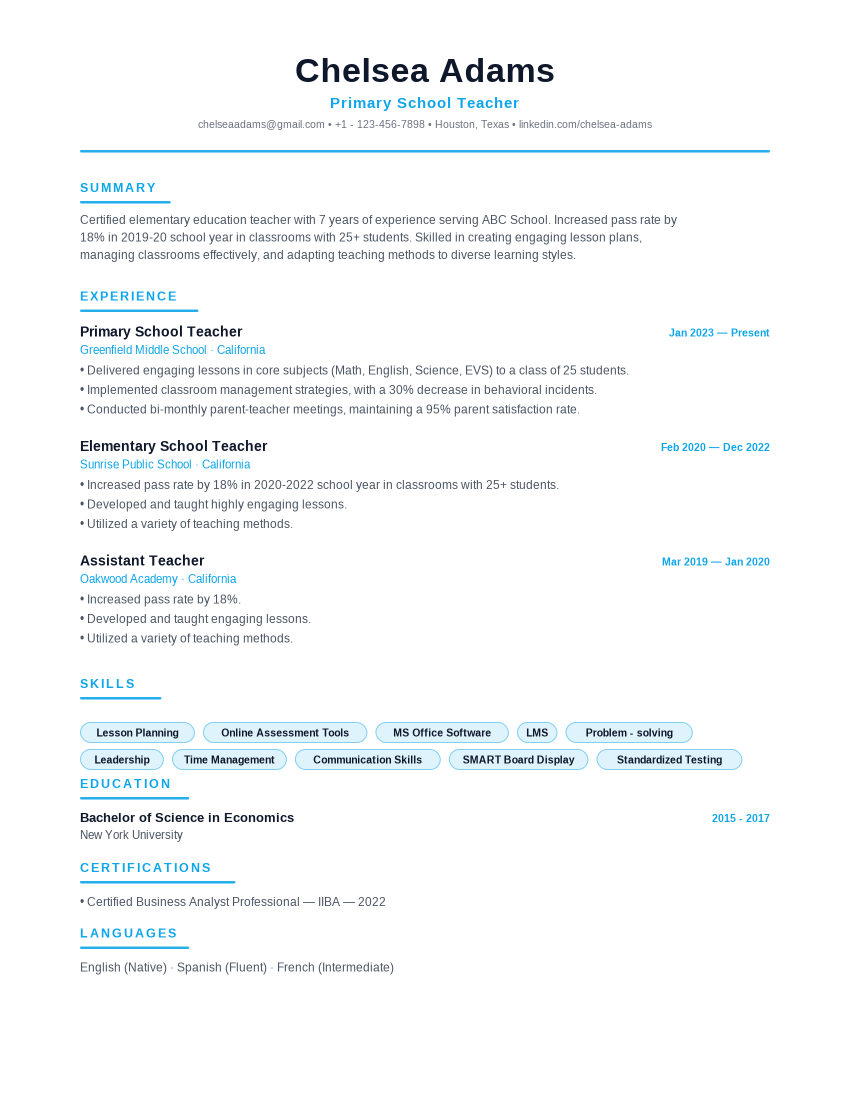
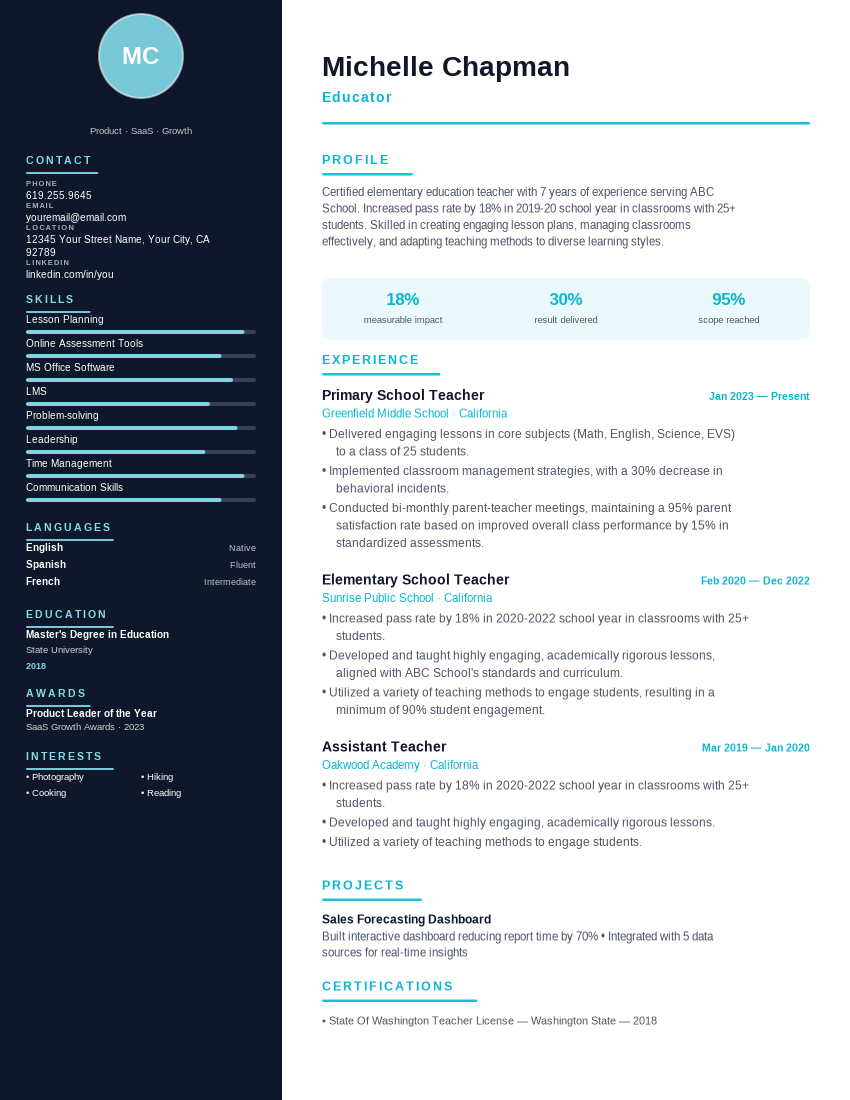
Swipe, pause or use the arrows to compare other modern layouts.
Frequently asked questions
Practical details about formatting, ATS compatibility, and customizing the Atlas Modern template.
Should I list programming languages separately from tools?
Yes. Reviewers search for a language, then for the framework. Two short groups ('Languages', 'Tools and platforms') are easier to match than one mixed list.
How do I show a project I did at work?
Inside the role that paid for it, with the scope and the result. Reserve the standalone project block for work outside employment, such as open source or a side product.
Is the Atlas Modern template really ATS-friendly?
ATS products and employer configurations differ, so this template cannot guarantee parsing or screening results. Check the layout and exported text, use accurate role-specific content, and follow the employer's file instructions. Any compatibility percentage shown on this page is not an independent test by an ATS provider.
Can I download my resume as a PDF or Word file for free?
You can export a PDF, Microsoft Word (DOCX), or plain-text (TXT) file without a watermark. Review the downloaded file before sending it and follow the employer's requested file format. ATS products and employer settings differ, so no template or export can guarantee parsing in every system.
Is this resume template completely free?
The resume builder and PDF, DOCX, and TXT exports are available without payment or an account. Online AI or analysis tools may depend on service availability; see the Privacy Policy for details about how submitted information is processed.
Do I need to create an account to use this template?
No account is required to use the builder. Drafts are stored in your browser; some online features send submitted information to configured services for processing. See the Privacy Policy for details.
Related ResumeEarth tools and guides
Explore role-specific resume collections, ATS checking tools, and formatting guides to complete your application.
Software Engineer Resume Templates
Compare ATS-friendly software engineer resume layouts and role-specific section guidance.
Frontend Developer Resume Templates
Compare ATS-friendly frontend developer resume layouts and role-specific section guidance.
Marketing Manager Resume Builder
Role-specific keywords, summary examples, and quantified bullet templates for marketing manager applications.
ATS Resume Scanner
Test your exported PDF or Word resume for parsing accuracy, section detection, and keyword coverage.
Job Description Keyword Matcher
Compare your resume against a specific vacancy to spot missing hard skills and role terminology.
AI Cover Letter Generator
Create a tailored cover letter that complements your Atlas Modern resume.
Create your resume with Atlas Modern
Open the template, add your details, and export a watermark-free PDF, Word (DOCX), or TXT file when it reads the way you want.
No credit card. No signup. Free to use.