Seoul Career
South Korea A4 CV template · Labelled ledger header, single-column layout
Seoul Career is a Korean-language 이력서 for Korean employers. A bordered ledger header carries the name, role and a label-and-value 인적사항 block; the body then leads with 핵심 역량 before 경력사항 and 학력사항 in the reverse-chronological order Korean recruiters scan for, followed by 자격사항 and 어학. It is one reading column with real selectable Hangul and no table markup, so the document stays readable to both a recruiter and recruitment software.
Designed for
- Korea-based professionals
- Product, data and marketing roles
- Korean-language applications
Open it in the resume builder, replace the sample text, and export when you are ready. There is no watermark and no signup.
Key features of the Seoul Career template
Labelled header block above a single reading column, with tinted section markers and a compact vertical rhythm for one-page career histories. Standard headings and selectable text help readers follow your experience. After exporting, check that your contact details, job titles and dates copy in the intended order; extraction can differ between systems.
Korean 이력서 vocabulary with reverse-chronological 경력사항
Bordered 인적사항 header rendered as text, not a table
Dates in the local YYYY.MM format with 재직 중 for a current role
Bundled Noto Sans KR face with Hangul-aware line breaking
A4 PDF, DOCX and TXT export with selectable text
No photo, resident registration number, age or marital status fields
Layout & formatting specifications
- Template name
- Seoul Career
- Design style
- International
- Column structure
- Labelled ledger header, single-column
- Page dimensions
- A4 (South Korea)
- Default color palette
- #16233f#2e6b52
- ATS text layer
- Selectable text, standard headings
- Download formats
- PDF, Word (DOCX), Plain Text (TXT)
Included resume sections
The Seoul Career template comes pre-configured with the sections below. Inside the builder, you can rename headings, reorder blocks, or hide any section you do not need.
- Contact Header
- Professional Summary
- Work Experience
- Education
- Core Skills
- Certifications & Projects
Ready to customize in the builder
Click Use this template to open the Seoul Career layout directly in the resume builder, enter your own experience and skills, and export a watermark-free PDF, DOCX, or TXT file.
Who the Seoul Career template is built for
Professionals applying to Korean private-sector employers and foreign candidates who need a Korean-language 이력서 that still parses cleanly in an applicant tracking system.
How to get the most from the Seoul Career layout
- Keep the 이력서 factual and short; the longer career narrative belongs in a separate 경력기술서 or in your 자기소개서.
- Use the local date convention — 2021.03 – 재직 중 — rather than spelling months in English.
- List qualifications and language scores (자격사항, TOPIK, TOEIC) with dates, because Korean recruiters scan these quickly.
- Never print a 주민등록번호. This template has no field for it, and age, marital status and family details are not collected either.
How to customize the Seoul Career template
- 1
Add your contact details and summary
Open Seoul Career in the builder and enter your contact details, target job title, and a concise 2–3 sentence summary aligned with korea-based professionals postings.
- 2
Prioritize measurable experience bullets
List recent roles in reverse-chronological order. Lead each bullet with a concrete action and outcome — scope, revenue, latency, patient load, or delivery metrics.
- 3
Align skills with the job description
Use the vacancy's names for skills and tools where they accurately describe your experience. Add evidence in your work history; repeating a term alone does not establish competence or guarantee a search match.
- 4
Verify reading order and export
Preview page breaks, then export the file type requested by the employer. Copy its text into a plain-text editor to check the order. The ATS Scanner provides a local checklist; Job Match compares your text with a specific posting.
Similar resume templates
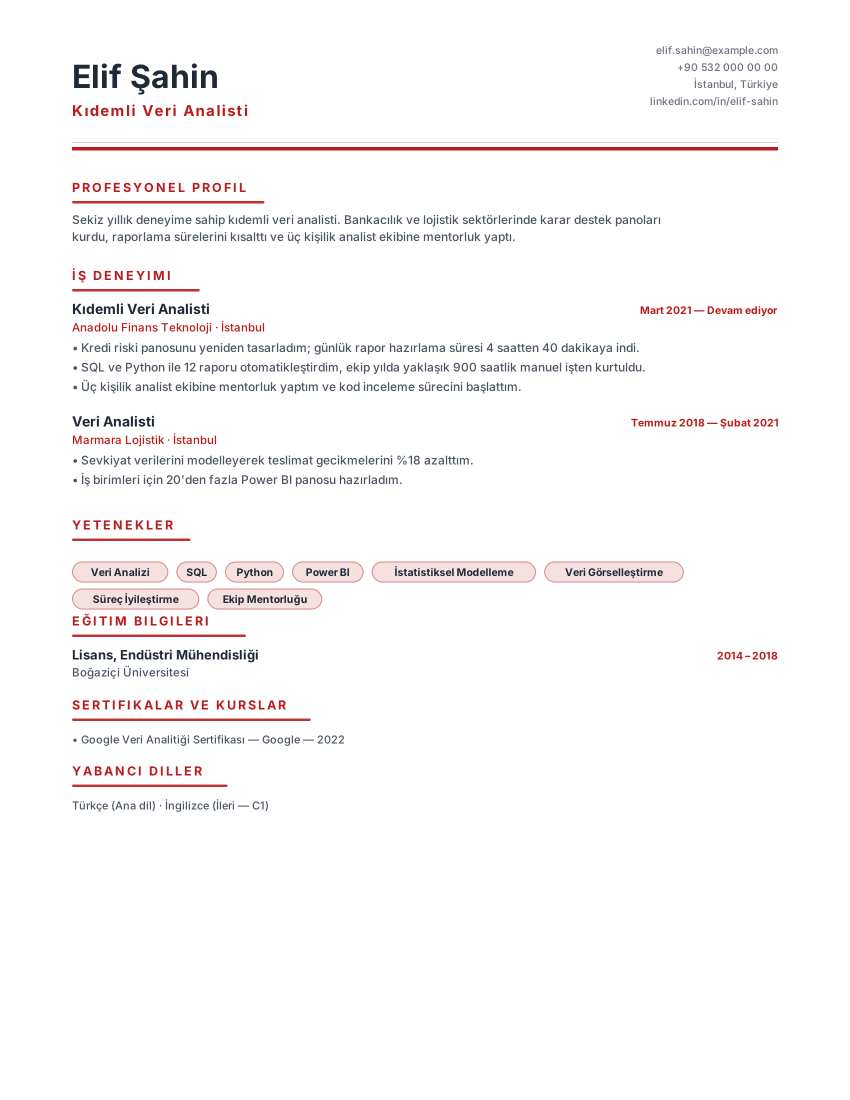
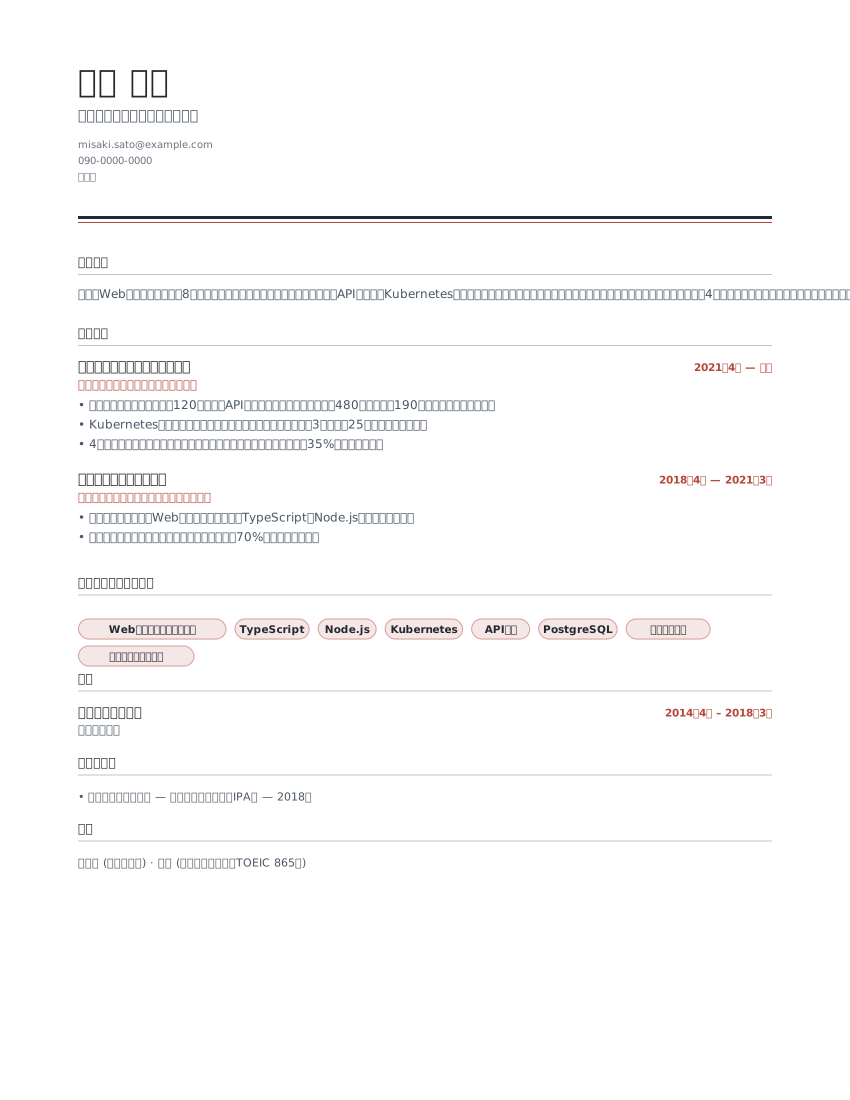
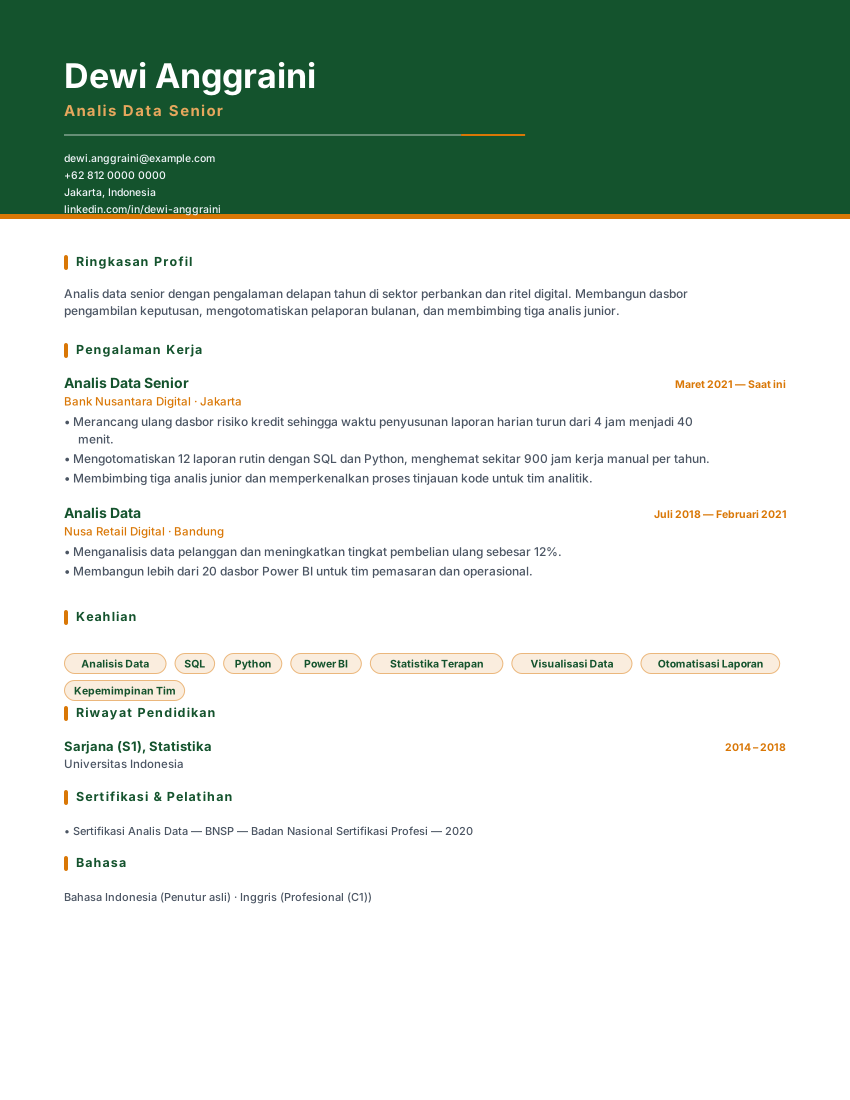
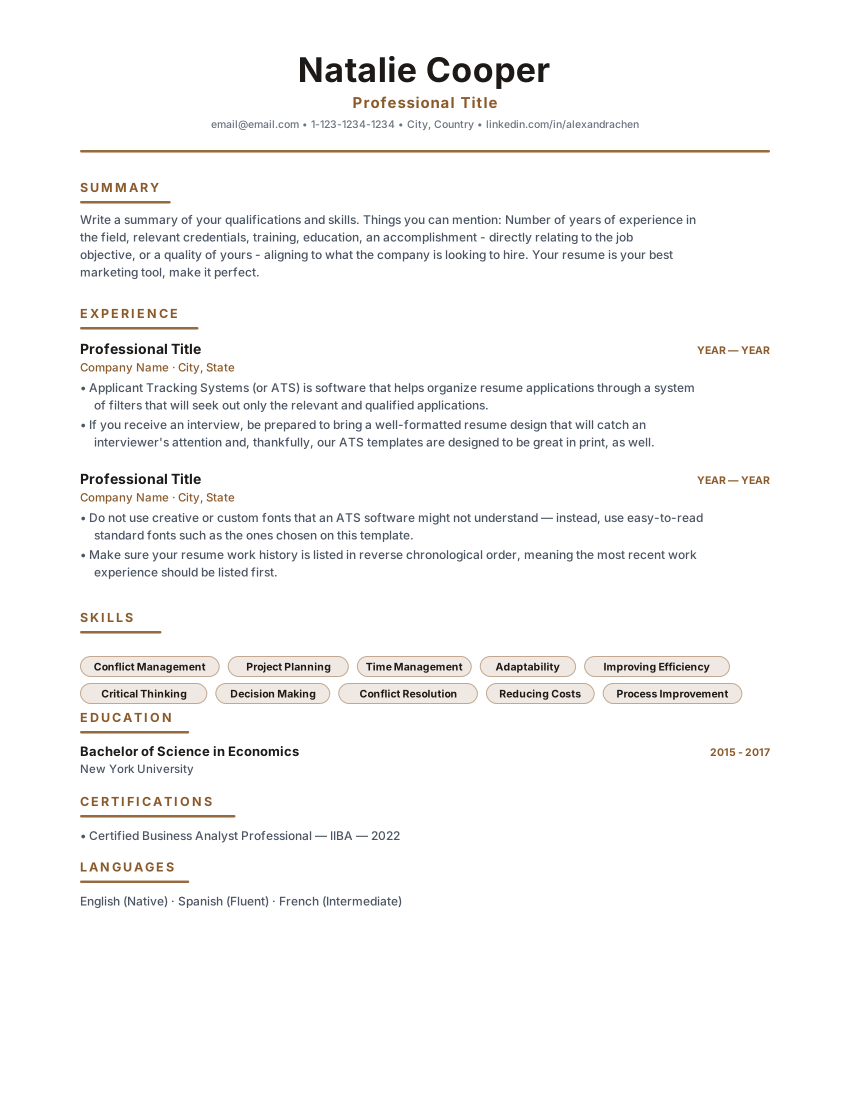
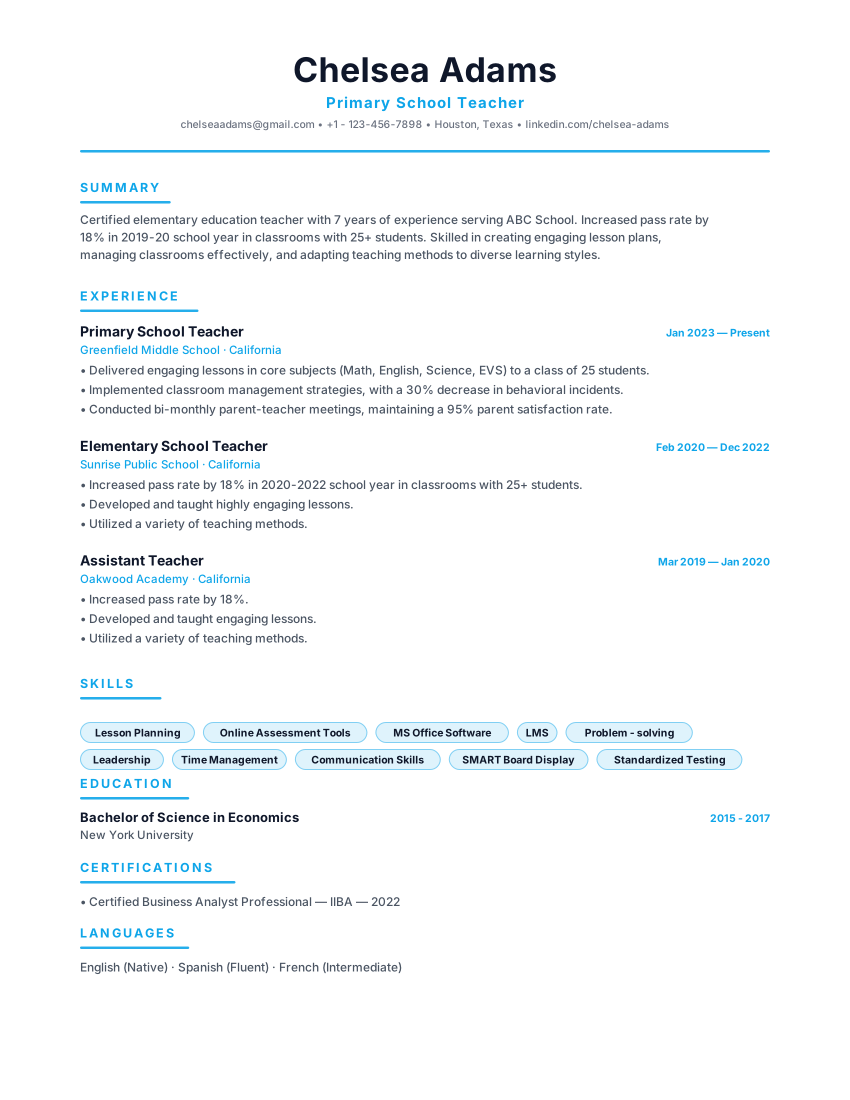
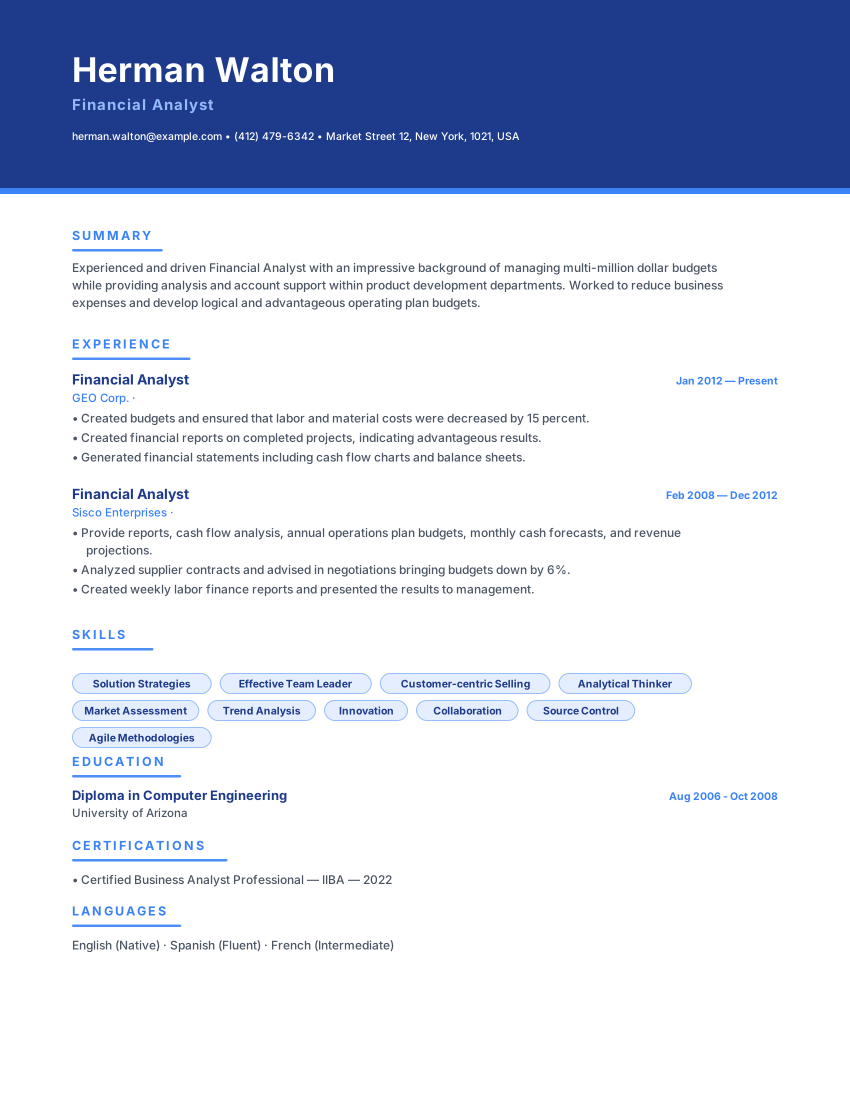
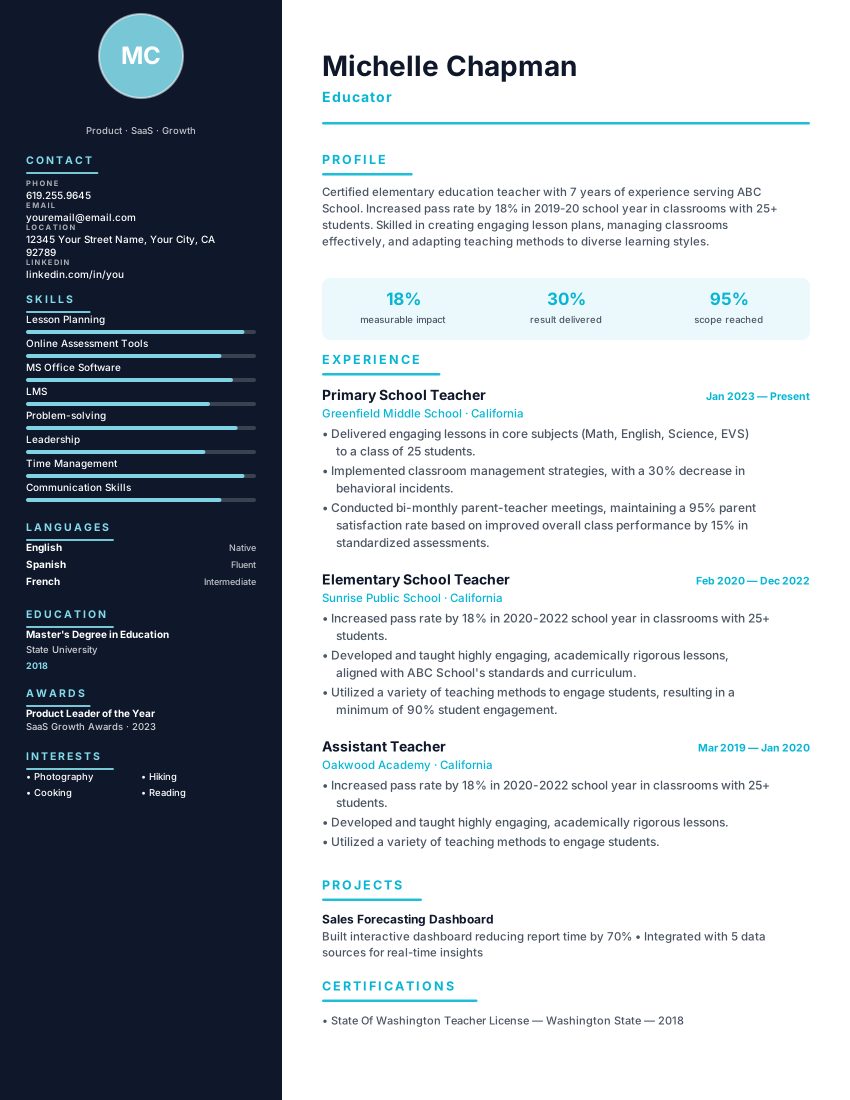
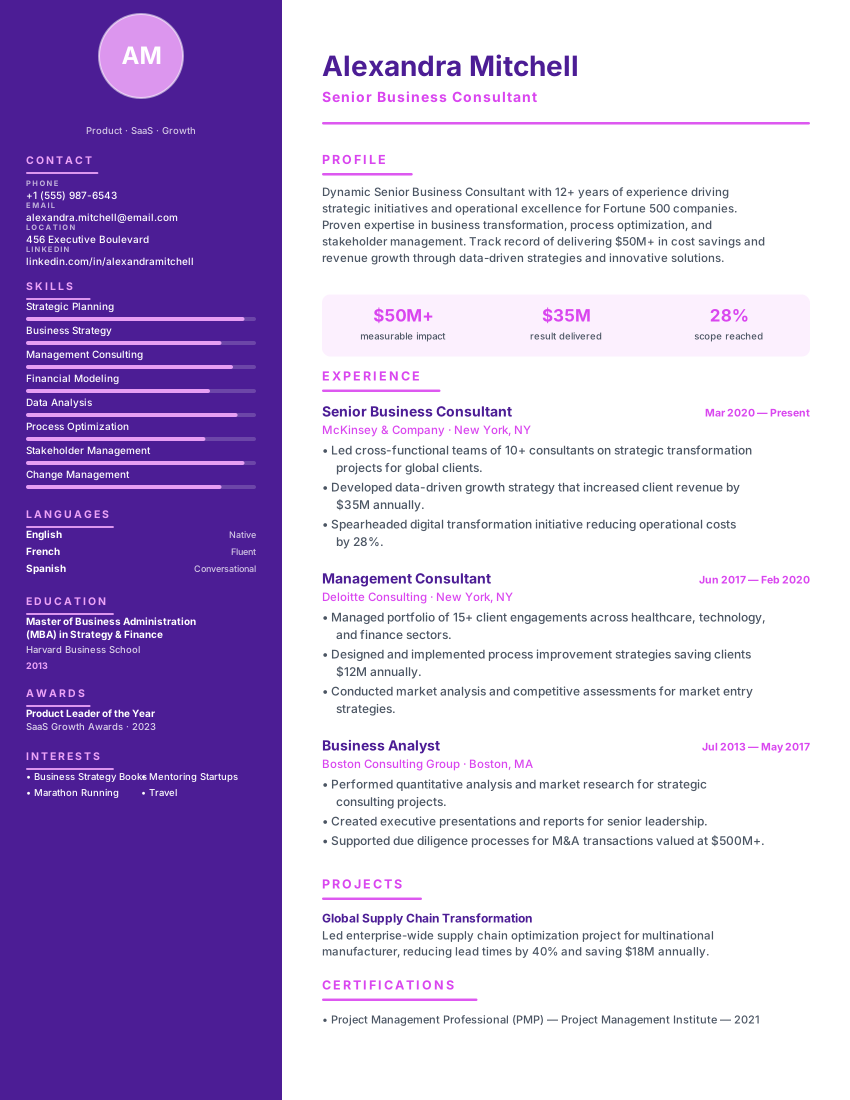
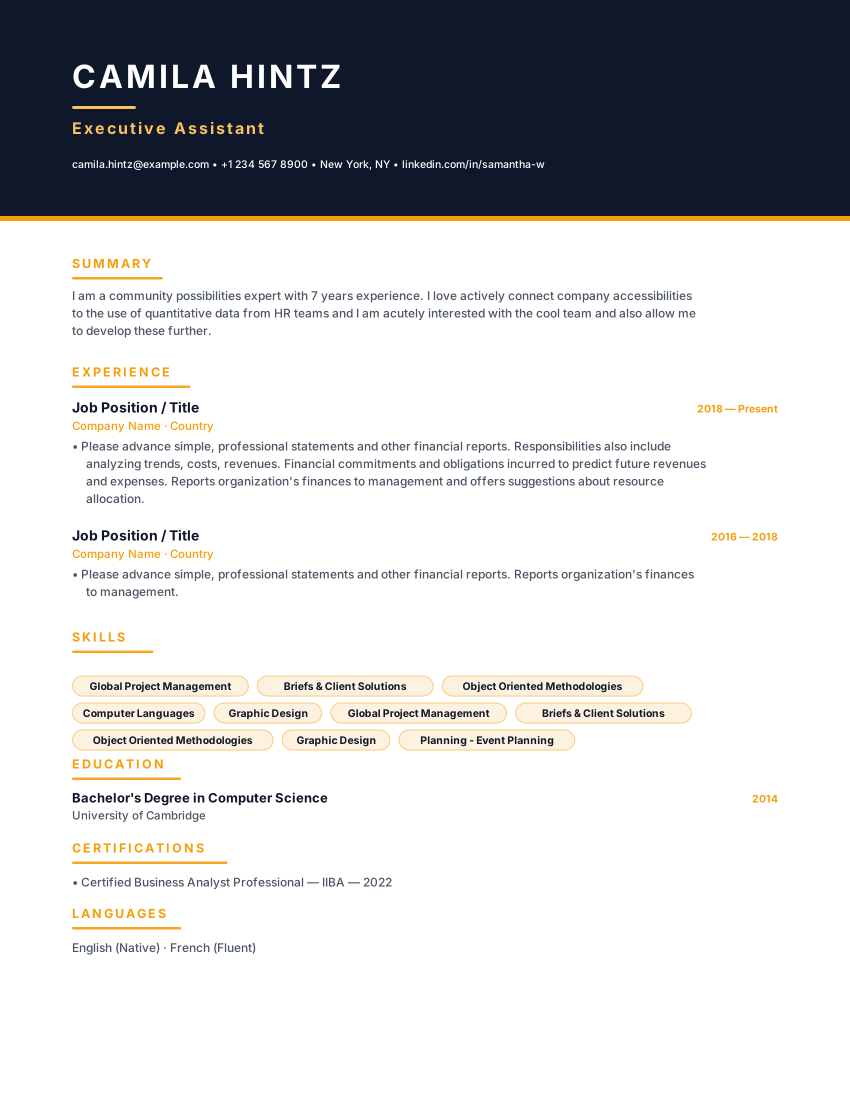
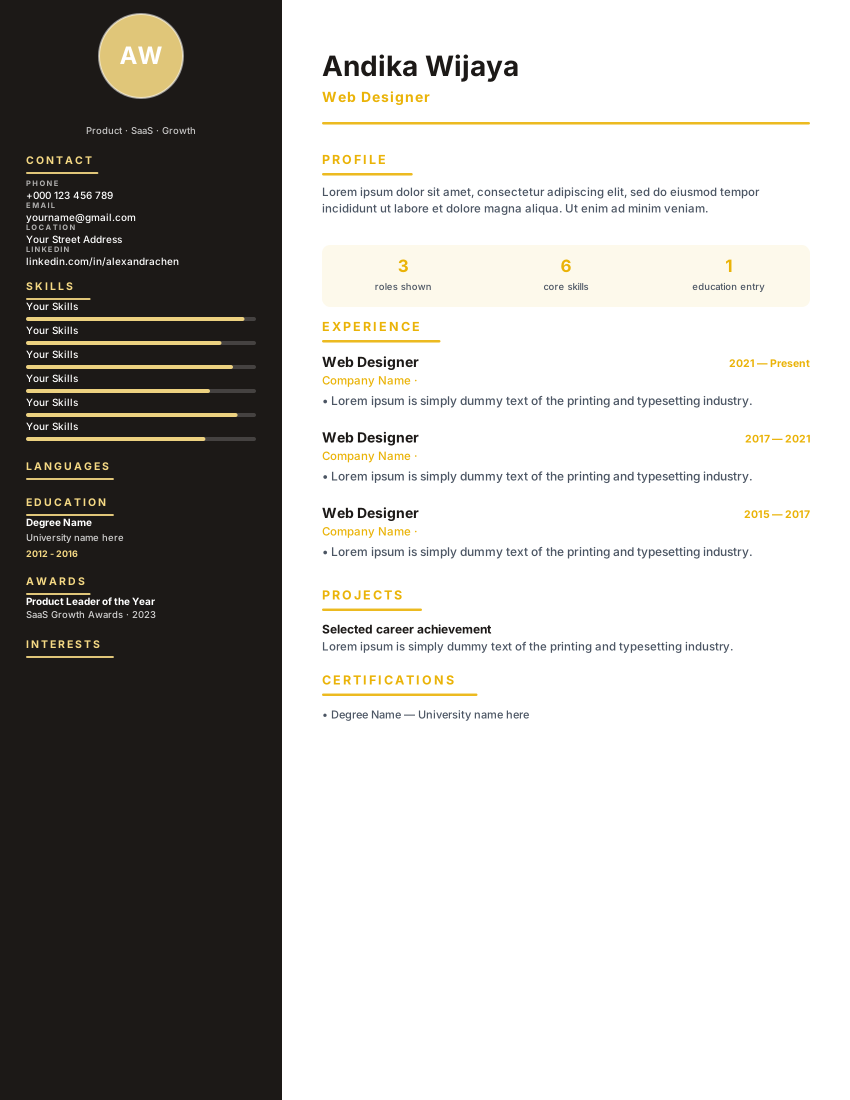
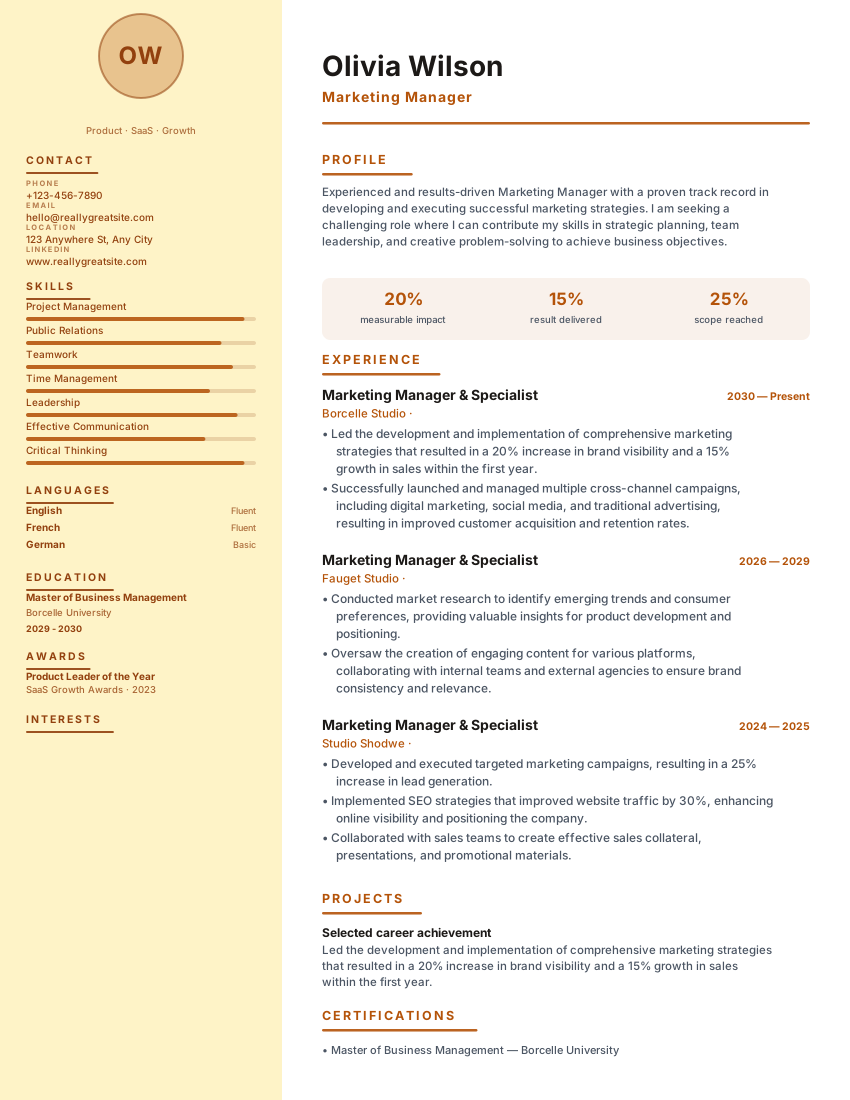
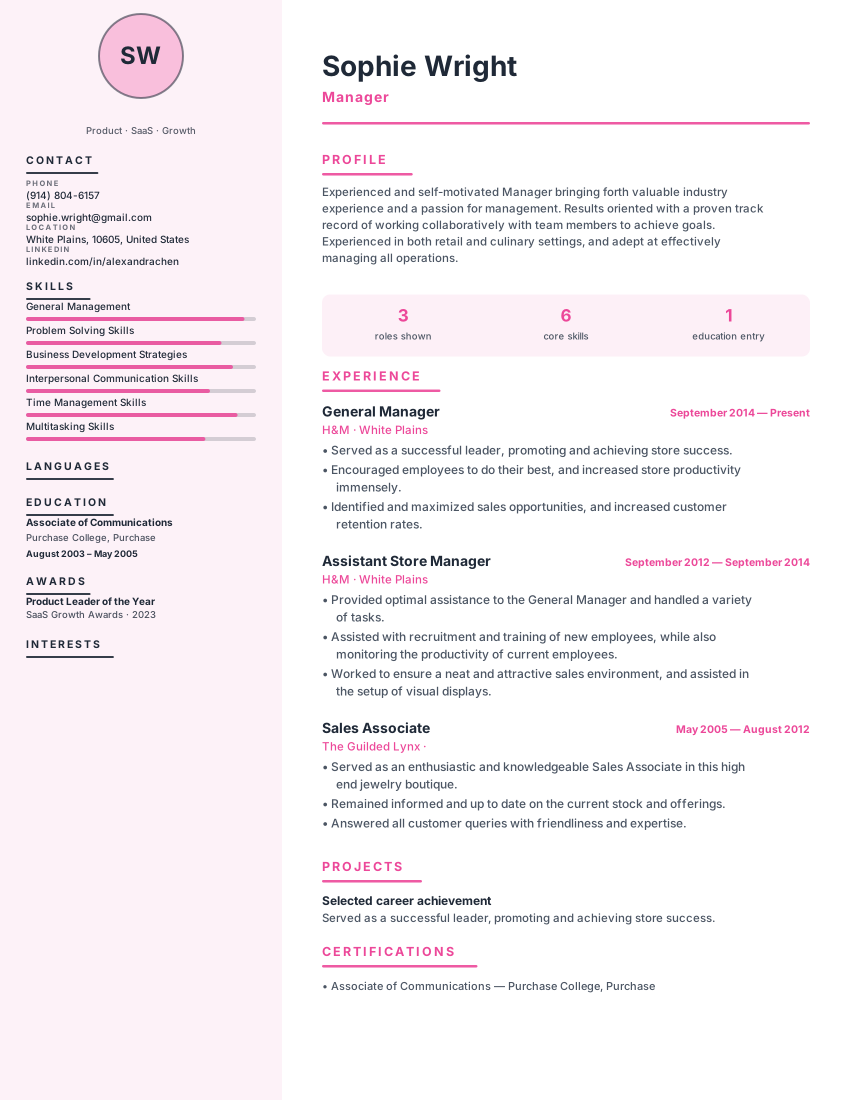
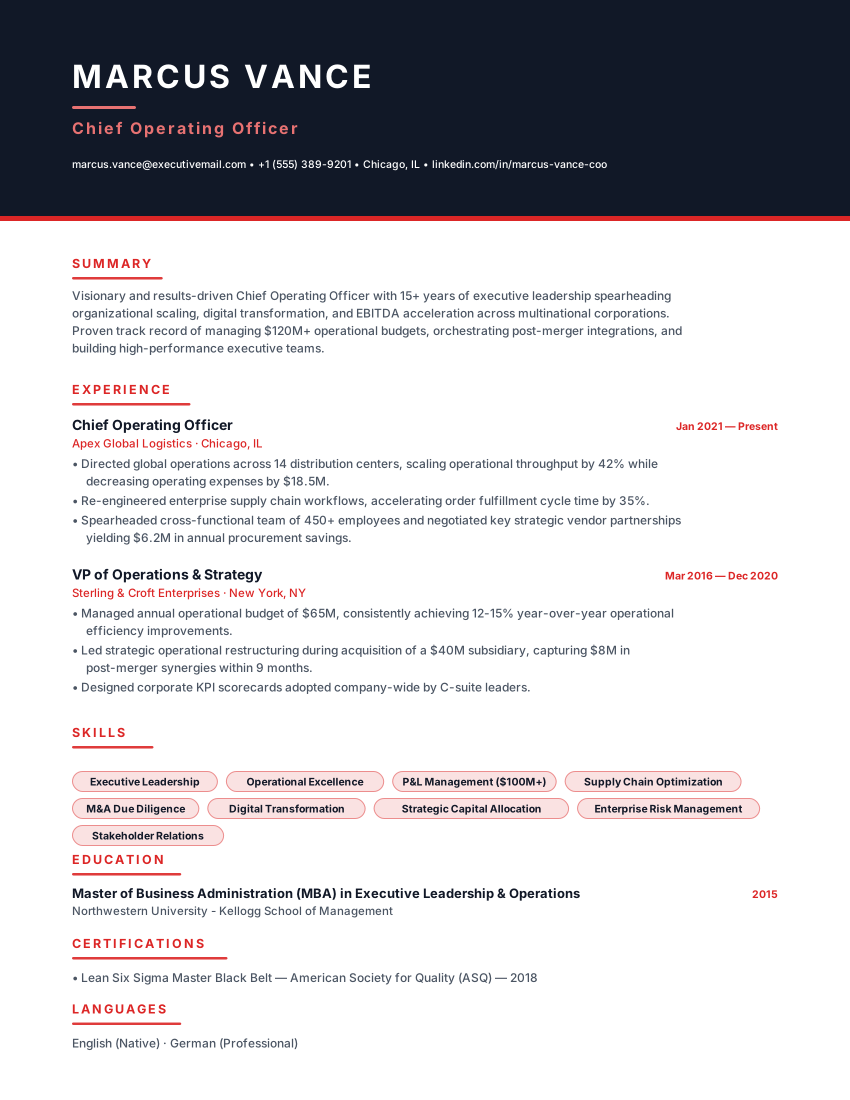
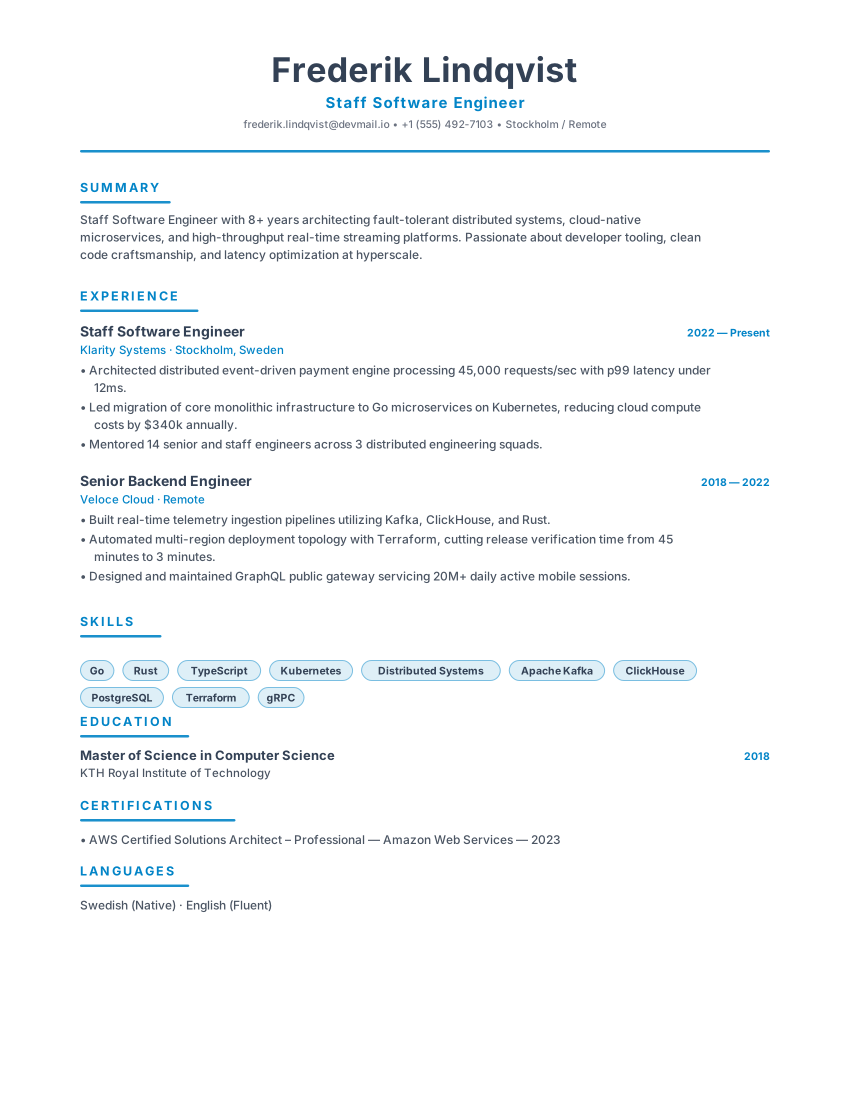
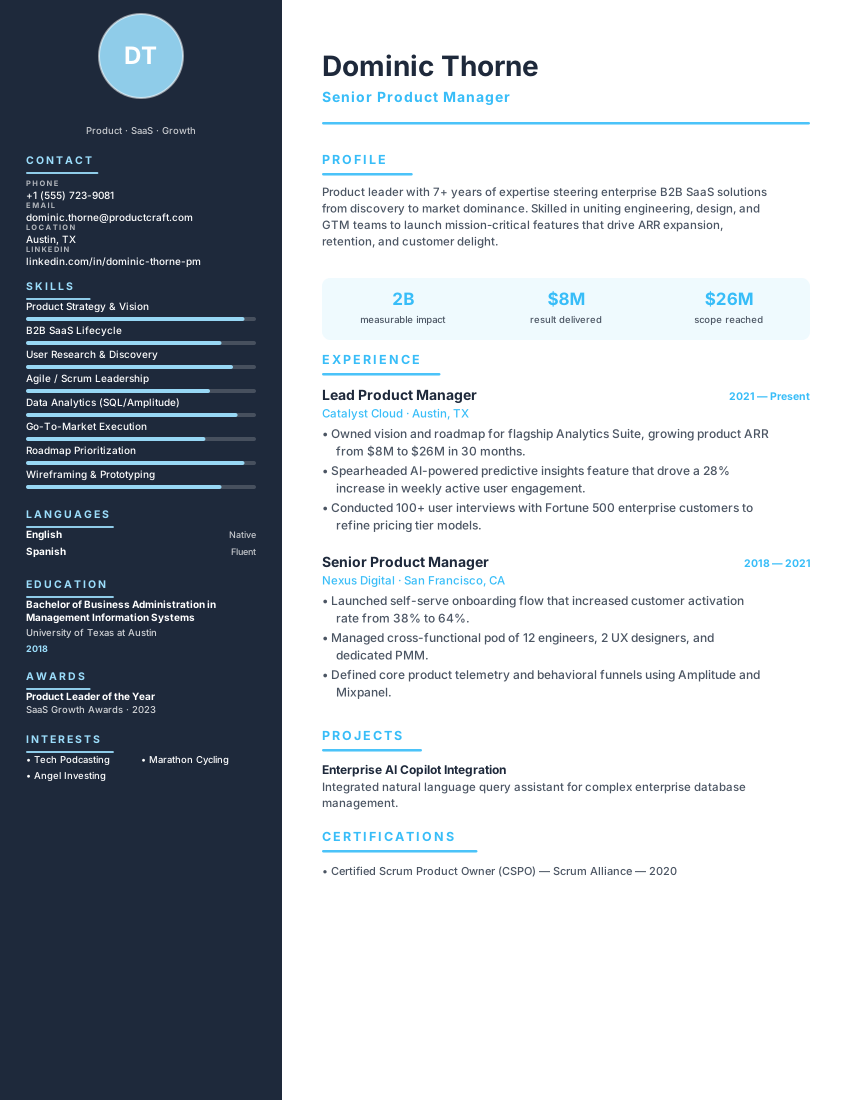
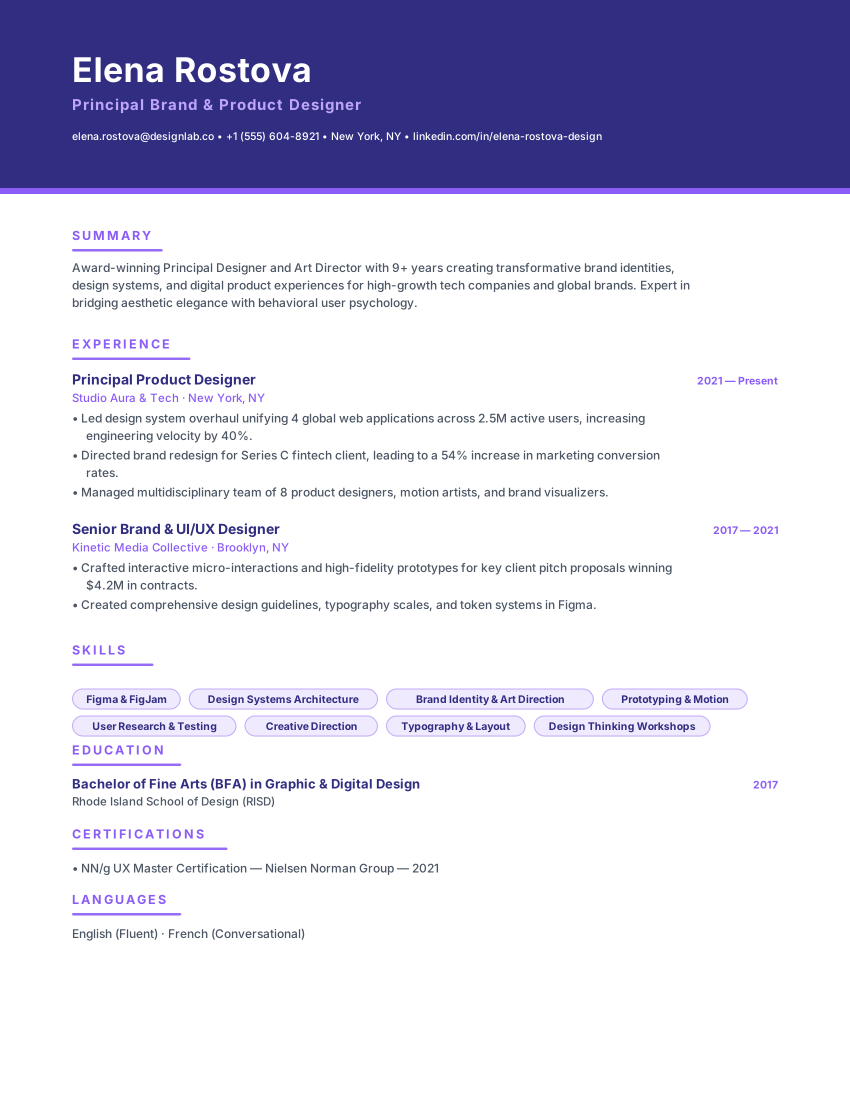
Swipe, pause or use the arrows to compare other international layouts.
Frequently asked questions
Practical details about formatting, ATS compatibility, and customizing the Seoul Career template.
Is a 자기소개서 part of this template?
No. A 자기소개서 is a separate essay document with its own prompts, and Korean employers usually request both. This template covers the 이력서 only; write the 자기소개서 separately and submit it alongside the exported PDF.
Does the Korean template work without a photo?
Yes. Photos remain common in private-sector hiring, but public-sector blind hiring prohibits them and many online applications no longer ask. The header is designed to read as a complete block with contact details alone.
Will Hangul render correctly in the PDF?
The preview uses a Korean-first font stack with Noto Sans KR bundled, and the on-device PDF writer embeds the same TrueType file when it detects Hangul. That keeps the glyphs identical between the screen and the downloaded file; check the export once before submitting.
Is the Seoul Career template really ATS-friendly?
ATS products and employer configurations differ, so this template cannot guarantee parsing or screening results. Check the layout and exported text, use accurate role-specific content, and follow the employer's file instructions. Any compatibility percentage shown on this page is not an independent test by an ATS provider.
Can I download my resume as a PDF or Word file for free?
You can export a PDF, Microsoft Word (DOCX), or plain-text (TXT) file without a watermark. Review the downloaded file before sending it and follow the employer's requested file format. ATS products and employer settings differ, so no template or export can guarantee parsing in every system.
Is this resume template completely free?
The resume builder and PDF, DOCX, and TXT exports are available without payment or an account. Online AI or analysis tools may depend on service availability; see the Privacy Policy for details about how submitted information is processed.
Do I need to create an account to use this template?
No account is required to use the builder. Drafts are stored in your browser; some online features send submitted information to configured services for processing. See the Privacy Policy for details.
Related ResumeEarth tools and guides
Explore role-specific resume collections, ATS checking tools, and formatting guides to complete your application.
European CV Builder Hub
Compare A4 CV conventions, language choices, and country-specific formats across Europe.
ATS Resume Scanner
Test your exported PDF or Word resume for parsing accuracy, section detection, and keyword coverage.
Job Description Keyword Matcher
Compare your resume against a specific vacancy to spot missing hard skills and role terminology.
AI Cover Letter Generator
Create a tailored cover letter that complements your Seoul Career resume.
How to Make an ATS-Friendly Resume
Practical formatting rules for headings, dates, columns, and file exports that parse cleanly.
Create your resume with Seoul Career
Open the template, add your details, and export a watermark-free PDF, Word (DOCX), or TXT file when it reads the way you want.
No credit card. No signup. Free to use.