Free ATS Resume Templates
Choose a resume layout designed to keep your information organized and readable. Systems differ, so check the exported text and follow the employer's file instructions. Templates are currently available to use without a paid plan.
Choose Your Template
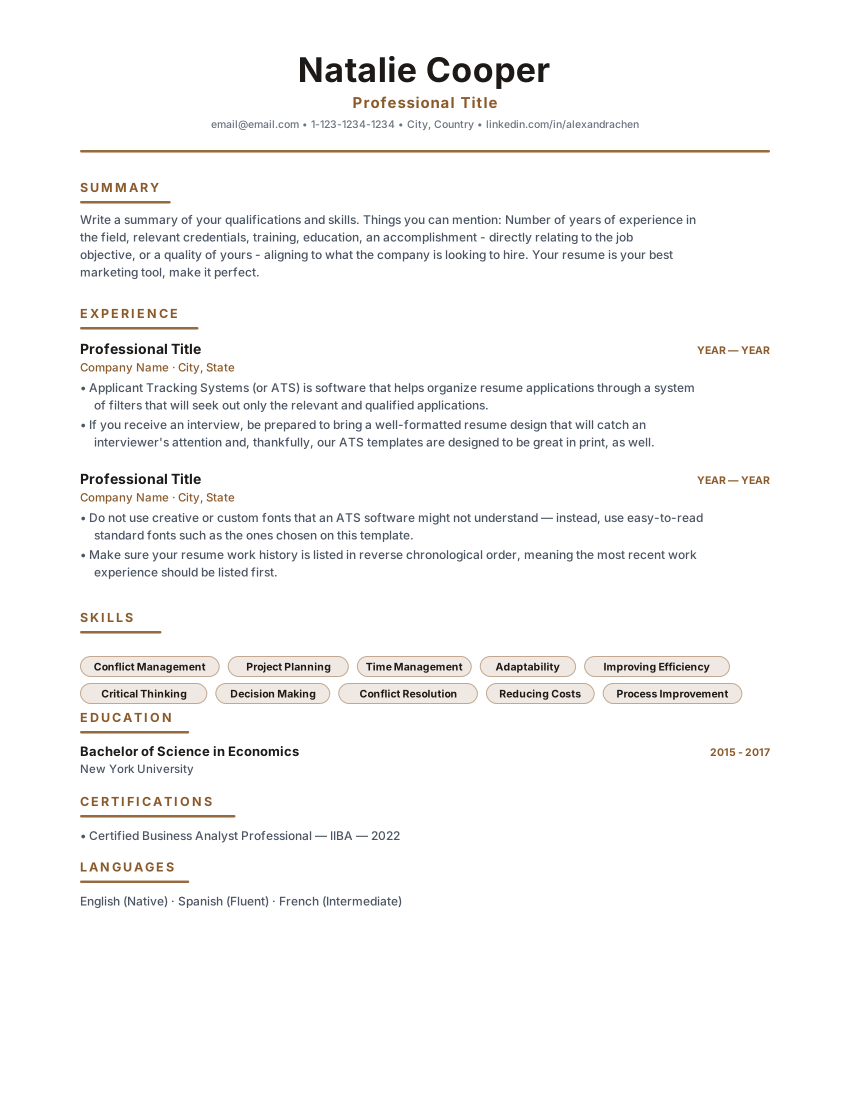
Heritage Classic
Timeless single-column classic resume with warm brown accents and centered header. Built for corporate, legal and business analyst roles.
Use Template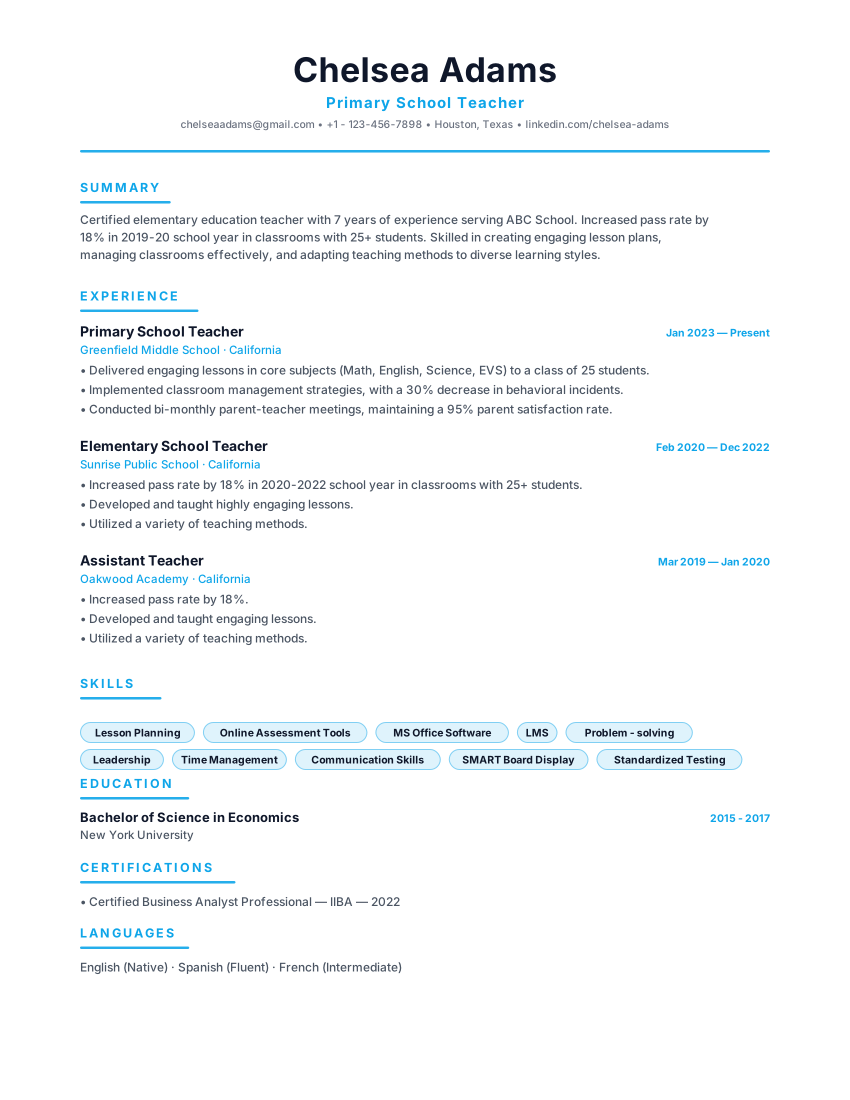
Pure Minimal
Ultra-clean minimal resume with sky-blue accent, generous whitespace and a left-aligned header. Perfect for tech and product roles.
Use Template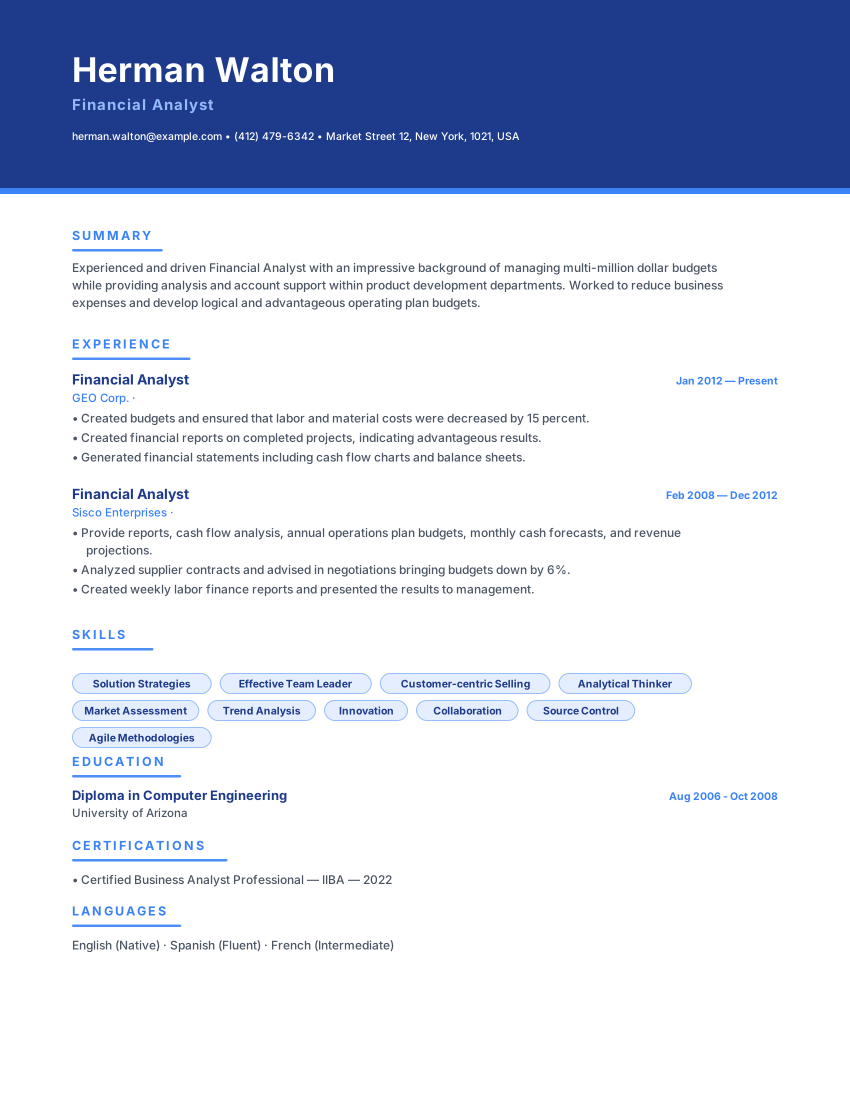
Cobalt Modern
Bold cobalt banner header with white text and modern indigo accents. Designed for business, consulting and finance professionals.
Use Template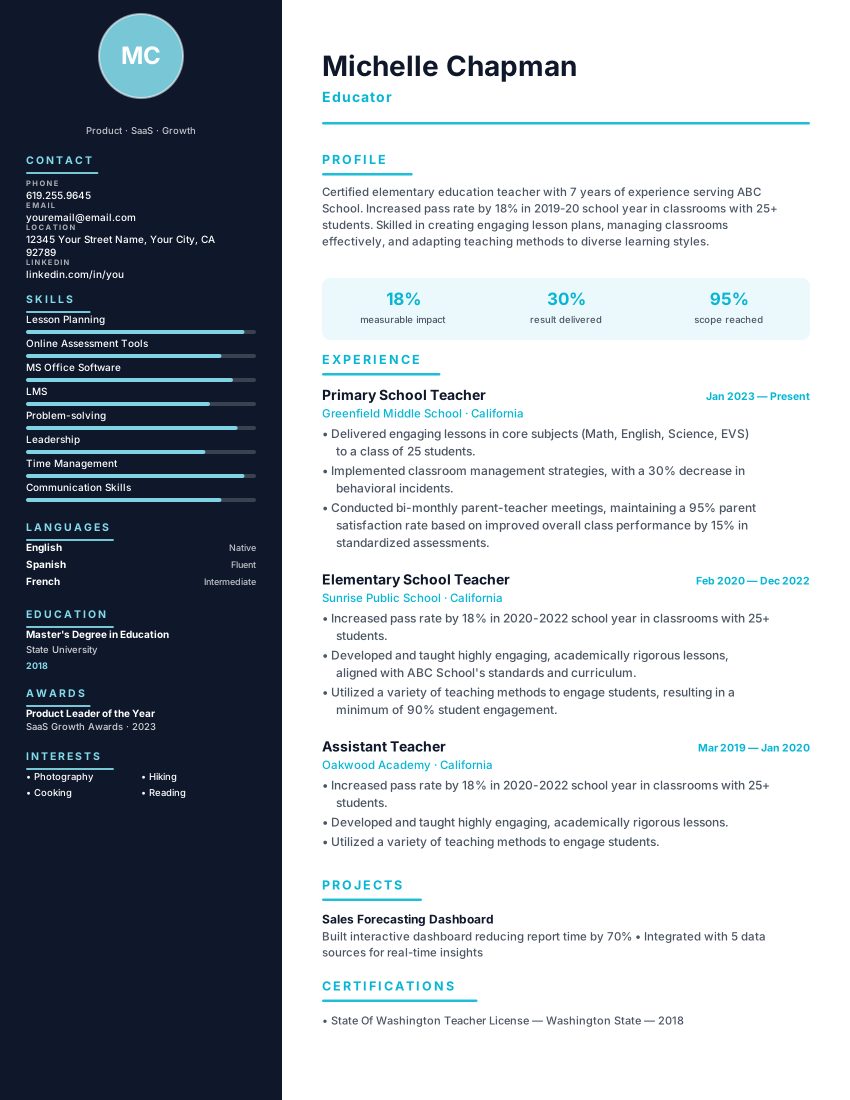
Quantum Technical
Technical two-column resume with midnight sidebar and cyan accent for software engineers and developers. Tech-stack focused.
Use Template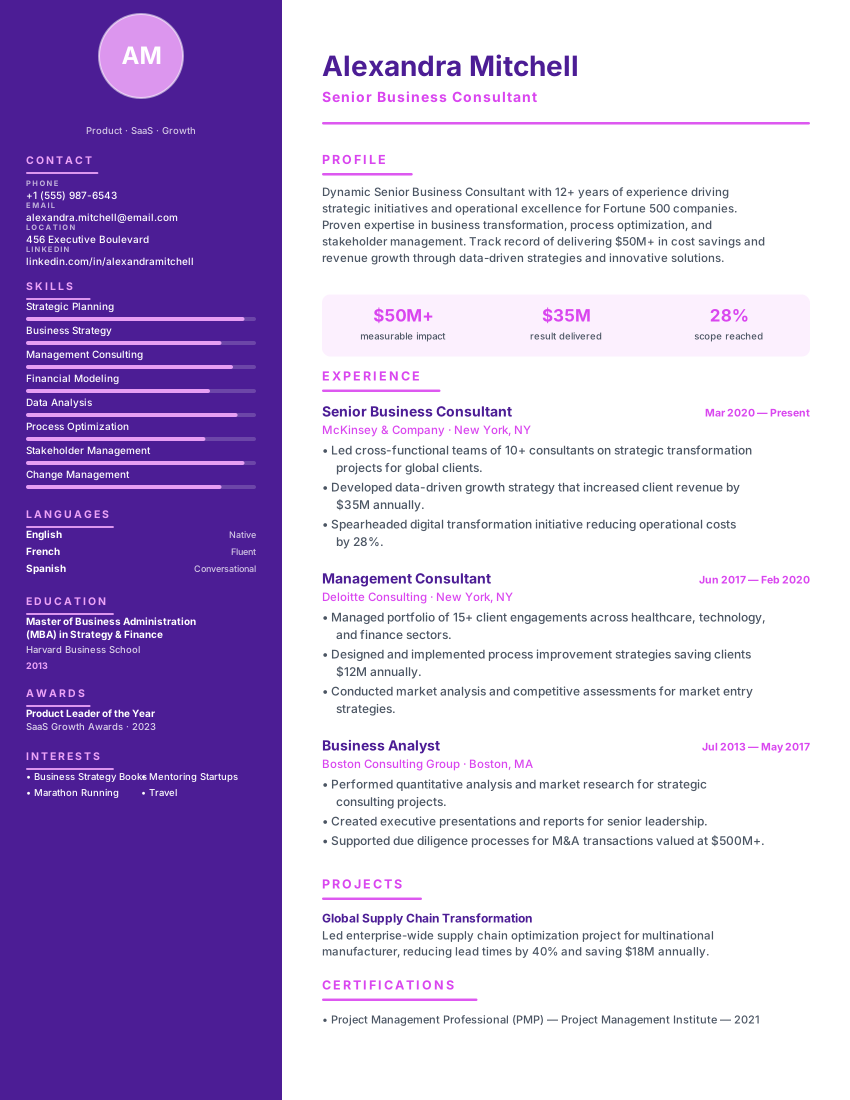
Aurora Creative
Vibrant creative resume with deep purple sidebar and magenta timeline dots for designers, artists and brand strategists.
Use Template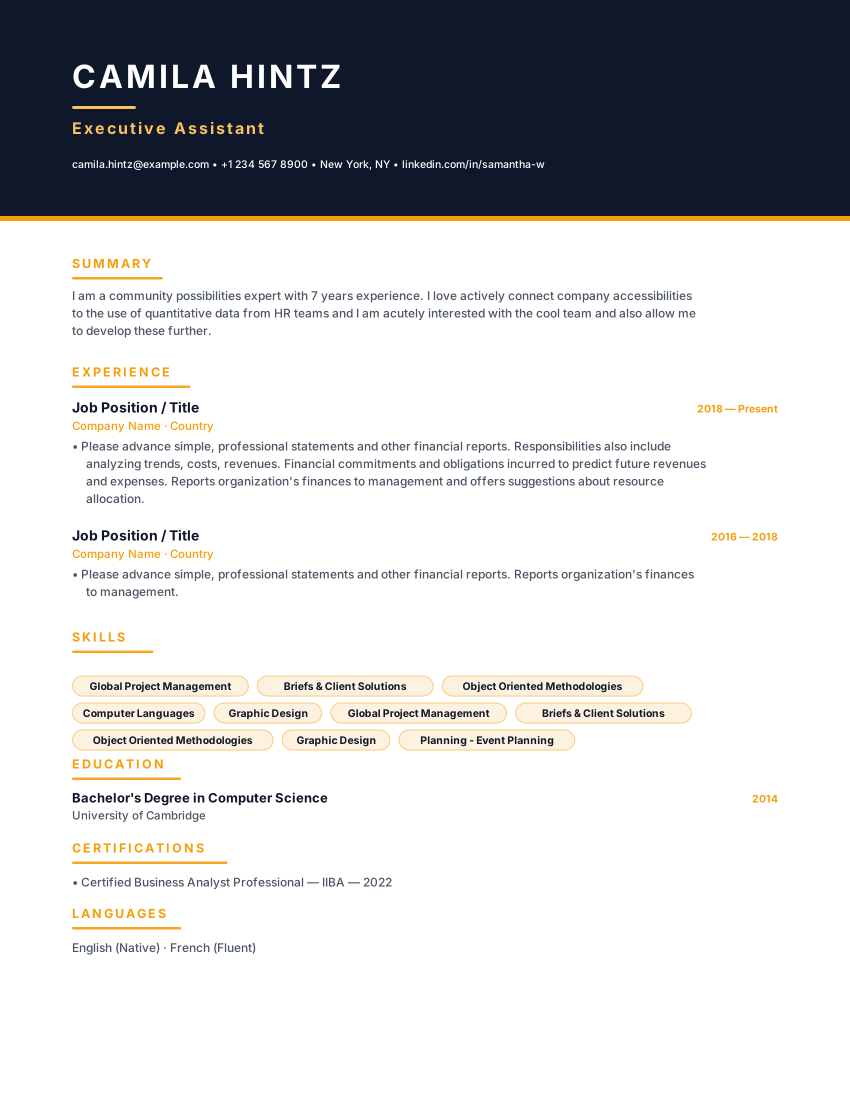
Orbit Executive
Executive resume with commanding midnight header, amber gold rule and metric-driven hierarchy for C-suite leaders.
Use TemplateWhat Makes a Resume ATS-Friendly?
ATS (Applicant Tracking Systems) scan and parse resumes before human recruiters ever see them. If your resume uses complex formatting, images, tables, or unusual fonts, the ATS might misread or reject it—even if you're qualified.
Our ATS resume templates are specifically designed to parse perfectly through any ATS system. They use standard formatting, clear section headings, simple fonts, and proper structure that both ATS software and human recruiters love.
ATS-Optimized Features
What to Avoid in ATS Resumes
Images & Photos
ATS can't read images and may reject your resume
Tables & Text Boxes
Complex formatting confuses ATS parsing
Headers & Footers
Information in headers/footers often gets missed
Unusual Fonts
Decorative fonts may not parse correctly
Graphics & Charts
Visual elements aren't readable by ATS
Multiple Columns
ATS may read columns in wrong order
Special Characters
Symbols and icons can cause parsing errors
Creative Section Names
ATS looks for standard headings like 'Experience'
How to Customize Your Template
Choose the Right Template
Select a template that matches your industry and experience level. Conservative industries prefer traditional layouts; creative fields allow more style.
Update Contact Information
Add your name, phone, email, LinkedIn, and location (city/state). Ensure email is professional (no silly handles).
Tailor Content to Job
Match keywords from the job description. Emphasize relevant experience and skills for each application.
Quantify Achievements
Add numbers, percentages, and metrics to every bullet point. Achievements beat responsibilities.
Optimize for ATS
Use standard section headings, include relevant keywords, avoid graphics, and save as PDF or DOCX.
Proofread Thoroughly
Check for typos, grammar errors, and consistency. One mistake can cost you the interview.
Frequently Asked Questions
Are these templates really free?
The templates are currently available without a paid plan or account. Check the builder for current export options and availability.
What file format should I use?
Use the file type requested by the employer. If no type is specified, choose a readable text-based format and inspect the export; ATS support varies, so sending multiple files is not always necessary.
Can I use colors in an ATS resume?
Color alone does not determine whether a resume will parse. Keep text readable, avoid relying on color alone to convey important information, and check the exported document.
How do I know if a template is ATS-friendly?
A clear reading order, familiar section labels and selectable text are practical choices, but systems and configurations differ. Check each template's export for reading order and missing details; no layout guarantees parsing in every ATS.
Should my resume be one page or two?
There is no universal page-count rule. Use enough space to show relevant experience clearly without padding, and follow any employer or market-specific guidance. Academic CVs may follow different conventions.
Can I customize the template design?
Yes! You can adjust colors, fonts (keep them professional), and spacing. Just maintain the overall simple structure for ATS compatibility.
Do I need a different resume for each application?
Review each application and emphasize relevant experience where it helps clarify your fit. Use wording from the job description only when it accurately describes your skills; tailoring cannot guarantee a response.
What's the best way to test ATS compatibility?
Use the resume checklist to review text patterns and suggestions. Its score reflects that tool's checks, not an employer's ATS result or a hiring prediction.
Start Building Your ATS Resume
Choose a template and create your professional resume in minutes
Browse Templates